
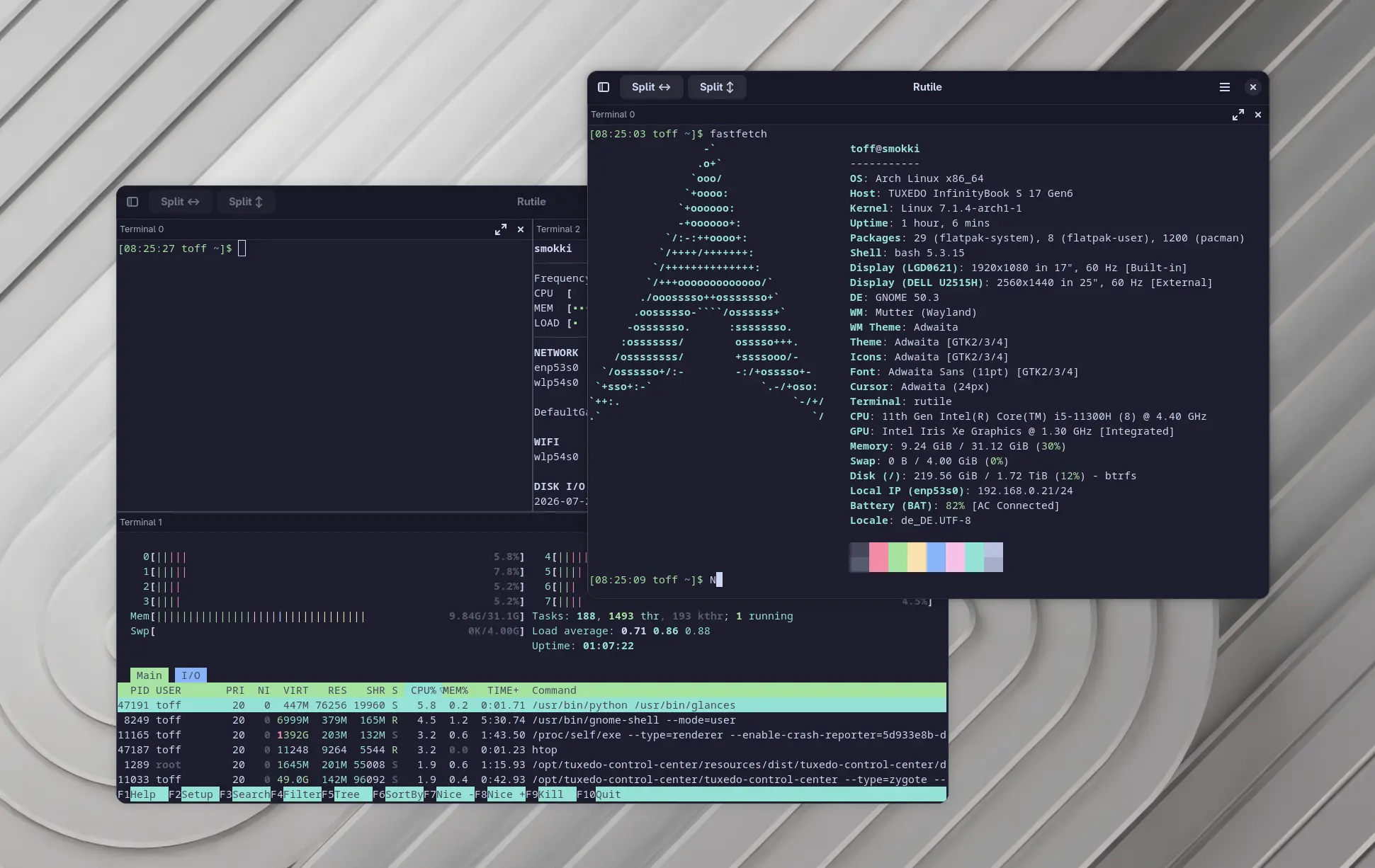
For many years, Tilix has been one of those terminal programs I keep installing again and again. Being able to split the terminal area however I like and manage several shells at the same time has made my daily work a lot easier. Unfortunately, the project is hardly maintained anymore and is still based on GTK3 and VTE3.
That’s why Rutile is an interesting project to watch. The developers aren’t simply continuing Tilix. They are rebuilding the terminal emulator completely in Rust, while keeping the same way of working. The goal isn’t to reinvent anything, but to create a modern implementation that fits right into current GNOME systems with GTK4 and libadwaita.
A proven concept on a modern foundation
Many terminal emulators differ mainly in how they look or in a few minor extra features. Rutile takes a different approach. The goal is to carry over the way Tilix works as completely as possible and put it on a modern technical foundation. Existing users should feel at home right away.
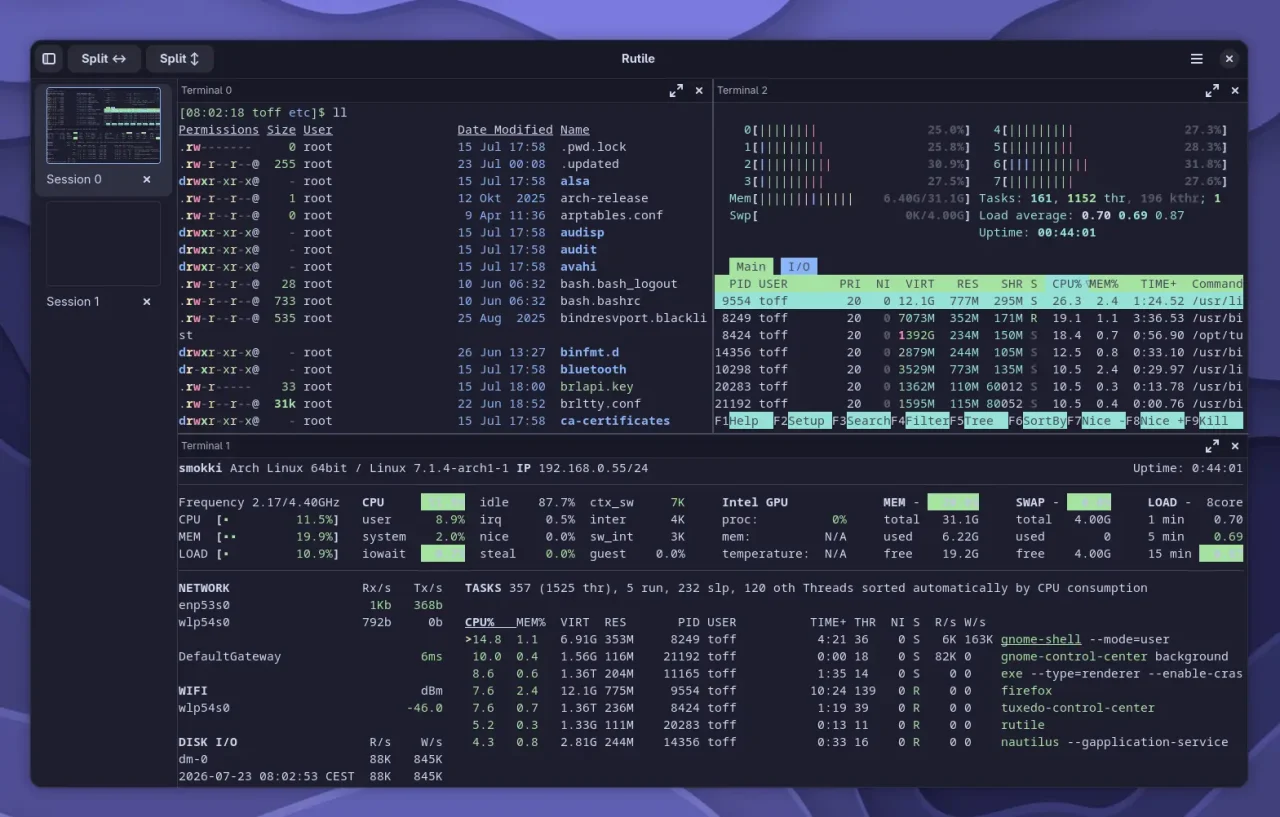
The app uses GTK4, libadwaita and VTE4, so it benefits from current libraries of the GNOME desktop. At the same time, the developers have chosen Rust as the programming language. In the long run, that promises a more maintainable codebase and makes it possible to build new features on a modern architecture.
Flexible terminal splitting
Rutile takes its most important feature straight from Tilix. You can split the terminal window recursively, both horizontally and vertically, and every pane can be split again. That gives you flexibly nested workspaces, without the app being locked into a fixed grid or a particular window layout.
In everyday use, this way of working has plenty of advantages. On the left, for example, you can watch log files while several servers or containers are open on the right. You switch between the individual panes comfortably with the keyboard. That saves mouse movements and keeps things flowing when you’re working on more complex tasks.
Other terminals like Ghostty offer this feature too, but you have to memorize key combinations for it. Alternatively, you can of course use a terminal multiplexer like tmux. The same applies there, though. Even if it’s not a lot of key combinations: personally, I simply want buttons for this.
Multiple independent sessions
Besides the freely splittable terminal panes, Rutile supports multiple separate sessions. Each session has its own window layout and its own working context. That way you can keep different projects or tasks neatly apart without having to open several program windows.
You switch between sessions either with a keyboard shortcut or through a sidebar. The sidebar shows small thumbnails of each working environment and is hidden by default. If you need it, just show it from the toolbar, and you’ll find it easier to keep track of things even with lots of open sessions.
Synchronized input
One feature I find especially handy is synchronized input. When you enable it, Rutile sends every keystroke to several terminal panes in a session at the same time. That saves a lot of time when you need to run identical commands on several servers or virtual machines.
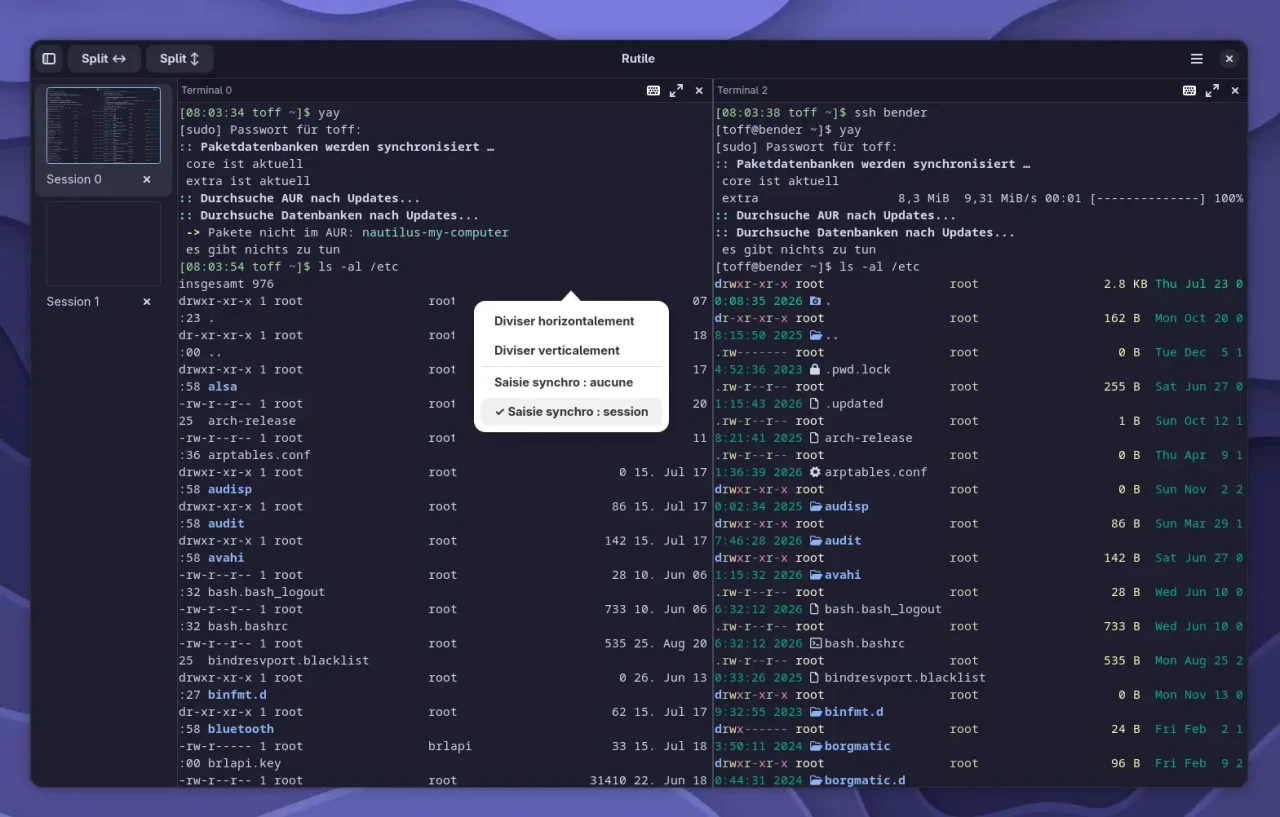
You can exclude individual terminal panes from the shared input at any time. That way, specific systems can get different commands without you having to turn off synchronization completely. Still, a bit of caution is a good idea, because a faulty command will otherwise run on all connected systems at the same time, too.
Familiar Controls
The keyboard shortcuts also follow the original closely. With Ctrl+Shift+O and Ctrl+Shift+E you split the window horizontally or vertically. Ctrl+Shift+W closes the active pane, while the arrow keys switch between the individual terminal panes.
You open new sessions with Ctrl+Shift+T. To switch between existing sessions, press Ctrl+Shift+Page Up or Page Down. If you prefer working with the mouse, you can also reach the same functions through the toolbar or the context menu of each terminal pane.
Still in an early stage of development
Rutile is still at the very beginning of its development. The first version deliberately focuses on the most important features. Things like a Quake mode, saving complete sessions, desktop notifications, or Nautilus integration are meant to come later, once the existing features work reliably.
I think this is a sensible approach. Instead of shipping as many features as possible early on, the project first concentrates on a stable core. Especially with tools that many users rely on every day, reliability and a consistent way of working matter more than a long feature list.
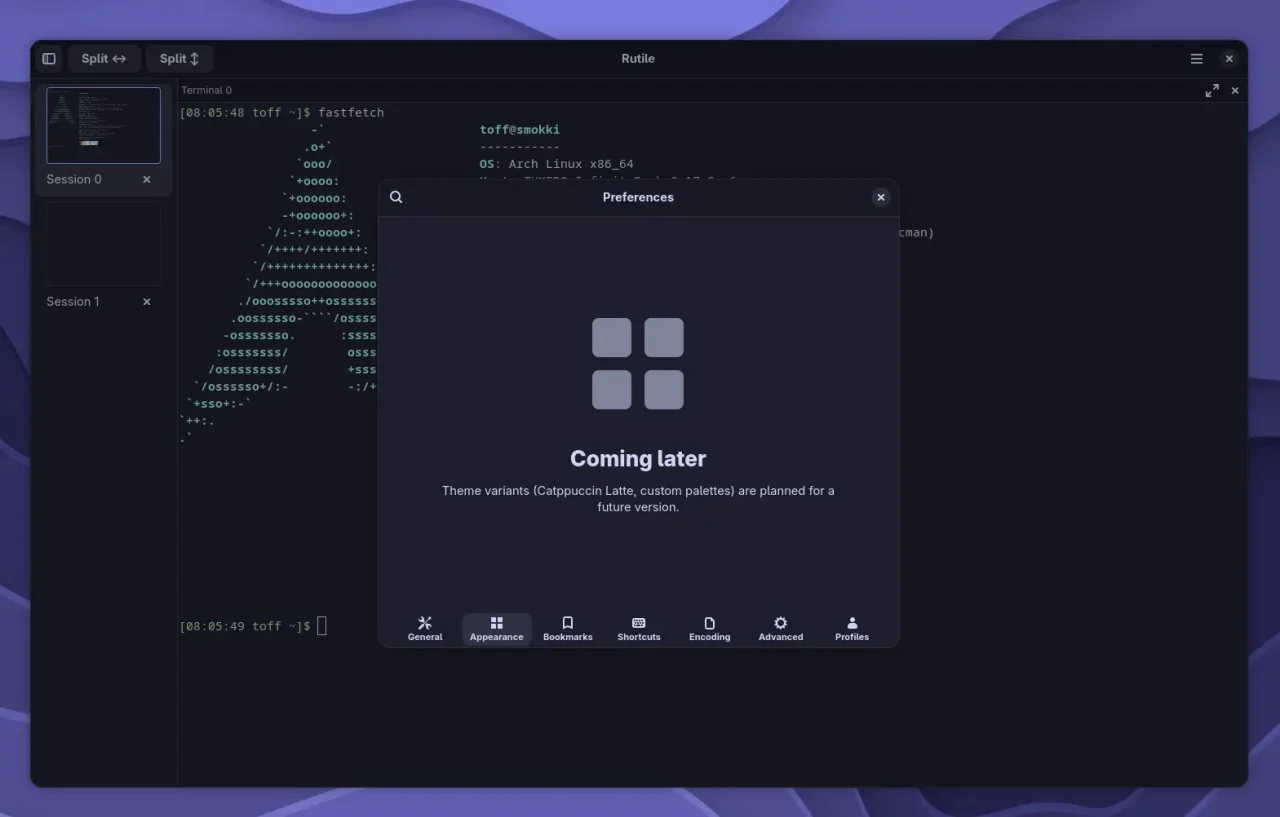
What is really missing right now are translations. Some dialogs currently show up only in French. You also can’t change the terminal colors directly in the settings yet. The default color scheme makes programs like Midnight Commander hard to read in places. That said, the current version of Rutile was only released a few days ago, so I expect something will happen here soon.
Installation
On Arch Linux, Rutile is available in the AUR both as a source package and as a precompiled version. For Debian, Ubuntu, and Fedora, the developers provide ready-made DEB and RPM packages. You can also download a standalone binary, as long as the required GTK4 components are already installed. All the installation details are on the project’s GitHub page.
If you have been using Tilix for years and want to move to a modern GTK4 foundation, you should keep an eye on Rutile. A few features are still missing, but what I have seen of its development so far looks very promising. The project has a clear focus and could grow into a worthy successor to Tilix.
Leave a Reply