
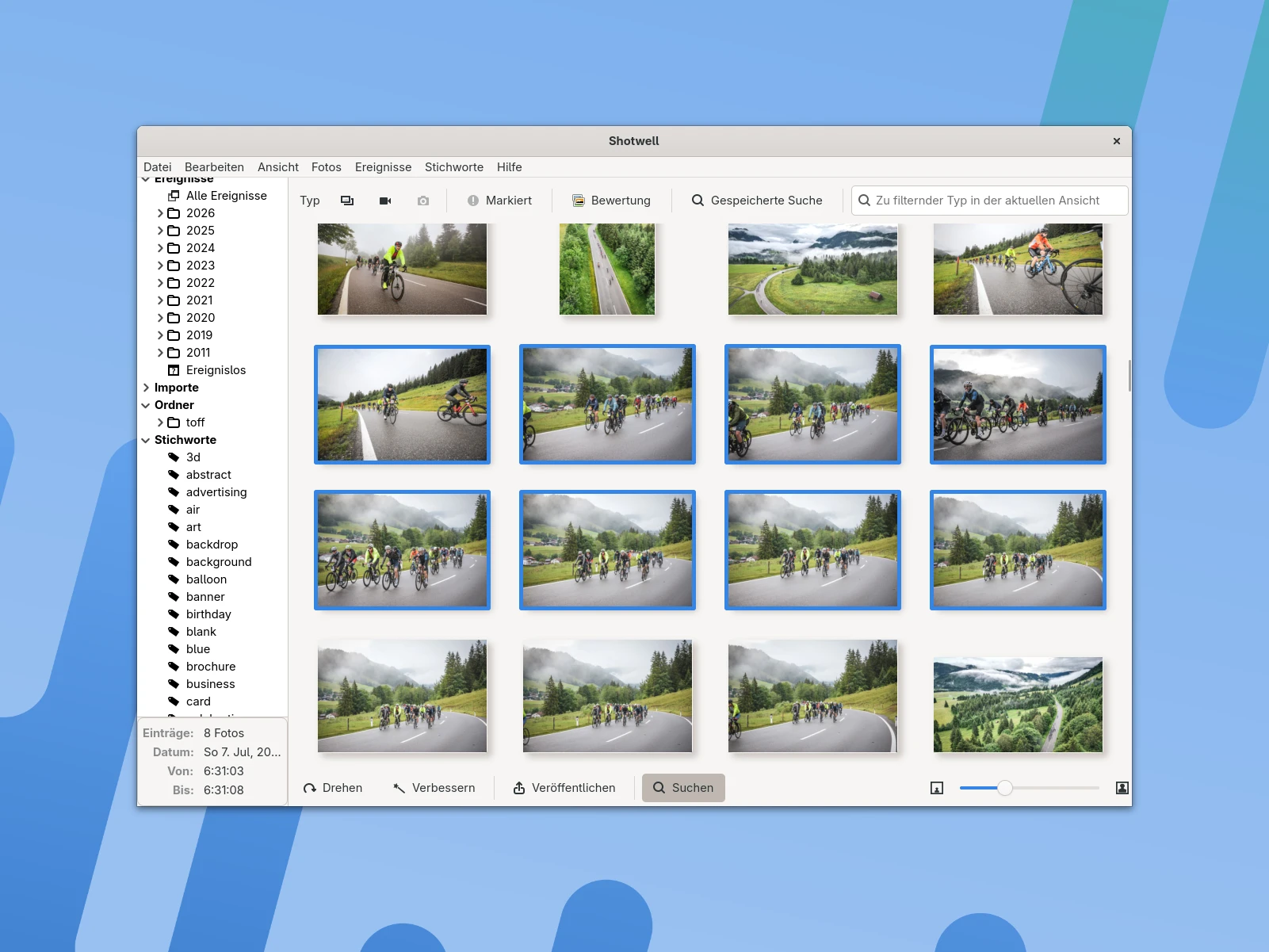
Shotwell 0.33 is out, a new version of the free photo manager for GNOME. The most important change is under the hood: after years of development work, Shotwell has now been fully ported to GTK4. I took a look at the new version on Arch Linux.
For Shotwell, the switch to GTK4 is more than a visual facelift. Especially on Arch Linux with a current GNOME and Wayland, the app benefits from the toolkit’s more modern interfaces. Features like drag-and-drop and desktop portals should also work more reliably as a result.
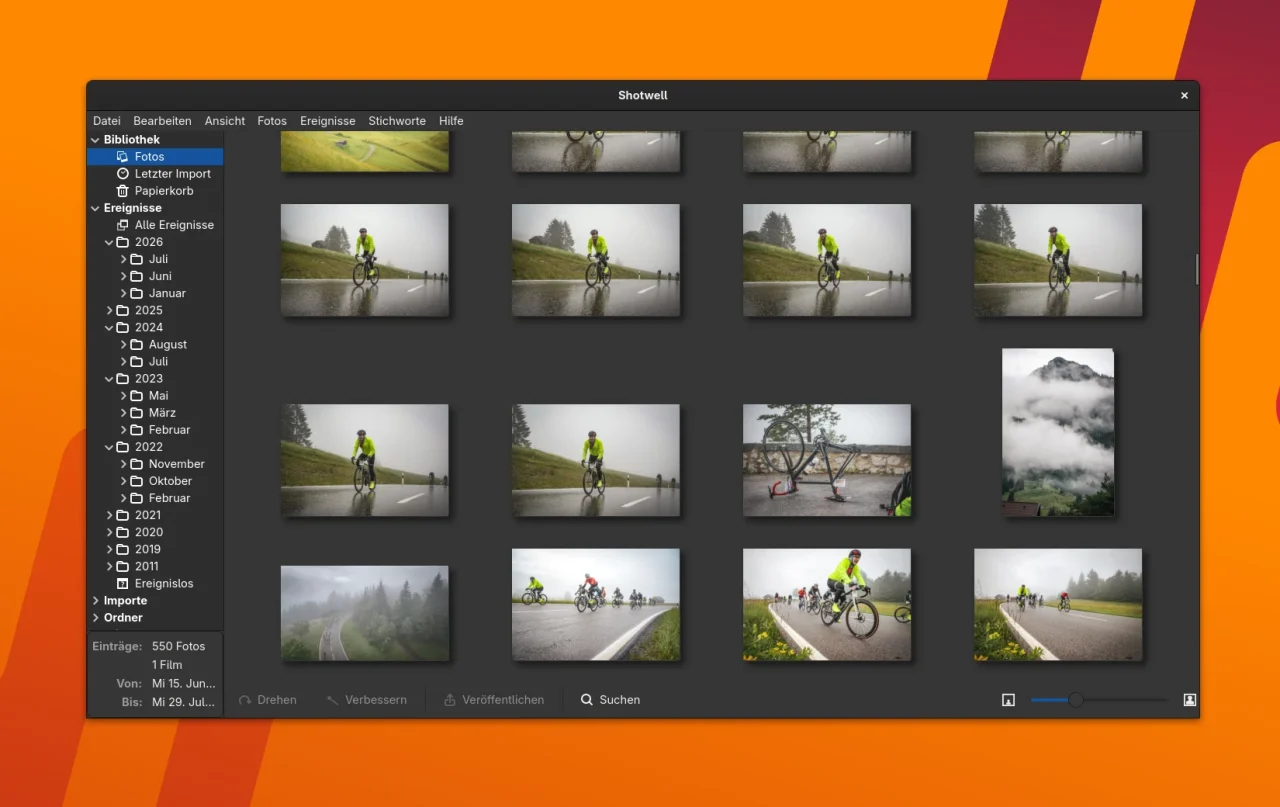
For my test, though, I didn’t install Shotwell on Arch Linux from the repositories but as a Flatpak. That’s especially interesting for larger GNOME apps when you want to try a current version without waiting for your distribution to catch up. It also makes it easy to delete the app’s data without leaving anything behind.
GTK4 brings Shotwell up to date
Besides the GTK4 port, Shotwell 0.33 comes with plenty of smaller improvements. These include an overview of keyboard shortcuts, reworked export and print functions, and toasts as a modern alternative to plain dialog windows. Opening URLs in the viewer has been added as well.
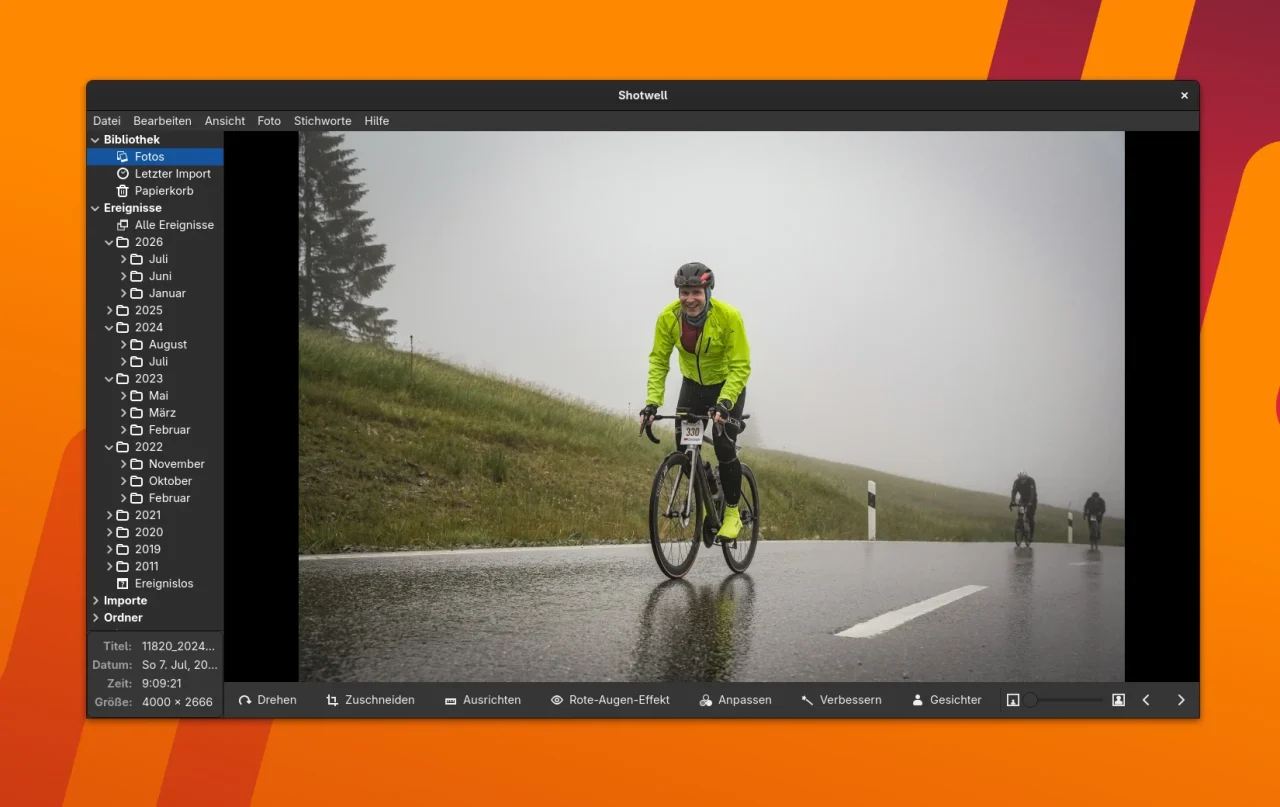
Some features that were temporarily missing during the GTK4 port are back, too, most notably drag and drop. The viewer also shows additional system information, and context menus can now be opened with the keyboard. Navigating between controls has been improved as well.
Publishing and bug fixes
Publishing photos to external services has been reworked as well. The window for external authentication can now be shown in several places. Shotwell replaces the previous separate authentication helper with a simple web server that runs locally on your machine.
On top of that, there are plenty of bug fixes. Among other things, problems with toolbars that hide automatically in fullscreen mode, with the slideshow, with setting desktop wallpapers and with sending many photos at once have been fixed. Working with faces and their tags has also been improved further.
My impression on Arch Linux
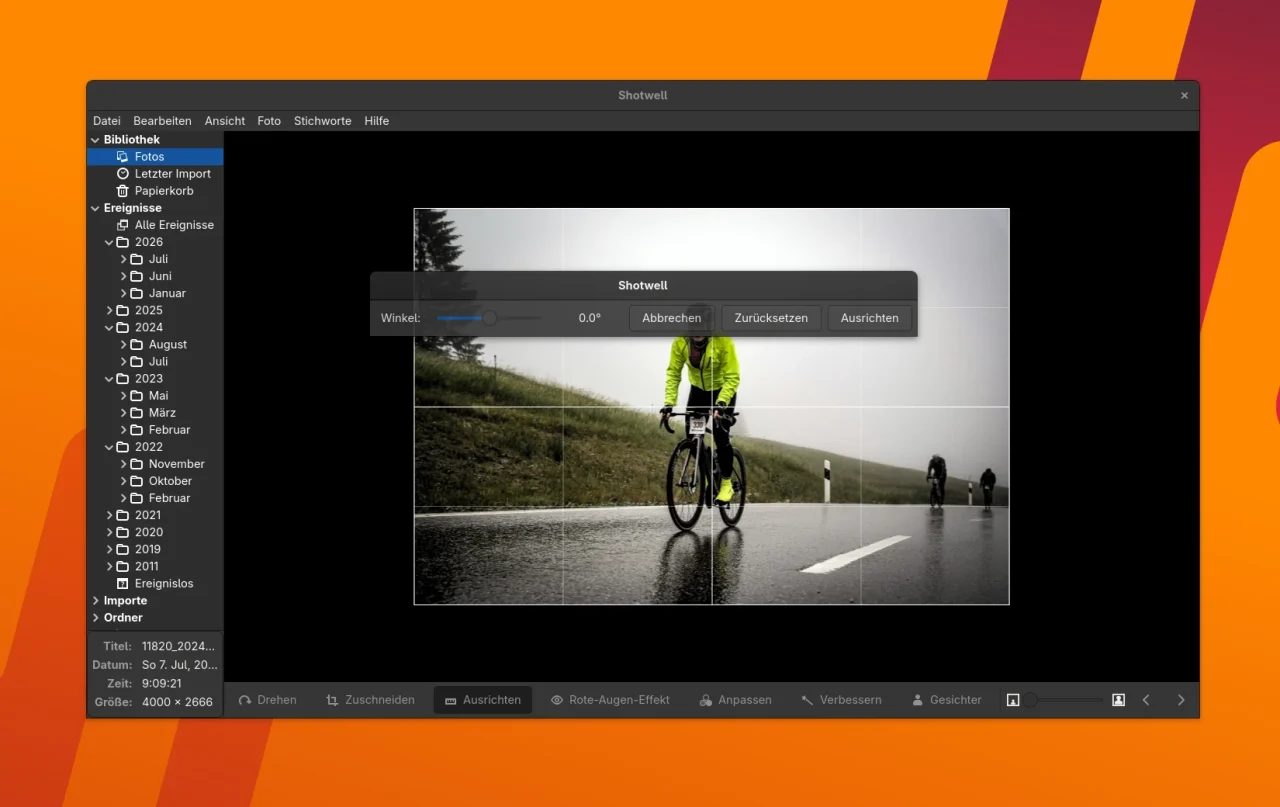
To me, the GTK4 port is the really interesting news in this release. It puts Shotwell in much better shape for current Linux desktops. Especially on Arch Linux with GNOME on Wayland, it’s nice when an older app doesn’t stay stuck on its old GTK foundation forever.
If you want to try Shotwell on Arch Linux, you can first check which version is available in your repositories. For my test, I used Flatpak instead. That way you can install the current Shotwell version independently of what Arch Linux ships, and remove it again just as easily. Right now, even Arch Linux is one version behind.
That makes the new version interesting for users who had written off Shotwell because of its technically outdated GTK3 base. Whether the app wins you over as a photo manager in the long run depends heavily on your own workflow, of course. But as a lean GNOME solution, it’s worth a look.
More posts about GNOME and images
You’ll find a few older posts here on the blog about image editing and photo tools. For example, I’ve covered simple image editing on Linux (in German) and a range of tools for taking screenshots and working with images. Gradia has also gone all in on GTK4 by now.
You can get the current version of Shotwell as a Flatpak on Flathub. If you’re interested in the latest technical changes to the app and want to follow how development goes from here, take a look at the official release announcement and the Shotwell project page.
Leave a Reply