
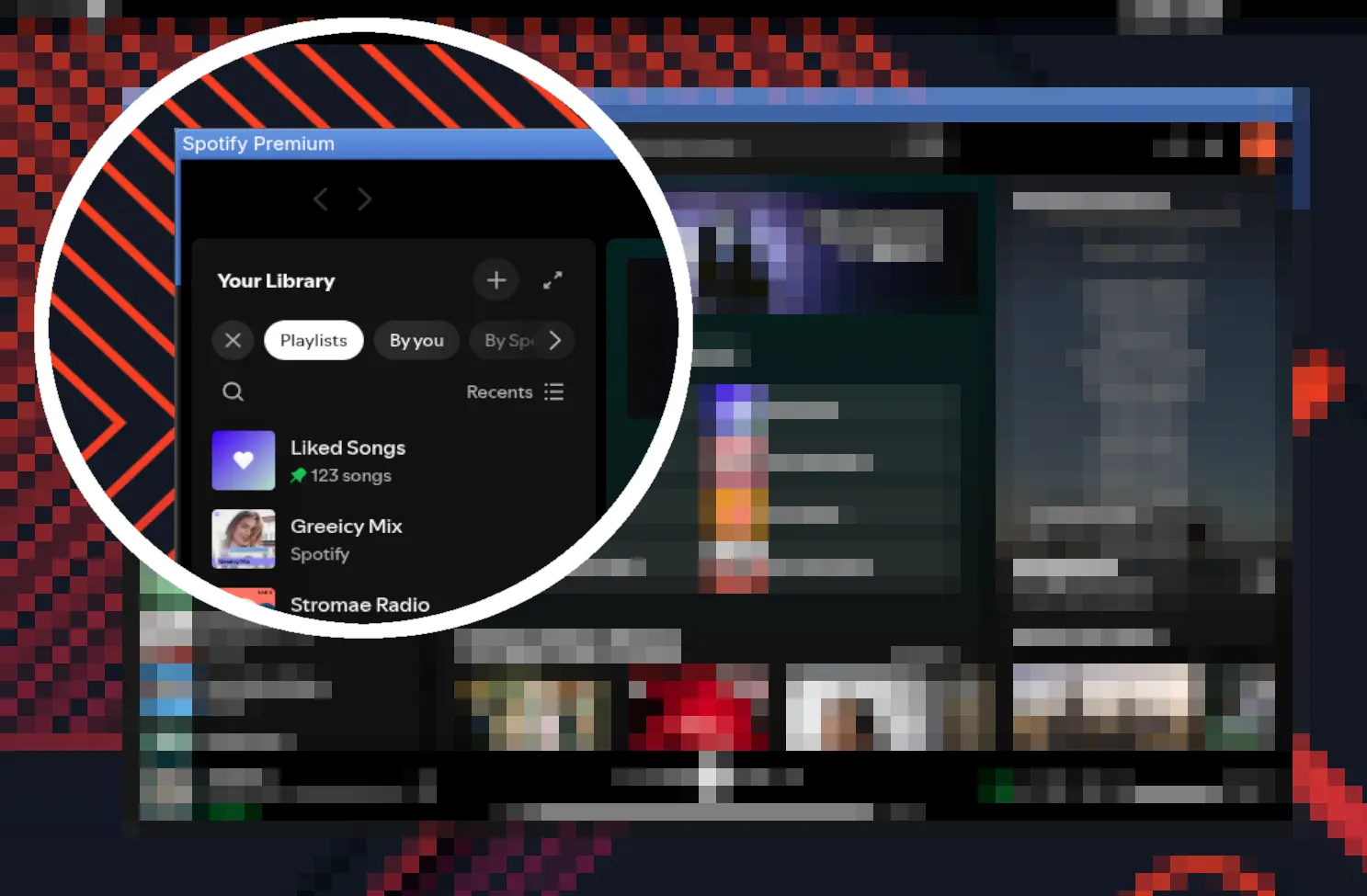
If you use Spotify on Linux with GNOME, you may have noticed an ugly blue border around the app window over the last few days. I’m seeing the problem here on my machine under Arch Linux, but it should affect all distributions.
The culprit is an update to the official Electron-based Linux client that messed up the GTK-style window decoration. Spotify itself works just as before, but visually it looks anything but nice.

Solutions for Spotify
There are two easy ways to fix the problem. The most convenient one is to install Spotify as a Flatpak. The Flatpak version doesn’t show the blue frame, and you don’t have to worry about anything. No configuration changes are needed.
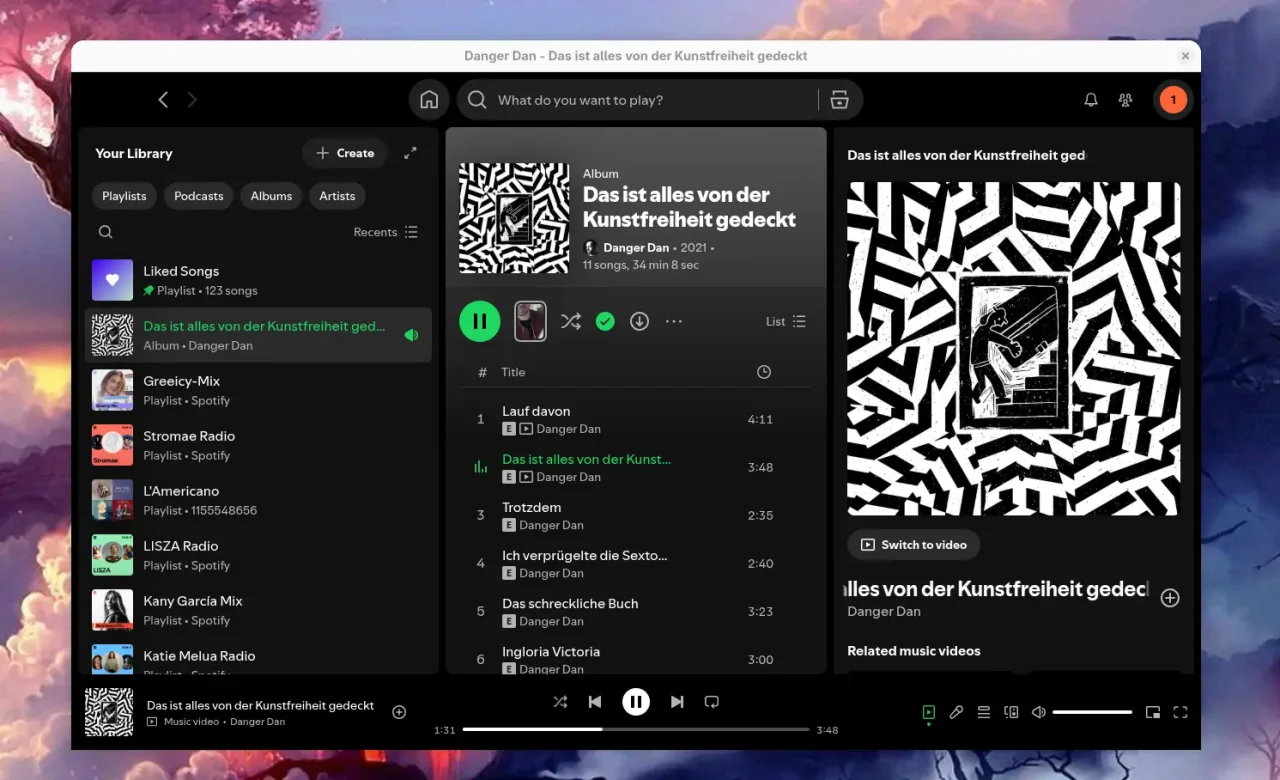
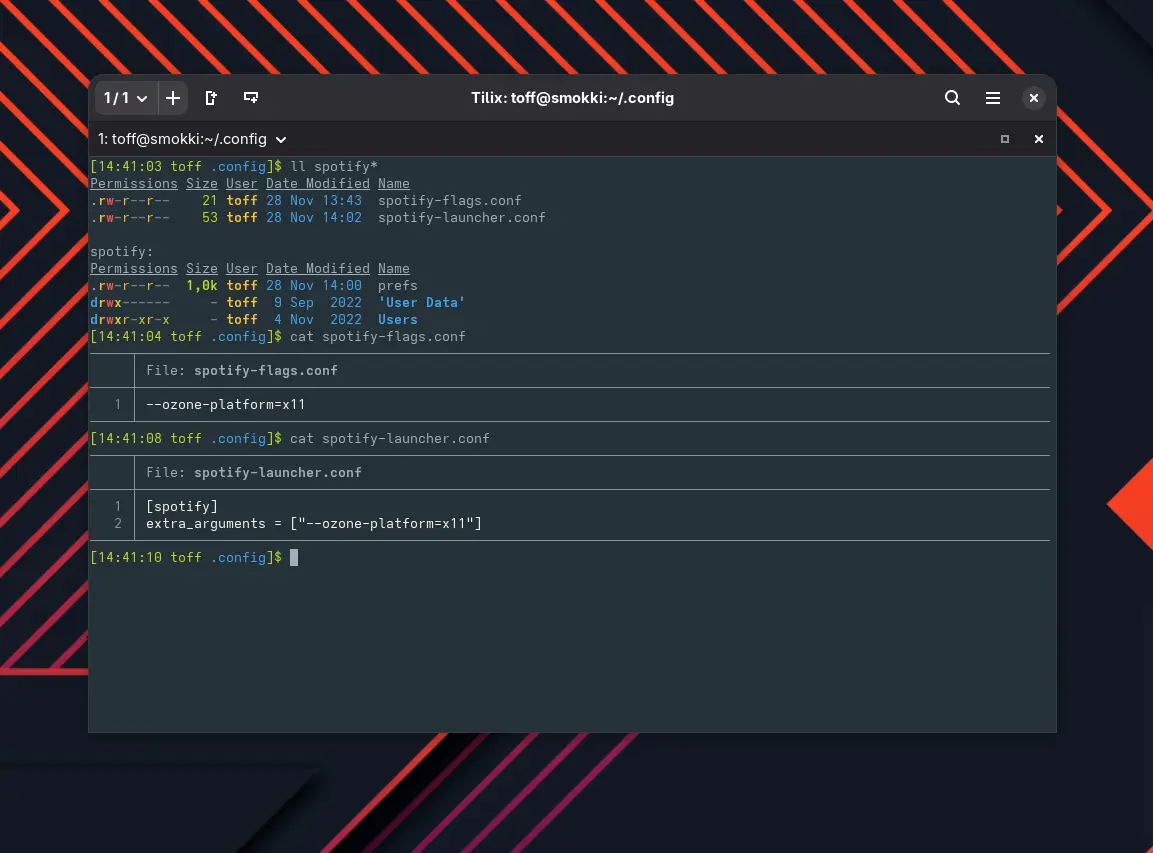
If you installed Spotify via the Spotify Launcher (the spotify-launcher package from Arch’s extra repository) or directly from the AUR (the spotify entry), you need to set the launch flag --ozone-platform=x11 instead. That makes the GTK decoration show up correctly. Depending on how you installed it, add the flag like this:
For AUR Spotify in the file ~/.config/spotify-flags.conf:
--ozone-platform=x11For Spotify Launcher in ~/.config/spotify-launcher.conf:
[spotify]
extra_arguments = ["--ozone-platform=x11"]
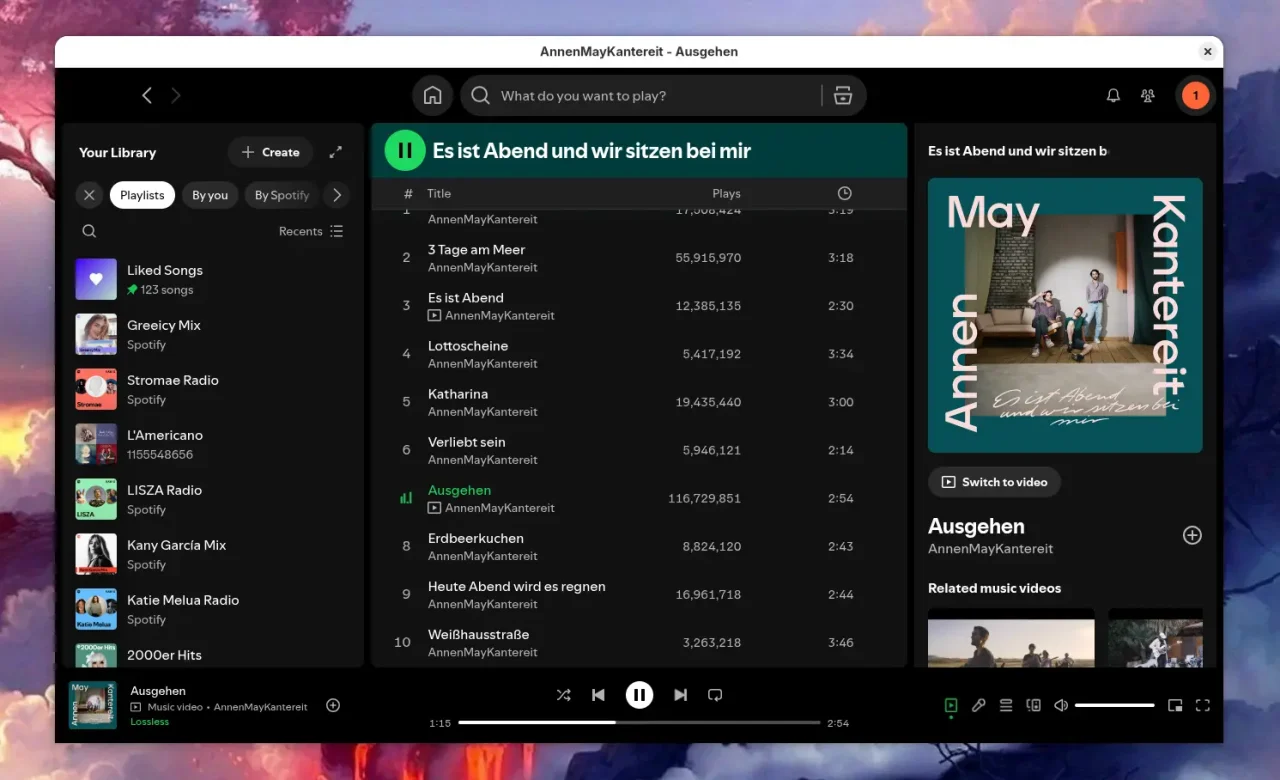
You may have to create these files first. After restarting Spotify, the blue frame should be gone and everything should look normal again.
Correction from Fabian on Mastodon: That’s not quite right. This is solely down to Spotify running natively on Wayland, where under GNOME it needs a client-side decoration (CSD), which it provides through that blue one. Forcing it back to X11 might cause real problems, like blurry fonts, bad (or no) scaling and so on. Also, Spotify isn’t Electron, it’s the Chromium Embedded Framework (CEF).
Sure, it’s a crutch, but one that helps right now. And you can undo the change quickly, too. The other options would be to run GNOME under X11 or to make friends with the blue frames. To me, neither is exactly ideal. So for now this is a workaround, and of course you shouldn’t forget about it in case Spotify starts acting up again at some point.
Leave a Reply