
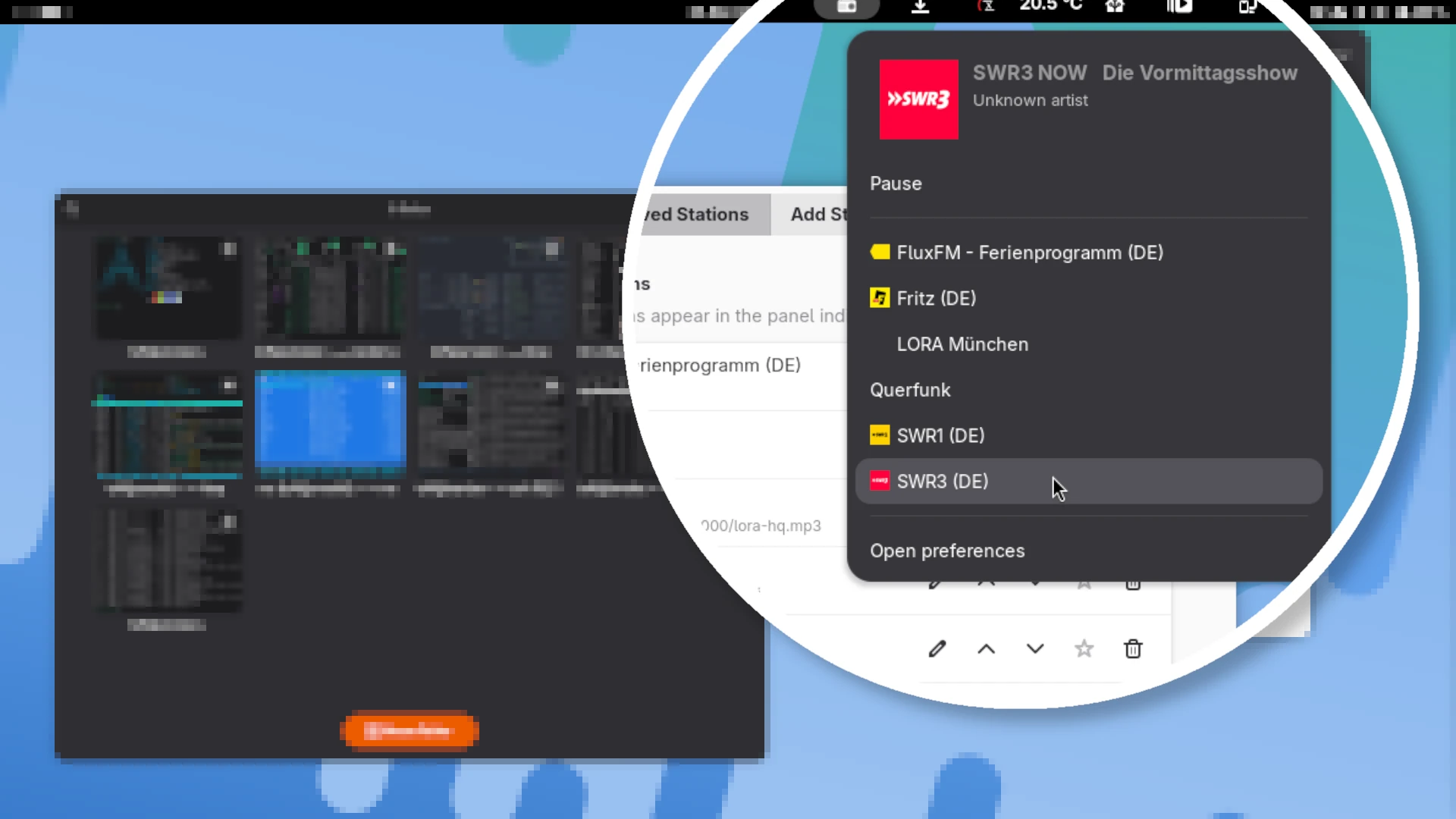
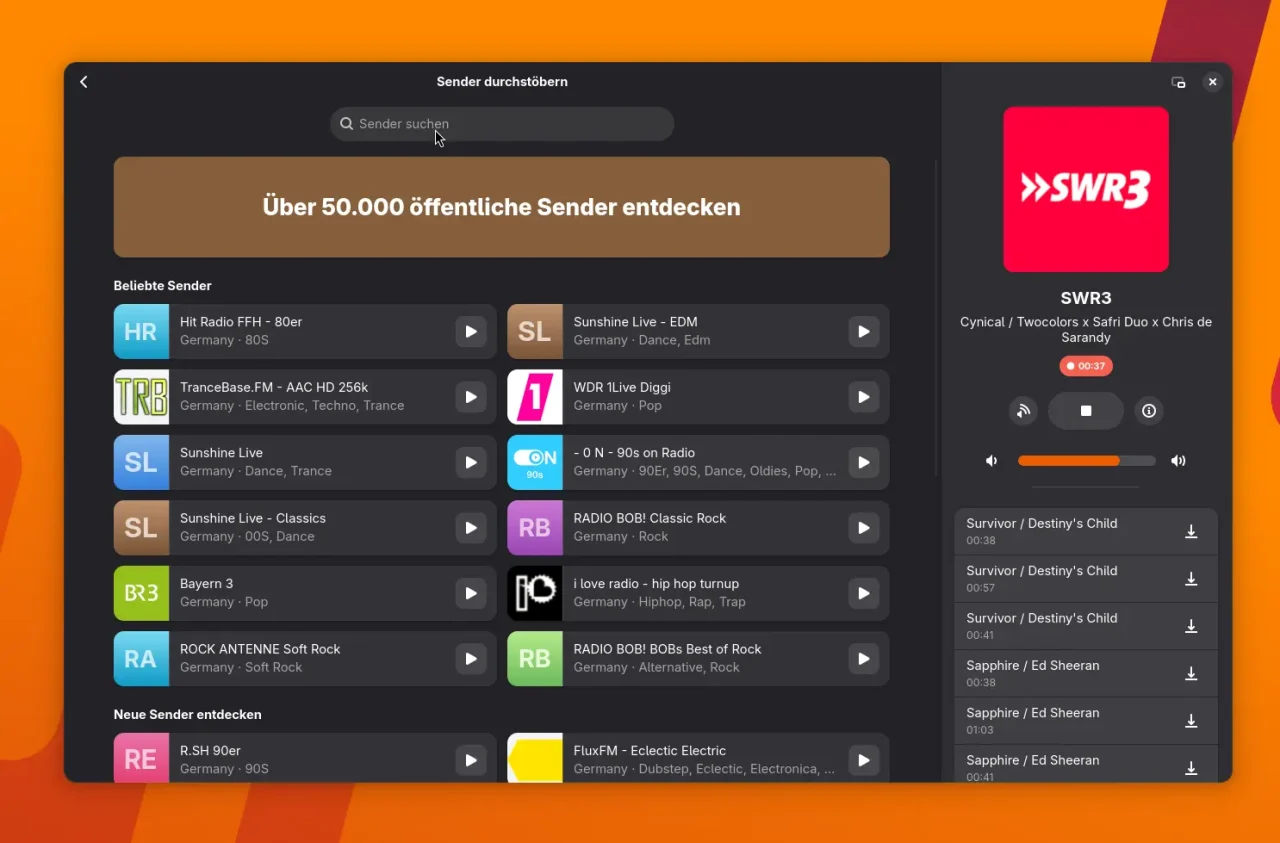
A quick tip for all GNOME users who like listening to internet radio on their computer: Of course, you can use apps like Shortwave, a very full-featured program with plenty of settings and functions. It doesn’t just play radio, it can also record tracks on the side. Just like back in the day at the good old radio tower, where you had to sprint over to hit “Record”, only to throw the recording away in the end because the host had cut into the music for a traffic report.
But honestly, for the occasional bit of radio you don’t always need all the bells and whistles. That’s where Yet Another Radio comes in: a compact and handy extension for the GNOME Shell. It plays your favorite stations without you having to open a separate app. You still get the convenience, too: you don’t have to hunt down stations and their URLs online yourself, because a database is built right in.
What is Yet Another Radio?
The developer describes his motivation on Reddit like this:
Hello everyone! Long story short, I recently switched from KDE to GNOME and saw that there is no extension like the popular Advanced Radio Player for GNOME which is simple and easy to use. So I started developing my very first extension.
In short: if you’re looking for a simple, uncluttered tool to control radio stations right from the GNOME panel, this is exactly what you need. Here’s the extension on GNOME Extensions.
Features at a Glance
With Yet Another Radio, you can play your favorite stations straight from the panel, without having to open an extra window. Through the Radio Browser API, you can search thousands of stations and quickly find whatever you’re in the mood for. You can mark your favorites so you can play them any time with a single click.
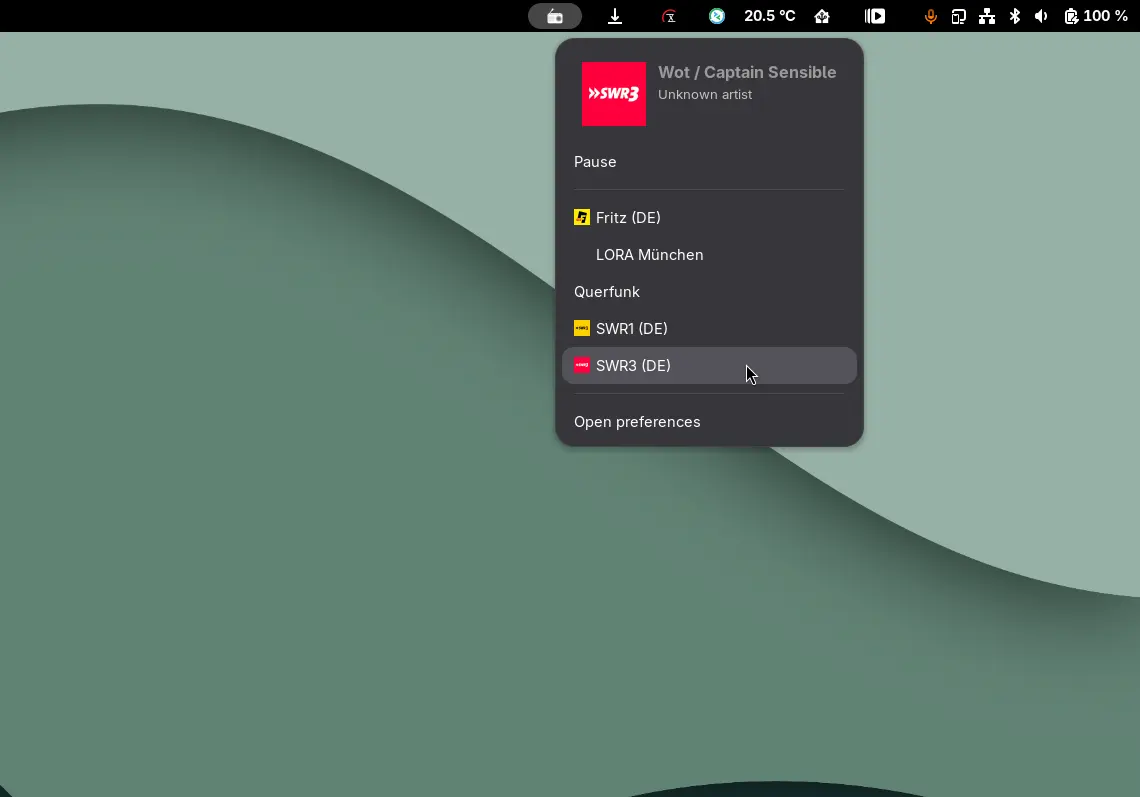
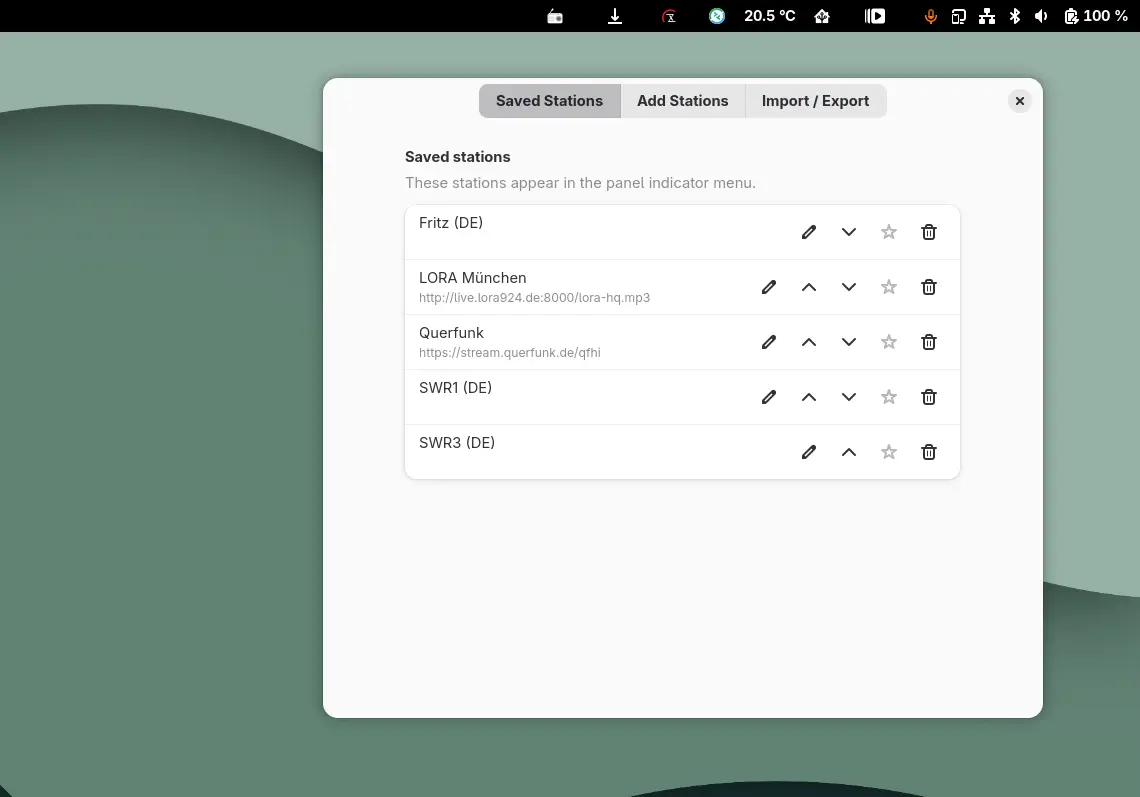
If you like, you can also add your own stations manually or import and export existing lists. That comes in handy if you use several devices, for example. The extension also displays track information including album covers, although so far I haven’t found a single station where this feature actually shows up.
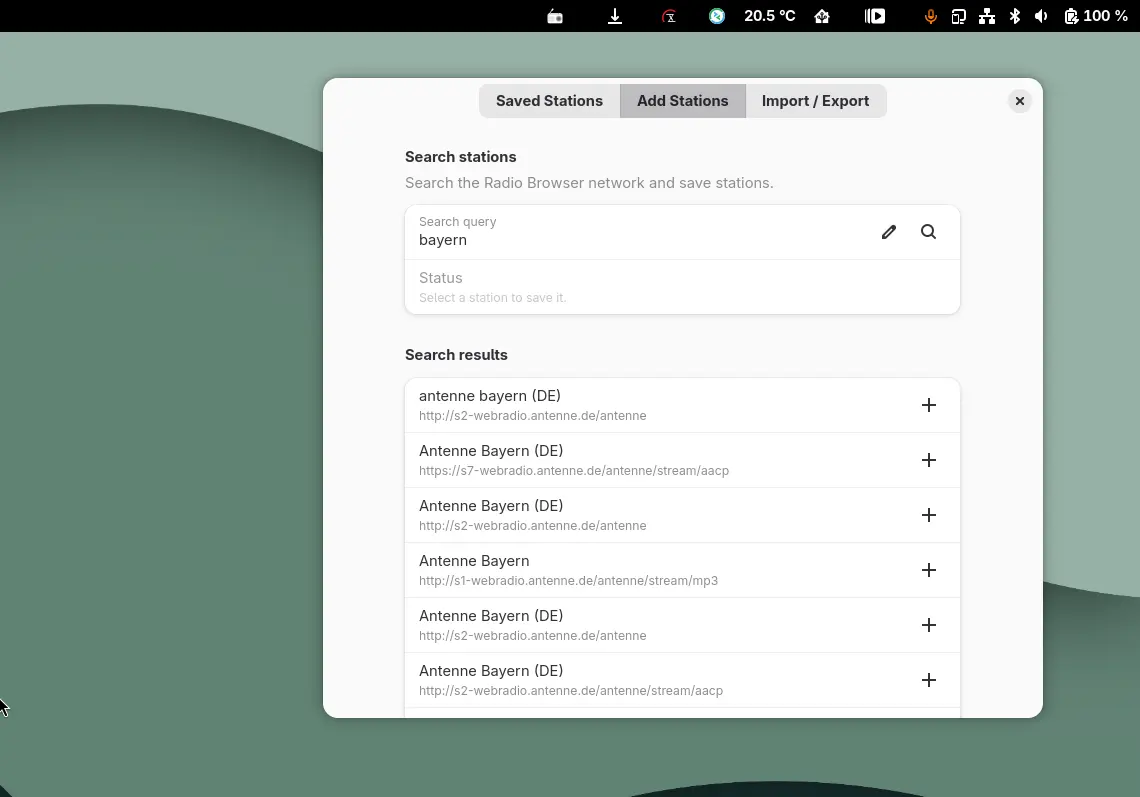
So Yet Another Radio is ideal for anyone who wants to listen to internet radio in GNOME without fuss, and without depending on a full-blown app like Shortwave. Just install it, search for stations, set your favorites, done. If you want more, you can import station lists or add your own stations. A small, nice extension that shows how handy GNOME extensions can be.
Leave a Reply