
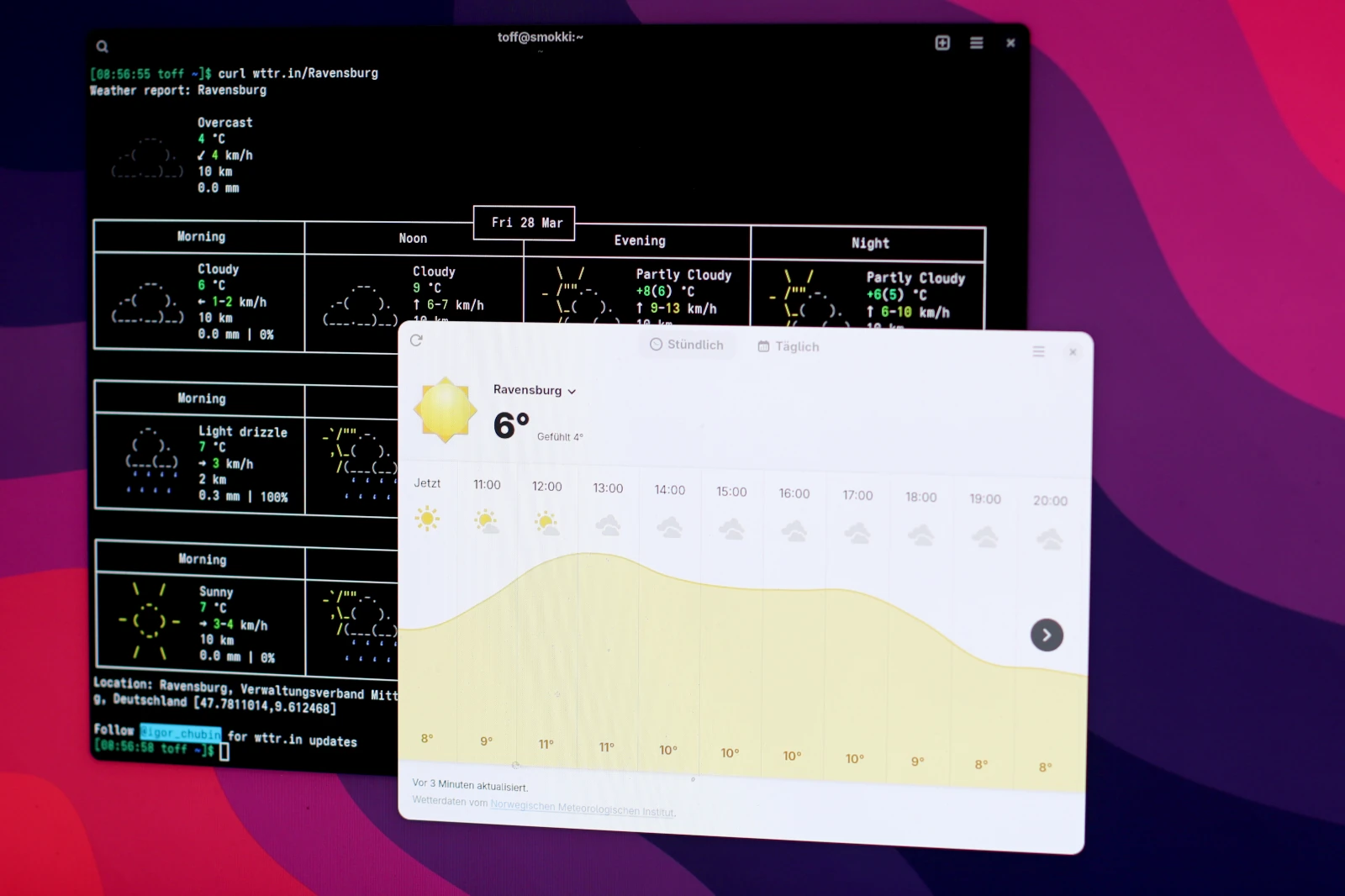
If you live in a bigger city like Berlin, Munich, London, or New York, you’ll have no trouble finding your location in GNOME Weather. Just open the app, type the city into the location picker, and you’re done. It gets harder with smaller places. GNOME Weather offers no convenient way to add them manually. A small script gets around the problem, though.
Why are so many places missing from GNOME Weather?
GNOME uses the libgweather library for location selection. It contains a large database of cities and weather stations. The location data lives in the file Locations.xml. On top of that, libgweather can use OpenStreetMap’s Nominatim geocoding service to search over the internet.
Not every place makes it into the static database, though. As a rule of thumb, GNOME names cities with at least 100,000 inhabitants. The limit isn’t rigid: smaller places can be included too, for example if they have regional importance or if there is no larger city nearby that could serve as an alternative. GNOME describes the current criteria and how to contribute in its documentation.
UPDATE August 12, 2026: The original script is offline by now. I therefore point to a current fork that is available as a gist on GitHub.
If you still want to use your small hometown directly in GNOME Weather, you can fall back on a script. The original script by Julian Fairfax is no longer available. A maintained fork exists, though, as a gist on GitHub. The script looks up the place you want via OpenStreetMap and then adds it to the GNOME Weather settings.
Adding your own locations to GNOME Weather
You don’t need to install the script, since you’ll usually only need it once. First download it from the gist, then make it executable:
$ <strong>wget https://gist.githubusercontent.com/dotbanana/1dc4d95d644ce72ab8741d6886b86acc/raw/add-location-to-gnome-weather.sh</strong>
$ <strong>chmod +x add-location-to-gnome-weather.sh</strong>
Then run the script:
$ <strong>./add-location-to-gnome-weather.sh</strong>The script asks for the place you want and runs a search via Nominatim. It then shows you the entry it found, so you can check whether it picked the right place:
$ <strong>./add-location-to-gnome-weather.sh</strong>
Type the name of the location you want to add to GNOME Weather: Ravensburg
If this is not the location you wanted, consider adding search terms
Are you sure you want to add Ravensburg, Verwaltungsverband Mittleres Schussental, Landkreis Ravensburg, Baden-Württemberg, Deutschland? [y/n] : y
Adding location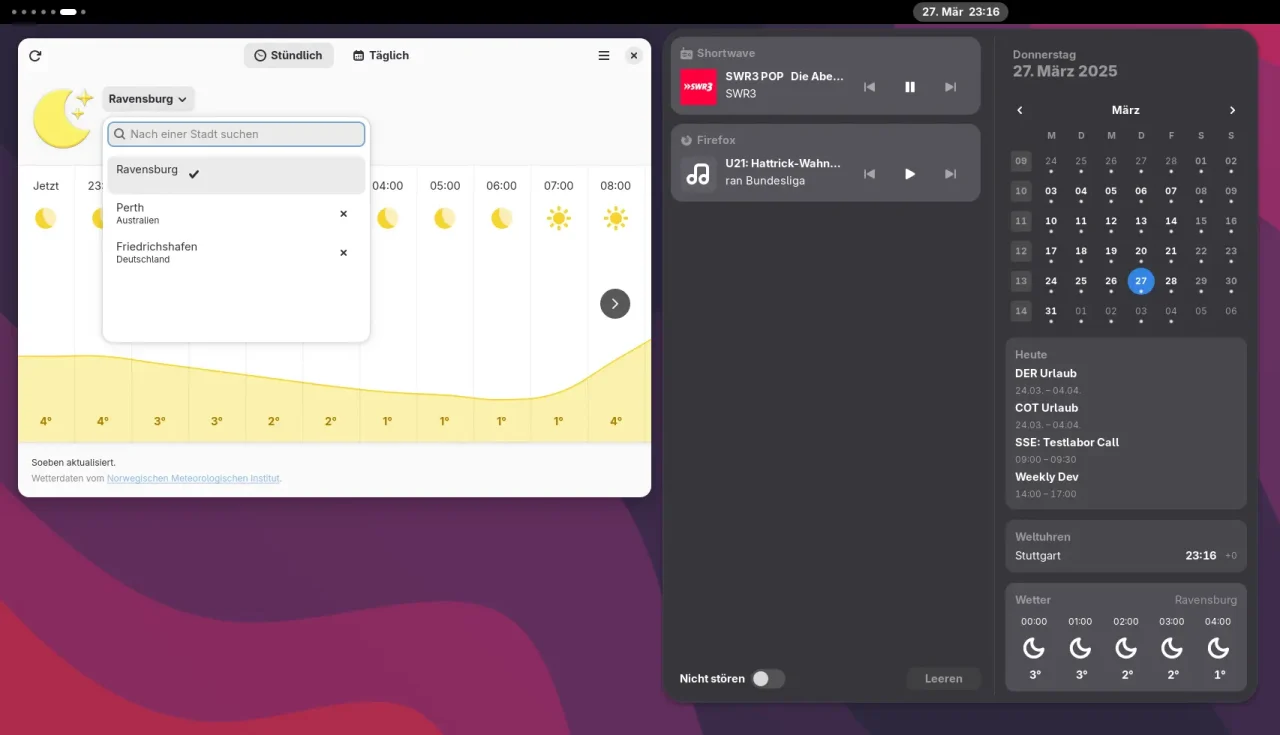
After you confirm, the script creates the location directly in the GNOME Weather settings. The current fork supports both a regular installation and the Flatpak version of GNOME Weather. Afterwards, the new location should show up in the app’s location list.
How does GNOME Weather store locations?
The locations selected in GNOME Weather are stored via GSettings. The script sets the key org.gnome.Weather locations. For a regular installation it uses gsettings; for the Flatpak version it runs the command inside the Flatpak environment.
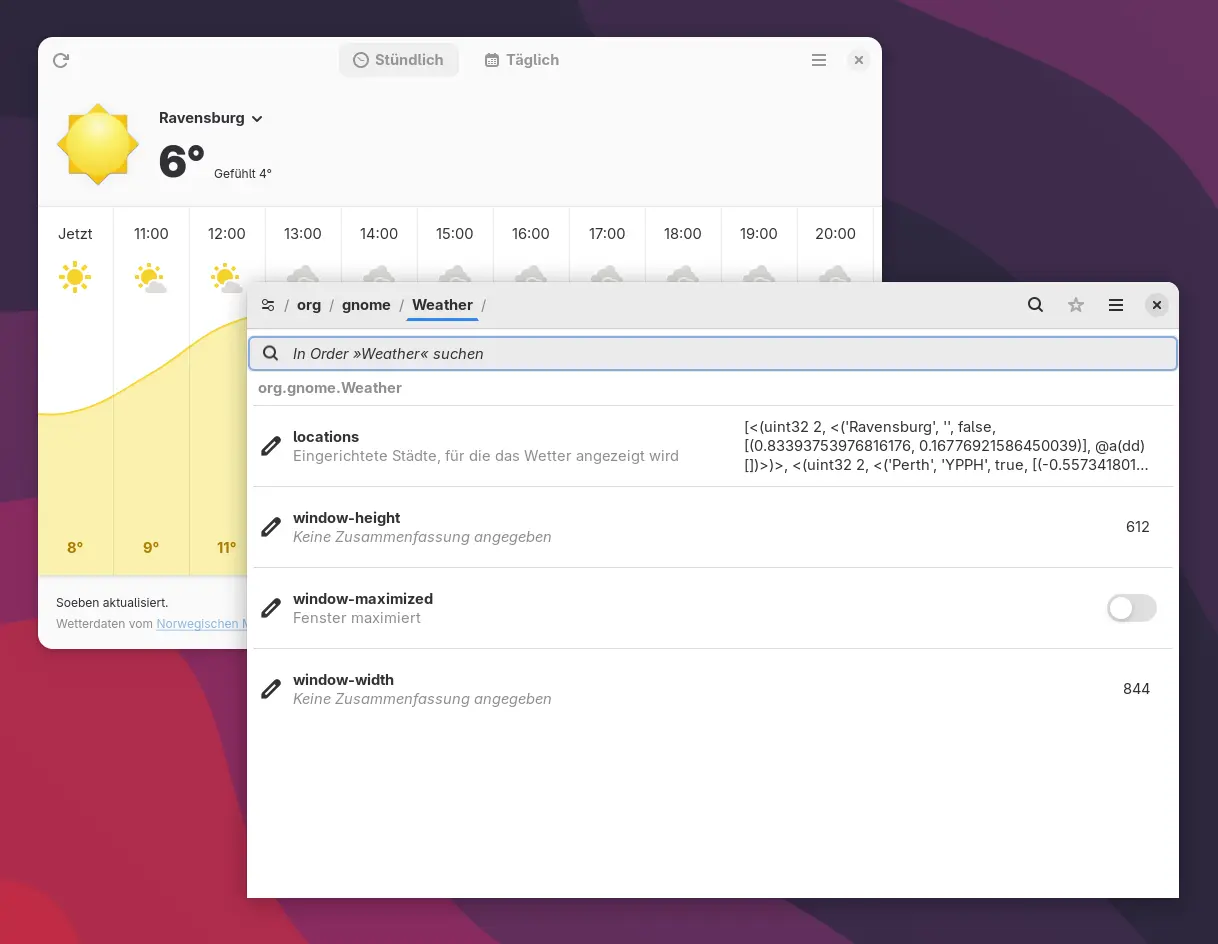
If you want to remove a location added this way, you can edit the stored settings with the dconf Editor, for example. The relevant entry is located at org.gnome.Weather. The format of the stored location data isn’t exactly user-friendly, so be careful when you do this.
The current solution isn’t particularly elegant, but it works reliably. GNOME has since extended the location database with an online search via Nominatim, so the library can also find places that aren’t in the static database. The script uses exactly that and then transfers the place it found into the settings GNOME Weather uses.
The fork by dotbanana is therefore a practical solution for everyone whose hometown can’t be selected through GNOME Weather’s regular search. Since both GNOME Weather and libgweather keep evolving, this behavior may change in the future. As of now, the script also works with the Flatpak version of GNOME Weather.

Leave a Reply