
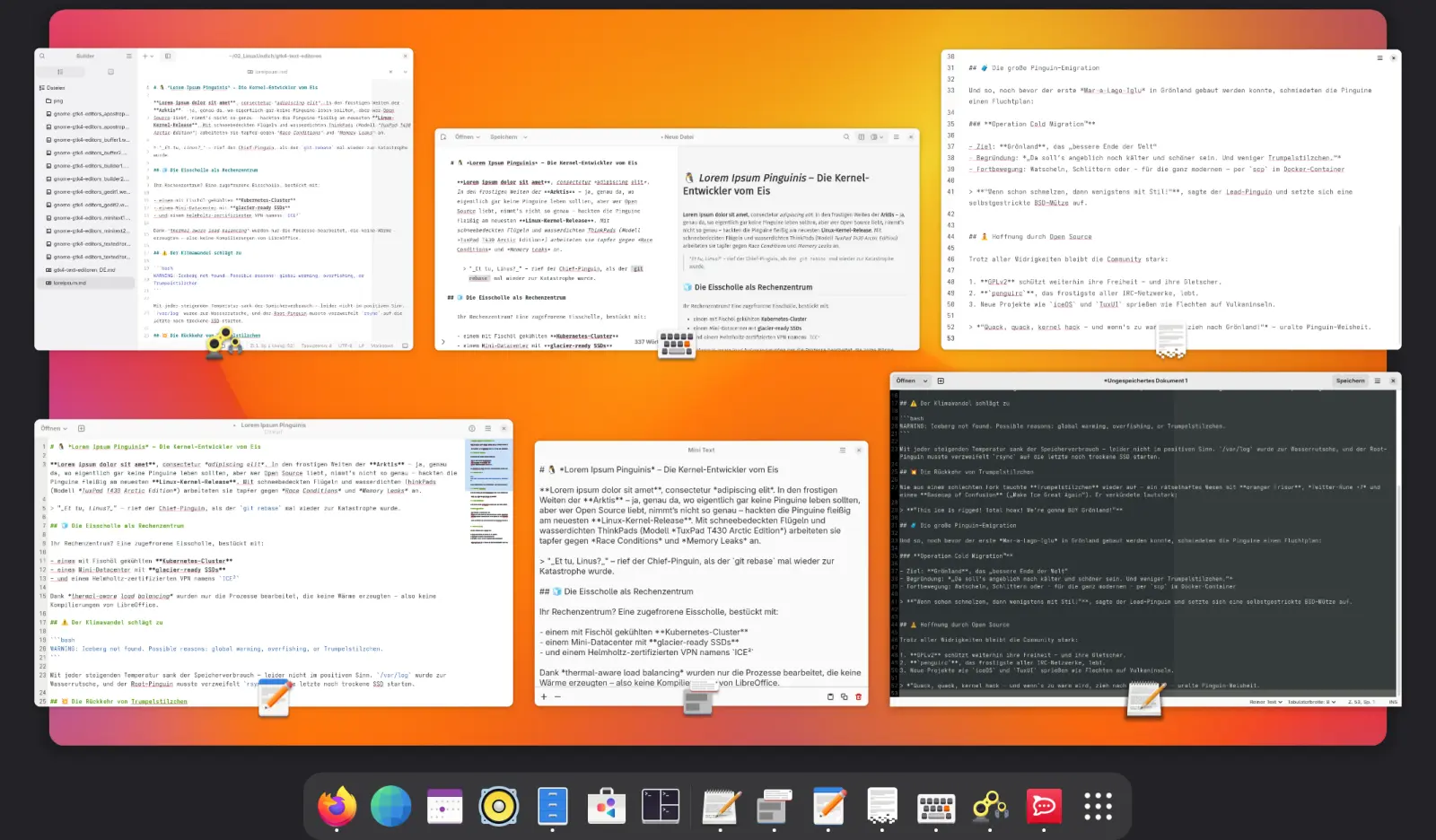
As a longtime GNOME user, I’m always happy when apps blend into the desktop, and not just functionally but visually too. With the move to GTK4 and Libadwaita, GNOME has taken a big step forward. Apps now feel more modern and responsive, and their design is more consistent. I find it especially interesting to see how this plays out with something as everyday as text editors.
The choice of text editors for GNOME has grown considerably lately. Classics like Emacs or Vim are still popular with power users, but there is now also a whole range of modern graphical editors built on GTK4 and Libadwaita. They offer a nice interface and useful features that are optimized specifically for the GNOME desktop.
Table of Contents
In this article, I want to introduce some of the current text editors for GNOME that are based on GTK4 and Libadwaita. I’ll go over the most important features and quirks so you can find the editor that fits you, whether you need it for quick notes, Markdown documents, or writing code.
GNOME Text Editor: The Official Successor to Gedit
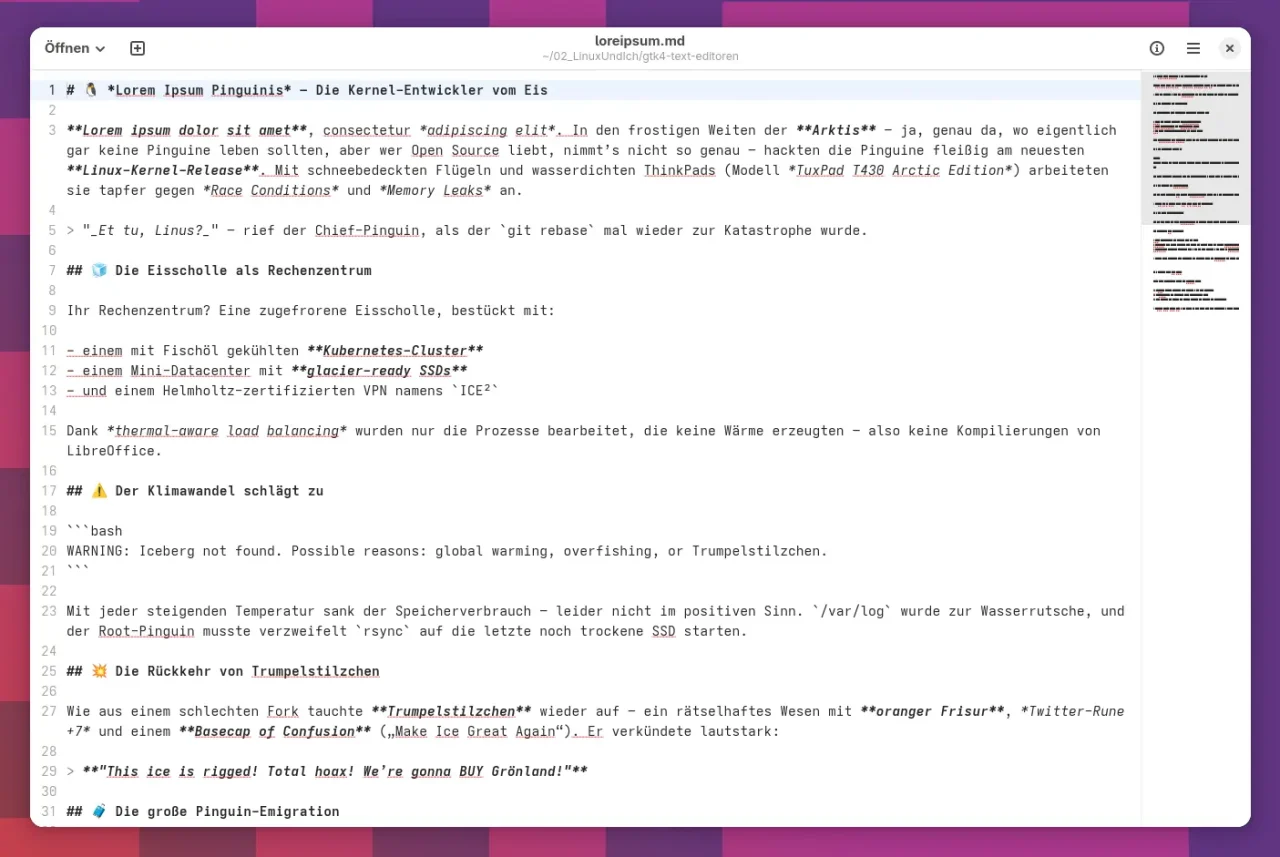
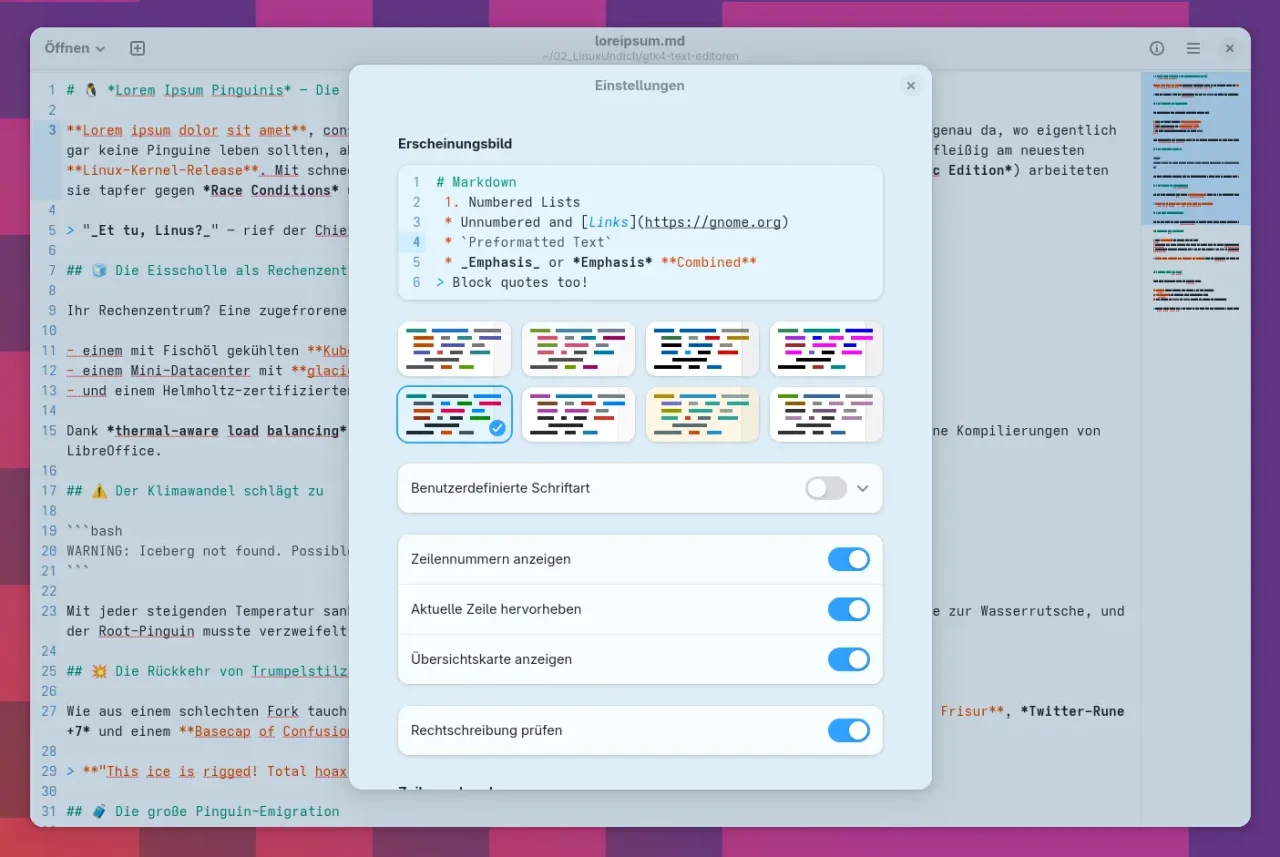
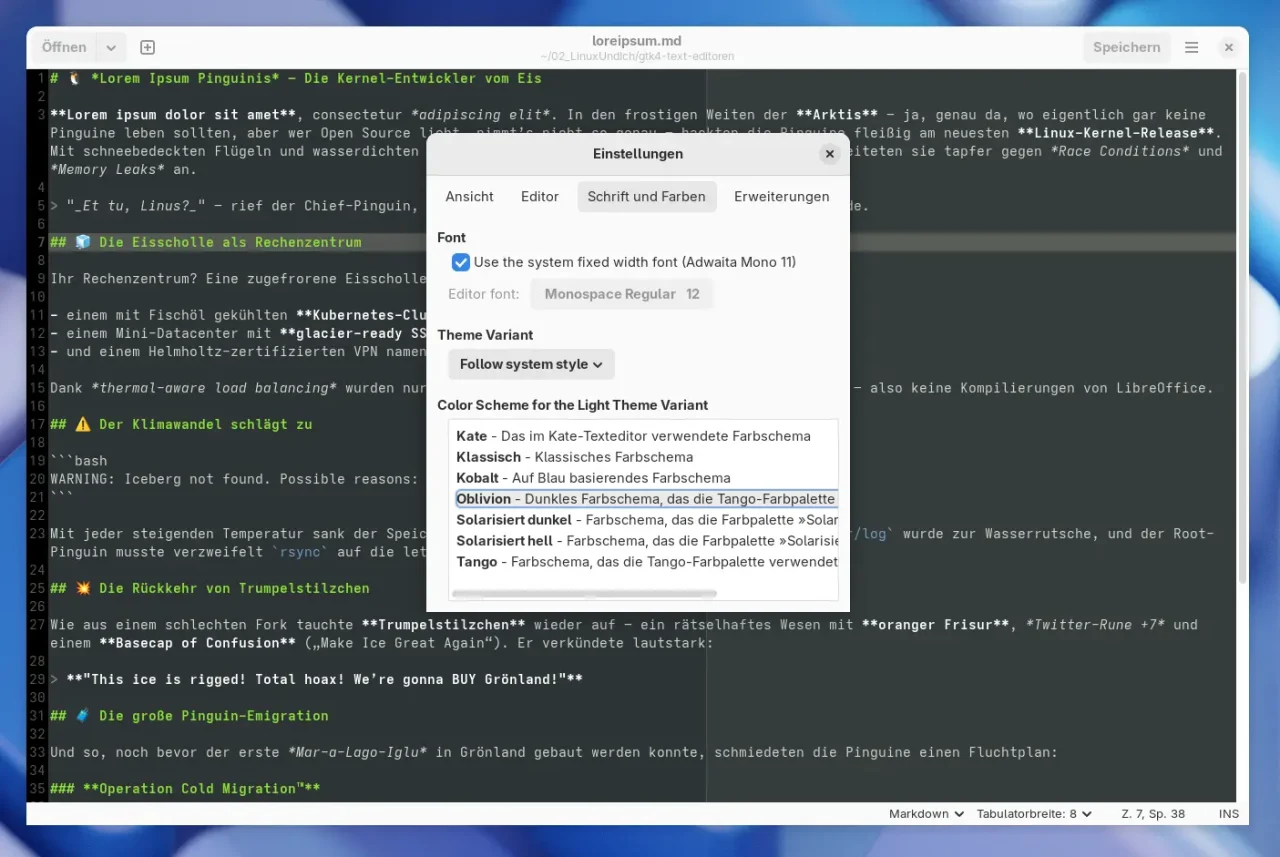
The GNOME Text Editor is the official successor to Gedit and has been the default on many systems since GNOME 42. The app was rewritten from scratch to fit perfectly into the GNOME ecosystem, and it relies fully on GTK4 and Libadwaita. You get a tidy, minimalist interface with modern features like auto-save, syntax highlighting for many languages, dark mode, and undo/redo. If you don’t need a huge feature set and just want a reliable, modern editor, you’re in the right place.
Mini Text: An Editable Clipboard for Quick Notes
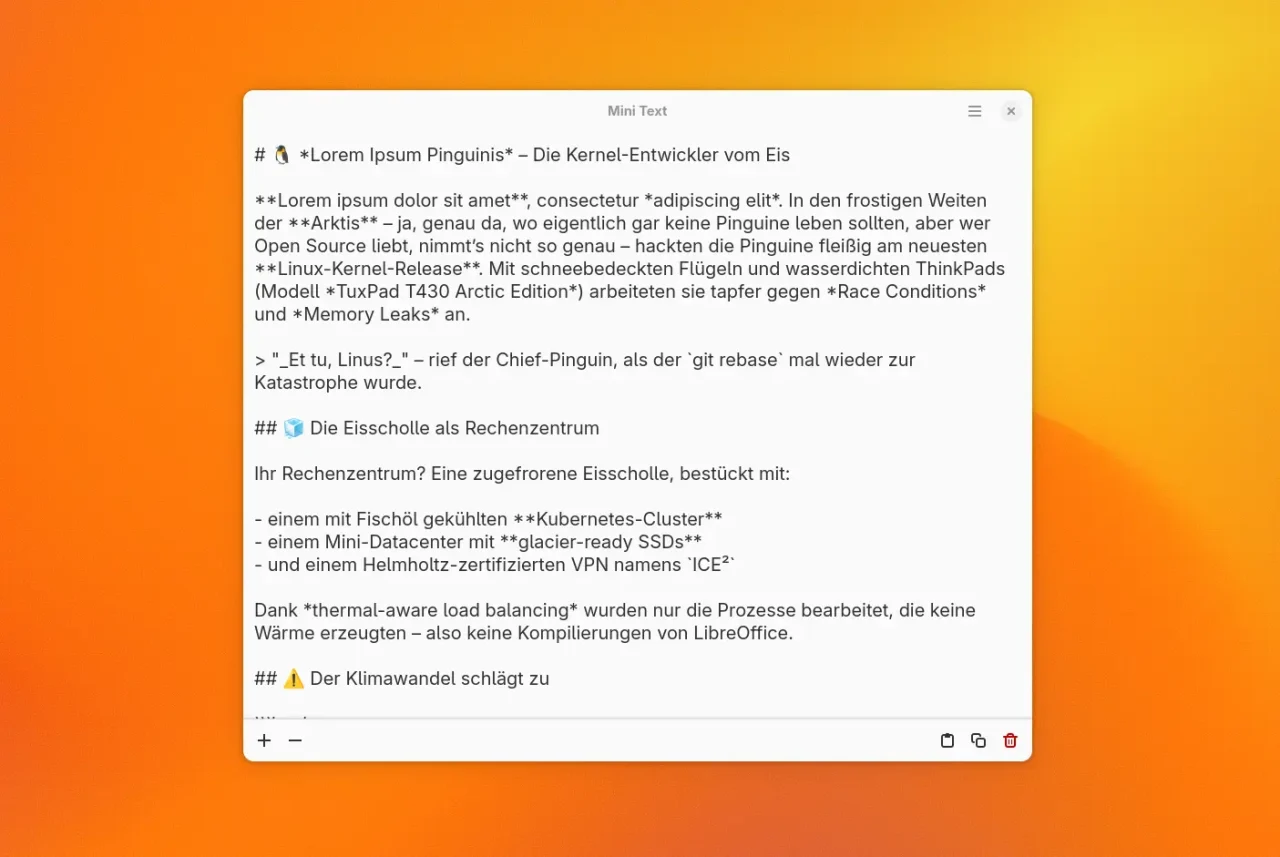
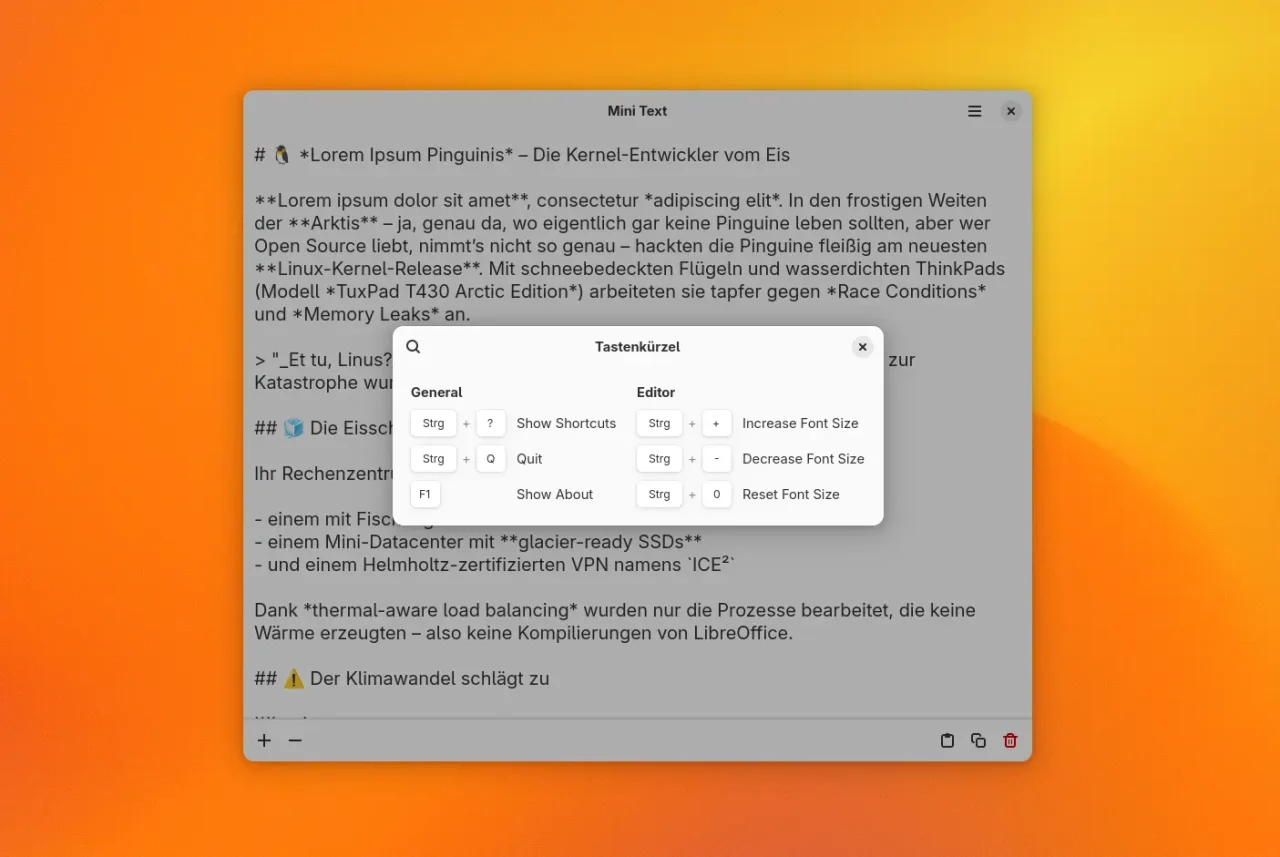
Mini Text is a simple, lightweight app that works as an editable clipboard. With a plain interface based on GTK4 and Libadwaita, it blends right into the GNOME desktop. It’s aimed at users who want to copy, paste, and edit text quickly. You can, for example, have the app always show up above all other windows on the current virtual desktop. Ideal for quick notes or simple text editing, Mini Text gives you a minimalist interface without many distractions.
Buffer: Throwaway Text Input Without Saving
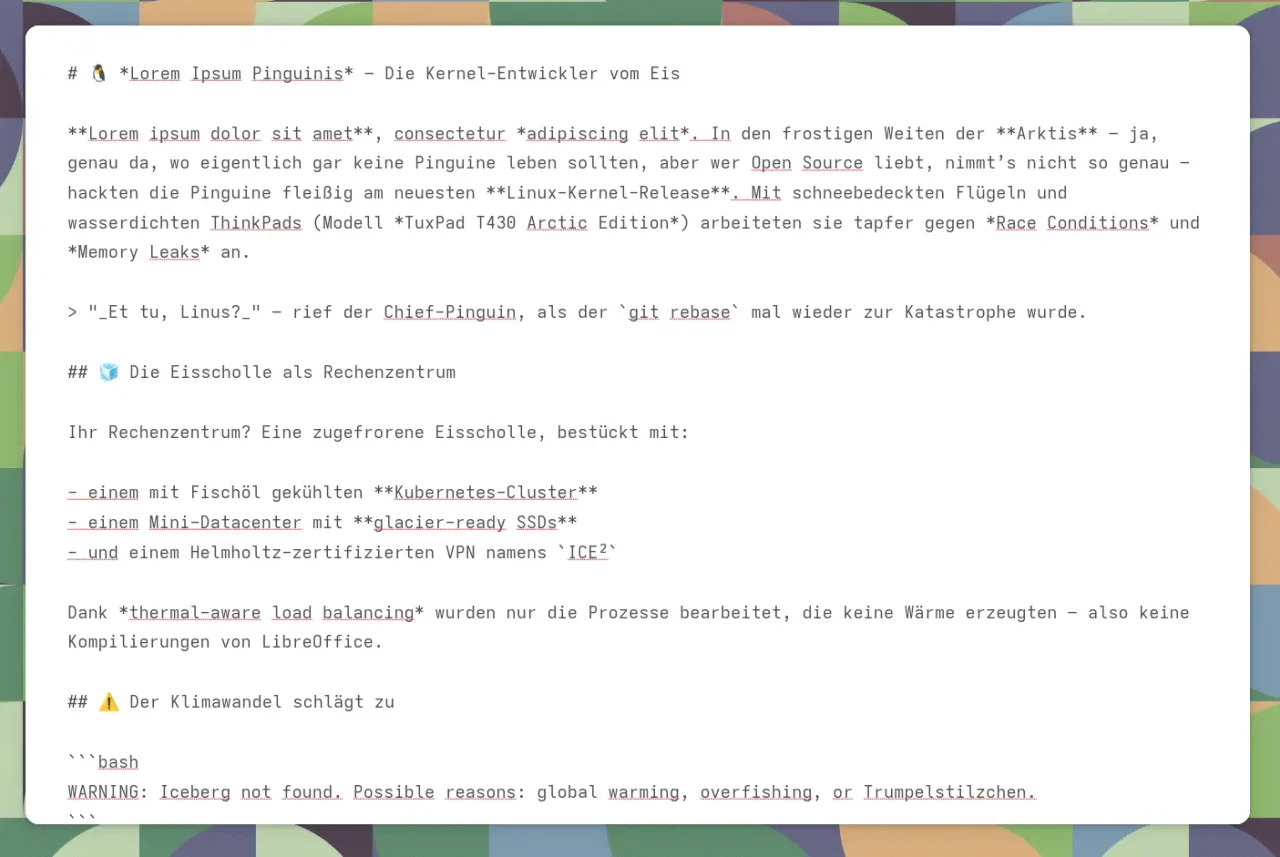
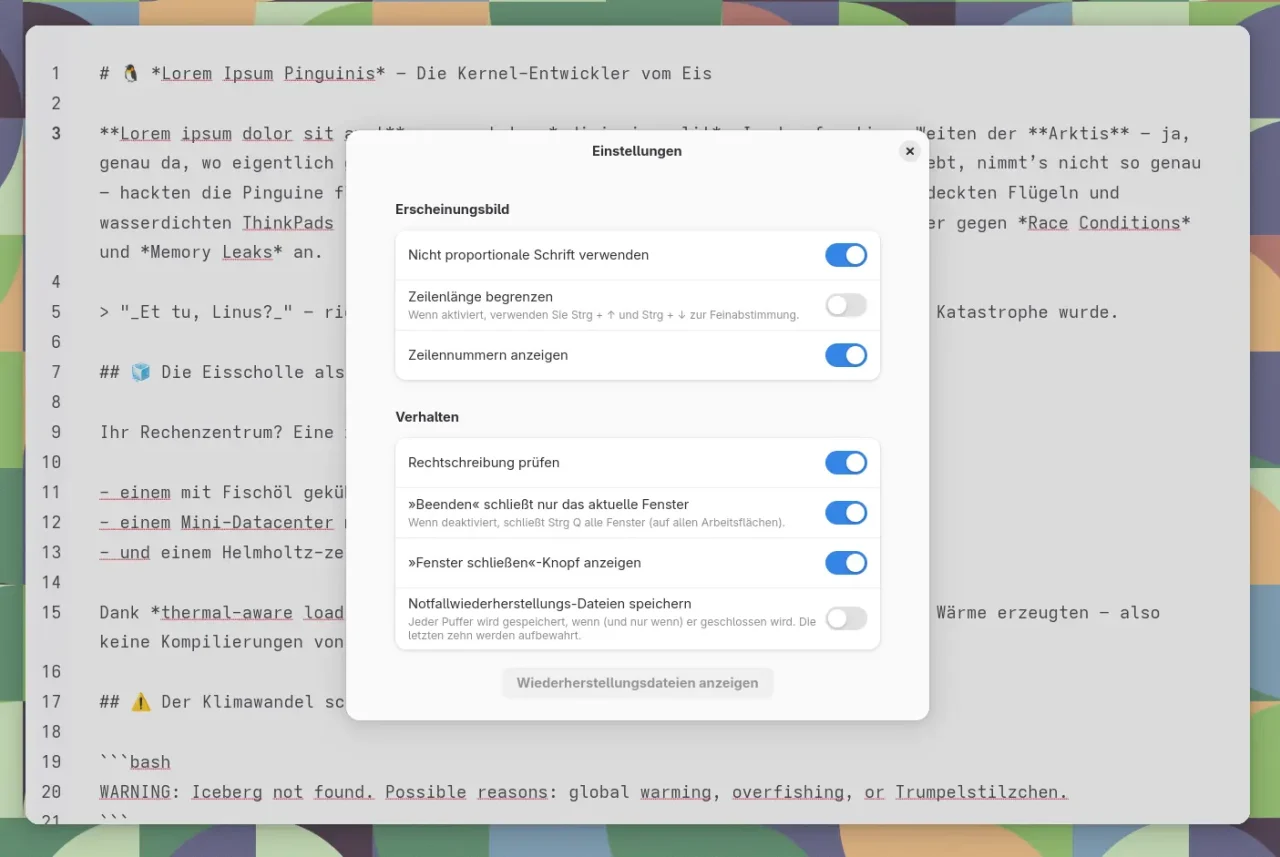
Buffer follows a radically minimalist concept, similar to Mini Text: no save function, no tabs, no document management, just a fleeting place for text. It works great for anything you only want to jot down briefly, copy around, or edit temporarily. Buffer explicitly targets keyboard users: the whole interface can be operated efficiently with key combinations. If you often prepare or temporarily edit snippets of text, this is a handy addition to your regular editor, very much in the GNOME spirit and, of course, based on GTK4 and Libadwaita.
Gedit: The Classic, Still in GTK3 Look
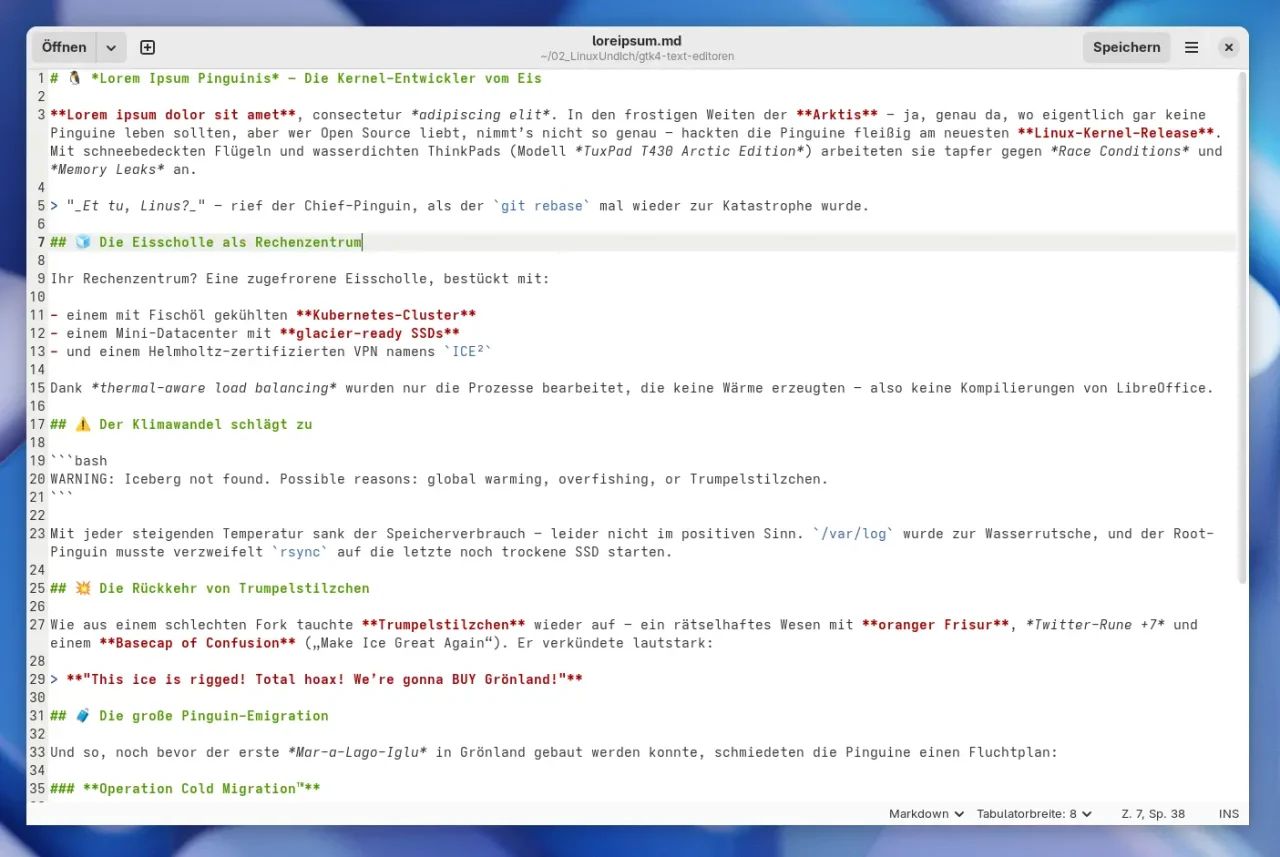
Good old Gedit is far from being scrap metal. Even though the editor is still based on GTK3, that doesn’t mean the program is bad or outdated. Development is ongoing: there’s always something happening on GitLab. Gedit scores with extensibility and is especially popular with developers who want a lean but customizable editor. With various plugins, you can quickly tailor Gedit to your own needs. If you haven’t used it in a long time, you should definitely take another look.
GNOME Builder: The All-in-One IDE for GNOME Projects
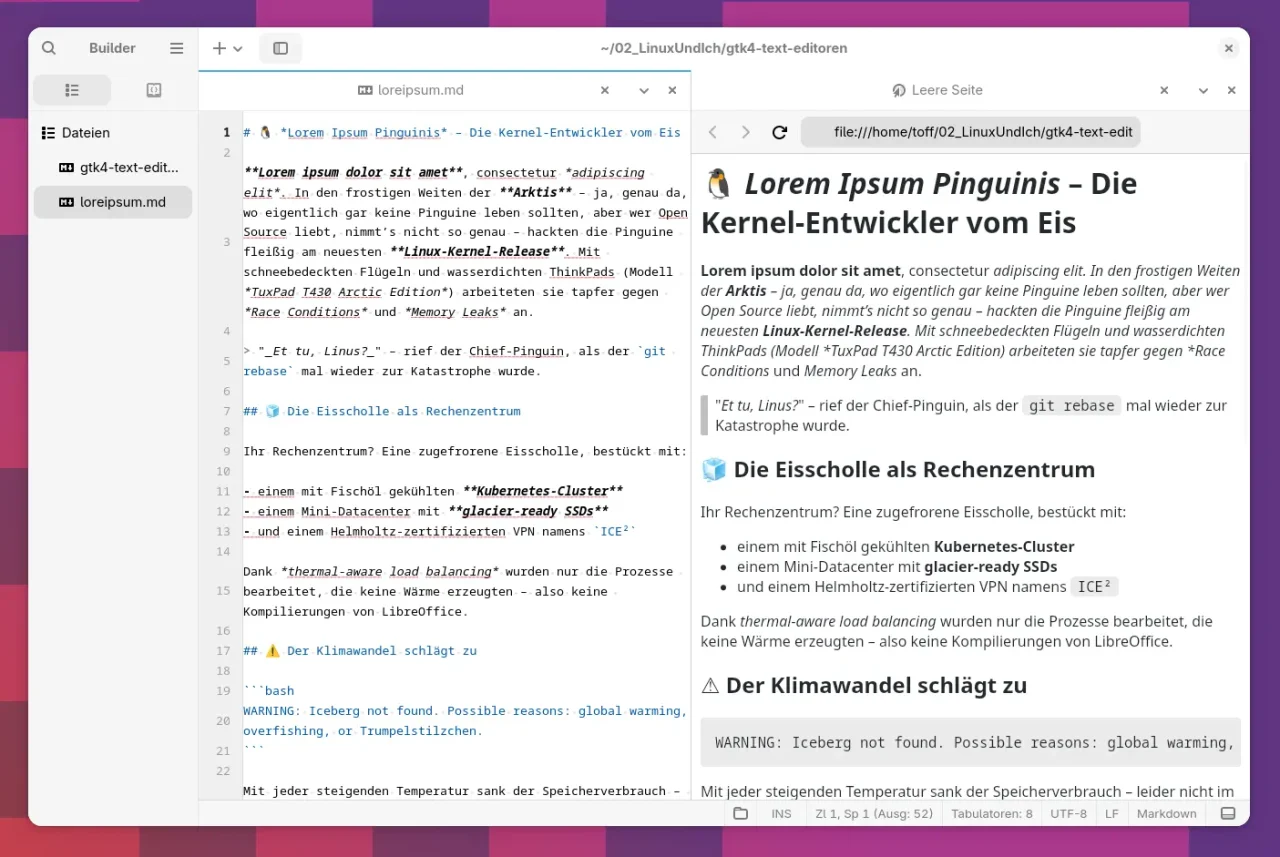
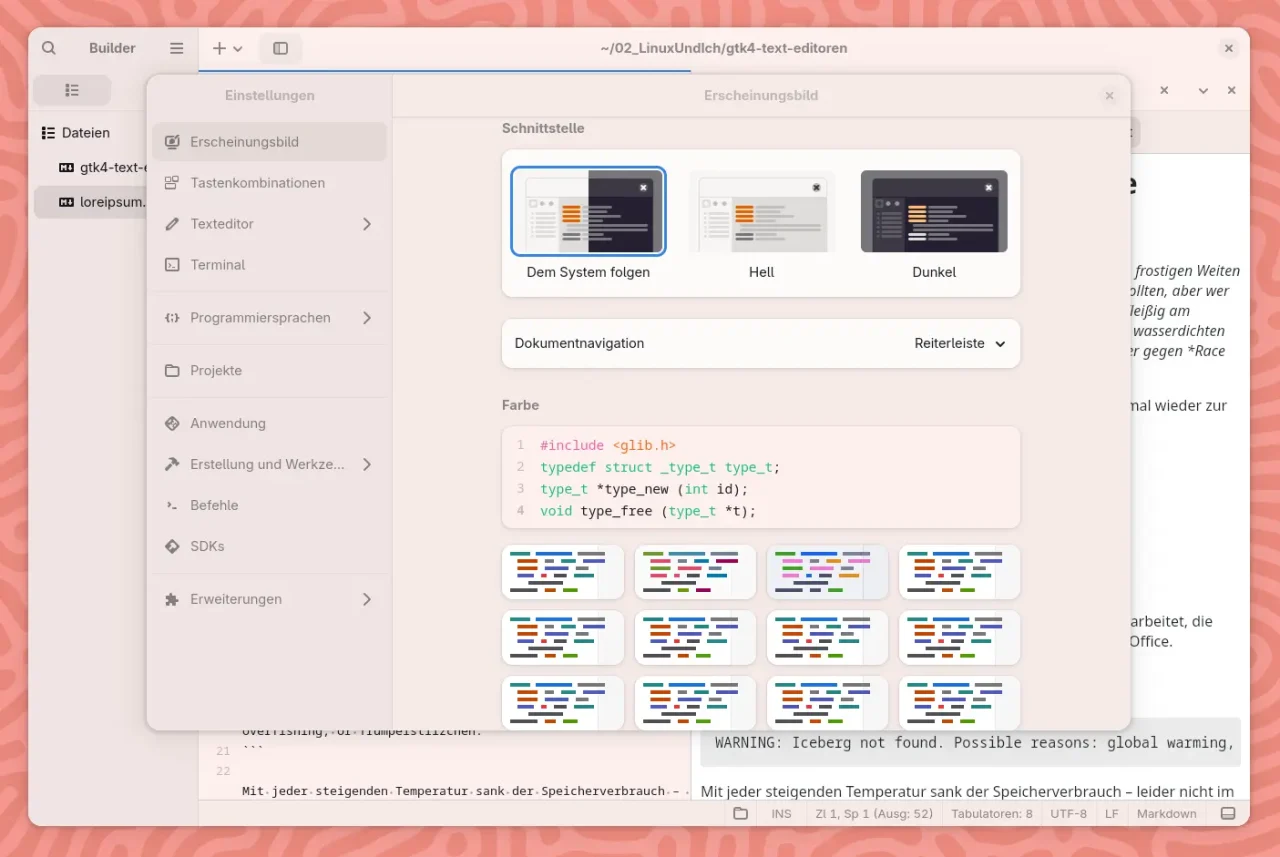
If you write code and not just text, you should definitely check out GNOME Builder. This integrated development environment (IDE) is deeply embedded in the GNOME ecosystem and is ideal for projects in C, Python, Rust, or Vala, which are many of the languages GNOME itself uses. Builder is much more than a text editor: with project management, debugging tools, Git integration, and the ability to develop and test Flatpak apps directly, it clearly targets developers. Thanks to its GTK4/Libadwaita interface, Builder fits nicely into your desktop as well.
Apostrophe: The Perfect Editor for Markdown Fans
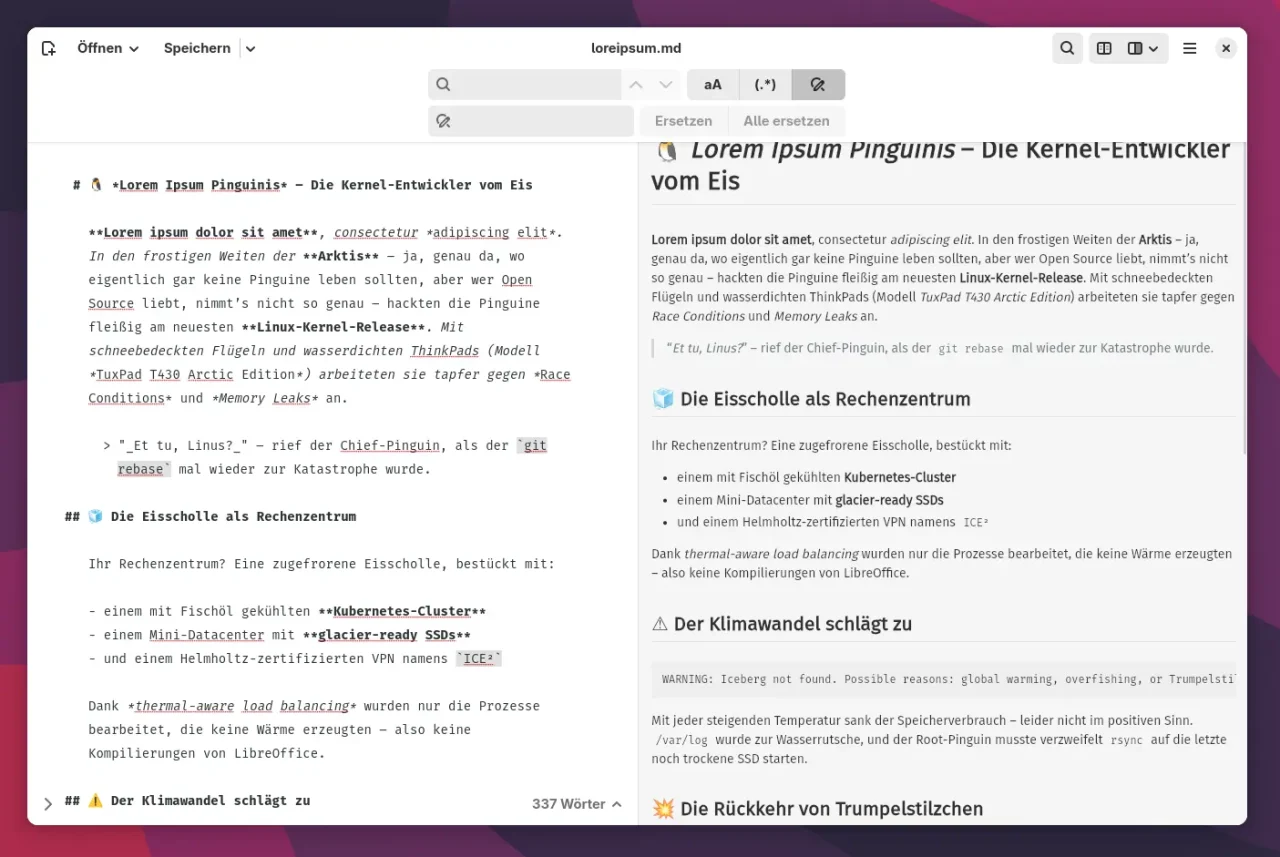
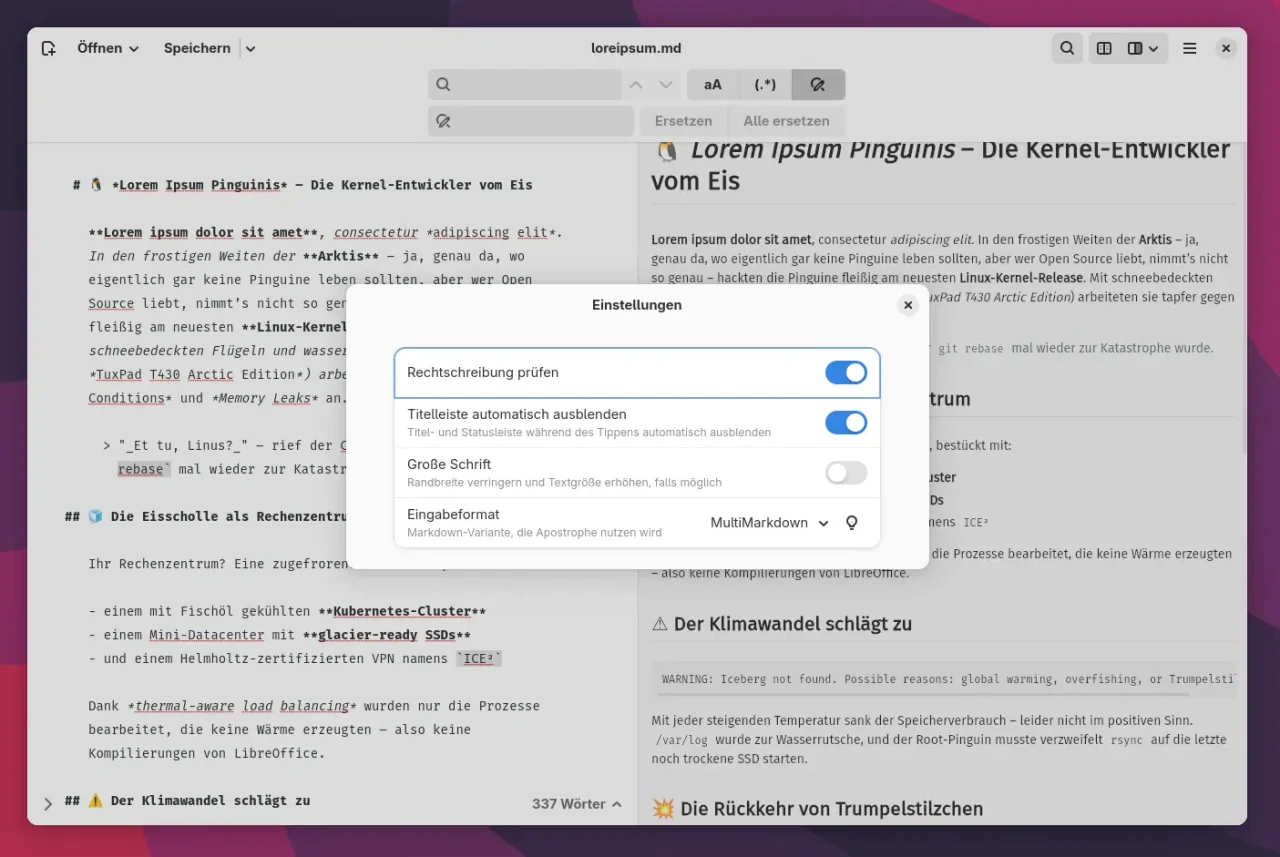
Do you write a lot in Markdown? Then Apostrophe might be just the thing for you. The editor is designed specifically for Markdown and offers a focused, distraction-free interface with live preview. Thanks to its consistent use of GTK4 and Libadwaita, Apostrophe integrates wonderfully into GNOME. It supports typical Markdown features, offers several themes, a sidebar for navigating the text, and export to HTML or PDF. A nice detail: focus mode hides all distracting UI elements while you write, ideal for longer texts or blog posts like this one.
Conclusion: Consistent Design, Plenty of Choice
The GNOME world has come a long way in recent years, not just the desktop itself but the apps too. With GTK4 and Libadwaita, we’re getting programs that are not only convincing functionally but also look consistent and modern. Whether you just want to edit text files, write code, or work on Markdown documents, there is now a large selection of apps that fit into your GNOME desktop as a matter of course, with no fiddling around and no style clashes. Thanks to Flathub, most of the current programs can also be installed in their latest version with a mouse click, on any distribution.
Leave a Reply