
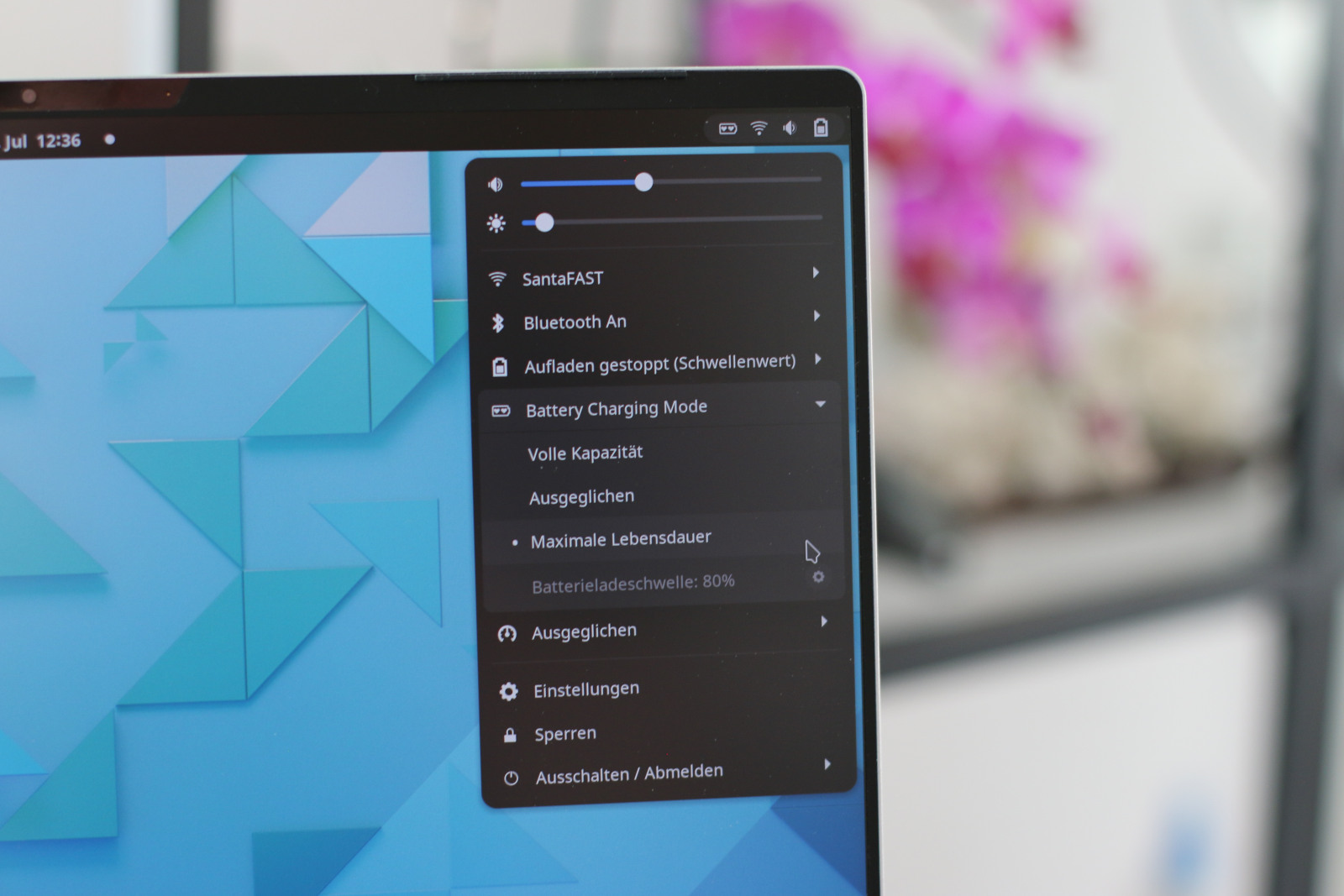
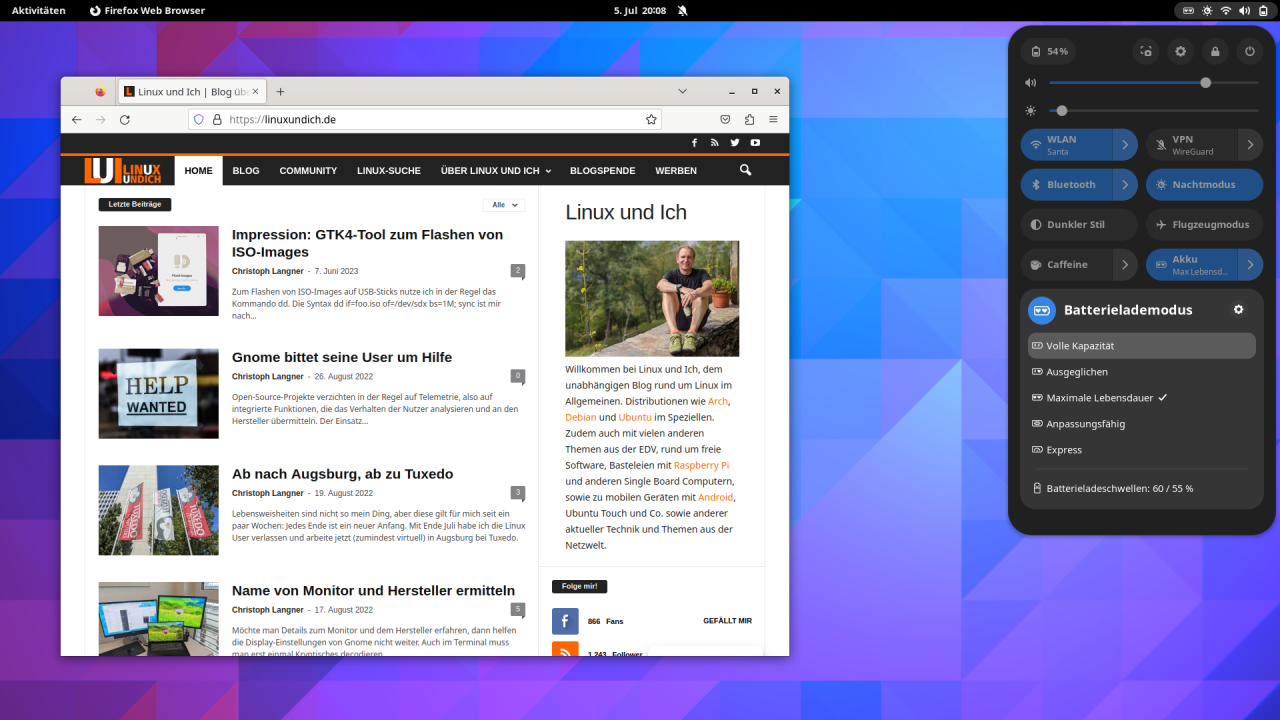
Back in the day, everything was better: Raider was still called Twix. In winter there was still enough snow for sledding and skiing, and with electronic devices you just put in new batteries to get light again or listen to music. Today, many devices have built-in batteries, and smartphones and laptops are glued shut all around. On the one hand, that makes small, sturdy and waterproof devices possible. On the other hand, it’s obviously a clear case of planned obsolescence: when the battery is done for, you either pay a lot to have the device repaired or just buy a new one. That’s why it’s important to go easy on the battery, for example by not charging a laptop battery to 100 percent all the time when it stays plugged in. With the GNOME extension Battery Health Charging, you can adjust the charging behavior to your current working situation with a single mouse click.
For the lifespan of a laptop battery, it’s not exactly ideal when the device sits on the desk plugged in most of the time and the power adapter keeps the battery at 100 percent. The best thing would be to disconnect the battery while on mains power and run the device from the adapter alone, so the battery would discharge only very slowly. Just as important would be not charging the battery to its full 100 percent capacity every time. For battery life, swinging between 20 and 80 percent would be ideal. The manufacturers know that too, but on Linux there’s often no service that takes care of optimal charging behavior. Only a few manufacturers, such as TUXEDO with its FlexiCharger, have us Linux users in mind.
Battery Health Charging for GNOME
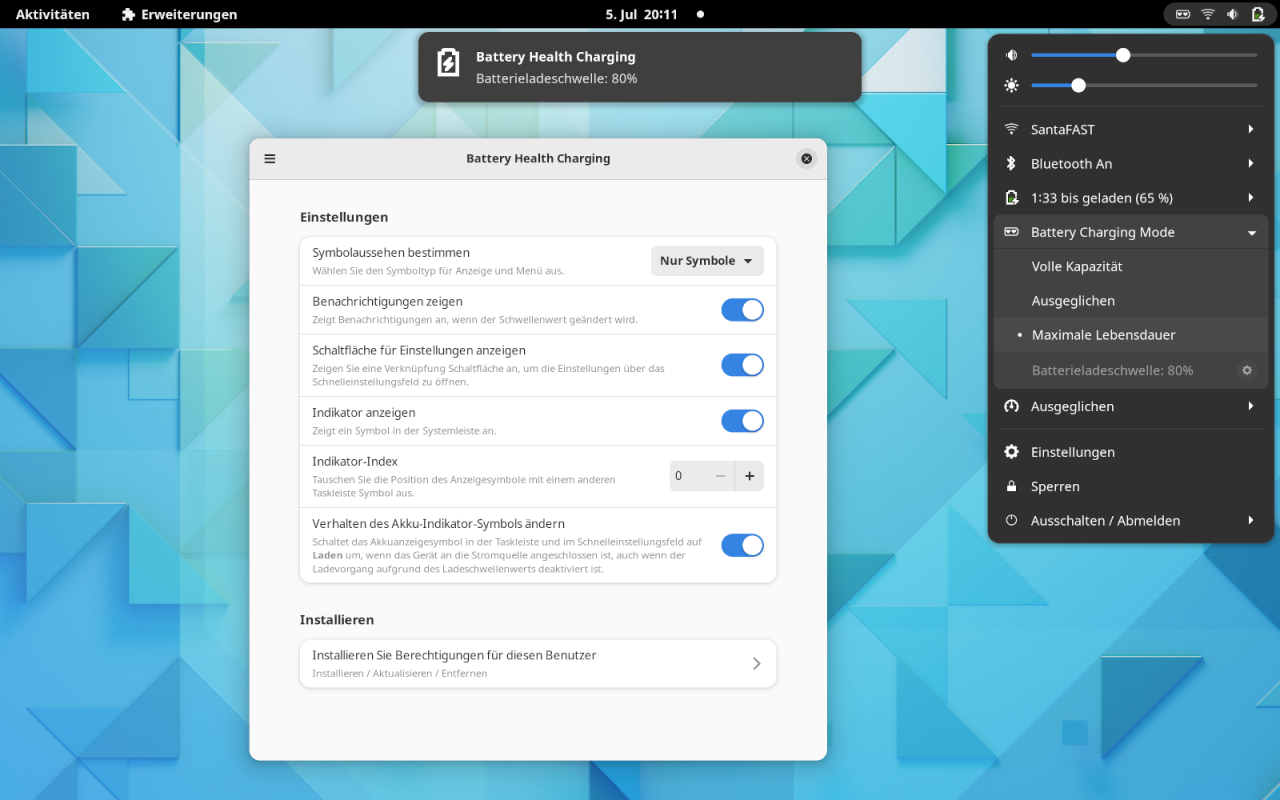
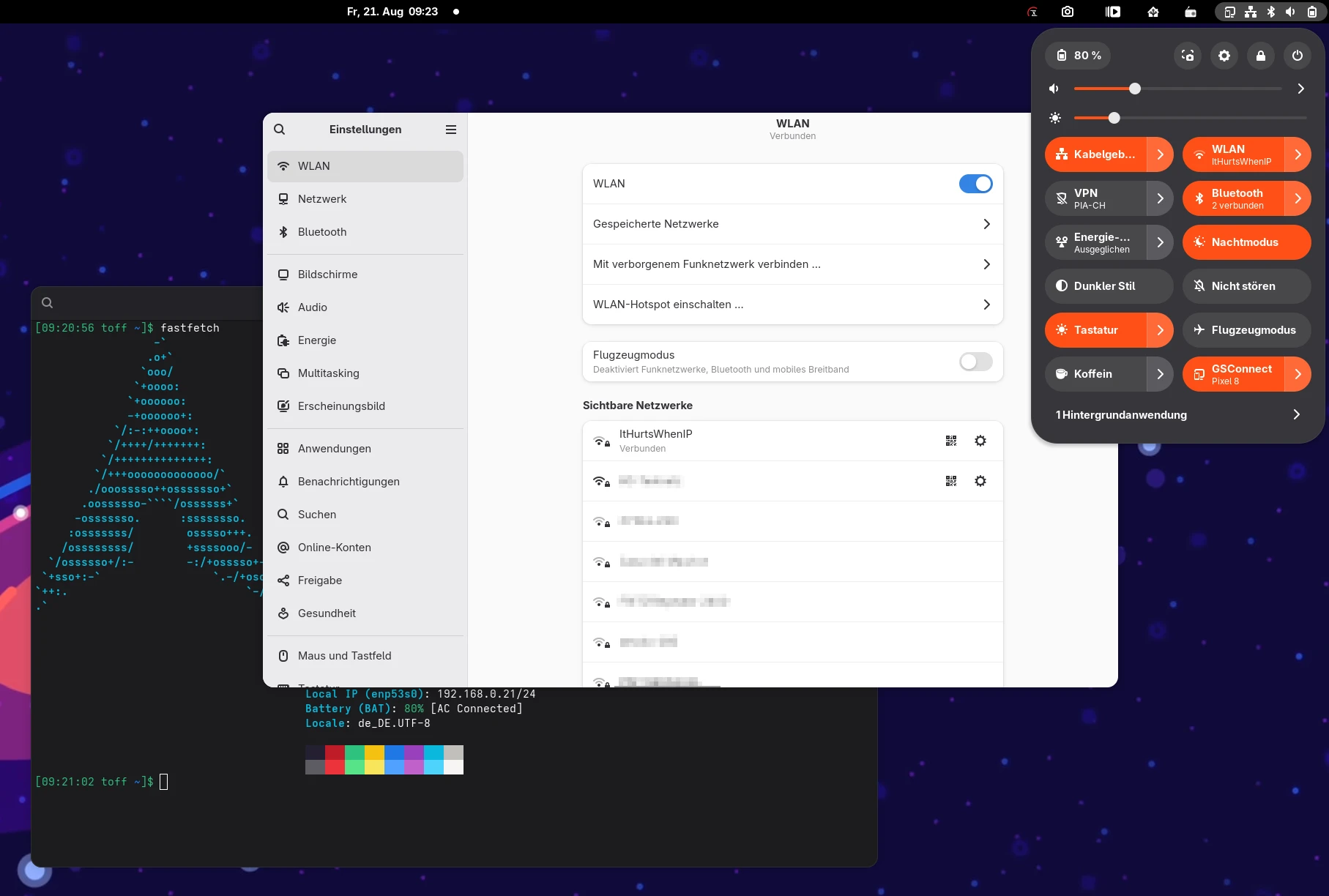
You install the extension with a mouse click via the GNOME Extensions portal. Then open the extension’s settings (for example via the gear icon next to the title in the GNOME panel) and give the extension administrative rights via PolicyKit under Install [CHECK: exact label]. The matching kernel modules or libraries also need to be installed. You’ll find details on supported devices on the project page. On my two test devices, a TUXEDO InfinityBook Pro 14 running TUXEDO OS and a 2018 DELL XPS 15 running Arch Linux, everything is installed out of the box. The InfinityBook needs the tuxedo-keyboard kernel module, the Dell XPS the libsmbios library.
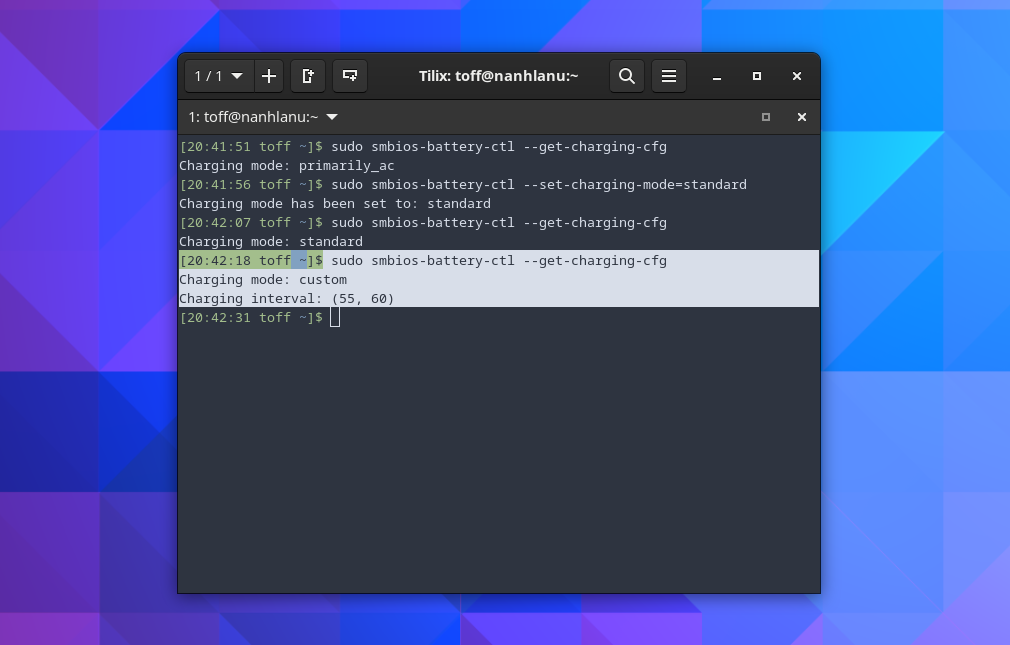
Don’t let the battery status display confuse you. If the computer stops charging at, say, 80 percent, the lightning bolt next to the battery icon in the panel disappears, even though the device is still plugged in and the battery isn’t being discharged, apart from the usually small self-discharge. You can change this behavior in the extension’s settings. It’s also not entirely clear whether the system detects the charge level correctly. With a limit of 90 percent, is a battery “full” at 90 or at 100 percent? The different tools also get in each other’s way a bit: if I set the charging mode on the Dell laptop via smbios-battery-ctl, the extension doesn’t notice, and something similar happens with the TUXEDO Control Center. But if you only use one of the tools, the extension works wonderfully.
Leave a Reply