How to turn off the “Select Audio Device” prompt in GNOME

Christoph Langner Avatar

1 min read

0 views

When you plug in a headset, GNOME first asks which audio device you just connected. A small extension turns this dialog off for good.

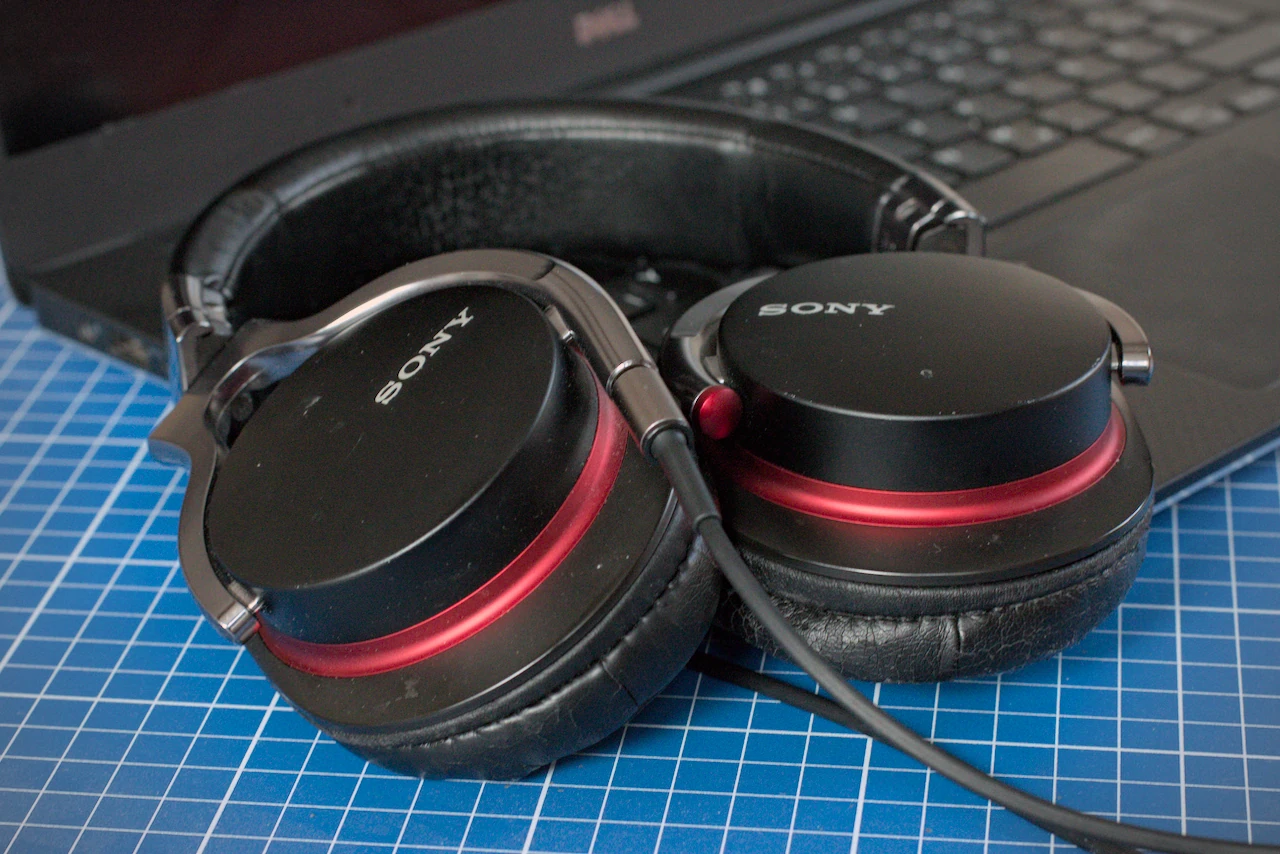
Many users know the problem: you plug in a pair of headphones, and instead of the sound you expect, the “Select Audio Device” dialog pops up first. This happens regularly on machines with a combined audio jack for headphones and microphone.
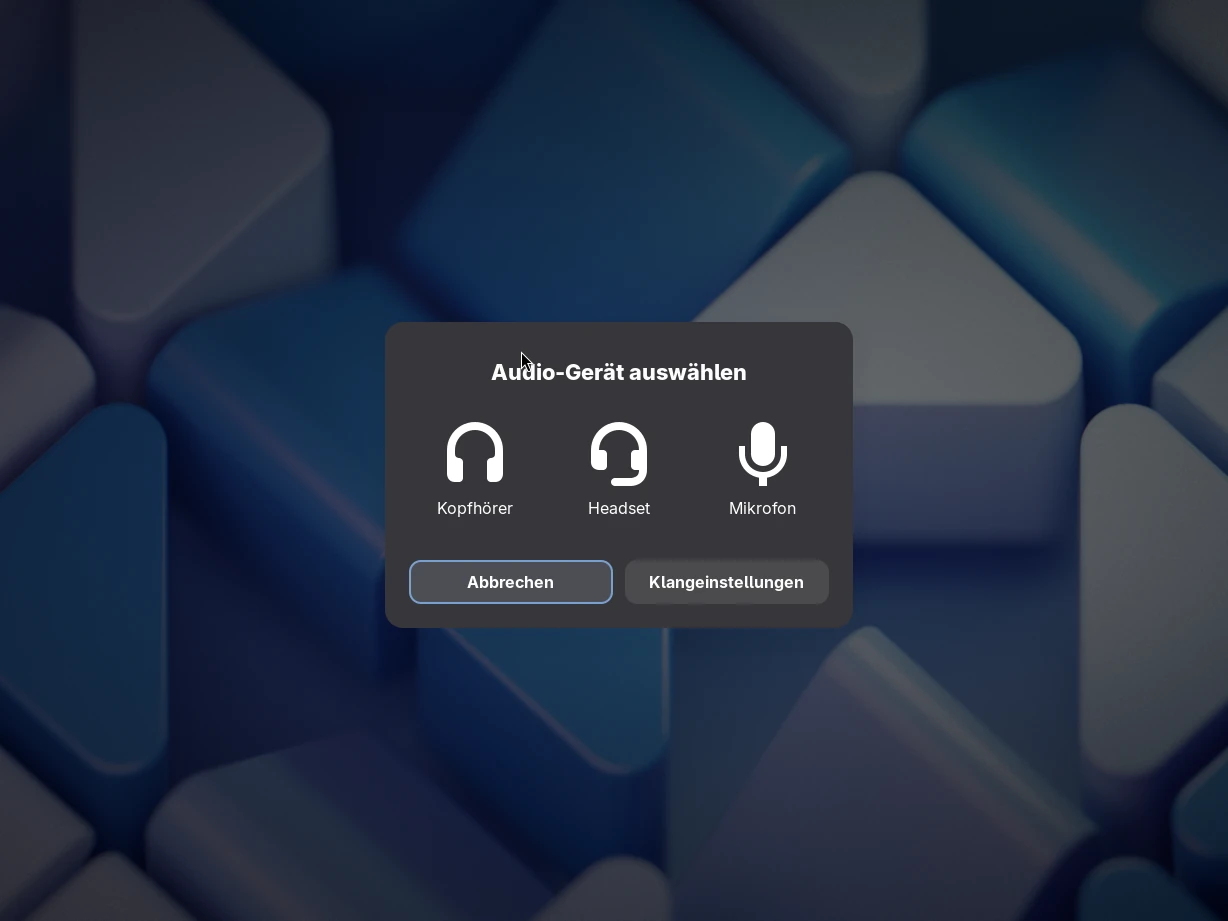
The cause is the audio detection of the GNOME Settings Daemon, which in some cases can’t automatically tell a headset from simple headphones. So far, there is no built-in option to turn the dialog off for good. An extension fixes that.

A simple fix: Auto Select Headset

The GNOME Shell extension Auto Select Headset suppresses the “Select Audio Device” dialog on systems without automatic jack detection. Instead, it tells the system right away that a headset has been plugged in. The extension is for anyone who prefers the audio device to be picked automatically and doesn’t want to be asked every time. The source code is available on GitHub.
Related posts

Leave a Reply

Your email address will not be published. Required fields are marked *

Markdown is supported: **bold**, _italic_, [link text](URL), `Code`, lines starting with - for lists, 1. for numbered lists, triple backticks for code blocks.

Security check: Which logo is this?

About the blog

Since 2006 I have been trying out what Linux, free software and the right hardware can do – from distribution tests to Raspberry Pi projects. Hands-on rather than a mere news ticker.

Categories

Tags

Support the blog

Enjoy what you read here? A small donation helps pay for hosting and new test devices – and keeps the coffee coming.

Linux und Ich — How to turn off the “Select Audio Device” prompt in GNOME
https://linuxundich.de/en/gnu-linux/how-to-turn-off-the-select-audio-device-prompt-in-gnome/ — printed on October 3, 2026