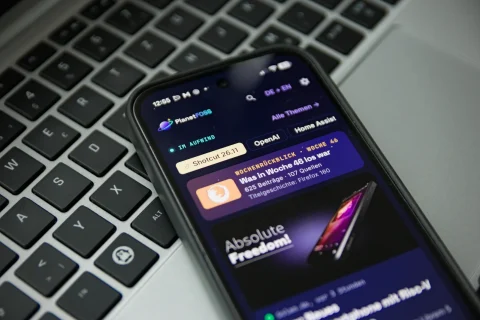
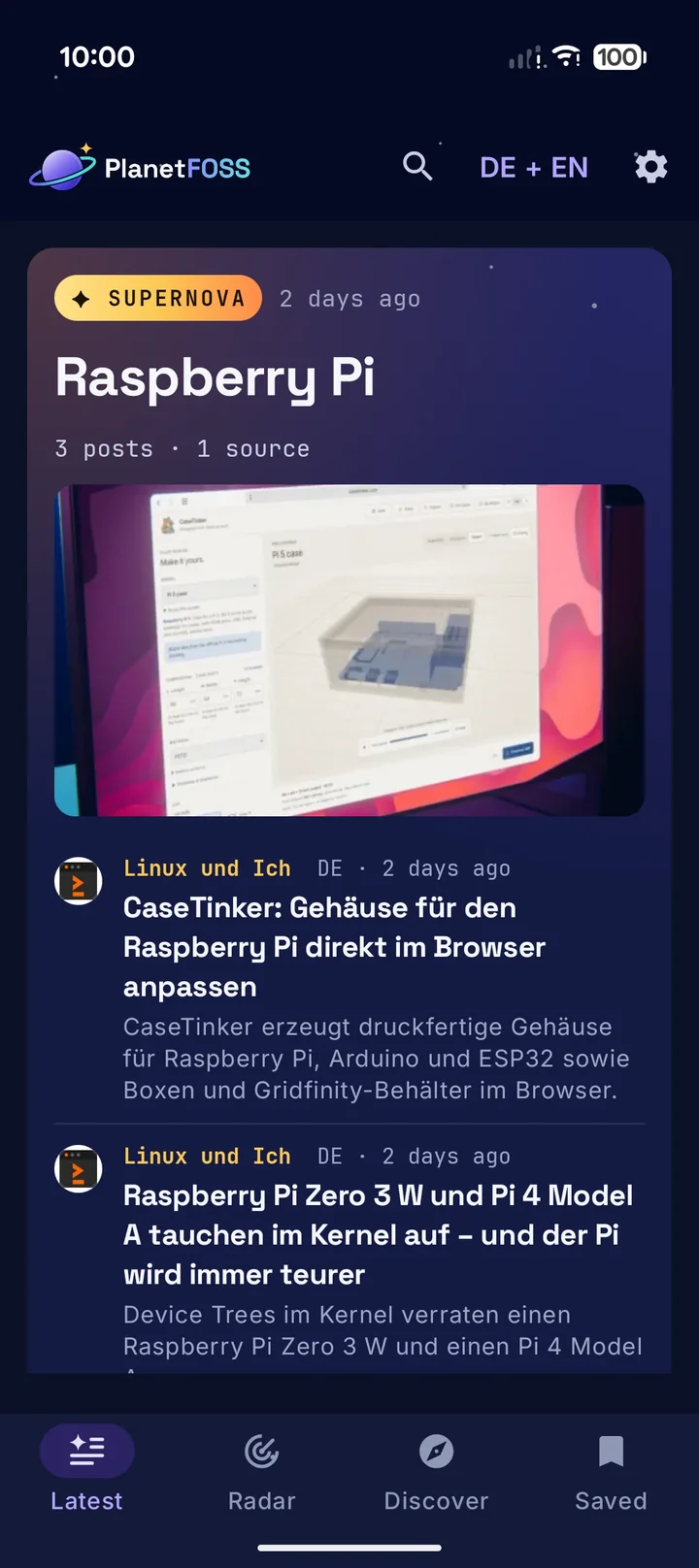
PlanetFOSS collects Linux and open source news from around 200 German and English sources. The app puts the planet on your phone: every card leads to the original article, and the same story from several sources is bundled. So you don’t read the same release news five times.
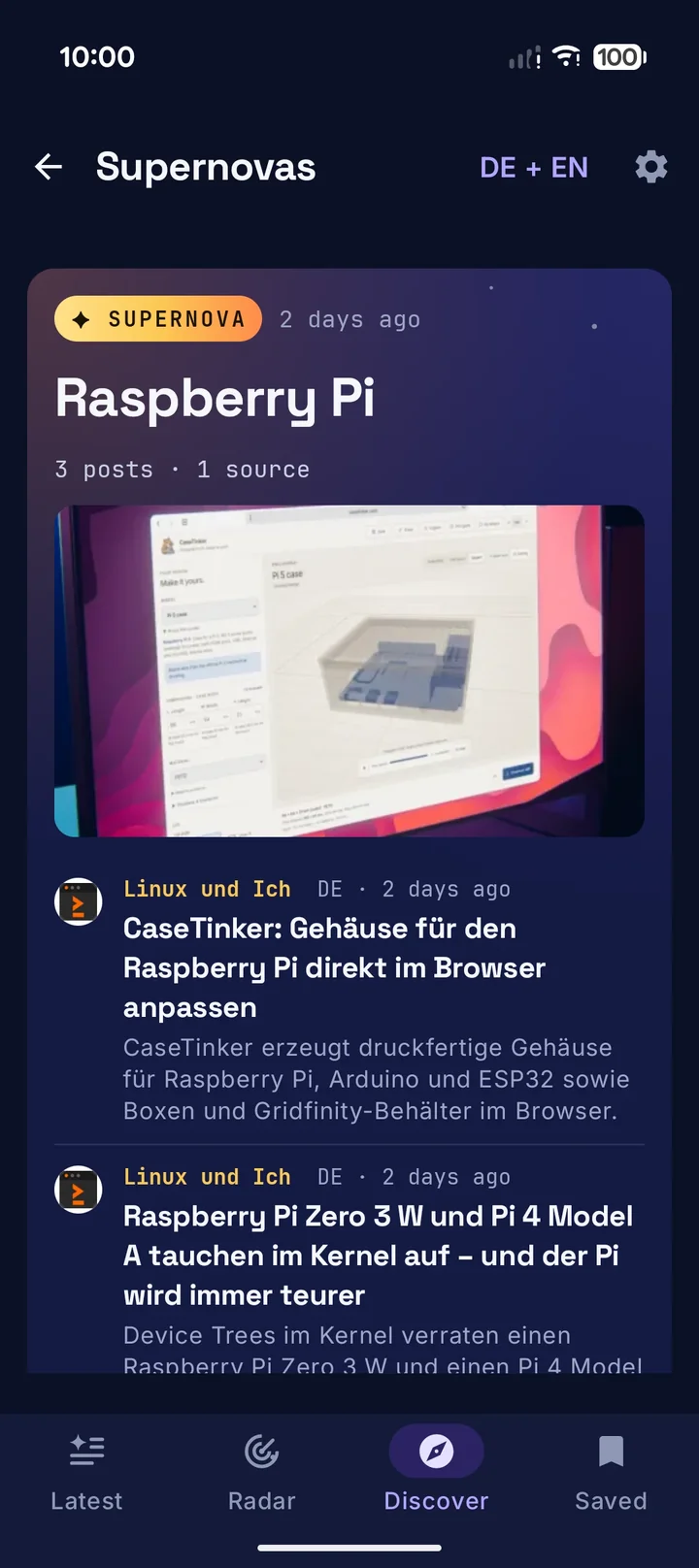
When many sites cover a topic at the same time, it turns into a supernova. It sits at the very top, together with the comets, which are topics on the rise. You don’t need an account, and the app only talks to planetfoss.net and to the sites you open.
What the app does
The important stuff on top
Latest shows every burning supernova and the comets, followed by the stream of the newest posts.
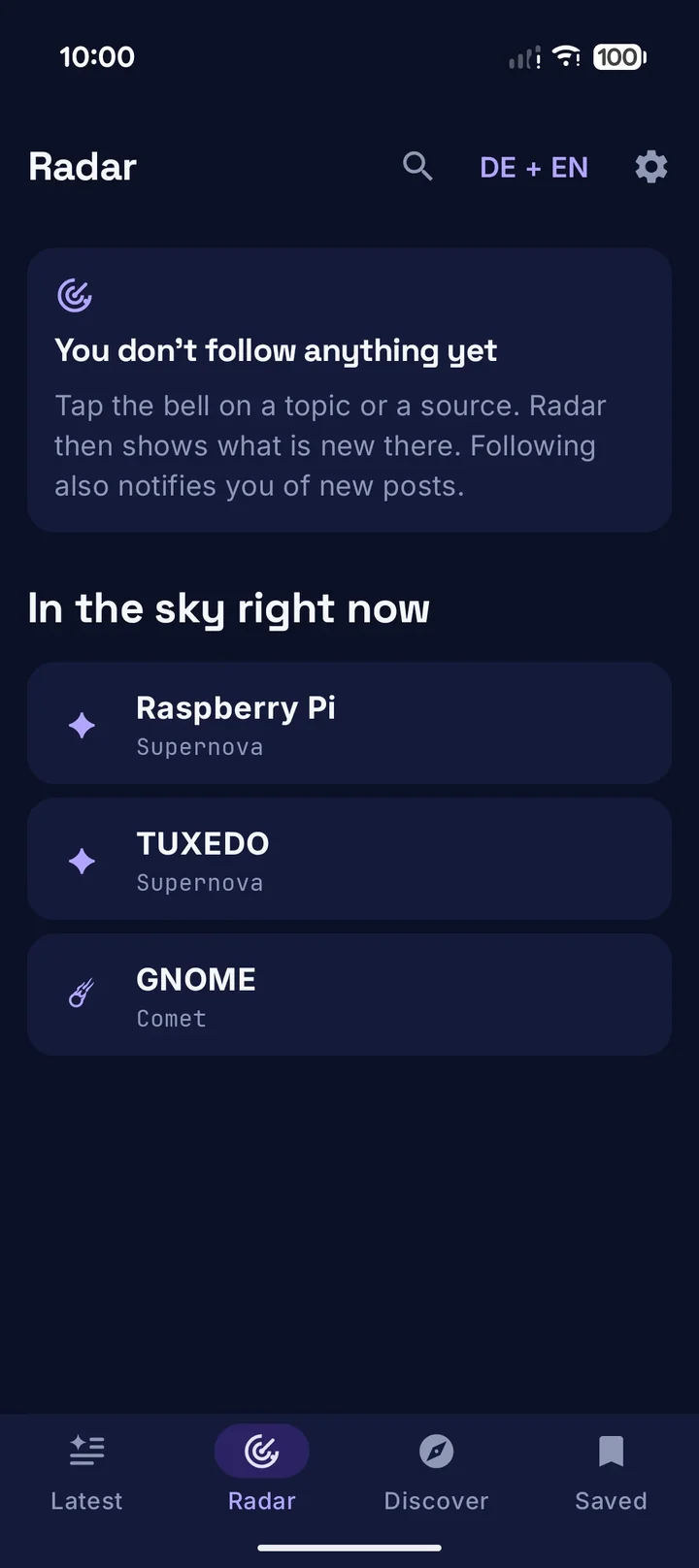
Follow instead of scrolling
Tap the bell on a topic or a source, and Radar shows what is new there since your last visit.
A logbook every morning
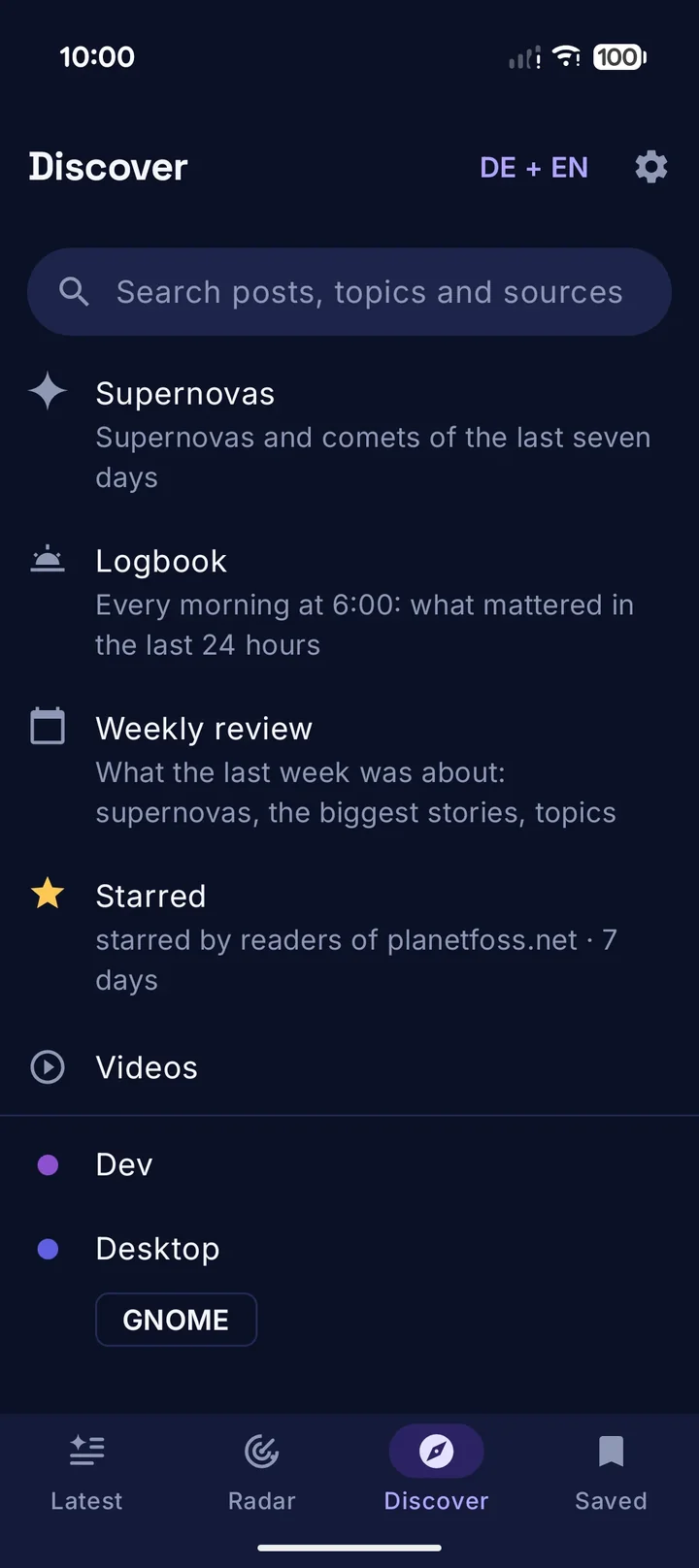
Every day from 6 a.m. the most important things of the last 24 hours: the biggest story, comets on the rise and new releases.
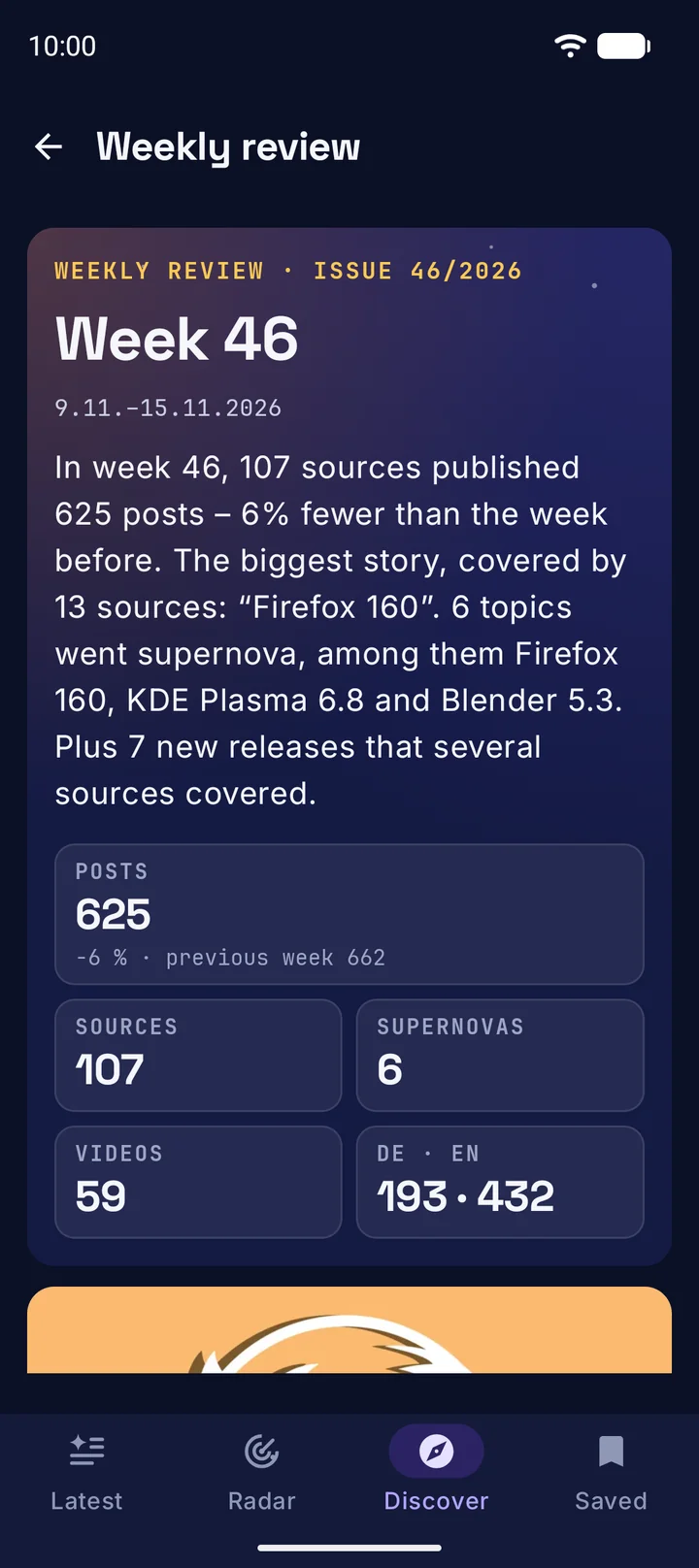
Weekly review
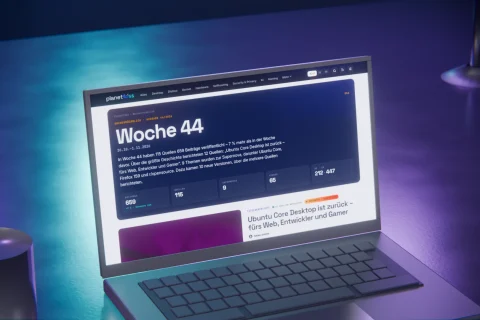
The last full week in numbers, with its supernovas, the most noticed releases and the topics of the week.
Notifications without a push server
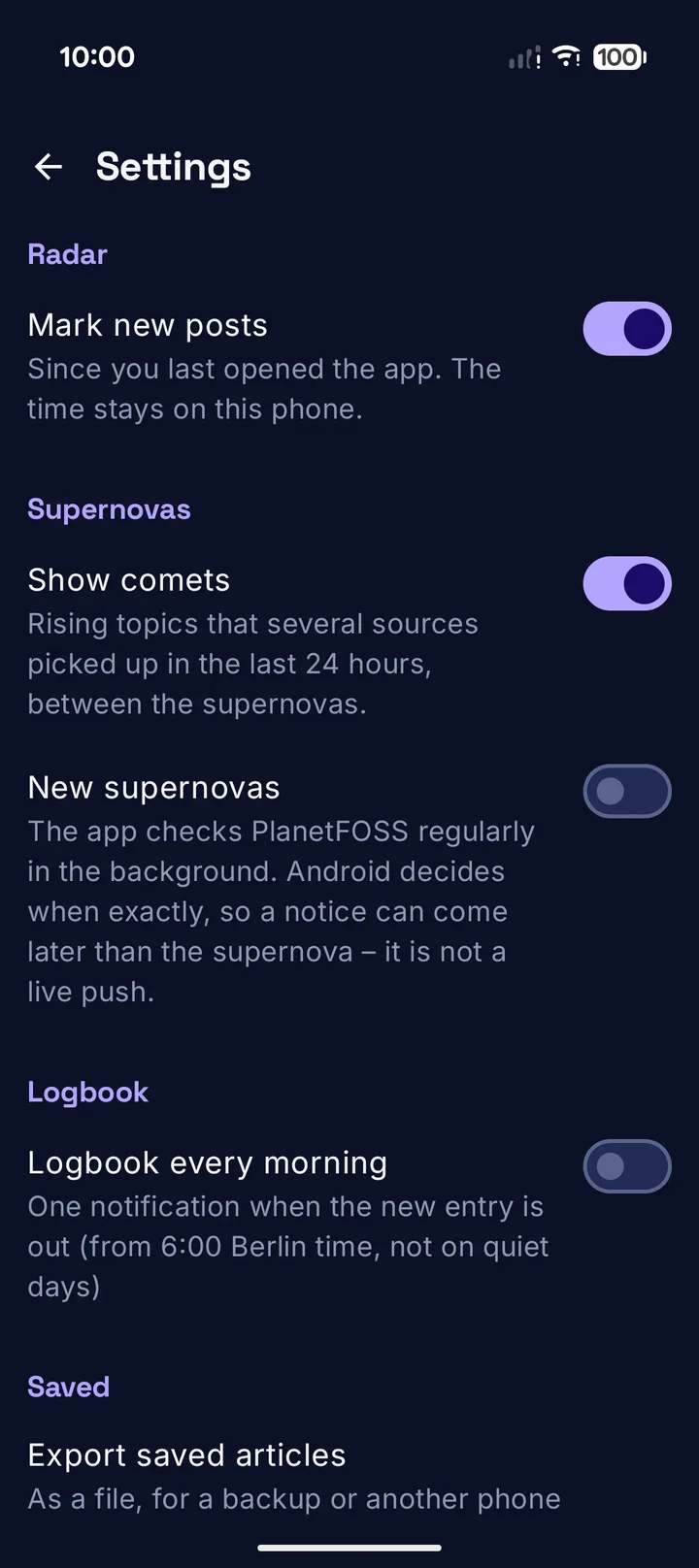
If you like, the app tells you about supernovas, the logbook and what you follow. Android checks in the background for that, with no service from Google.
Read later
The bookmark puts posts under Saved, available offline. You can back up the collection to a file and import it again.
Your browser or the app’s
Articles open in your phone’s browser. If you prefer, use the app’s own browser with optional protection from third-party trackers.
Two widgets
The newest logbook and the topics you follow, right on your home screen.
// Privacy
No account, no analytics service, no Google services. Which topics and sources you follow and what you have saved is stored only on your phone. The server counts requests for the lists as daily totals, without IP address and without an identifier. The app only reports opened articles if you switch on Count anonymously for the sources. Everything that leaves the phone is listed in the privacy notes.
Ready in three steps
Install the app
Download the signed APK from GitHub and open it on your phone. Android asks once whether the browser may install apps. Later versions install over the old one.
Set it up
On first start the assistant asks for language, content, design and browser. You can change every choice later in the settings.
Follow and get notified
Tap the bell on topics and sources. Notifications are off by default and can be switched on one by one.
Testers wanted
The app is in closed testing on Google Play. New developer accounts have to show an app to at least twelve testers who stay on board for 14 days in a row. Only then may it go public in the Play Store.
- With the Google account on your phone, join the group PlanetFOSS Tester.
- On the testing page on Google Play, tap Become a tester.
- Install the app from the link on the testing page and keep it for two weeks.
Questions and answers
Where does the news come from?
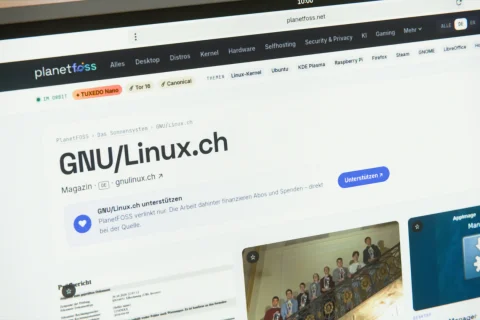
From PlanetFOSS. The planet collects posts from around 200 blogs, magazines and projects, and the app fetches its public lists. To read, you always go to the original article.
Why do notifications sometimes arrive late?
There is no push server. Android asks PlanetFOSS in the background and picks the time itself, between 15 minutes and three hours depending on battery and usage. This is no live ticker.
Can I switch between the APK from GitHub and Google Play?
Only by reinstalling. Google Play signs the app with its own key, so the two builds cannot update each other. Back up your saved posts with the export first.
Does the app block ads?
No. The app’s browser has optional protection from third-party trackers, the sites’ ads stay. The app passes PlanetFOSS on as the referrer, so the sites can see where their readers come from.
Will the app come to F-Droid?
That is the plan. The source code is prepared for it: no Google services, no non-free libraries.
Versions
| 0.6.3 | Nov 17, 2026 | First public release on GitHub with an APK to install directly |
Found a bug or have an idea?
Let me know through the issues on GitHub.
PlanetFOSS for Android is AI-assisted. The code, icons and translations were written with AI assistance, following my directions. I made the decisions, reviewed the results and tested everything on my own devices.
On the blog
PlanetFOSS for Android: Linux news from around 200 sources, with supernovas, logbook and weekly review
PlanetFOSS is now available as a free Android app: supernovas and comets on top, a logbook for every morning, a weekly review and a…
PlanetFOSS: Weekly review, Bluesky and a search with filters
Every Monday, PlanetFOSS sums up the past week as a small magazine page: cover story, supernovas, new releases and the week in numbers. On…
PlanetFOSS: Support your favorite sources directly
Blogs, magazines and publishers can now add a link to their subscription or donation page on PlanetFOSS. It shows up as a box on…