April 2025 6 posts
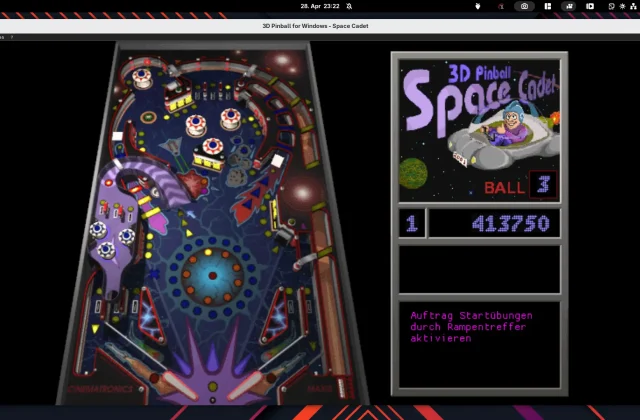
Space Cadet Pinball: Old Software, New Shine on Linux
Space Cadet Pinball once shipped with every Windows machine – today the pinball game is hard to find. Thanks to open-source projects, the cult classic is easy to install on …
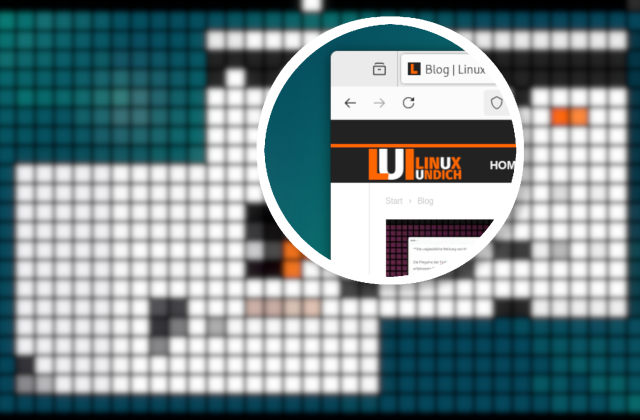
Creating a Magnifier Effect for Screenshots with GIMP
With GIMP, you can apply a magnifier effect to screenshots to highlight important details. This guide shows step by step how to create the effect quickly and easily.
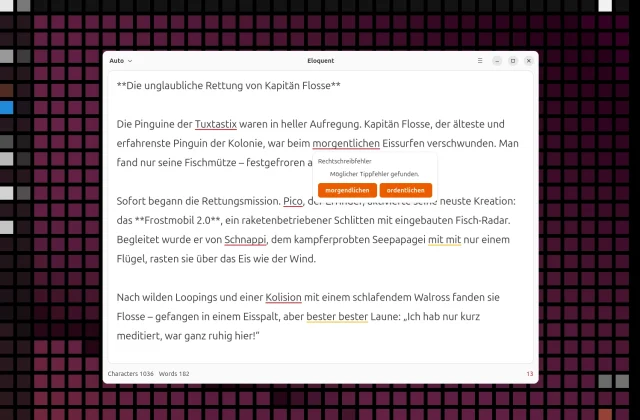
Offline LanguageTool with Eloquent: Spell Checking on Linux Without the Cloud
You can run LanguageTool locally, too: no internet connection and no data sent to third parties. Eloquent is a lean GNOME app that turns LanguageTool into a desktop application.
GDM login screen showing up on the wrong monitor?
If the GDM login screen shows up on the wrong monitor, copying the display settings from your GNOME session usually fixes it. You can do that by hand, automatically with …
How to turn off the “Select Audio Device” prompt in GNOME
When you plug in a headset, GNOME first asks which audio device you just connected. A small extension turns this dialog off for good.
Current GNOME Text Editors Built on Libadwaita/GTK4
For some time now, GNOME has relied on GTK4 and Libadwaita, and many apps use these modern technologies. Time to take a look at some interesting programs, including text editors …
March 2025 7 posts
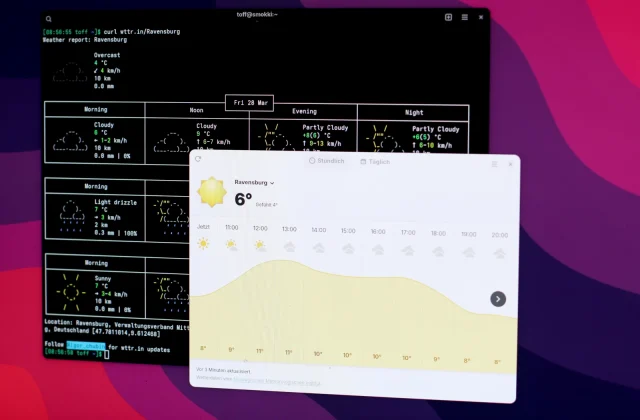
Adding Custom Locations to GNOME Weather
GNOME Weather doesn't list many smaller places. A script lets you add the missing towns and cities yourself, without waiting for an official update.
Keeping Docker containers up to date with Dockcheck
Keep your Docker containers up to date without a web GUI? Dockcheck handles updates and cleanup right in the terminal!
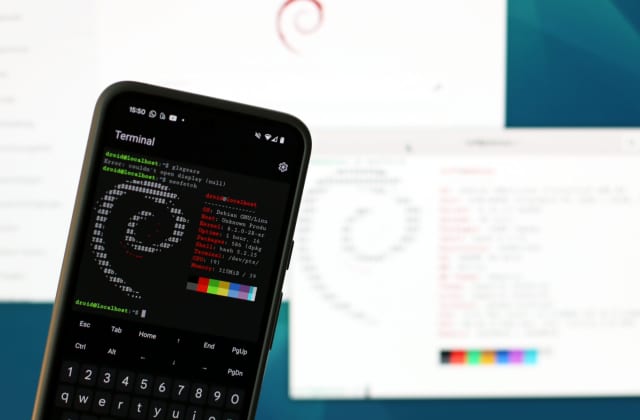
The new Linux VM for Android: An overview
Google's new Linux VM for Android lets you run Debian in a virtual machine. It's still unstable, but it has potential. For now, Termux remains the better choice for a …
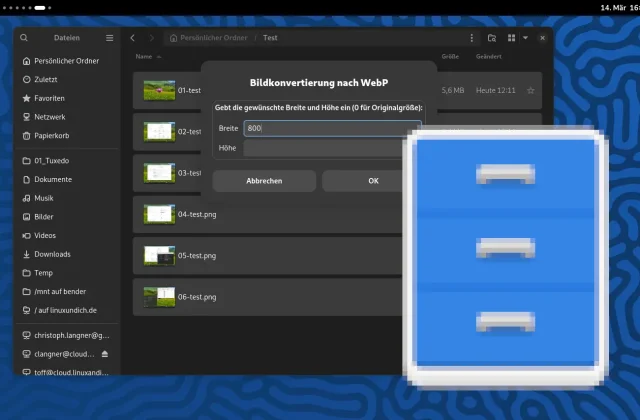
Custom Nautilus scripts: Convert images to WebP
Nautilus scripts can make your GNOME desktop a lot more efficient. This example lets you convert images to WebP right in the file manager, without opening a separate image editor.