
Almost two weeks after launch, PlanetFOSS has found its audience: last week, the site averaged about 2,200 page views a day. Around 1,300 times a day, someone arrived from outside, and the rest were clicks within PlanetFOSS. Bots and my own visits don’t count, and none of this needs cookies or tracking.
At the same time, the site collects more than 600 posts a week from over a hundred sources. If you don’t drop by every day, it’s easy to lose track of what actually mattered. That’s exactly what the new weekly review is for. PlanetFOSS also posts on Bluesky now, next to Mastodon, and the search can finally filter and page through results.
The week as a small magazine
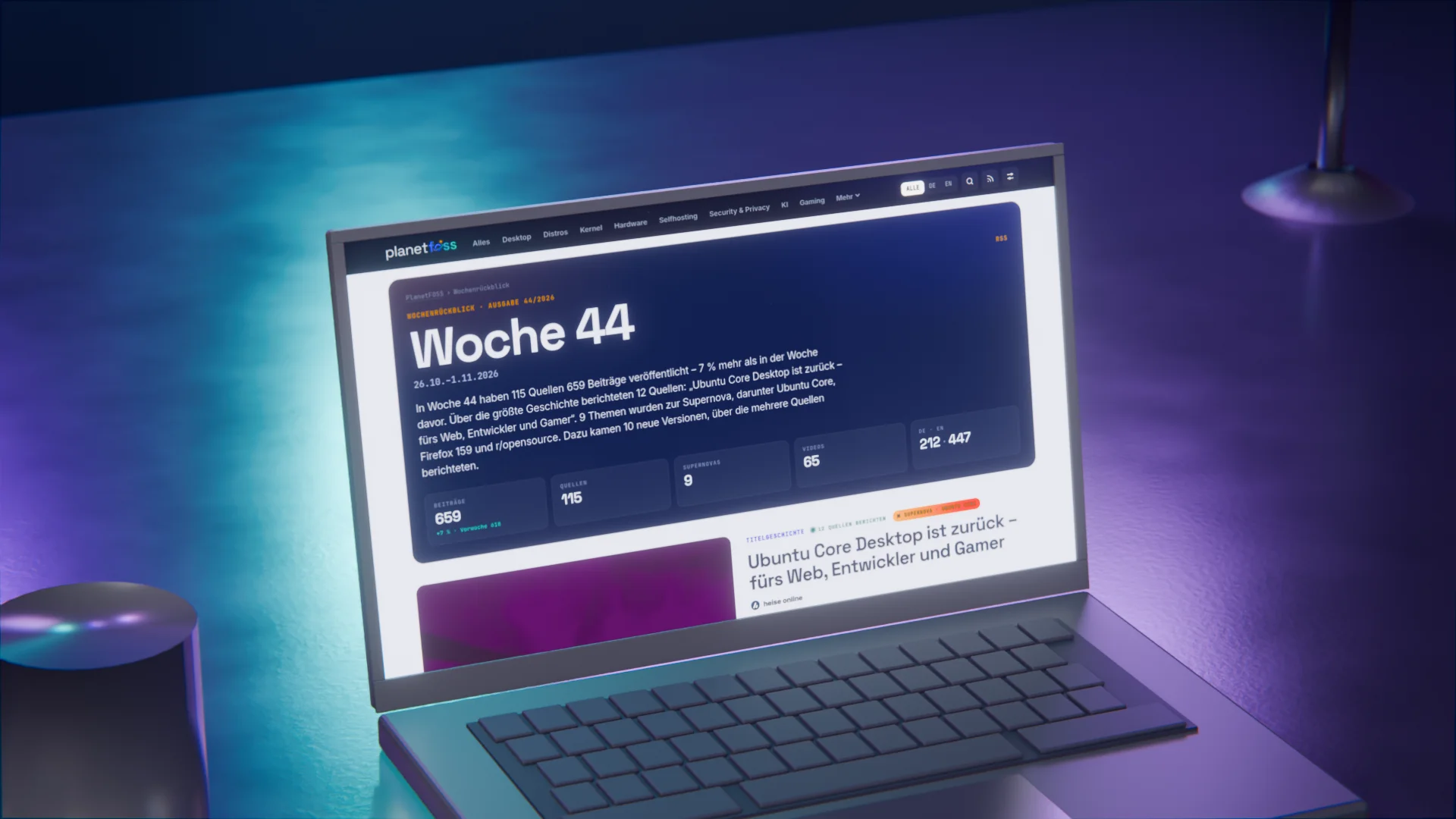
Every Monday, PlanetFOSS sums up the past week on a page of its own. At the top, a few sentences give you the numbers of the week, along with key figures for posts, sources, supernovas and videos. In week 44, 115 sources published 659 posts, seven percent more than the week before. These sentences come from fixed templates and the numbers; no AI writes anything here.
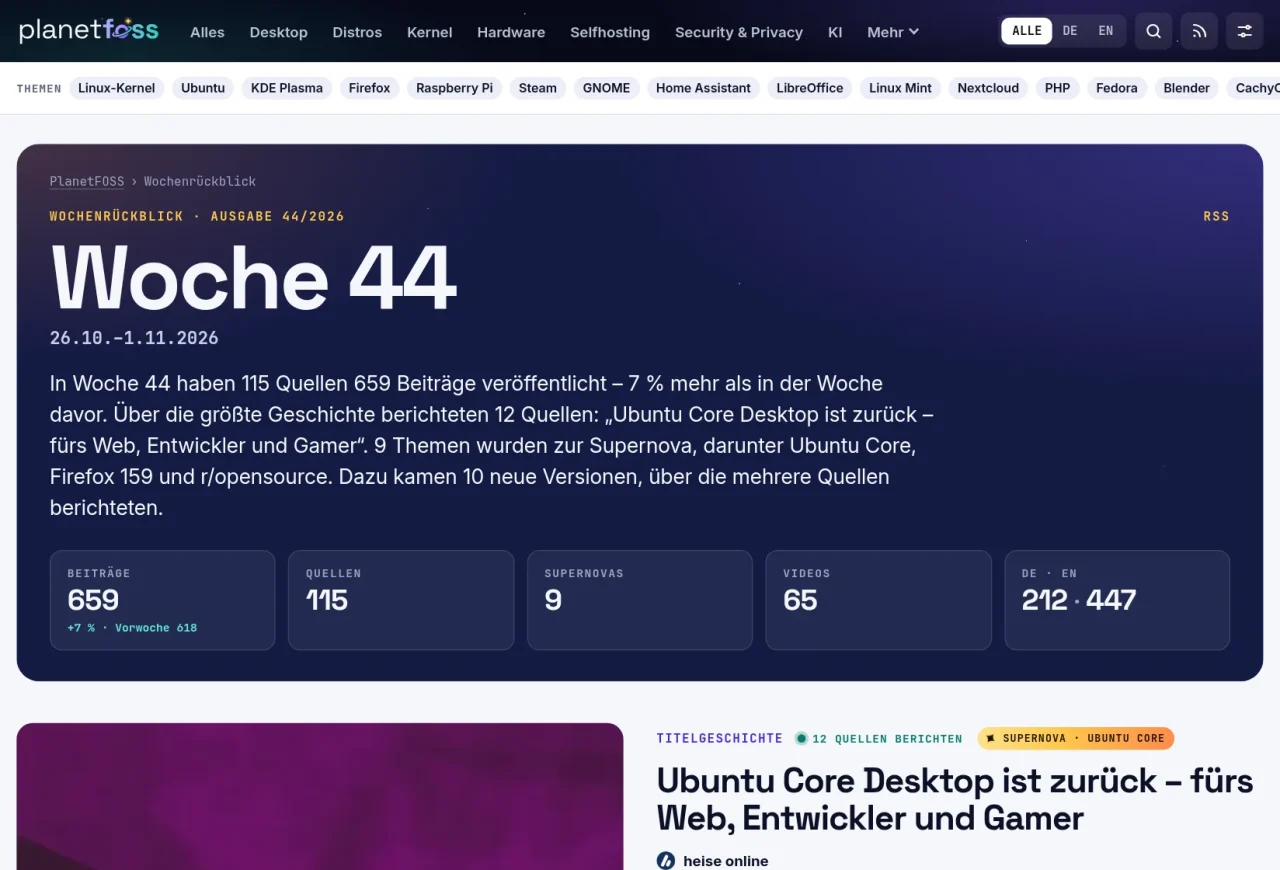
Next comes the cover story, the news that most sources covered. In week 44, that was the return of Ubuntu Core Desktop, which twelve sources wrote about. Next to it, you see the headlines of the other reports, for example from It’s FOSS, GamingOnLinux or Linux-Magazin. After that come the supernovas of the week with an image and a quote, among them Ghostty 1.4 and KDE Plasma 6.8.
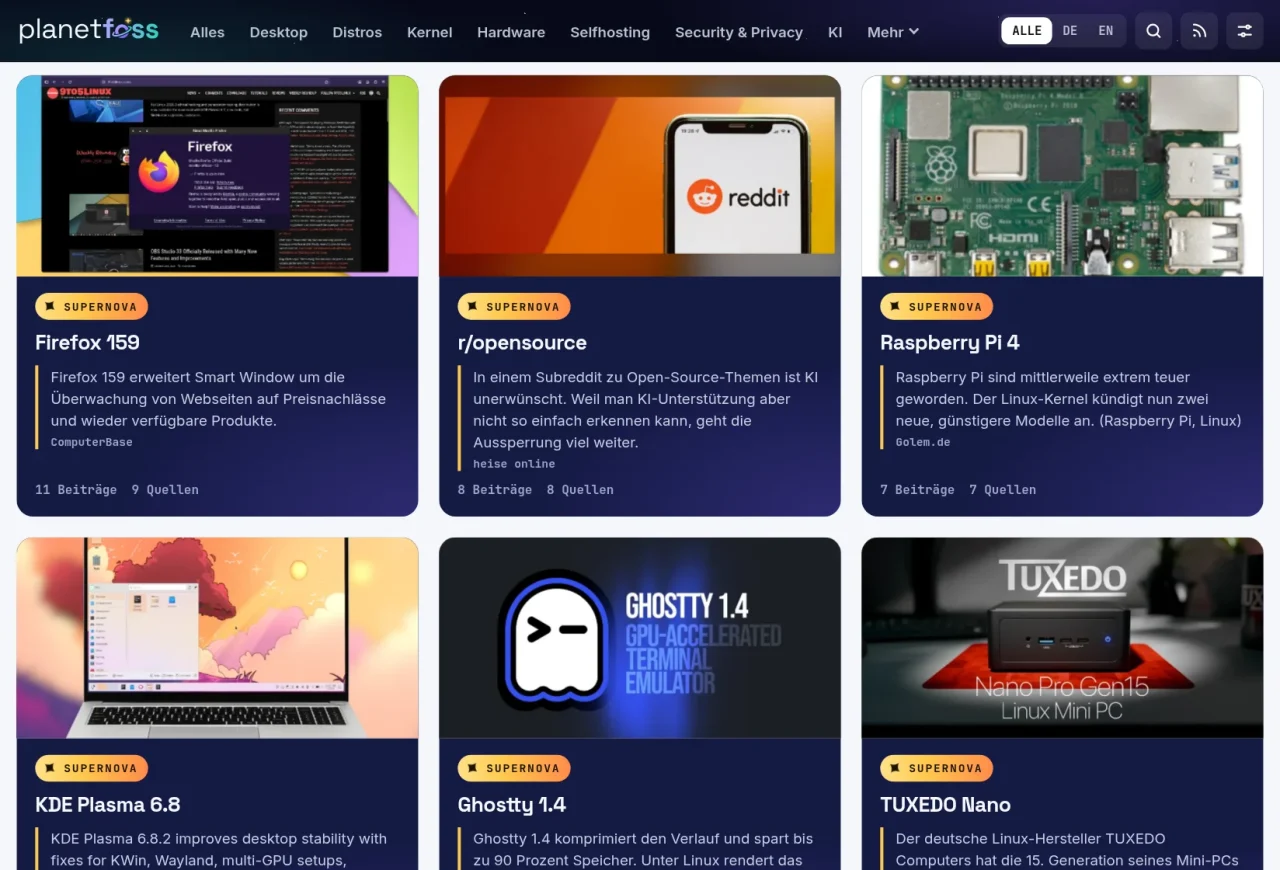
Further down, the review lists the other big stories, new releases that several sources wrote about, and the most noticed post in each section. In “The week in numbers”, you see which day was busiest and which sources were the most prolific; Phoronix, for example, came to 75 posts. On top of that, there are the videos of the week, the posts you starred, and an archive.
You’ll find the review at planetfoss.net/en/weekly/, and from Monday to Wednesday a banner on the front page points to it as well. If you’d rather use a feed reader, subscribe to the review’s own RSS feed. And if you follow PlanetFOSS on Mastodon or Bluesky, the review lands in your timeline as a post on Monday mornings anyway. Its link takes you straight to the matching issue.
PlanetFOSS is now on Bluesky too
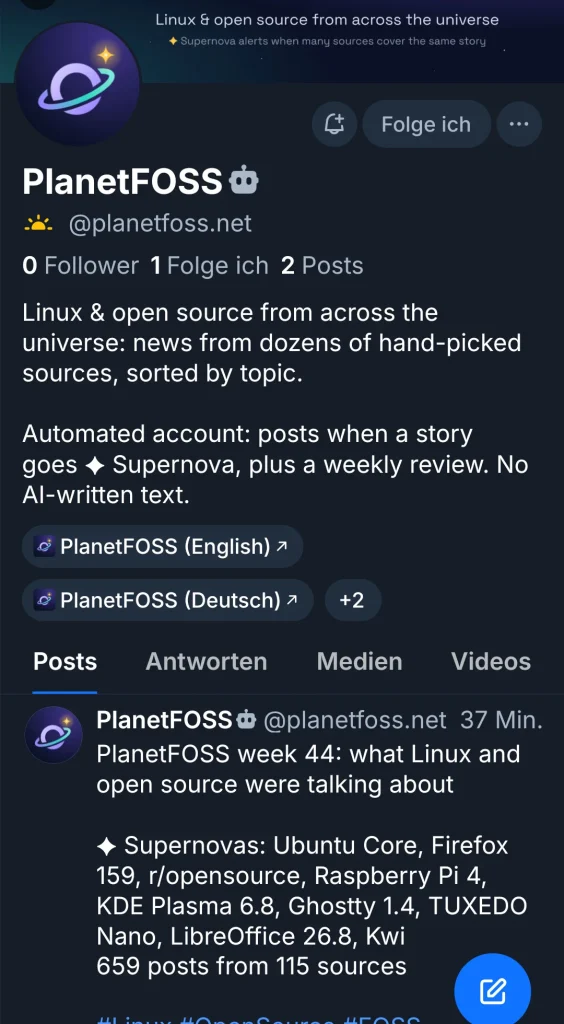
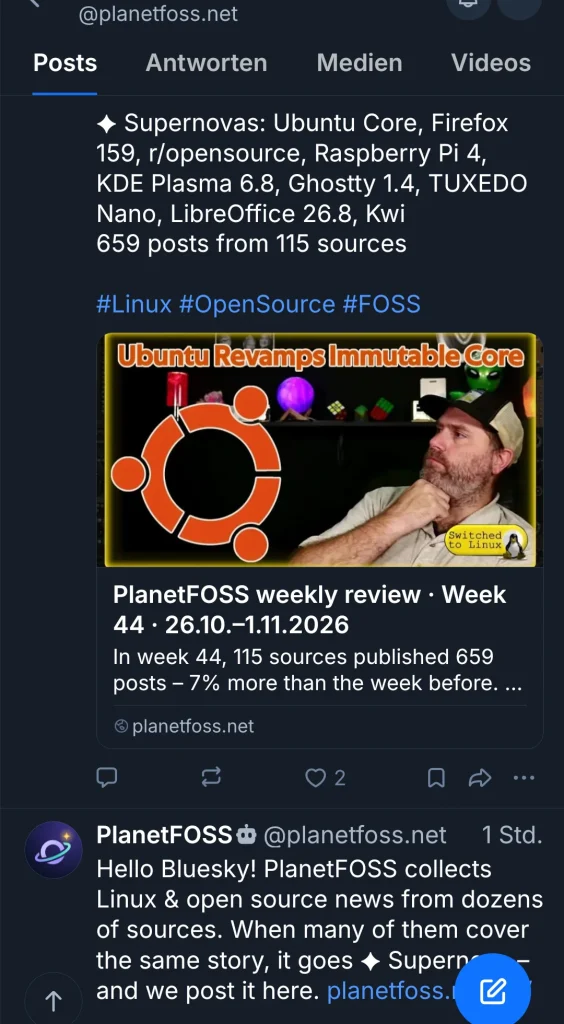
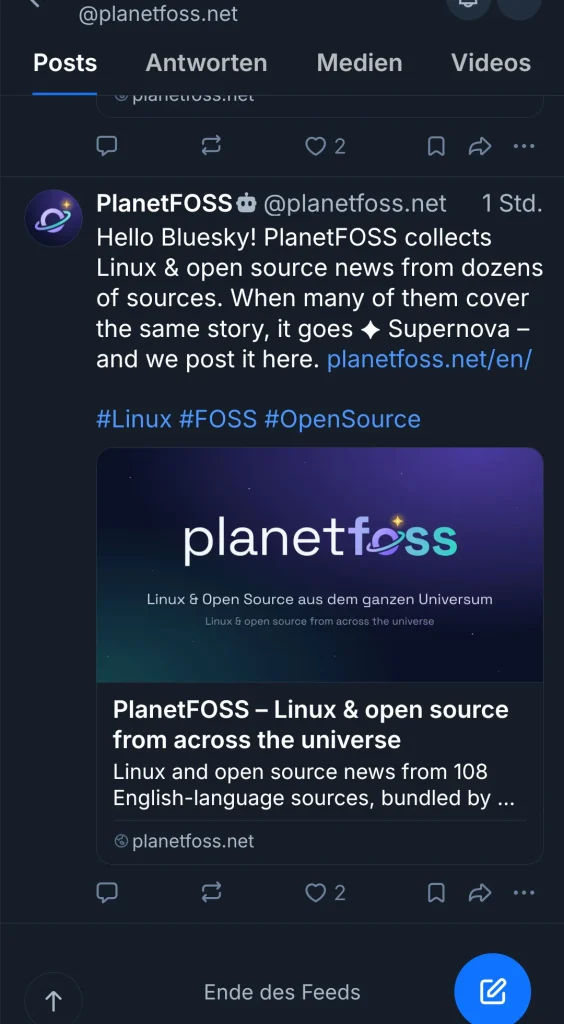
Until now, PlanetFOSS was only on Mastodon when it came to social networks. Now the site also posts on Bluesky, under the handle @planetfoss.net. The account sends out every supernova about half an hour after it ignites, meaning as soon as many sources cover the same topic at once, and the weekly review on Mondays. As on Mastodon, the posts are in English and come with a link card and an image.
So your timeline doesn’t overflow, there’s a brake: at most two posts in six hours, and the same topic comes back no sooner than a week later. Bluesky marks the account as automated, and here too the texts come from fixed templates. Mastodon, Bluesky and all RSS feeds now sit together in the PlanetFOSS header under the new Follow PlanetFOSS menu.
Search with filters
Until now, the search was rather crude: it showed at most 60 results, with no way to page through them. Now you can narrow the results down to the last 7 days, the last 30 days or the last year and limit them to one section. You can sort them by best match or newest first. PlanetFOSS spreads up to 150 results across pages of 30 posts each.
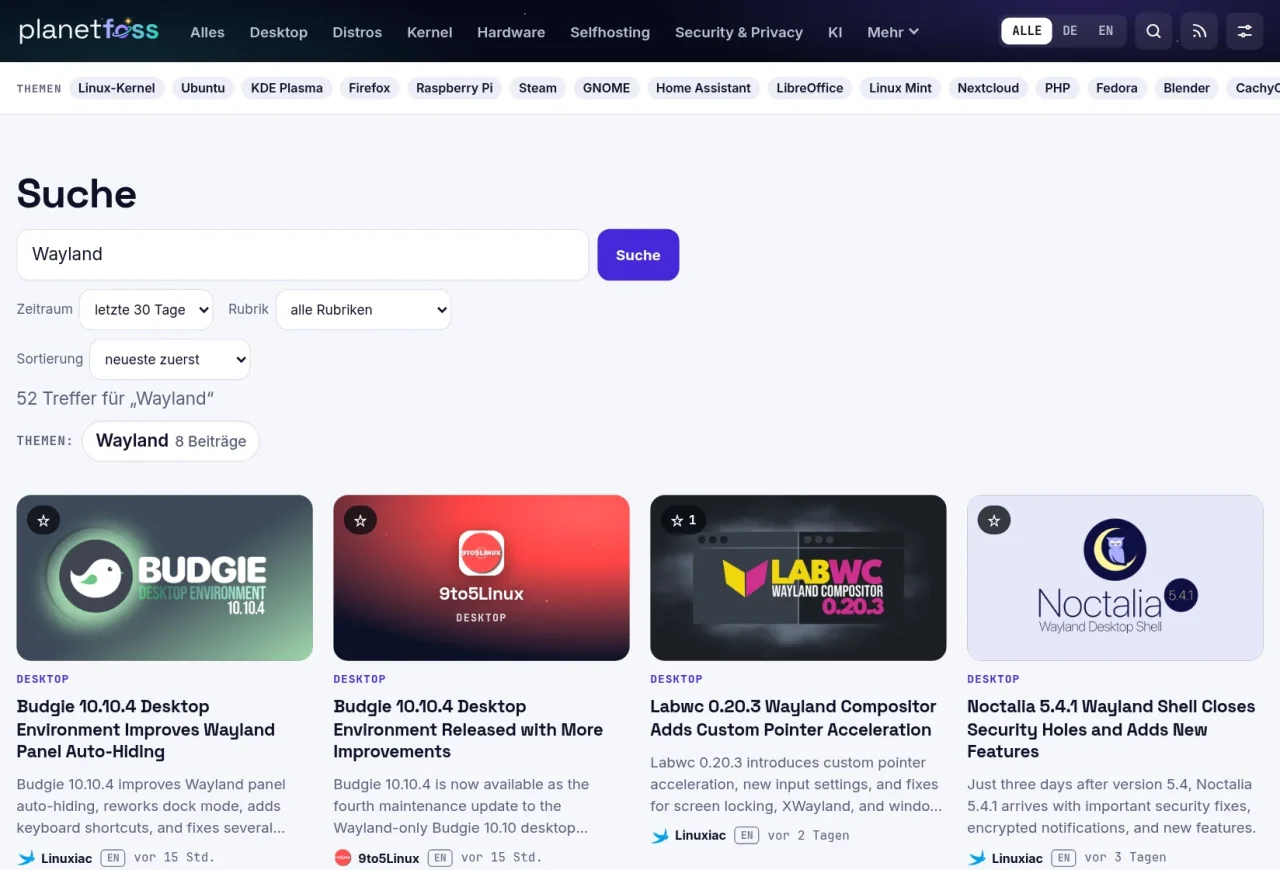
This comes in handy when you only want to know what has happened lately with a topic, without digging through old news. A Wayland search over the last 30 days, for example, returns 39 results in the English view, with the newest at the top. With a section as a filter, you can also narrow things down to, say, only desktop or self-hosting news.
Hiding sources and sections
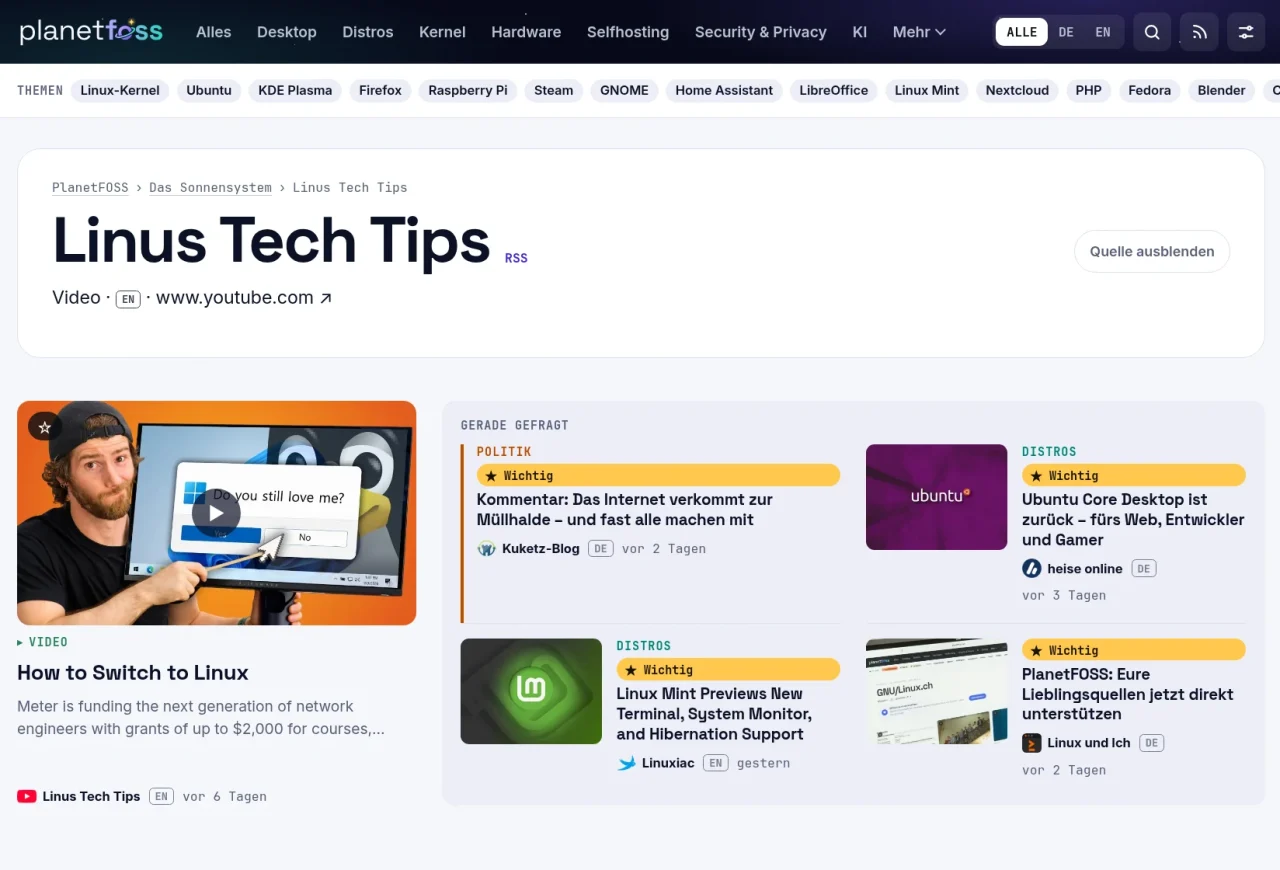
Not every source interests everyone, and if you don’t care about games, you may not want to see Steam news at all. That’s why every source and section page now has a Hide source or Hide section button, and the same switch is in the Display menu at the top right. The posts then disappear from the front page and all lists, and a short note at the top tells you how many there were.
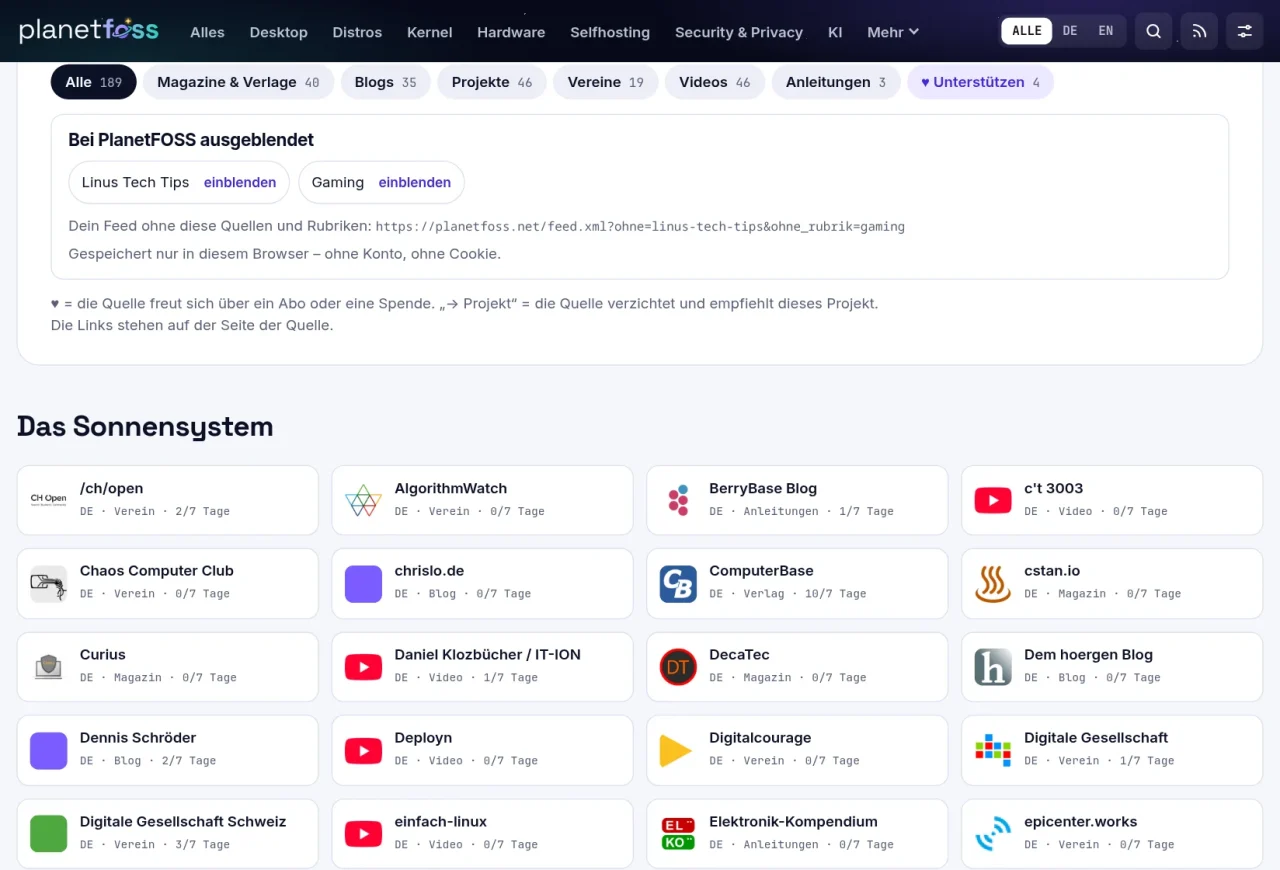
You don’t need an account for this. PlanetFOSS only remembers your choice in your browser, without any cookie, so you’ll have to make it again on your phone. Everything you’ve hidden is listed in the solar system, where a click on show brings it back. There you’ll also find the address of a personal RSS feed that leaves out the same sources and sections.
All of this is available on planetfoss.net right now, and from now on the weekly review comes out every Monday. With hiding in particular, I’m curious what you’d like to get rid of, because your choice stays in your browser and never reaches me. What else are you missing on PlanetFOSS? Let me know in the comments or by email at info@planetfoss.net.
Leave a Reply