
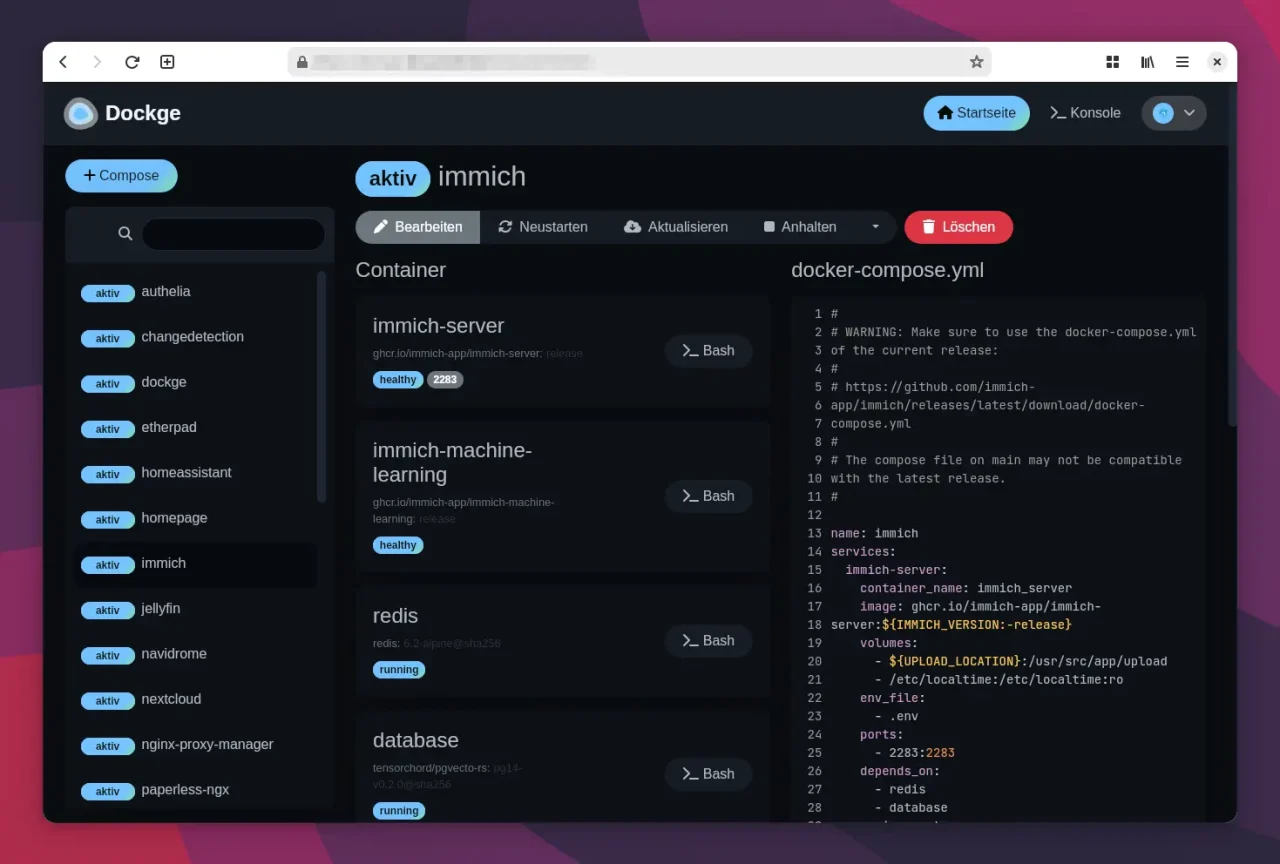
If you run containers with Docker, you regularly have to update images and clean up old, unused versions. Many people use tools with a web interface for this, such as Portainer or Dockge. I find the helper script Dockcheck more practical, though: it runs in the terminal, updates containers automatically, and cleans up in one go, without me having to click through menus.
Table of Contents
Installing dockcheck
Dockcheck only needs a working Docker installation including Docker Compose (as a plugin or standalone) and a few minor dependencies such as jq and regclient/regctl. If packages are missing, the script installs them itself when needed or prints hints about them.
The installation is as simple as it gets:
<strong>curl -L https://raw.githubusercontent.com/mag37/dockcheck/main/dockcheck.sh -o ~/.local/bin/dockcheck.sh</strong>
<strong>chmod +x ~/.local/bin/dockcheck.sh</strong>
After that, you can call the script directly:
<strong>dockcheck.sh -h</strong>Info: For this to work, the folder ~/.local/bin of course has to be part of your $PATH variable. If necessary, add the path to your ~/.bashrc or another suitable configuration file.
Using dockcheck
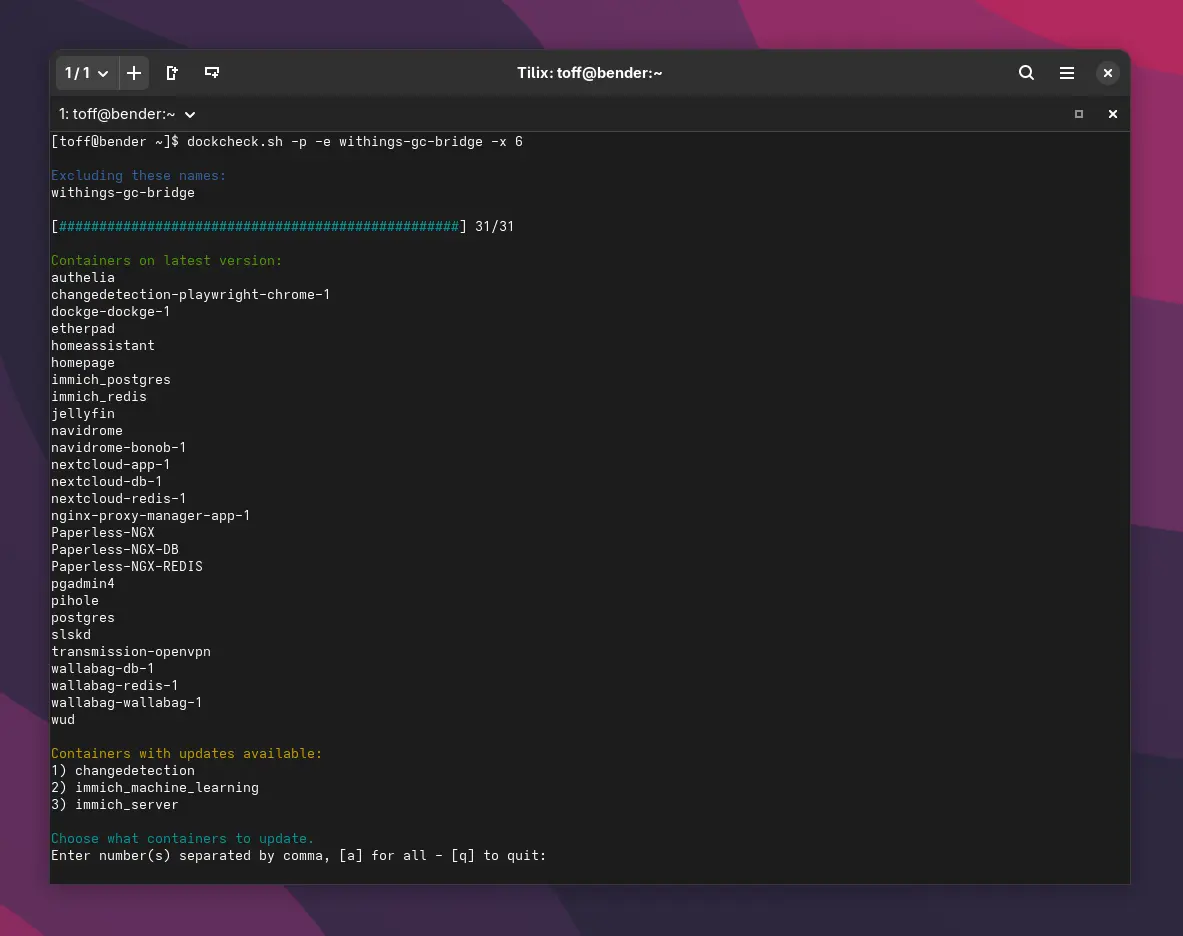
Dockcheck checks the installed container images and updates them if needed. With the -x option, Dockcheck uses multiple processes, which speeds things up considerably. A simple update of all containers looks like this:
Mit Informationen und Nachfragen:
<strong>dockcheck.sh -x 5</strong>

Alle Container automatisiert aktualisieren:
<strong>dockcheck.sh -y -p -x 5</strong>
The parameters do the following:
-y: Automatic updates without asking for confirmation.-p: Removes old, no longer used images after the update.-x N: Parallel update processes (default: 1, can be increased for faster updates).
If you want to exclude certain containers, you can use the -e option. That comes in handy when a major update is pending for an important project, or when a container should simply never be updated.
<strong>dockcheck.sh -x 5 -e nextcloud,withings-gc-bridge</strong>
Excluding these names:
nextcloud
withings-gc-bridge
[##################################################] 31/31
Containers on latest version:
authelia
changedetection-playwright-chrome-1
...
wallabag-wallabag-1
Containers with updates available:
1) changedetection
2) immich_server
Choose what containers to update.
Enter number(s) separated by comma, [a] for all - [q] to quit:Other useful options are:
-d N: Only update images that are at least N days old.-s: Also check stopped containers.
Keeping an eye on updates
Dockcheck makes updating Docker containers very easy, maybe almost too easy. The script installs new container images without any further checks. If an update causes problems or requires manual changes, you won’t notice right away. So it’s a good idea to keep an eye on news sources like This Week in Self-Hosted to stay informed about changes, and not to just blindly run Dockcheck every single day.
Leave a Reply