
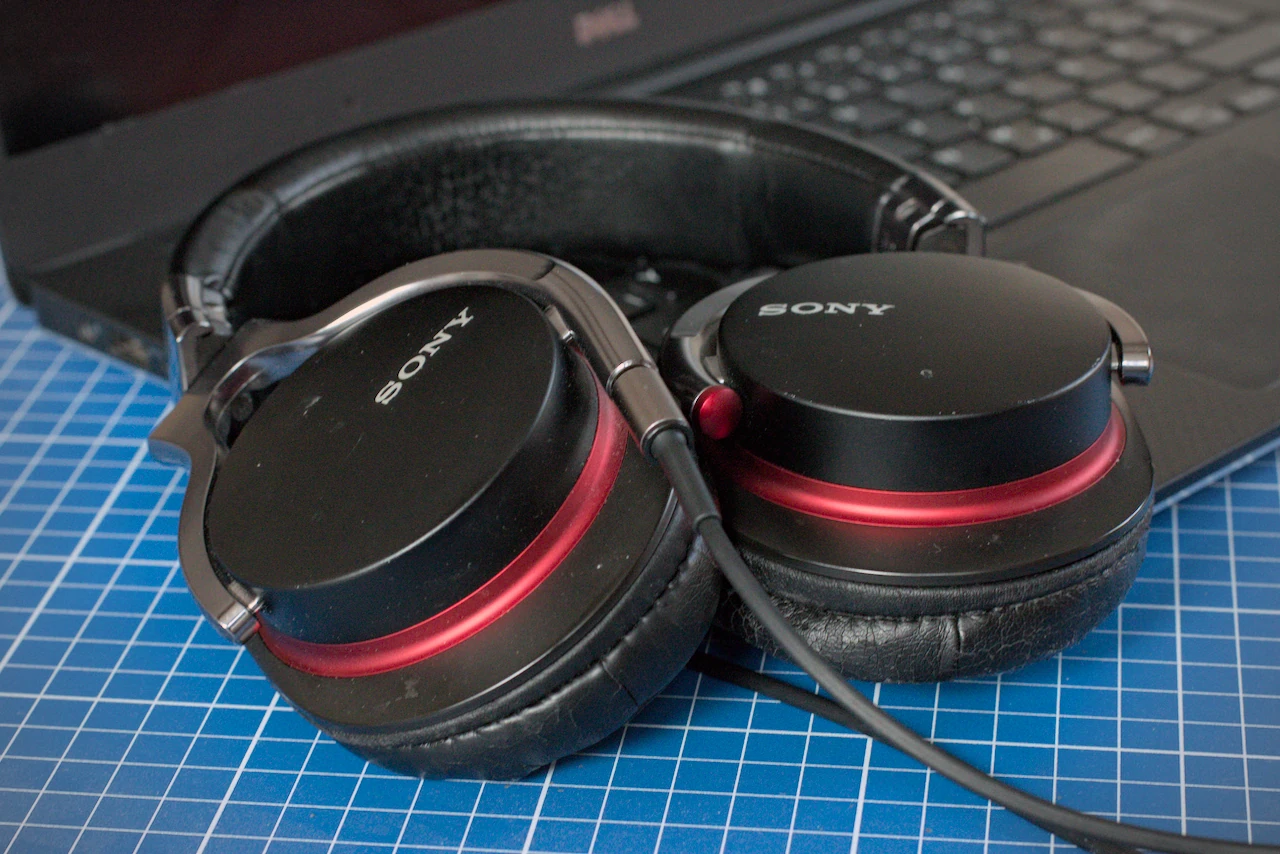
Many users know the problem: you plug in a pair of headphones, and instead of the sound you expect, the “Select Audio Device” dialog pops up first. This happens regularly on machines with a combined audio jack for headphones and microphone.
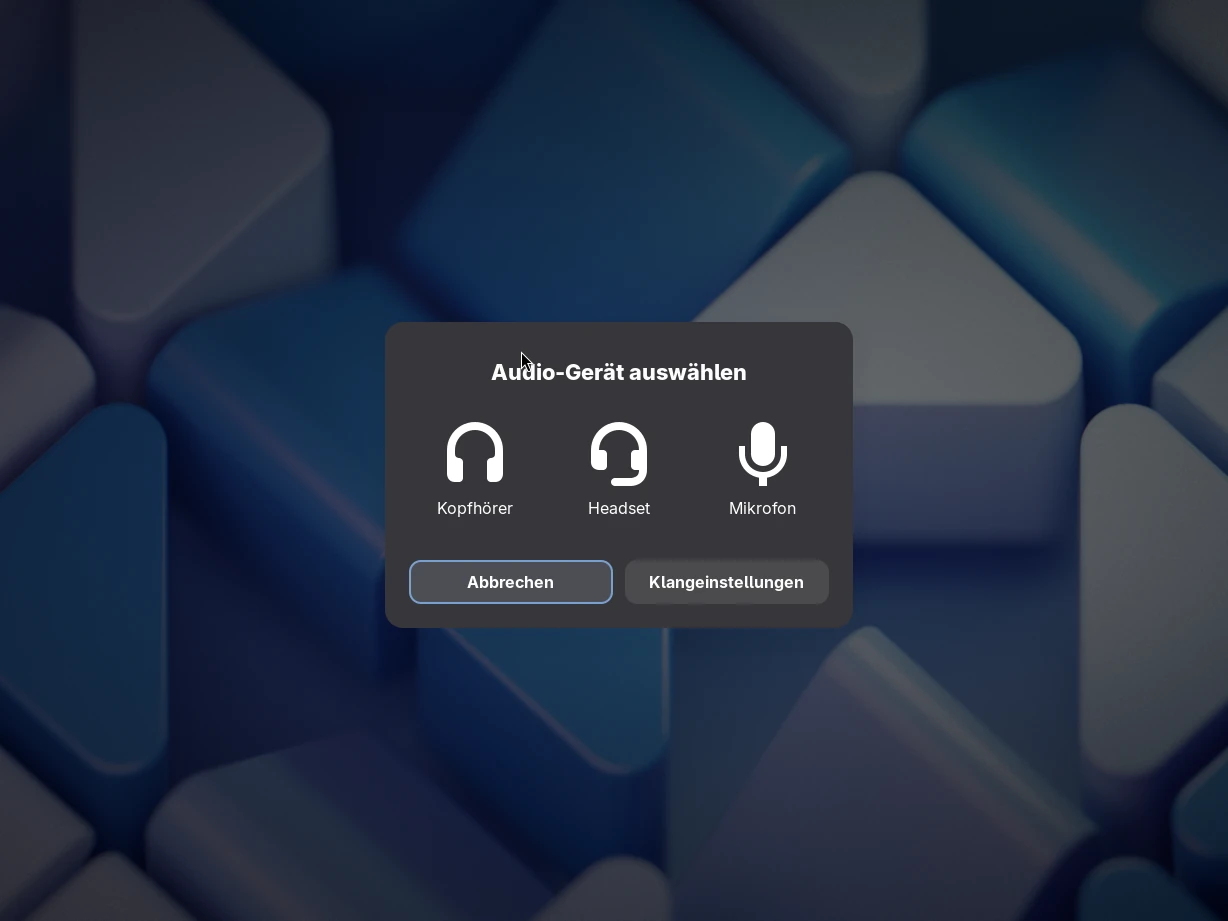
The cause is the audio detection of the GNOME Settings Daemon, which in some cases can’t automatically tell a headset from simple headphones. So far, there is no built-in option to turn the dialog off for good. An extension fixes that.
A simple fix: Auto Select Headset
The GNOME Shell extension Auto Select Headset suppresses the “Select Audio Device” dialog on systems without automatic jack detection. Instead, it tells the system right away that a headset has been plugged in. The extension is for anyone who prefers the audio device to be picked automatically and doesn’t want to be asked every time. The source code is available on GitHub.


Leave a Reply