
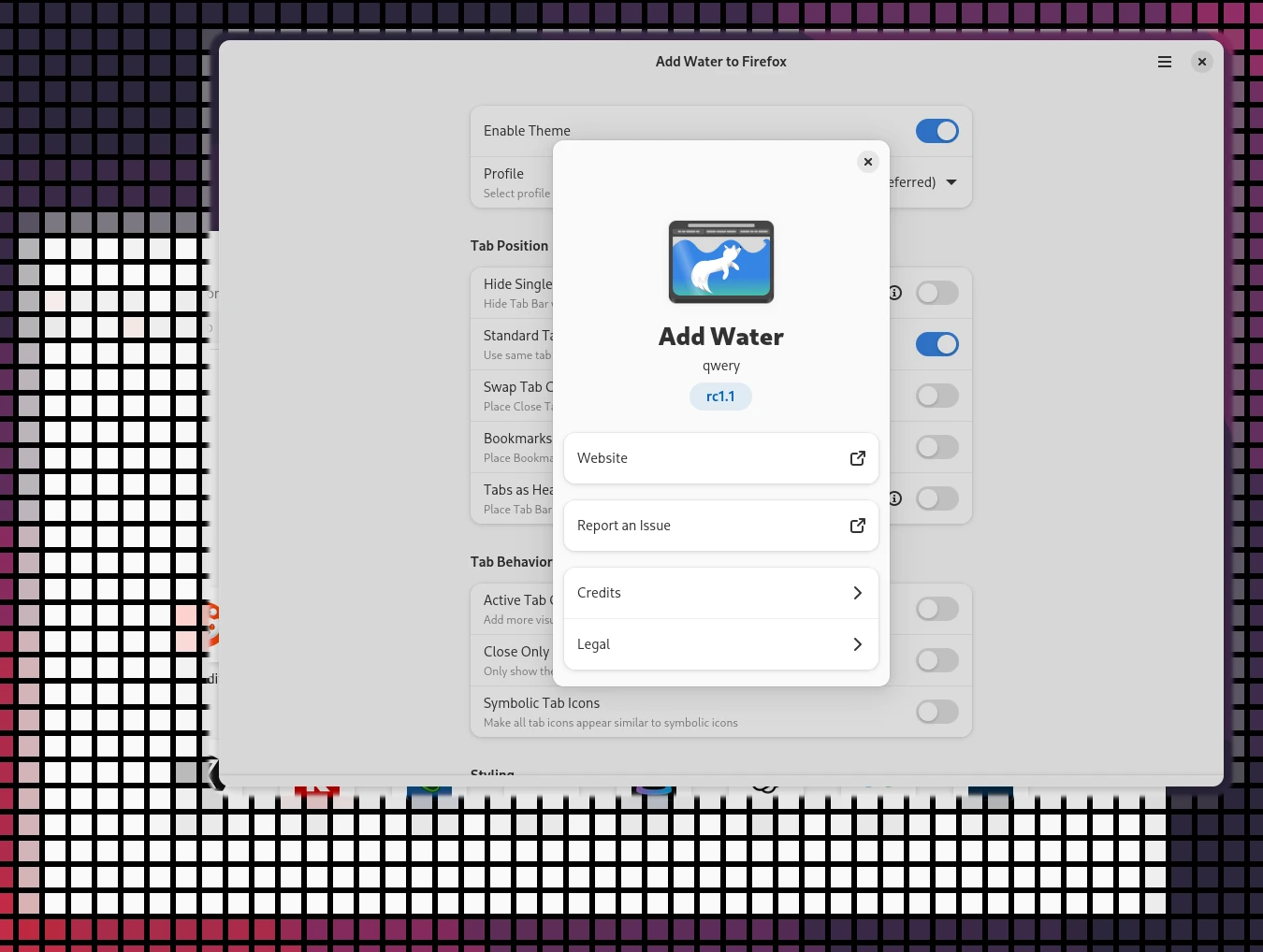
Firefox, as you probably know, doesn’t use the usual Linux toolkits like GTK or Qt. It cooks its own soup instead (it used to be XUL, today it’s Web Components, so HTML, CSS, and JavaScript). The result is that the browser integrates decently into Linux desktops, but not completely seamlessly. For quite some time now, though, you can change the look of Firefox with themes. For GNOME users there’s a matching Firefox theme. I’ve tried it every now and then over the years, but I was never quite happy with it, so I stuck with the default theme.
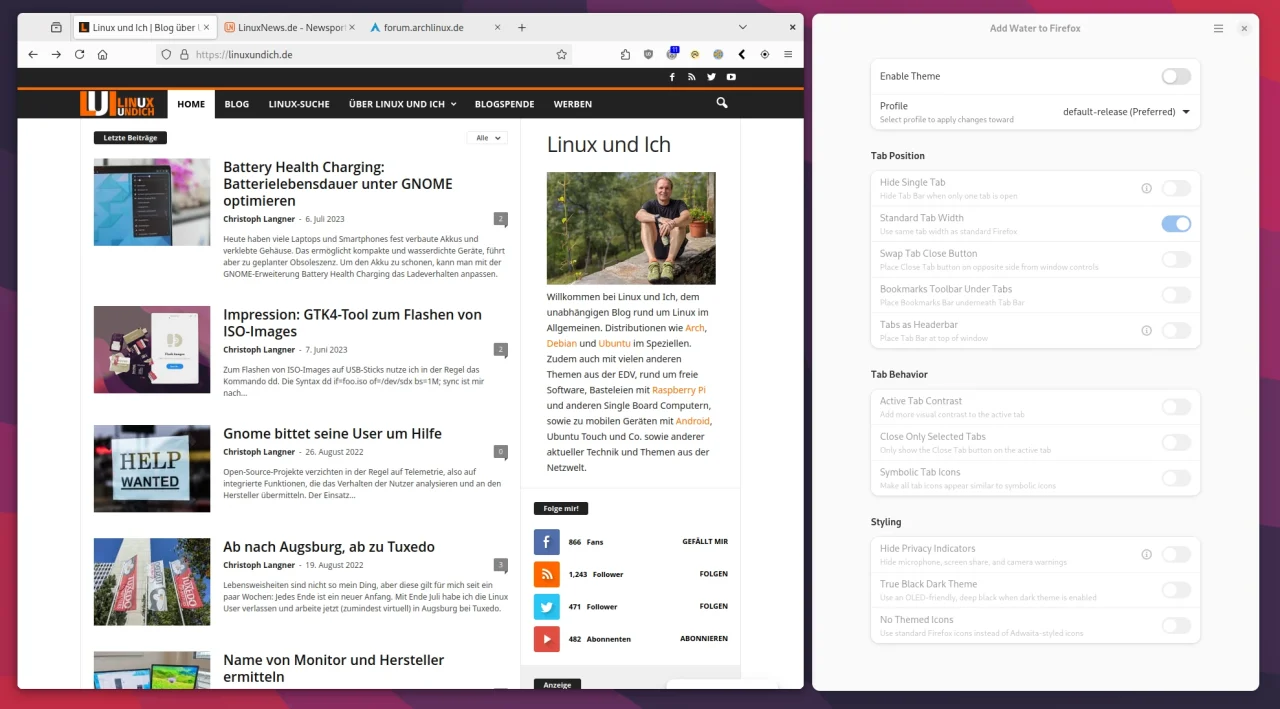
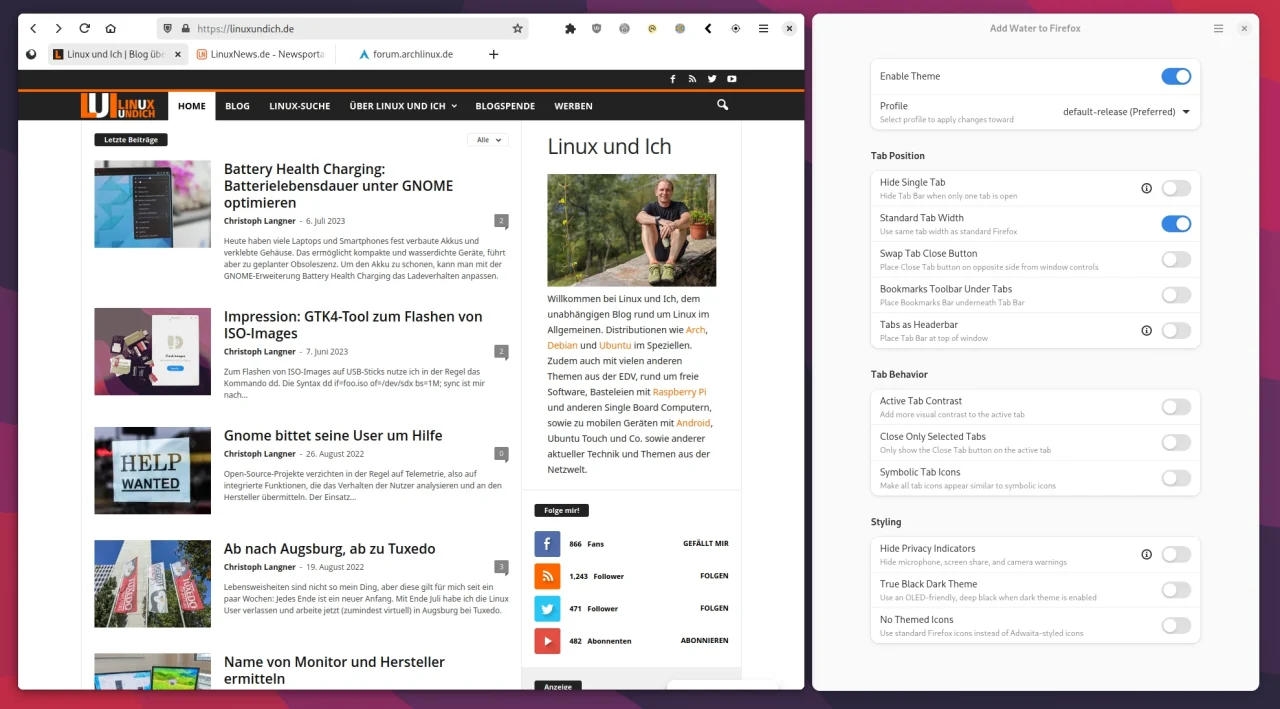
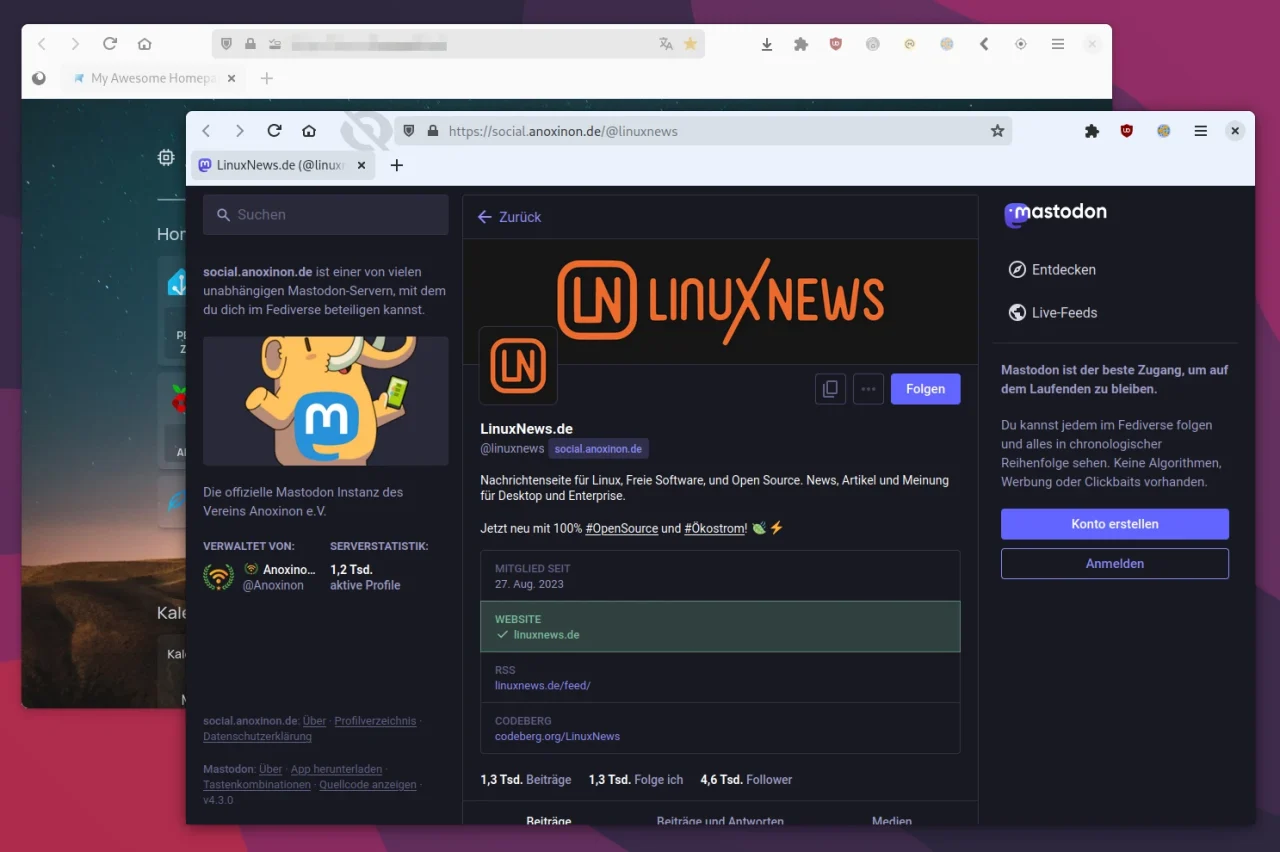
Now the new utility app Add Water makes installing and automatically updating the GNOME theme for Firefox much easier. If you want, you can even switch the theme off again with a single click. If you want Firefox to fit visually into the GNOME design ecosystem, this is a practical solution. The theme doesn’t just give Firefox a modern look, it also brings a few useful options to improve your browsing experience:
- Compatibility with the Flatpak, Snap, Librewolf, and Floorp variants of Firefox (Flatpak still seems to be a bit buggy at the moment, though)
- Support for light and dark mode
- Automatically hiding the tab bar when only one tab is open
- OLED-friendly deep black instead of gray
- Adjusting the position of the tab bar as well as the window controls and their alignment
- Hiding unnecessary indicators for microphone, webcam, and screen sharing
What I find especially handy about Add Water is that the options you’d otherwise have to configure by hand can simply be changed with a mouse click. The changes only take effect after you restart Firefox, but at least you no longer have to wrestle with editing configuration files.


Leave a Reply