
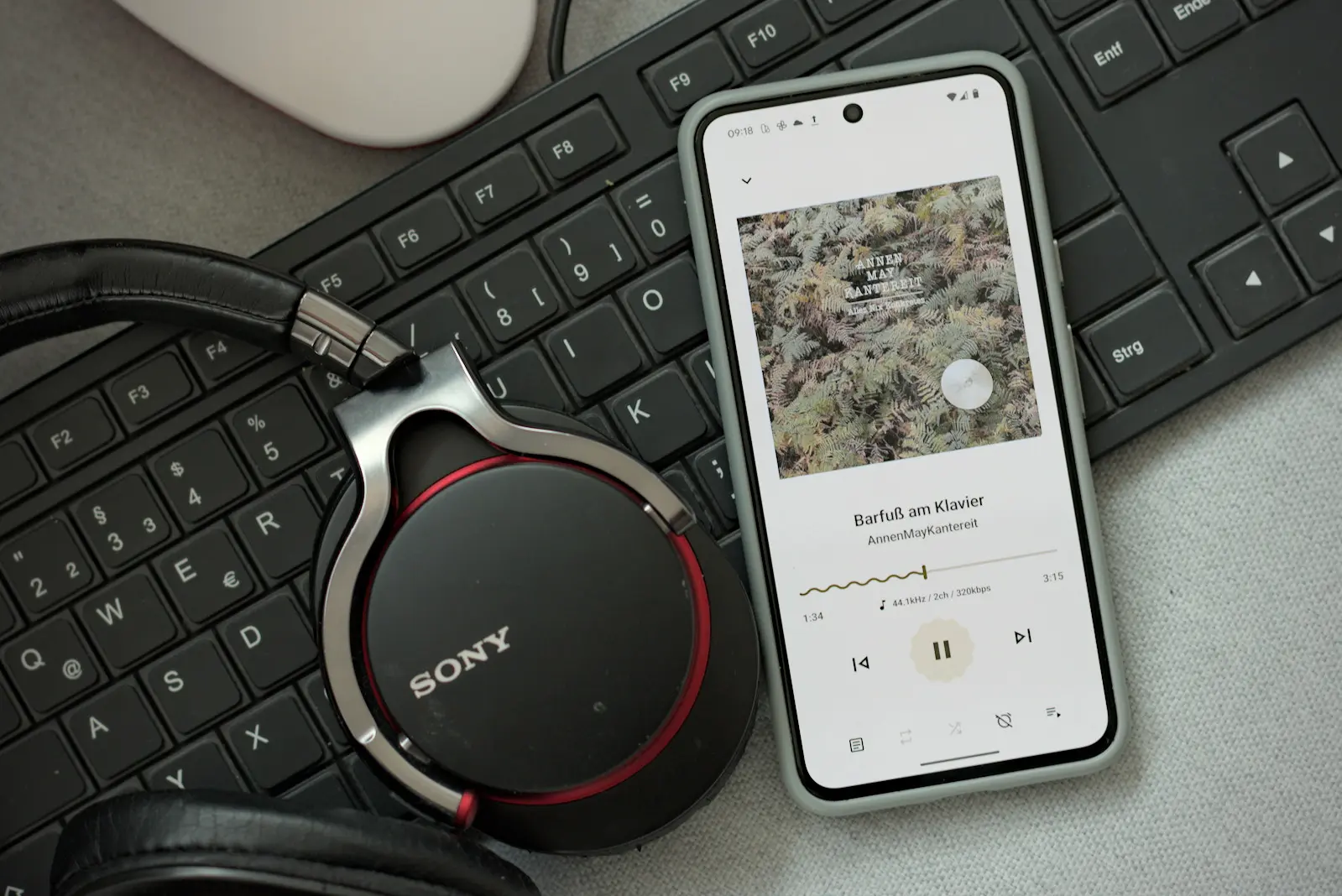
Everyone has a Spotify account these days, right? For many people, music streaming has become a given. But there are still a few holdouts who won’t be lured into the cloud. People who would rather keep their music locally on their computer or smartphone, stay in control of their files, and have no interest in ads, tracking, or subscriptions. I’m one of them.
Over the years, I’ve tried a lot of open-source music players on my Android smartphone, with varying degrees of success. With Gramophone, I’ve landed once again on an app that not only looks up to date, but also manages large music collections quickly and reliably. And it does so without any frills, trackers, or in-app purchases.
Modern Design with Material You
The first thing you notice about Gramophone is the elegant design. The app follows Google’s current Material 3 Design all the way, better known as “Material You”. If you run a recent Android 12 or newer, you get an interface with perfectly matched colors, including dynamic accent colors that adapt to your chosen wallpaper. That goes not only for the app itself, but also for the app icon, which blends into the system’s colors seamlessly.
Under the hood, Gramophone doesn’t rely on its own database. Instead, it uses Android’s MediaStore API to make your music library available in a flash. That saves resources and also keeps access smooth, even with large collections. What I like less is the filtering by artist. Gramophone uses the ID3 tag “Artist” instead of “Album Artist”. The result: if your collection is cleanly tagged, you will find many artists listed multiple times because of duets or collaborations, for example in the form “Artist1; Artist2; Artist3”.
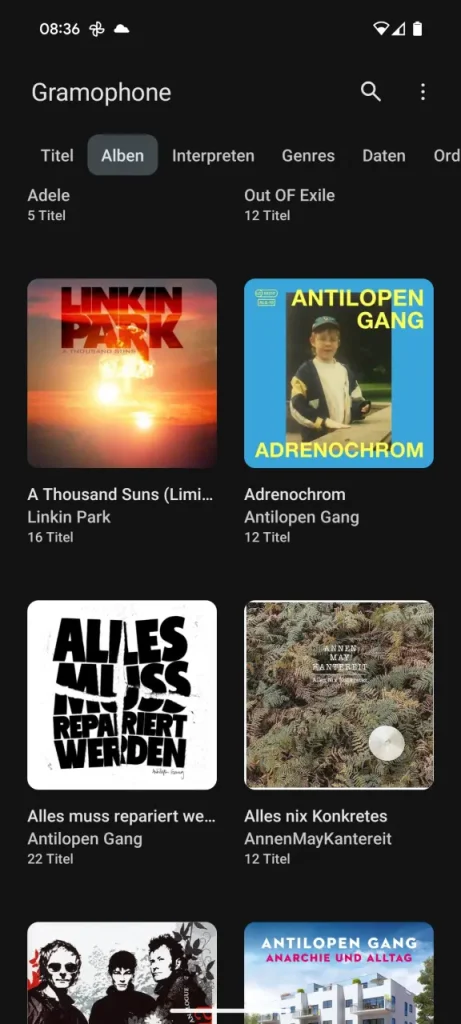
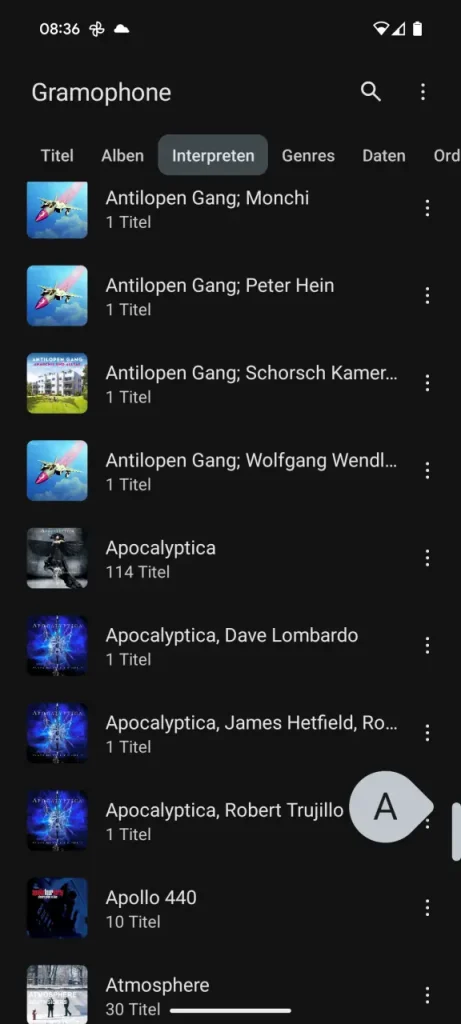
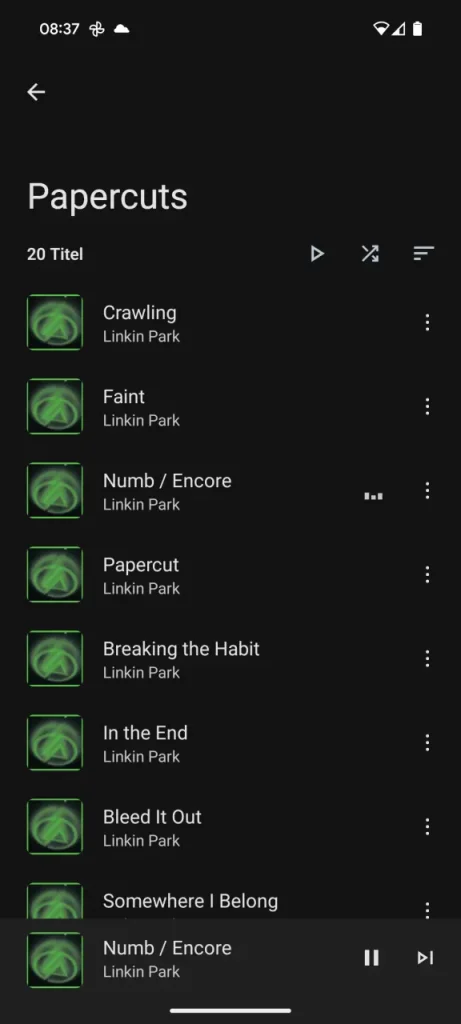
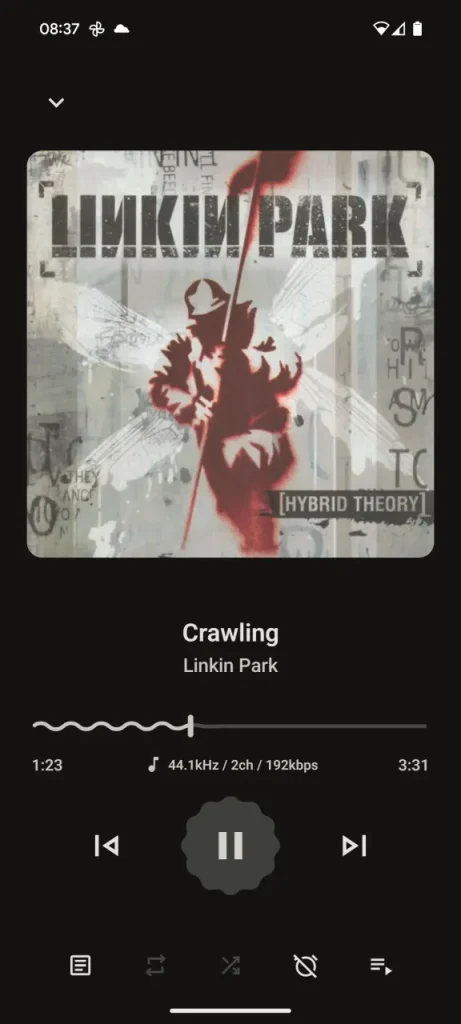
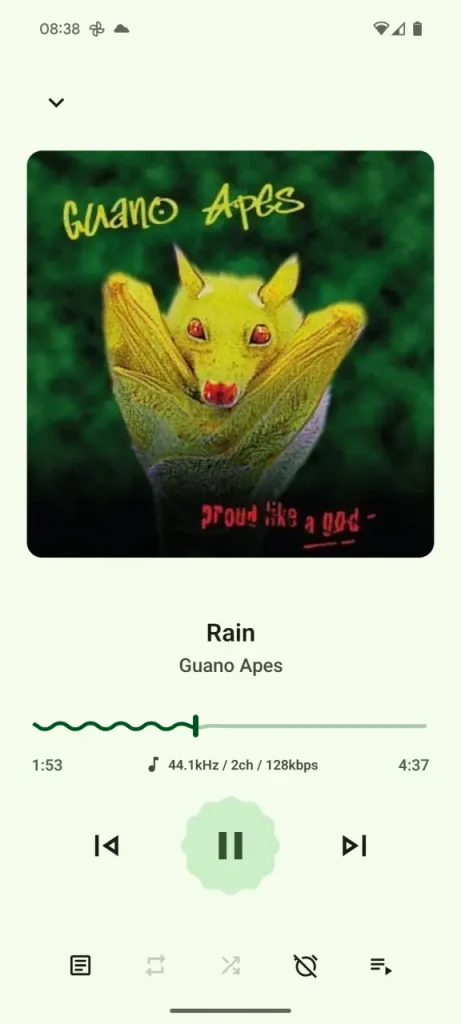
The full-text search lets you quickly filter for artists, albums, or individual songs. Especially handy: in the settings, you can define how Gramophone deals with very short audio files. By default, the app hides all files shorter than 60 seconds, such as ringtones or notification sounds, if anyone still uses those at all. You can set this filter to 0 under Three-dot menu » Settings » Behavior [CHECK: UI labels] to show all files.
If songs are still missing, take a look at Folder blacklist [CHECK: UI label] as well. You may have excluded certain directories from the search. Sometimes a simple reboot of your phone helps, too, so that Android’s media scan picks up new files. For me, though, Gramophone has always added new songs to the collection automatically.
Lyrics support and playlist feature
Besides its simple controls, Gramophone also supports lyrics, as long as your music is tagged with synchronized lyrics. They show up right in the player, provided the metadata is there.
Question: I haven’t been that diligent in this area so far. Does anyone know a tool that could automatically add lyrics like this to a larger collection of MP3s? I doubt it’s that easy, since copyright surely plays a role here.
Playing existing playlists works too, but only in read-only mode for now. You can’t create your own playlists directly in the app yet. According to the developers, that might change in the future. For me it’s not much of a roadblock, though, because I see apps like Gramophone purely as players and don’t want to fiddle around with playlists.
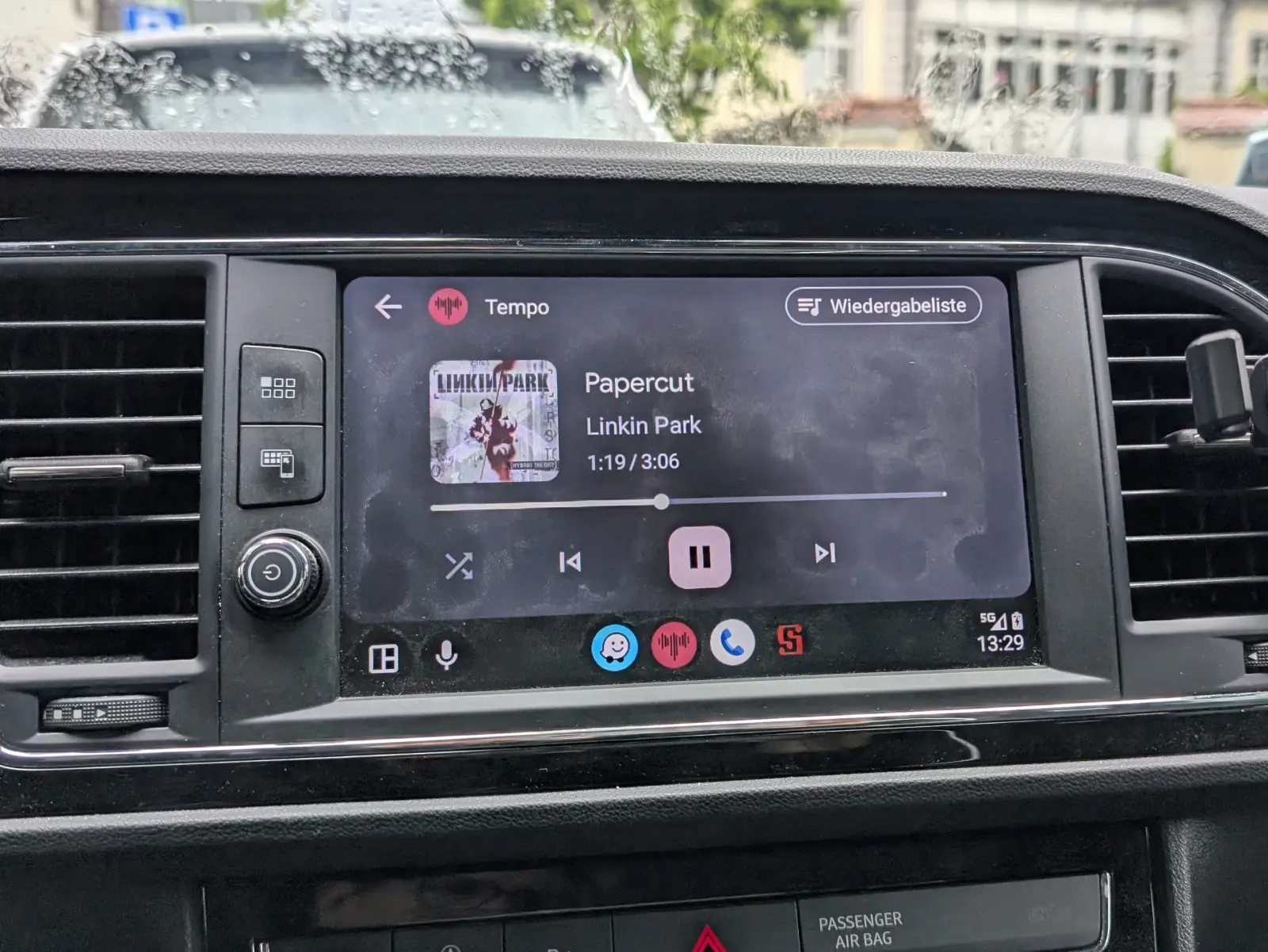
What is still urgently missing, in my opinion, is support for Android Auto. There is already a bug report for it, but the developer currently doesn’t have the time to tackle this feature. With Android Auto, I think the most important requirements for a modern music player on Android would be covered.
Formats: What works and what doesn’t?
Since Gramophone is kept as lean as possible, the app relies on the codecs built into Android. That means support for more exotic formats depends heavily on the Android system and on the device itself. Here are a few rules of thumb:
- FLAC: Supported from Android 8 on. 32-bit FLAC files only work from Android 14 on.
- ALAC: Doesn’t work in most cases, because Android usually doesn’t support this codec.
- Dolby AC-3 / E-AC-3: Needs a device with the matching license. Many cheap devices don’t support these formats.
- Opus: Only detected in the MediaStore from Android 10 on, so it only shows up in the library from that version.
So if a song doesn’t play or stays completely silent even though the volume is fine, check the format.
A lean, good-looking music app
Gramophone is one of the few open-source music players that consistently follows Android’s current design guidelines. The project is actively maintained on GitHub. The latest release, Gramophone 1.0.16.1, came out in early March and shows that development keeps moving. You can also submit bugs and ideas via GitHub.
The app is licensed under the GPLv3 and is easy to install via F-Droid, as an APK file directly from GitHub or, if you prefer, through the Google Play Store. If you use an Android device, keep your music stored locally, and care about privacy, performance, and design, you should definitely give Gramophone a try.
Leave a Reply