November 2025 3 posts
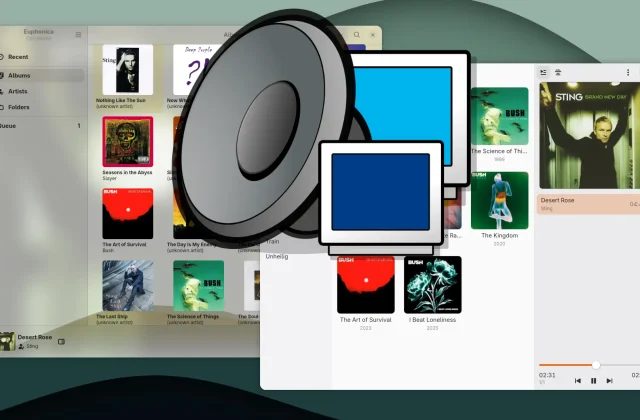
Plattenalbum and Euphonica: MPD clients for GNOME on Linux
Plattenalbum and Euphonica are two current GTK4 clients for MPD that show how music management and playback can work on the GNOME desktop. The focus is on layout, features, and …
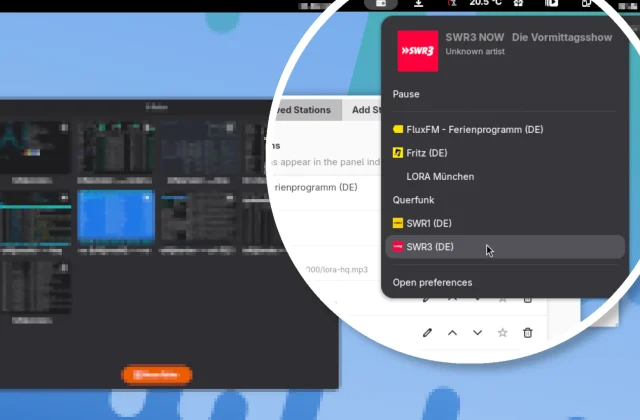
Yet Another Radio: Simple Internet Radio Right in the GNOME Shell
Easy radio listening in the GNOME Shell: Yet Another Radio lets you play your favorite stations without a separate app, with favorites, your own station list, and quick search via …
May 2025 3 posts
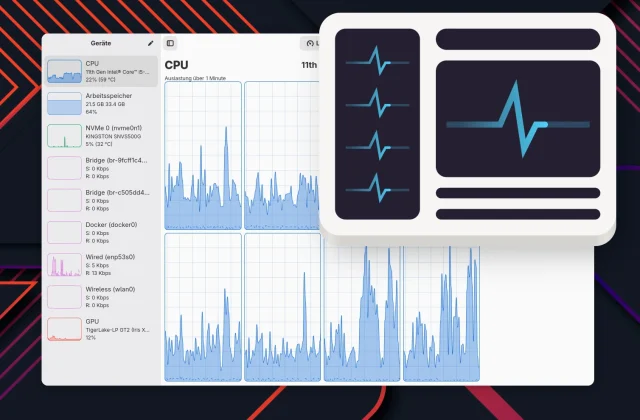
TopHat and Statistig: System Monitoring for the GNOME Panel
Two handy GNOME extensions for keeping an eye on your system: TopHat puts comprehensive info right in the panel, while Statistig stays minimalist. If you want more, grab Mission Center.
Mission Center 1.0: The GNOME System Monitor Pulls Out All the Stops
With version 1.0, Mission Center delivers a powerful and good-looking monitoring tool for GNOME. New on board: SMART analysis, GPU support for Raspberry Pi, a dark mode switch, and per-process …
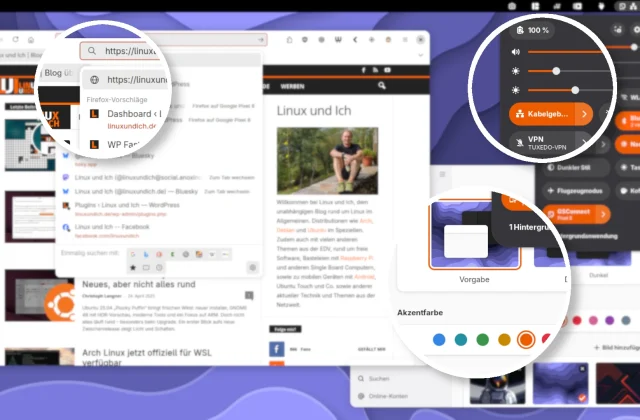
Libadwaita accent colors in GNOME 47+: a unified look for GTK apps like Firefox and GIMP
A consistent GTK look on GNOME 47: with the new adw-gtk3 Colorizer extension, older GTK3 apps like Firefox and GIMP now automatically follow the modern Libadwaita accent colors.
April 2025 3 posts
GDM login screen showing up on the wrong monitor?
If the GDM login screen shows up on the wrong monitor, copying the display settings from your GNOME session usually fixes it. You can do that by hand, automatically with …
How to turn off the “Select Audio Device” prompt in GNOME
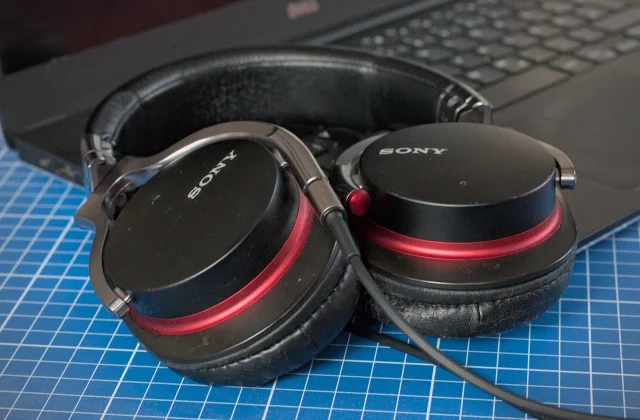
When you plug in a headset, GNOME first asks which audio device you just connected. A small extension turns this dialog off for good.
Current GNOME Text Editors Built on Libadwaita/GTK4
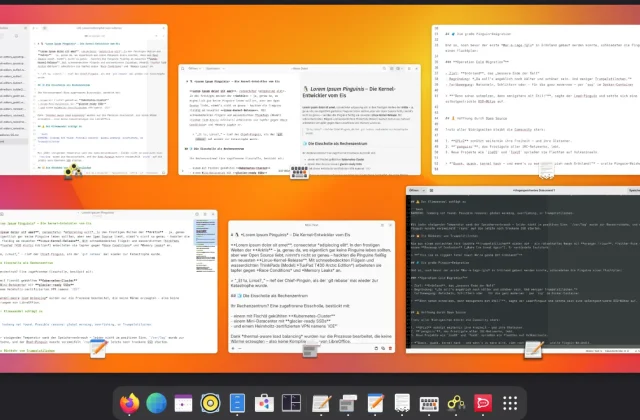
For some time now, GNOME has relied on GTK4 and Libadwaita, and many apps use these modern technologies. Time to take a look at some interesting programs, including text editors …
March 2025 3 posts
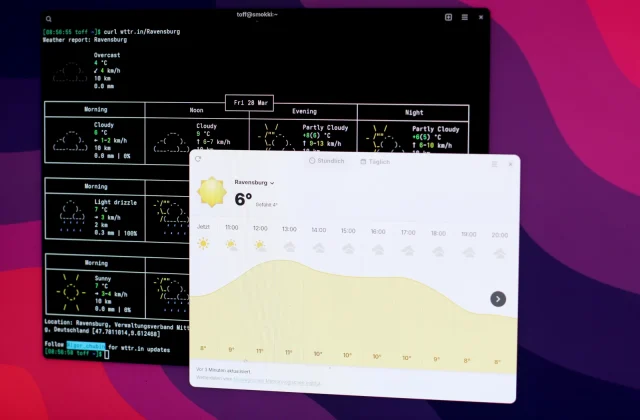
Adding Custom Locations to GNOME Weather
GNOME Weather doesn't list many smaller places. A script lets you add the missing towns and cities yourself, without waiting for an official update.
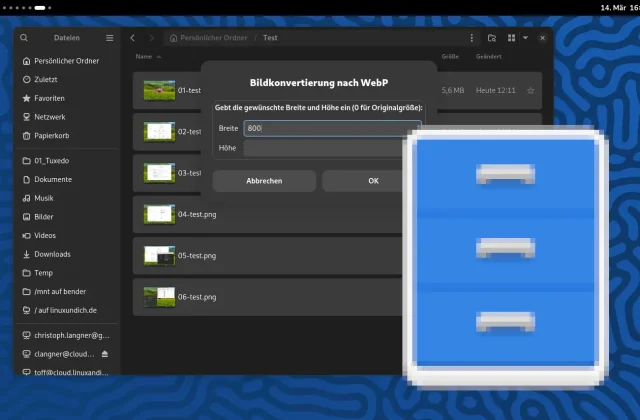
Custom Nautilus scripts: Convert images to WebP
Nautilus scripts can make your GNOME desktop a lot more efficient. This example lets you convert images to WebP right in the file manager, without opening a separate image editor.