April 2025 6 posts
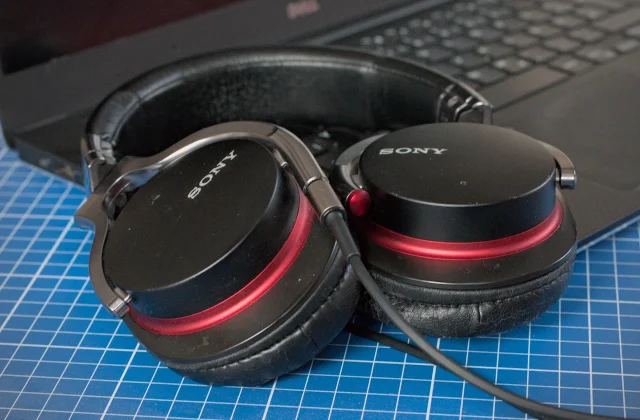
How to turn off the “Select Audio Device” prompt in GNOME
When you plug in a headset, GNOME first asks which audio device you just connected. A small extension turns this dialog off for good.
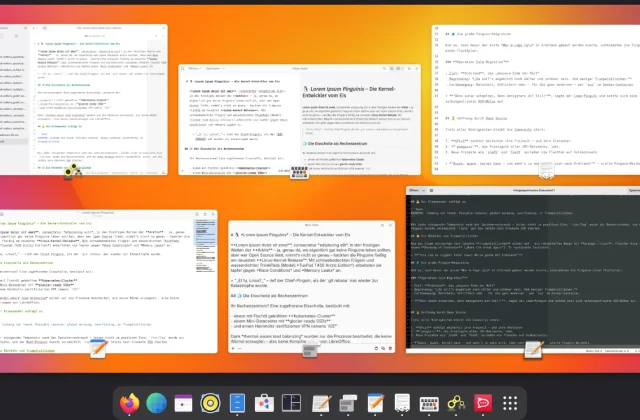
Current GNOME Text Editors Built on Libadwaita/GTK4
For some time now, GNOME has relied on GTK4 and Libadwaita, and many apps use these modern technologies. Time to take a look at some interesting programs, including text editors …
March 2025 6 posts
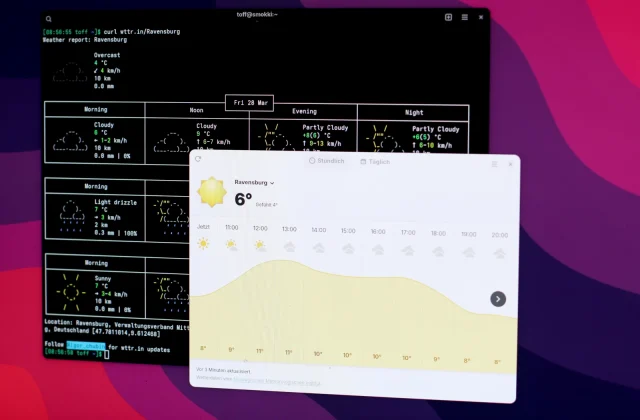
Adding Custom Locations to GNOME Weather
GNOME Weather doesn't list many smaller places. A script lets you add the missing towns and cities yourself, without waiting for an official update.
Keeping Docker containers up to date with Dockcheck
Keep your Docker containers up to date without a web GUI? Dockcheck handles updates and cleanup right in the terminal!
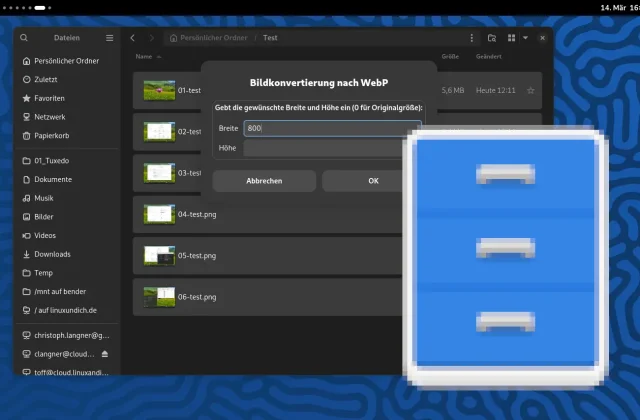
Custom Nautilus scripts: Convert images to WebP
Nautilus scripts can make your GNOME desktop a lot more efficient. This example lets you convert images to WebP right in the file manager, without opening a separate image editor.
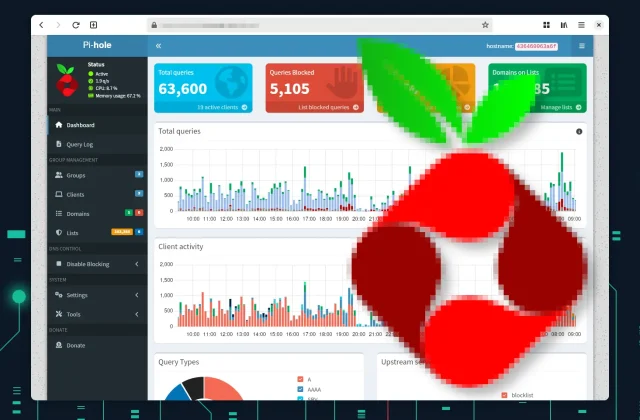
Ad Blocking by Group with Pi-hole
With groups in Pi-hole, you can exempt devices from ad blocking and tailor the ad filter to each one individually.
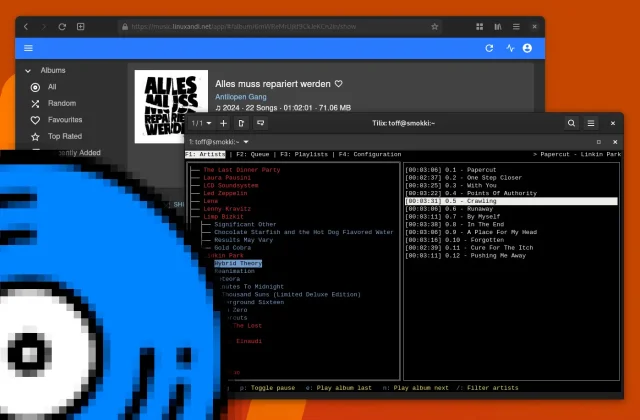
Termsonic: A Subsonic Client for the Terminal
Termsonic is a lean Subsonic client for the terminal. It lets you play and manage your music straight from the command line, which makes it a good fit for minimalists …
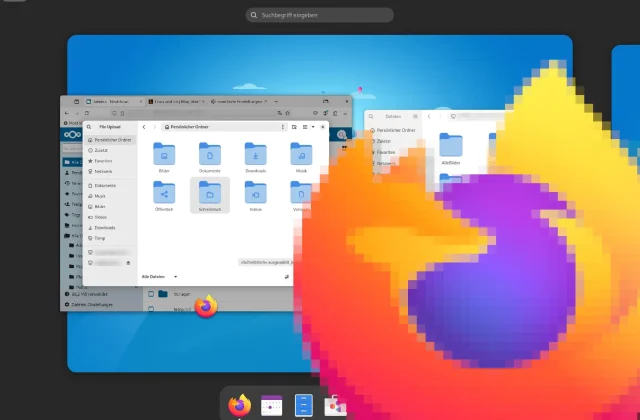
Better Firefox integration in GNOME: WebDAV and more in the file dialog
Here's how to enable the GNOME file dialog in Firefox: get direct access to WebDAV, Nextcloud, and remote drives by using the native GNOME file picker, for better integration on …
October 2024 3 posts
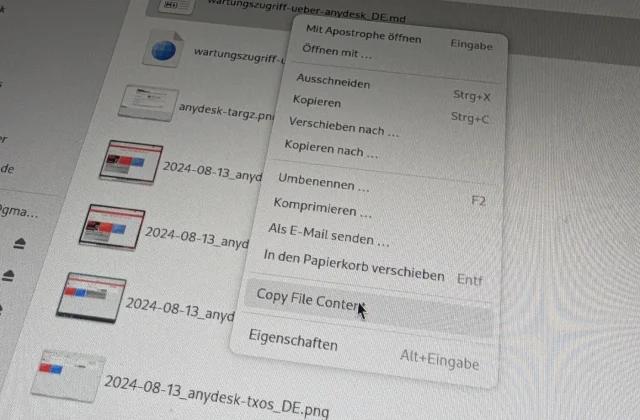
Text-to-Clipboard for the Nautilus/Files File Manager
The Copy File Contents extension copies the contents of a text file straight from the Nautilus file manager to the clipboard, no detour through an editor needed.
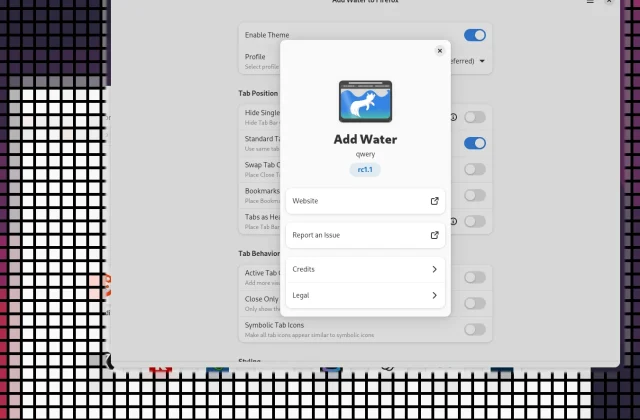
Add Water installs the GNOME theme for Firefox
The Add Water app makes installing the GNOME theme for Firefox easy. It lets you blend the browser into the GNOME desktop and improves how browsing looks and works.