November 2025 4 posts
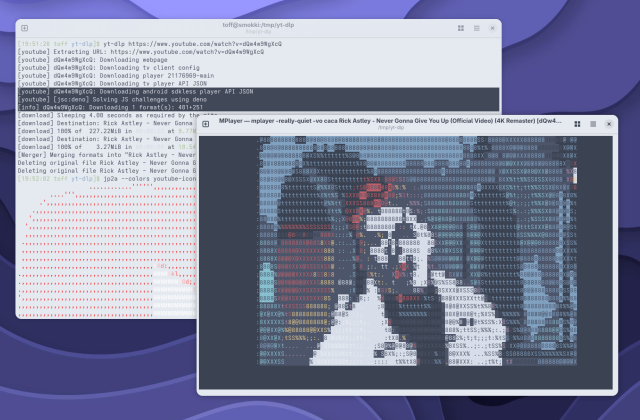
yt-dlp 2025.11.12: YouTube downloads on Linux now with Deno
The new yt-dlp release needs an external JavaScript engine like Deno to reliably extract YouTube videos. The reason is tighter technical measures on Google's side.
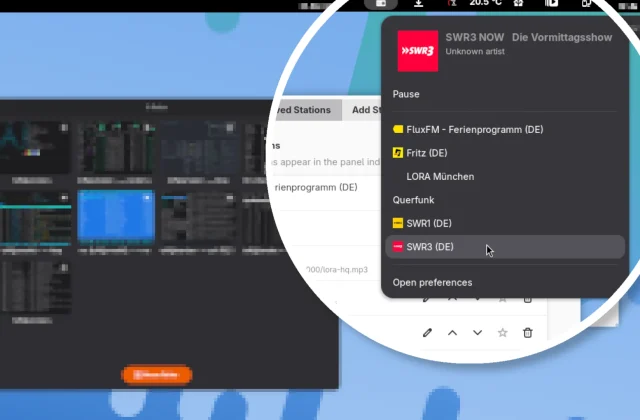
Yet Another Radio: Simple Internet Radio Right in the GNOME Shell
Easy radio listening in the GNOME Shell: Yet Another Radio lets you play your favorite stations without a separate app, with favorites, your own station list, and quick search via …
May 2025 4 posts
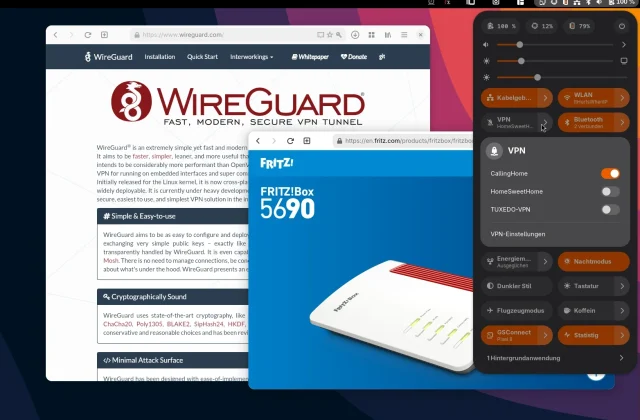
Setting up a WireGuard VPN between a Fritzbox and Linux
A new Fritzbox brings official WireGuard support for the first time. That makes VPN access to your home network under Linux especially straightforward. Modern distributions usually ship the necessary tools …
TopHat and Statistig: System Monitoring for the GNOME Panel
Two handy GNOME extensions for keeping an eye on your system: TopHat puts comprehensive info right in the panel, while Statistig stays minimalist. If you want more, grab Mission Center.
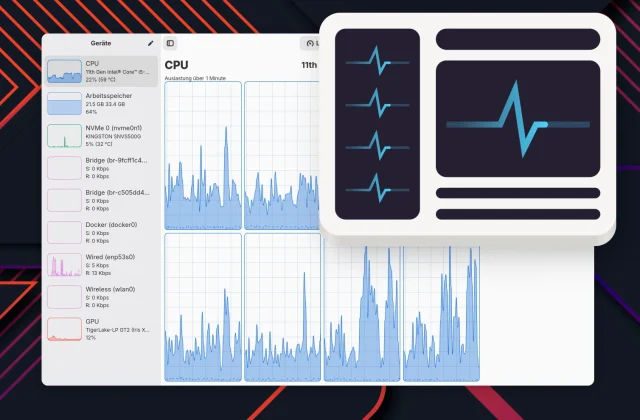
Mission Center 1.0: The GNOME System Monitor Pulls Out All the Stops
With version 1.0, Mission Center delivers a powerful and good-looking monitoring tool for GNOME. New on board: SMART analysis, GPU support for Raspberry Pi, a dark mode switch, and per-process …
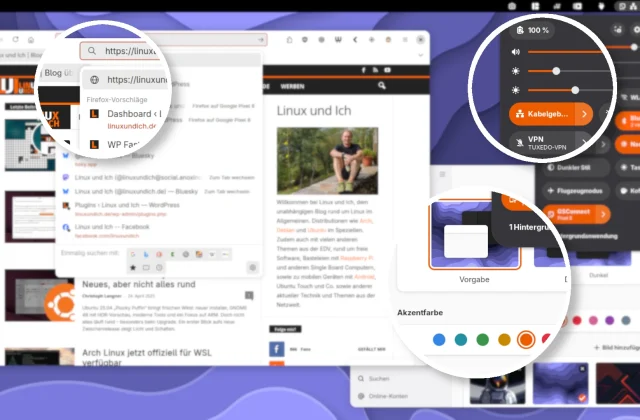
Libadwaita accent colors in GNOME 47+: a unified look for GTK apps like Firefox and GIMP
A consistent GTK look on GNOME 47: with the new adw-gtk3 Colorizer extension, older GTK3 apps like Firefox and GIMP now automatically follow the modern Libadwaita accent colors.
April 2025 6 posts
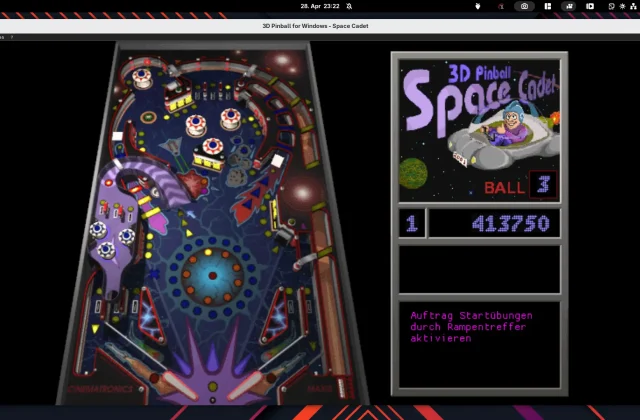
Space Cadet Pinball: Old Software, New Shine on Linux
Space Cadet Pinball once shipped with every Windows machine – today the pinball game is hard to find. Thanks to open-source projects, the cult classic is easy to install on …
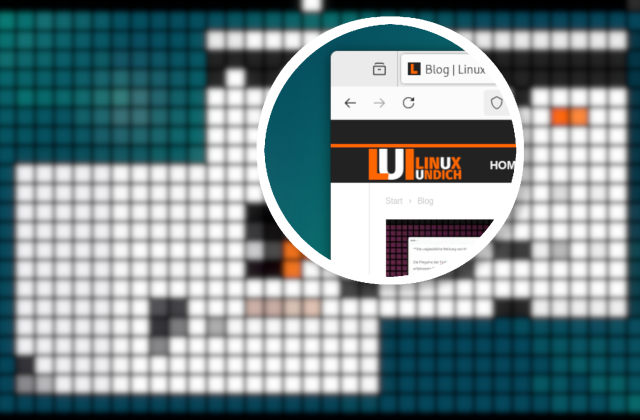
Creating a Magnifier Effect for Screenshots with GIMP
With GIMP, you can apply a magnifier effect to screenshots to highlight important details. This guide shows step by step how to create the effect quickly and easily.
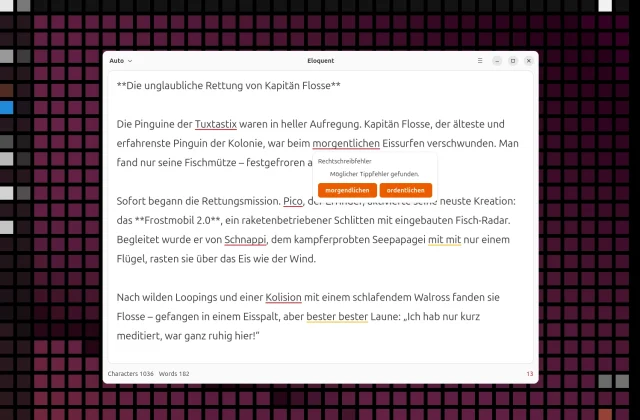
Offline LanguageTool with Eloquent: Spell Checking on Linux Without the Cloud
You can run LanguageTool locally, too: no internet connection and no data sent to third parties. Eloquent is a lean GNOME app that turns LanguageTool into a desktop application.
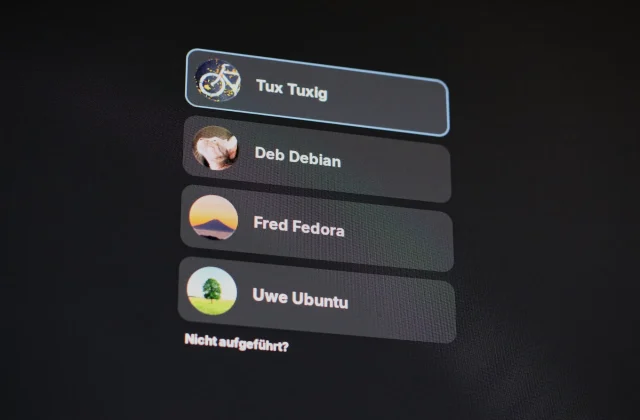
GDM login screen showing up on the wrong monitor?
If the GDM login screen shows up on the wrong monitor, copying the display settings from your GNOME session usually fixes it. You can do that by hand, automatically with …