
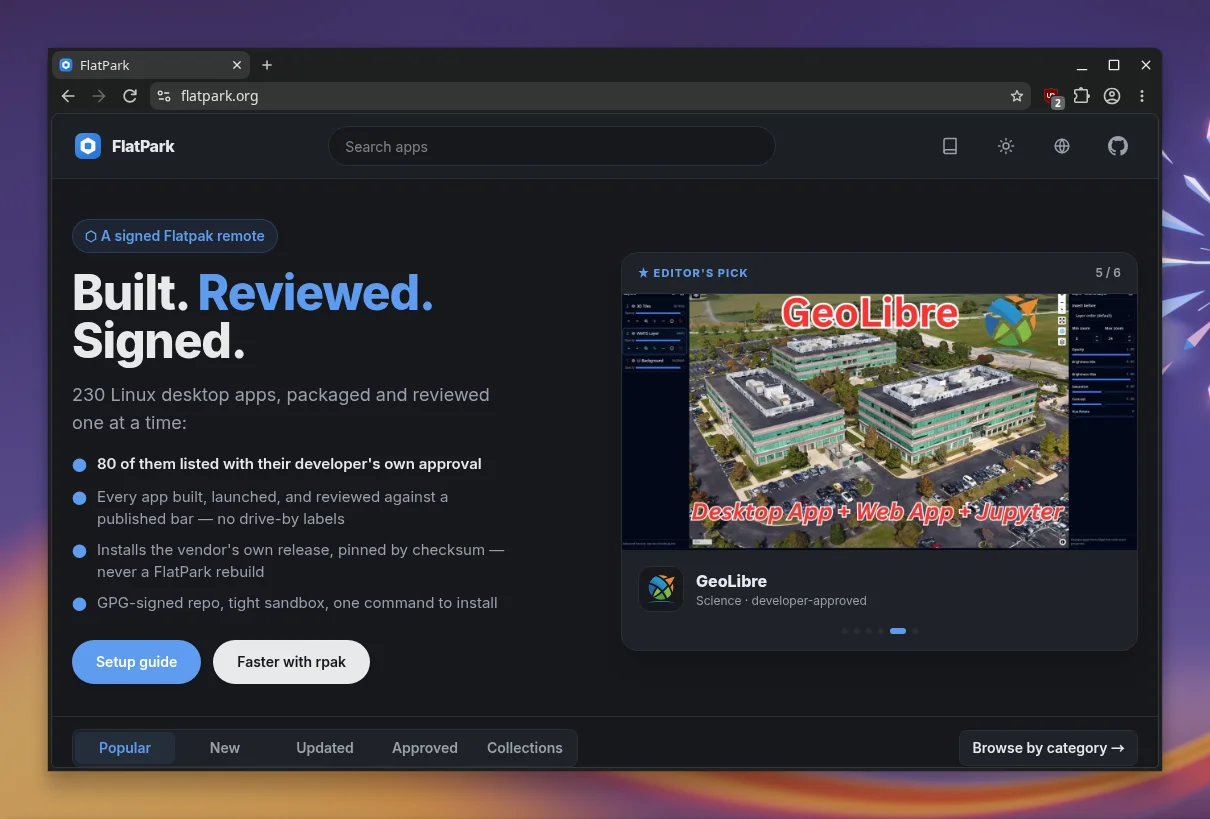
In plain terms, FlatPark is something like a Flathub for AI apps. You don’t have to like that, but I can see why someone would: quite a few useful applications have appeared that are missing from Flathub. The project was introduced on r/linux on 5 November, and the comments there show nicely where opinions split.
What FlatPark is
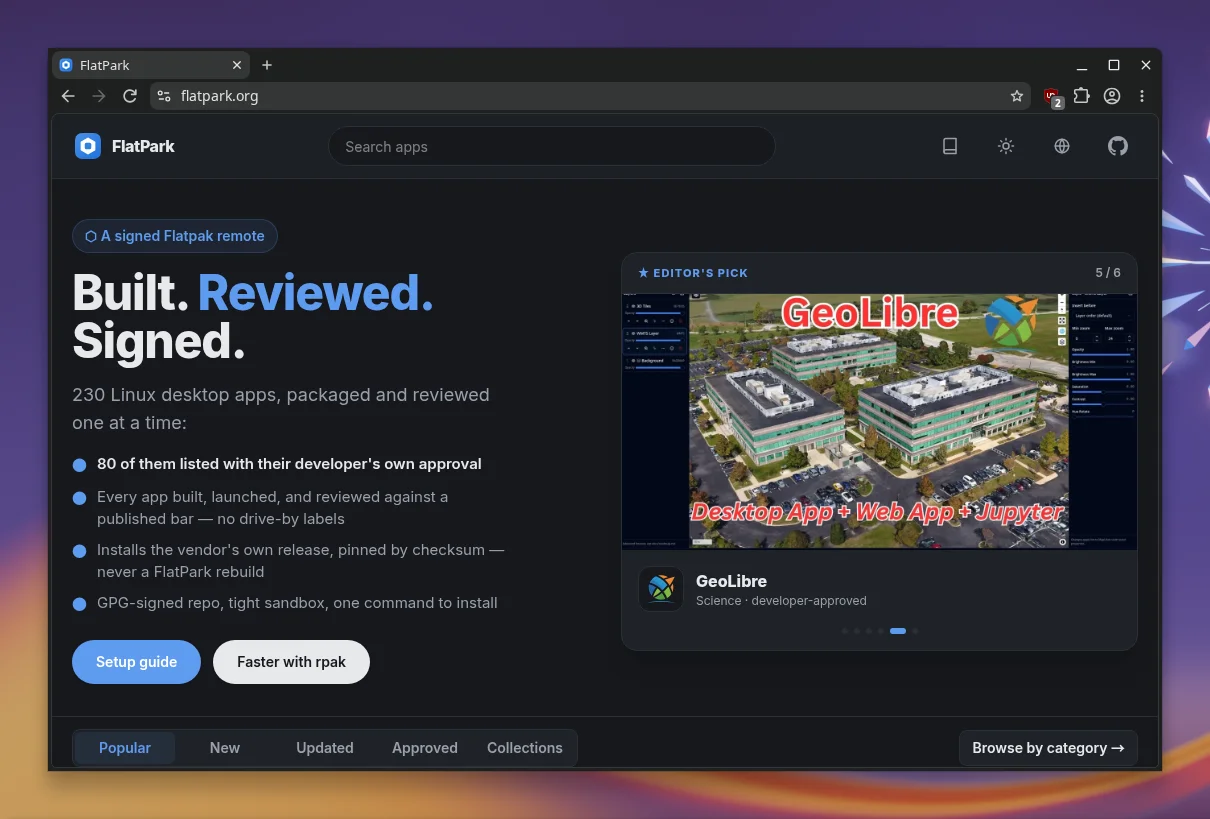
Technically, FlatPark is an additional Flatpak remote that you set up alongside Flathub. According to the project page it holds 230 apps, each reviewed individually; 80 have the developers’ approval. Every app is built, launched and tested against a published standard. The repository is GPG-signed, and the sandbox is meant to be tight.
One difference from Flathub: FlatPark does not rebuild the programs. It installs the vendor’s original release, pinned by checksum. If you trust the vendor, you get their binary, just inside the Flatpak sandbox and with updates the usual way. The source code of the remote is on GitHub.
Setting it up
I tested on CachyOS with KDE Plasma in a virtual machine. Flatpak is not preinstalled there, but sudo pacman -S flatpak fetches it. After that, the README says a single command adds the remote. The --user option installs into your home directory and needs no administrator rights.
flatpak --user remote-add --if-not-exists flatpark https://dl.flatpark.org/flatpark.flatpakrepoYou then install apps by their app ID, which you find in the catalog on flatpark.org. Instead of <app-id>, you enter the identifier of the app you want, for Helium that is net.imput.helium. If you prefer a graphical tool, KDE Discover shows FlatPark as a Flatpak source and finds Helium in its search.
flatpak --user install flatpark <app-id>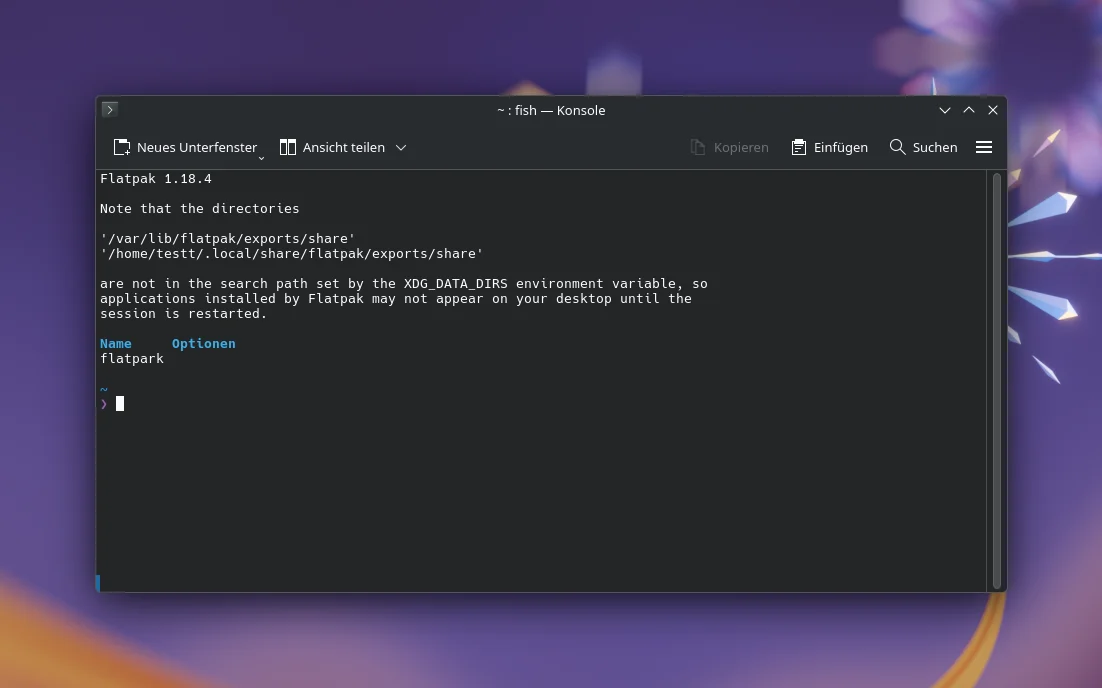
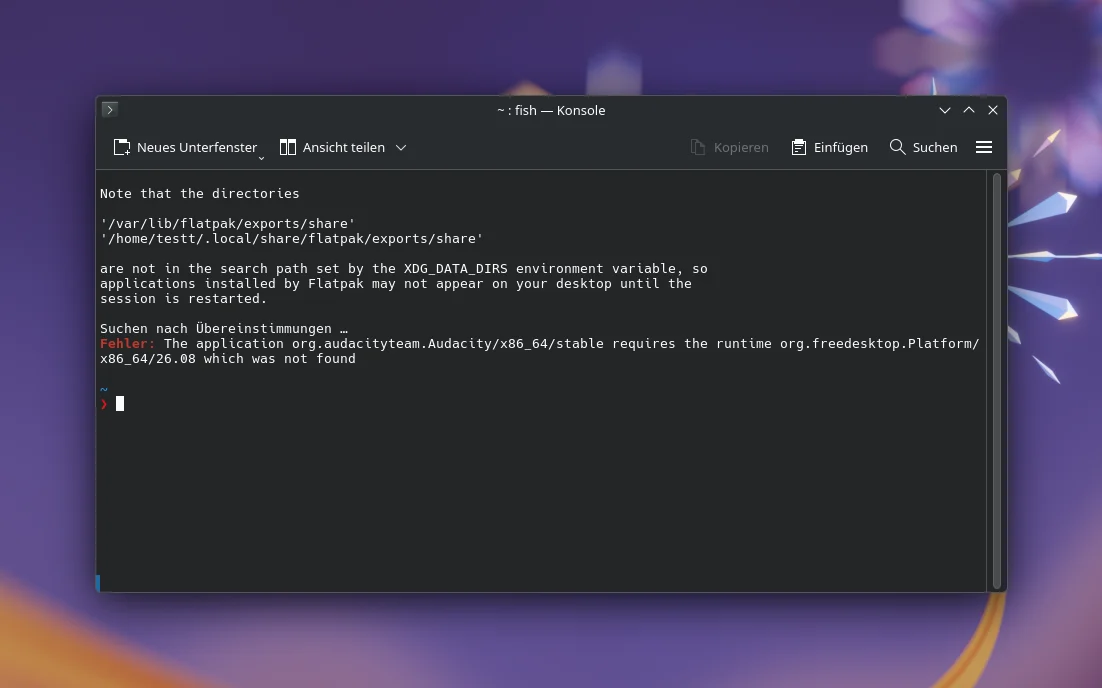
The first installation aborts: the app needs the runtime org.freedesktop.Platform 26.08, and FlatPark does not ship it. The runtimes still come from Flathub, as the setup guide confirms. With Flathub already set up you won’t see this error; it only appears on fresh systems like my test machine.
On such a system you additionally add Flathub with the following command. After that the installation goes through: the runtimes come from Flathub, the app itself from FlatPark. The example in the screenshot is Audacity at just under 74 MB, plus around 440 MB of runtimes on the fresh system.
flatpak --user remote-add --if-not-exists flathub https://dl.flathub.org/repo/flathub.flatpakrepo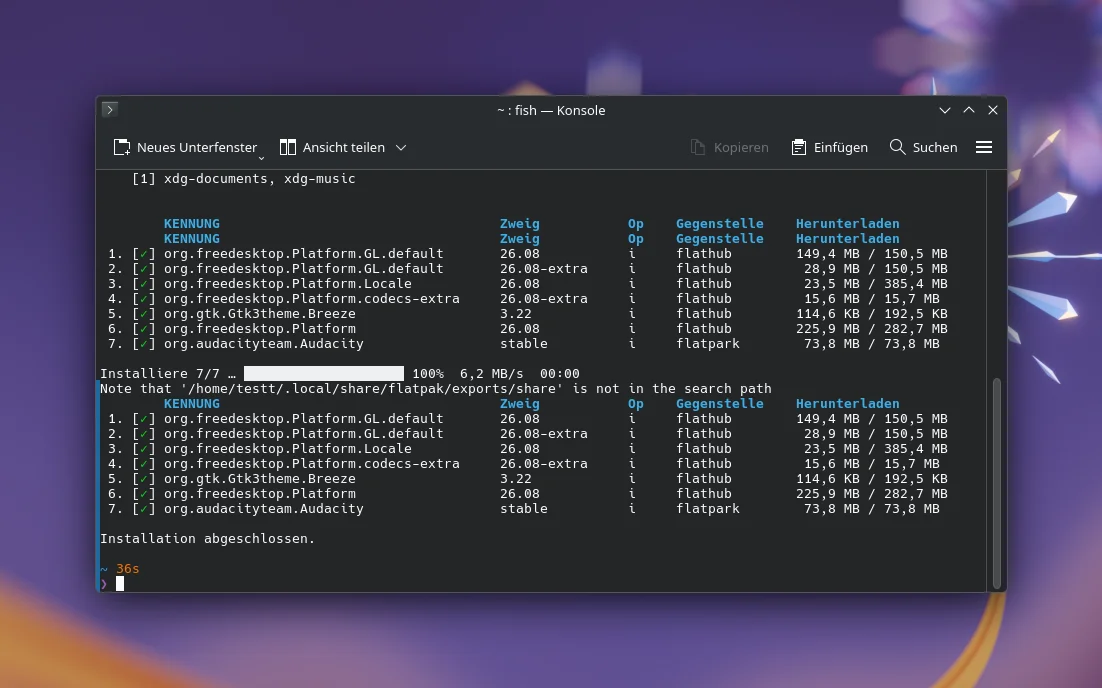
Example: Helium
My test candidate is Helium, a Chromium-based browser that is not on Flathub. According to a user in the Reddit thread, the developer wants to release a Flatpak only once the sandbox problems are solved. The download is just under 126 MB, and Helium starts normally. Updates run through flatpak update.
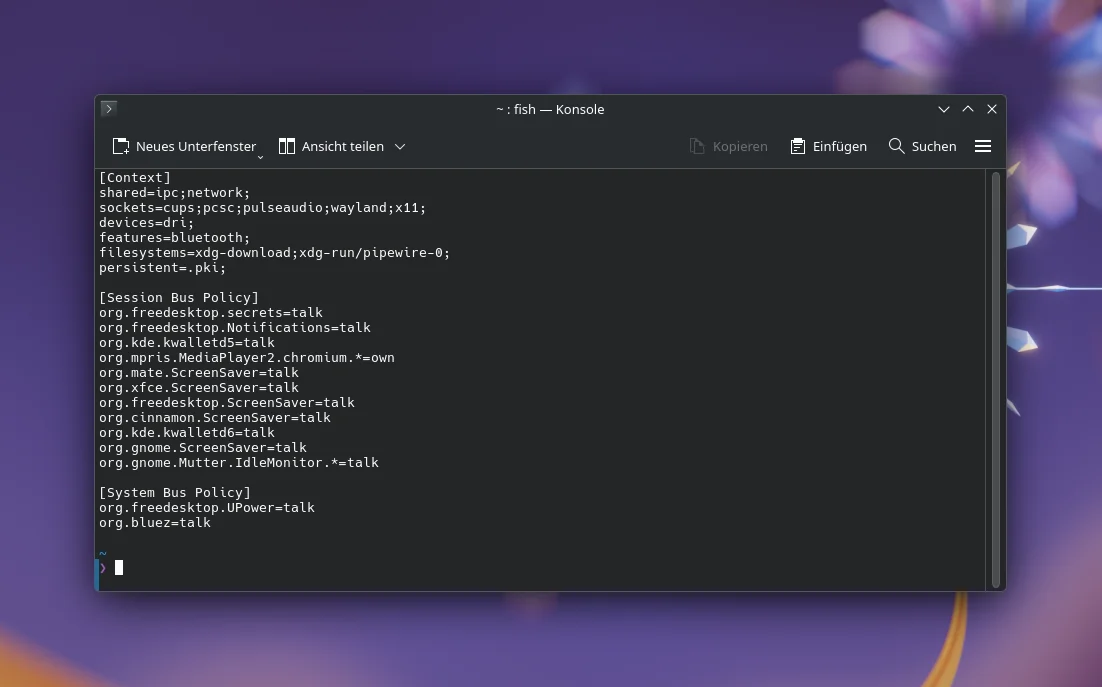
For a browser the list is long, while a program like Audacity got by with folder access to documents and music. Flatpak shows the permissions before you confirm the installation, so you know what the app may do. If you dislike a permission, you can change it afterwards with Flatseal.
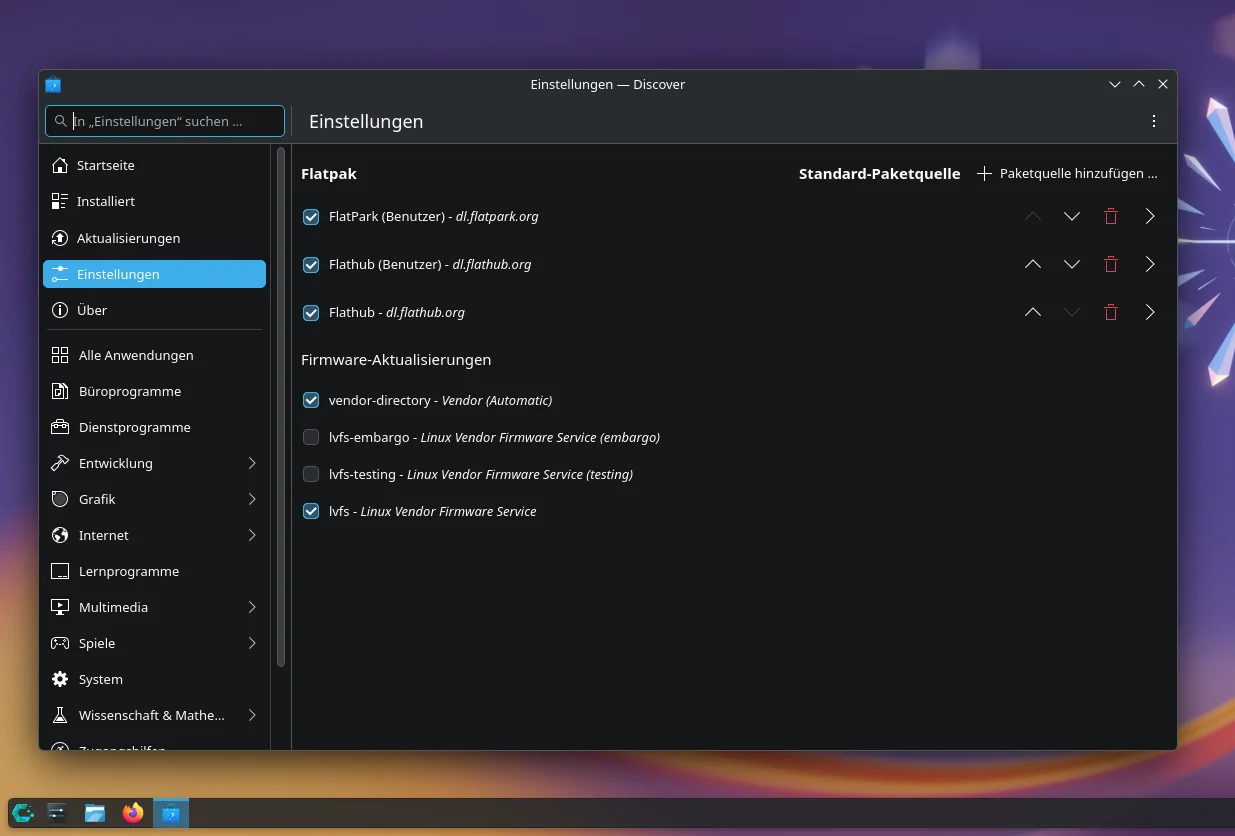
Graphically it works with KDE Discover, which I added to Plasma. There FlatPark appears under Settings as a Flatpak source next to Flathub. Searching for Helium finds the browser with version 0.20.3.1, a size of 8.2 MiB and the GPL-3.0 license. For Helium, Discover shows the Launch button because the browser is already installed.
A vibe-coding bazaar?
The first reaction in the Reddit thread was predictable: “So flathub but for vibe coded apps. No thanks”. The argument behind it is fair, since many AI-assembled programs are said to be broken or never tested and to generate nothing but hype. The commenter gives no evidence for that.
Another user counters that FlatPark does not only show such apps, it is simply more lenient. The list backs him up, because HeidiSQL, Audacity and Visual Studio Code are no weekend experiments. Alongside them sit collections like ArtCraft with 16 and Ely Office with 7 apps, including PhotoCraft and ElyDoc.
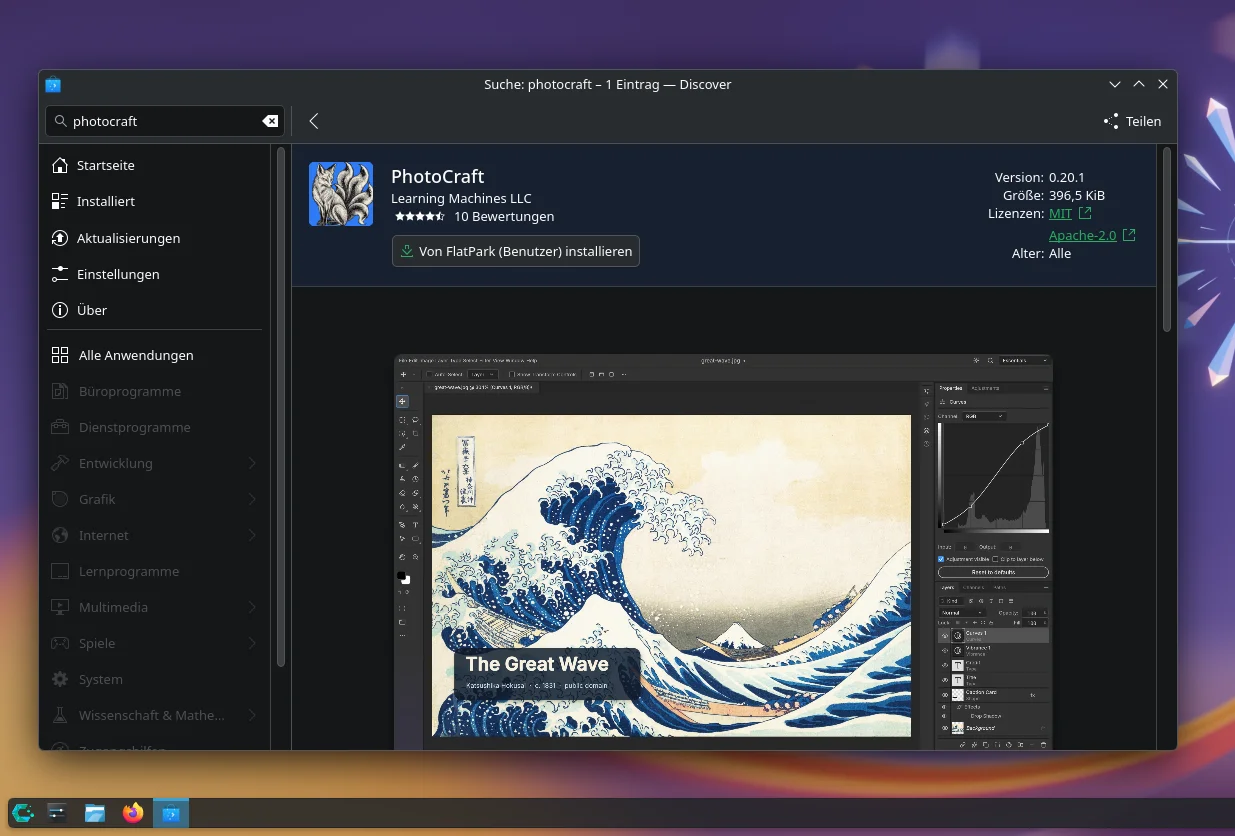
ArtCraft calls itself a provider of open-source artist tools. The Craft Apps are, per its site, 16 native Rust desktop apps for image editing, vector graphics, video, page layout and audio, free to use. CraftAnything belongs to them, but FlatPark describes it as a software explorer and binary analysis workbench, not a graphics tool.
The AI application, ArtCraft Studio, generates images and videos from scenes you assemble yourself. The project page lists it for macOS, Windows and the browser, but names no Linux app. FlatPark bundles the 16 Craft Apps instead. More image tools on the blog: Shotwell 0.33, which I installed as a Flatpak.
A second argument for FlatPark comes from a developer whose open-source IDE fails on Flathub because the build pulls code from the network while building. Bundling the dependencies would mean maintaining his own forks, and he rejects that. That Flathub dislikes network access during builds has good reasons (keyword: supply-chain attacks).
For anyone who still wants to offer a Flatpak, a second remote is therefore a real option. In the thread others advise including the dependencies as submodules, and another user says Flathub packages pull dependencies from GitHub as well, with flatpak-builder even having dedicated functions for it. The thread does not settle the question.
My take
A second remote is always also a second place you have to trust. In FlatPark’s favor are the review of every single app and that the permissions are laid out openly before installation. Against it speaks that you get the vendor’s binary, whose source code may never have been looked at by anyone.
So I would use the remote only for programs that are not available otherwise, such as Helium, and keep getting the rest from Flathub, as I did with Aurynk, the graphical front end for scrcpy 5.0. Have you already set up FlatPark, and which app were you missing there?
Leave a Reply