
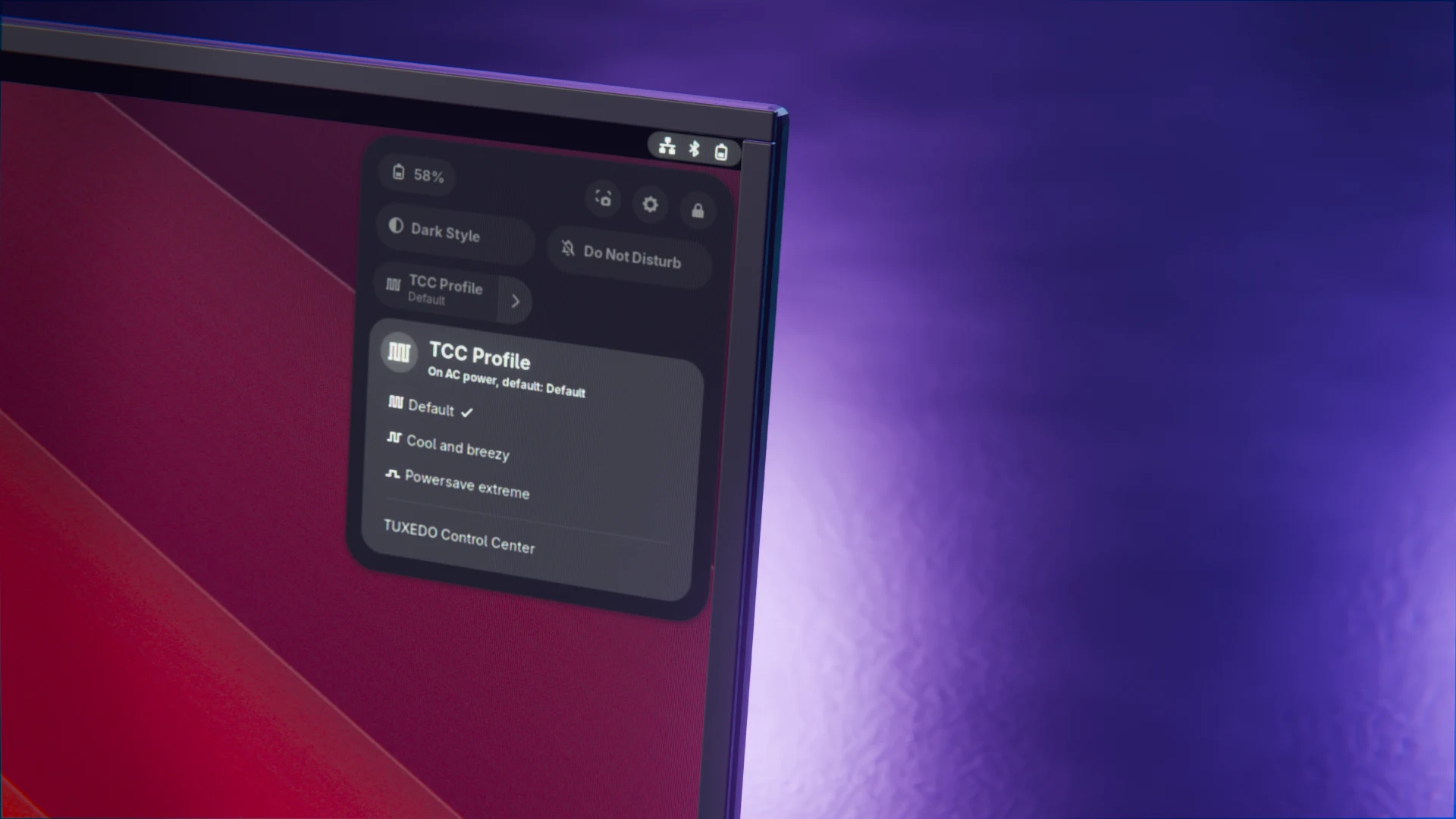
Three weeks ago, I introduced Pulsgeber, my little extension that brings the profiles of the TUXEDO Control Center into the GNOME Quick Settings. On October 21, versions 3.1 and 3.1.1 of the Control Center came out. According to the changelog, TUXEDO mainly reworked the packaging. For Pulsgeber, that is more than cosmetics, which is why version 0.5.2 is out now.
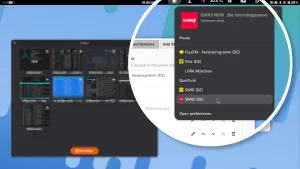
First things first: switching profiles never broke, since the system service tccd still talks to Pulsgeber through the same interface. The extension tripped over things around it. The Control Center’s desktop file is now called com.tuxedocomputers.tcc.desktop. Pulsgeber could no longer find the app, so the TUXEDO Control Center entry was missing from the toggle’s menu.
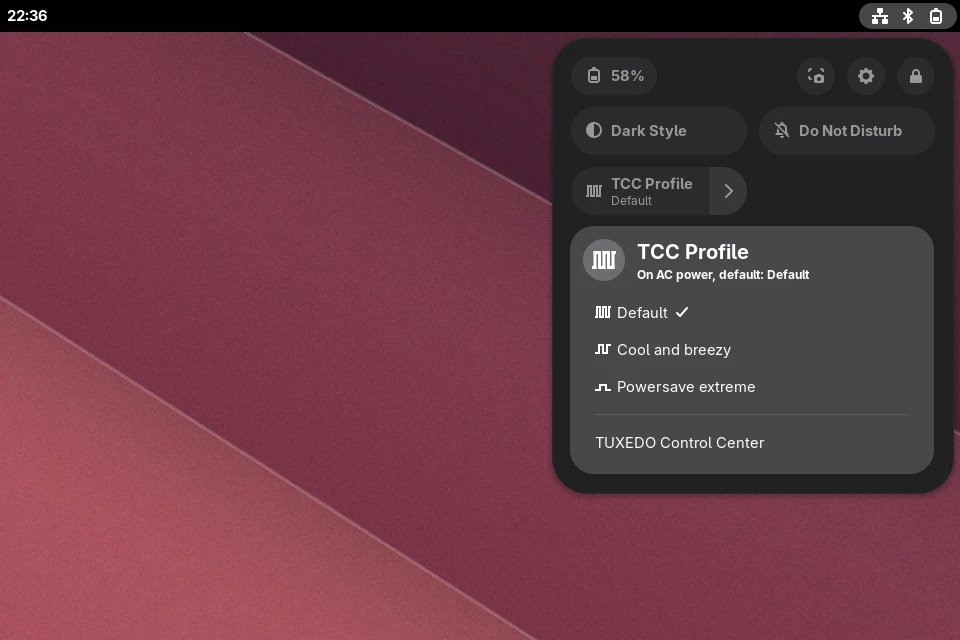
For the same reason, a second feature stopped working: when the tray is turned off, Pulsgeber ends the Control Center as soon as you close its window. Otherwise, the app would keep running invisibly in the background. On top of that, TCC 3.1 runs in a systemd scope with a different name. Pulsgeber only caught a few helper processes there, but not the main process. Both are fixed now.
The autostart story is even stranger. Up to now, the tray started if the file tuxedo-control-center-tray.desktop was in ~/.config/autostart. Since 3.1, the package installs the entry system-wide in /etc/xdg/autostart, and a file in your home directory turns it off instead of on. So Pulsgeber did exactly the opposite of what the Don’t Start TCC Tray switch promises.
That said, things aren’t entirely smooth on the TCC side either. To turn the tray off, TCC creates an empty file, which gnome-session on GNOME 51 can’t make sense of. The journal reports that the file can’t be parsed, and the tray starts anyway. Pulsgeber writes a copy of the entry with Hidden=true instead, as the specification intends. TCC then shows the autostart as turned off, too.
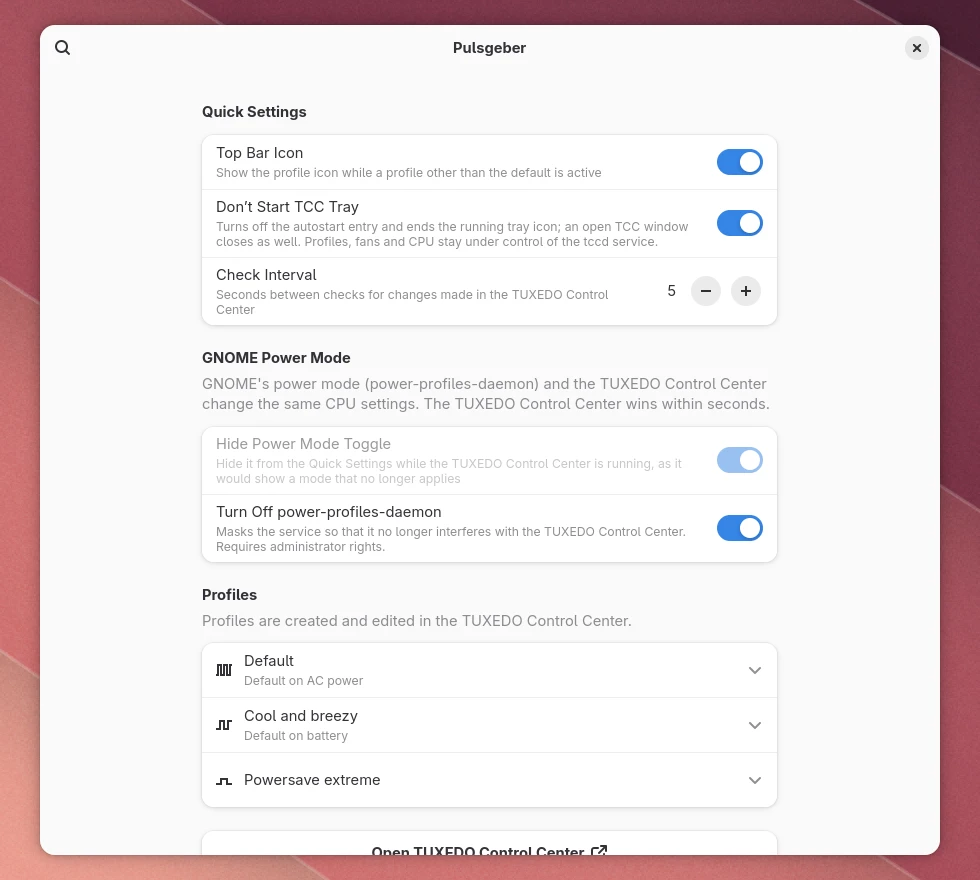
Testing it in my own session then brought an older bug to light: since version 0.5.0, the switch hadn’t done anything at all. The preferences failed before they could write the autostart file. So the extension itself now ends the tray as soon as the file changes. With 0.5.2, the tray disappears right away and no longer starts after you log in again.
If you still use an older Control Center, you won’t notice any of this. Pulsgeber checks the system-wide autostart entry to tell which approach applies and behaves as before with TCC 3.0 and older. The new version is tested with GNOME 51.1 and TCC 3.1.1 on my InfinityBook S 17 Gen6. By the way, GNOME 51 itself didn’t need any changes, the extension already ran there without errors.
Until the application is available in the GNOME Extensions catalogue, updates will continue to be distributed as ZIP packages on the GitHub release page. If you already have Pulsgeber installed, simply install the new version over the old one, the --force parameter takes care of that:
gnome-extensions install --force pulsgeber@linuxundich.de.shell-extension.zipOn Wayland, GNOME only loads the new version after you log out and back in. All changes in detail are in the changelog, screenshots and answers to common questions on the Pulsgeber project page. If something still doesn’t work after the Control Center update, let me know here in the comments or open an issue on GitHub.
Disclosure: I work for TUXEDO Computers (in German). Pulsgeber, however, is a private, AI-assisted project I built in my spare time. It is not a TUXEDO product and receives no official support from TUXEDO.
Leave a Reply