
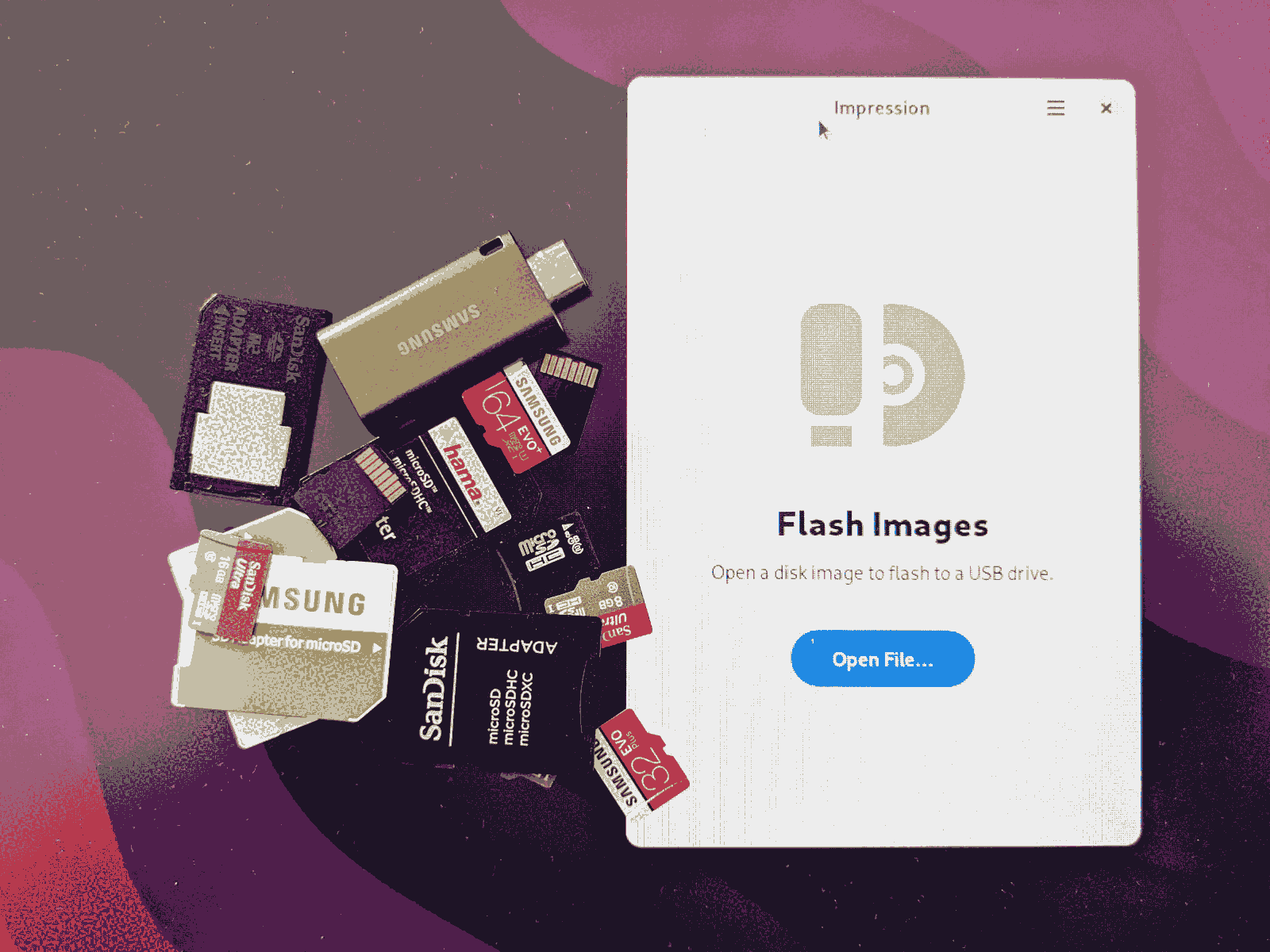
To flash ISO images to USB sticks, I usually use the dd command. After many years of playing around with Linux distributions for PCs, the Raspberry Pi and the like, the syntax dd if=foo.iso of=/dev/sdx bs=1M; sync has become second nature to me. Somehow, though, I always have a slightly queasy feeling: one day I’m bound to make a mistake when typing the device ID. One day I’ll accidentally overwrite important data, practically beyond recovery. I don’t think I’m alone with this feeling.
That’s why I really like the idea behind tools such as GNOME’s built-in function for flashing ISOs or Etcher. As a user, a graphical interface gives you a bit more overview and control. However, GNOME Disks hides its ISO flashing function quite well, and with Etcher, Electron bothers me. Even if it may be convenient for developers: flooding the system with a software blob weighing dozens of megabytes, which is useless in itself, just for this seems a bit over the top to me.
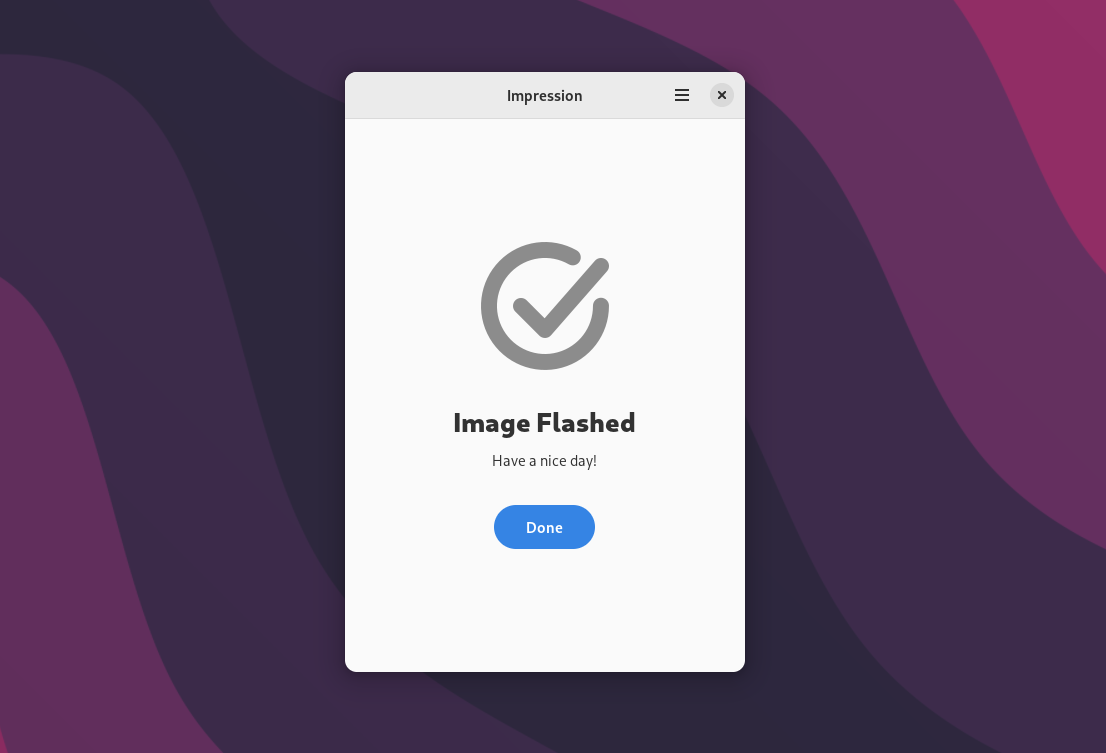
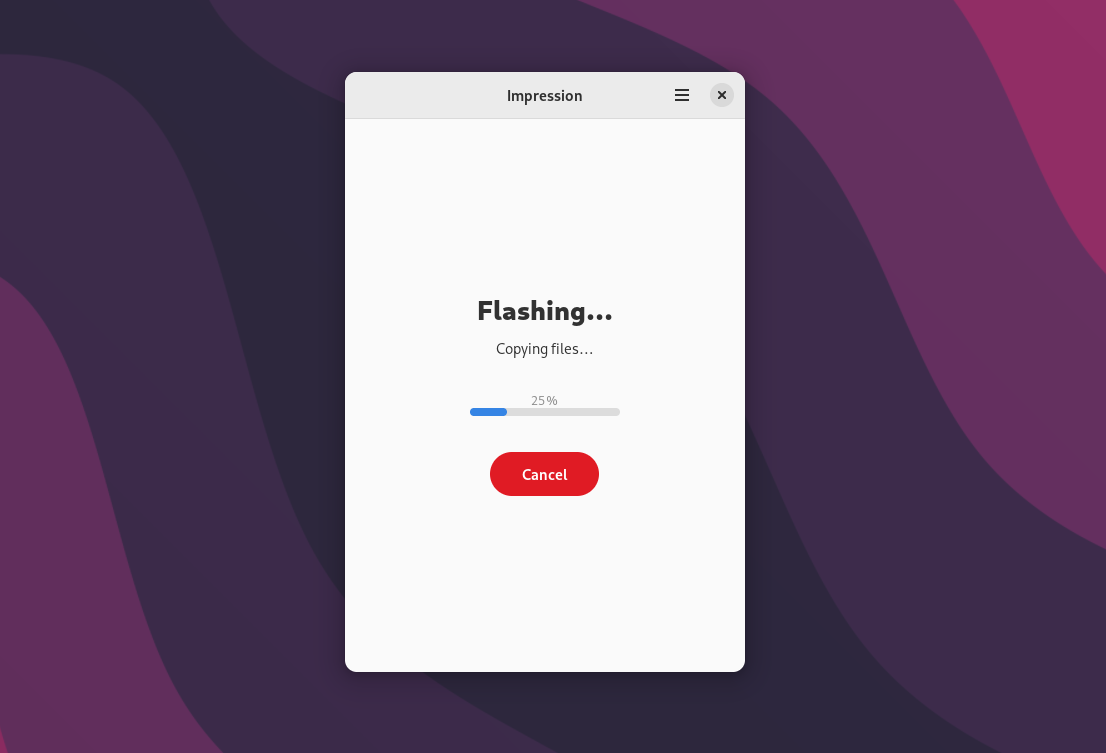
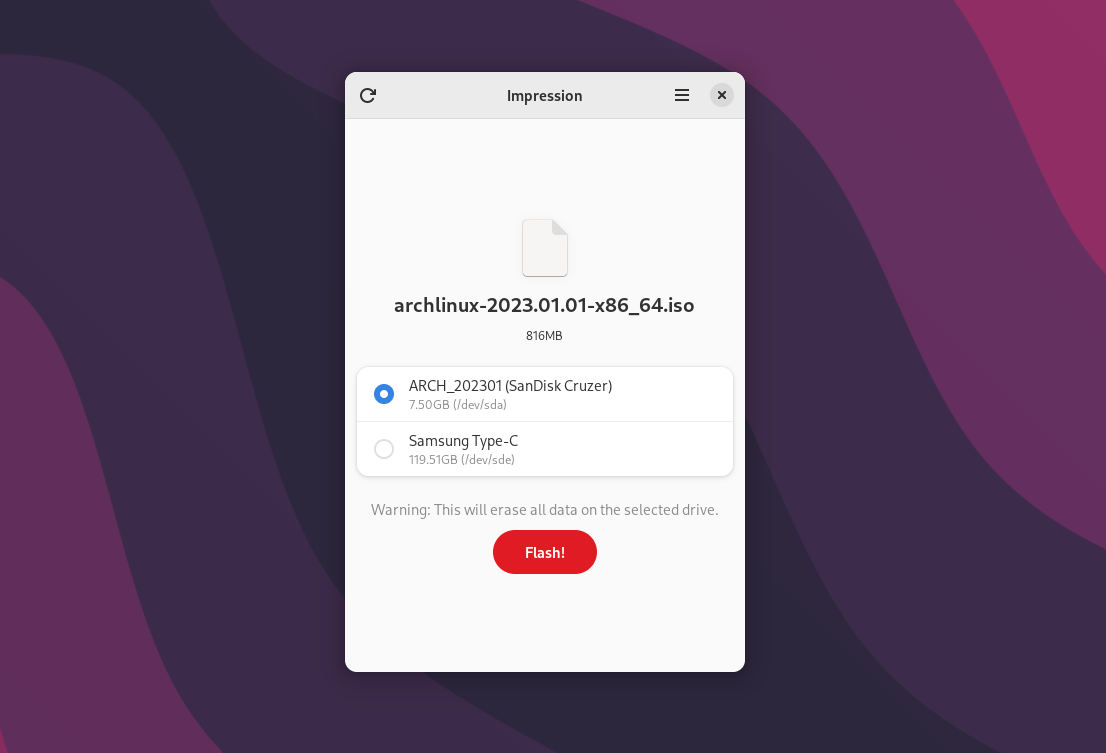
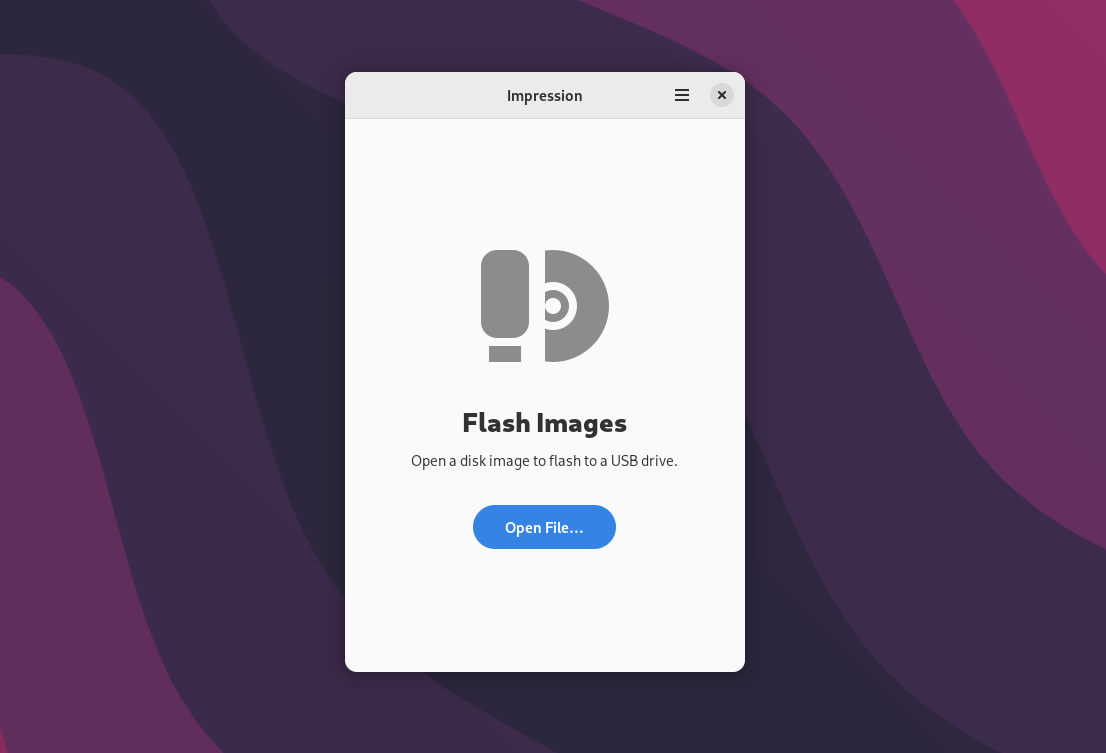
For KDE Plasma users, there is ISO Image Writer as an alternative. The program integrates cleanly into the desktop environment and is fairly lightweight. Until now, there was no such small program for GNOME. Until now. For a few days, Impression (GitLab, Flatpak) has offered fans of GTK desktops a modern option based on GTK4 for writing ISO images. It’s easy to use: launch the program, select the ISO image and the target, write the image, done. Mistakes can’t happen here, because Impression only offers USB sticks and memory cards as targets, never hard disks.
At the moment, you won’t find Impression in the repositories of the usual Linux distributions yet. Installing it via Flatpak works without a hitch, though. The application’s version counter currently stands at 1.0.0, and the source code has only been online for a few days. That’s sure to change quickly, however. And it surely won’t be long before GNOME adds the project to its steadily growing GNOME Circle, giving it considerably more visibility.
Leave a Reply