
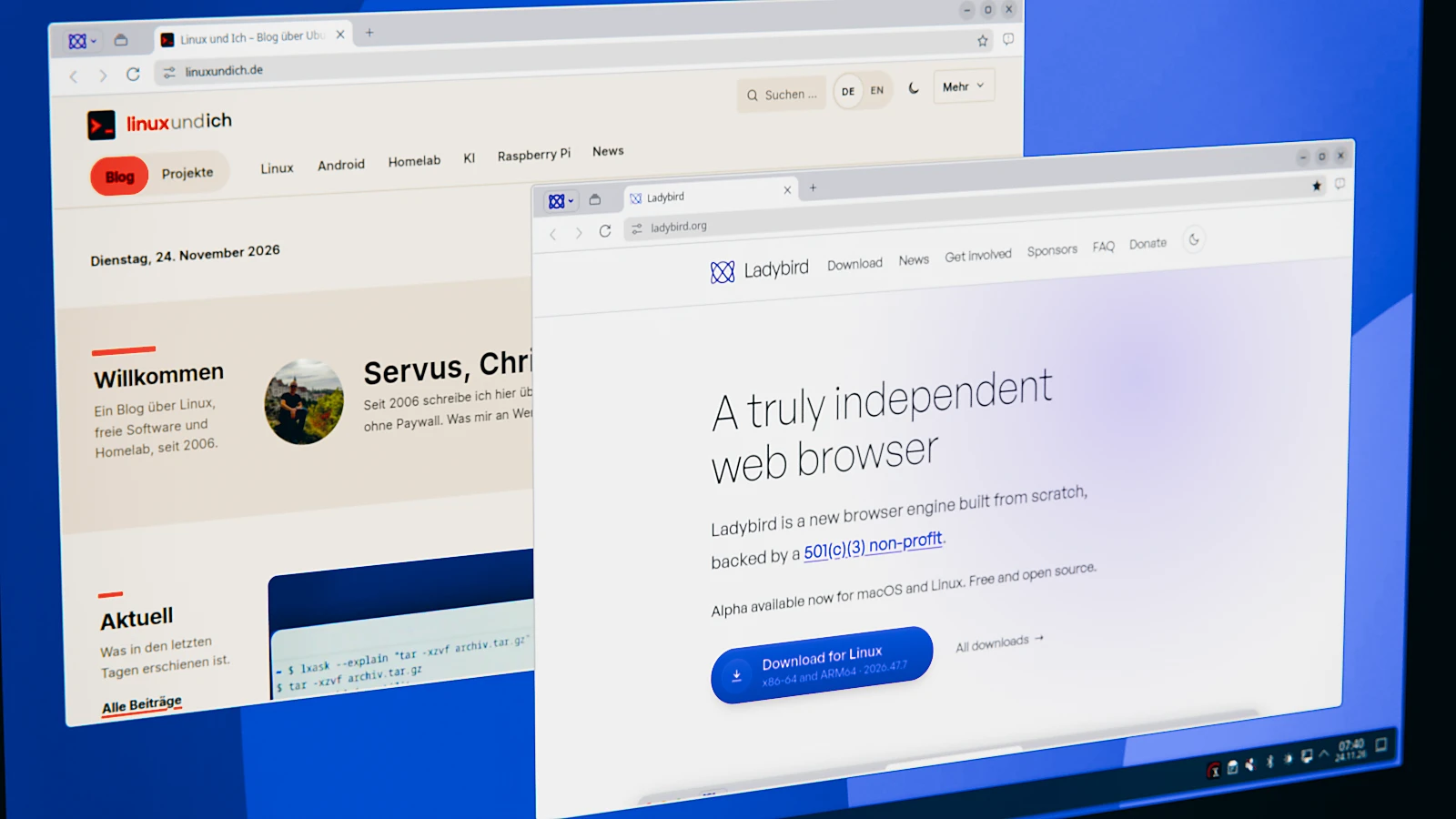
Gecko, Blink, WebKit: do those names ring a bell? Firefox, Chrome and Safari certainly do. They are the three browser engines behind them, and between them they render practically the entire web today. With Ladybird, there is finally some fresh air again: the project has released its first alpha, Linux included, with its own engine LibWeb for HTML and CSS and the JavaScript engine LibJS.
From KHTML to LibWeb
There used to be more choice. KDE had its own engine, KHTML, for Konqueror, and it was discontinued long ago. Of all things, Apple turned KHTML into WebKit, the engine inside GNOME Web on Linux, and Google later forked Blink from it. Opera also had an engine of its own, Presto, but switched to Blink in 2013. What remains is Gecko, Blink and WebKit, and almost every new browser simply takes Chromium.
Ladybird takes the hard road and writes everything from scratch, without code from Blink, WebKit or Gecko. It started out as the browser of the hobby operating system SerenityOS, and since 2024 the non-profit Ladybird Browser Initiative has been behind it. It lives on donations and sponsors such as FUTO, Shopify and Cloudflare, who according to the project have no say. The code is BSD licensed and is gradually moving from C++ to Rust.
Installing it on Linux
For Linux, the project recommends the Flatpak on its download page. There are also dedicated repositories for Ubuntu 24.04, 26.04 and 26.10 and for Fedora 44 and 45, plus an archive that does not update itself. I installed Ladybird as a Flatpak on my notebook running TUXEDO OS, which is based on Debian. The alpha is a rolling release channel, so updates keep arriving through the regular Flatpak updates.
flatpak install --from https://flatpak.ladybird.org/ladybird.flatpakref
flatpak run org.ladybird.Ladybird
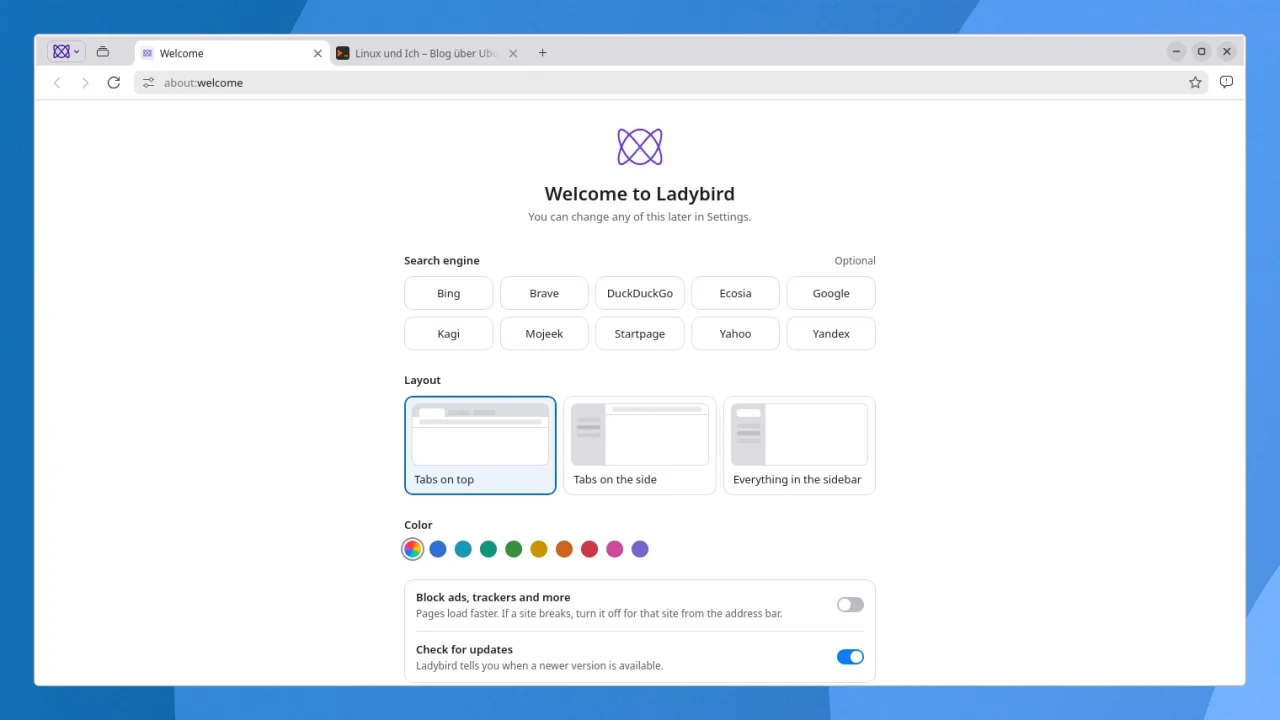
On first launch, Ladybird greets you with a page for the basic settings. There you pick a search engine, place the tabs at the top or on the side and choose an accent color. You can also switch on a built-in blocker for ads and trackers, which is off by default. Other languages are not available yet: menus and settings are English throughout.
Google, YouTube and linuxundich.de
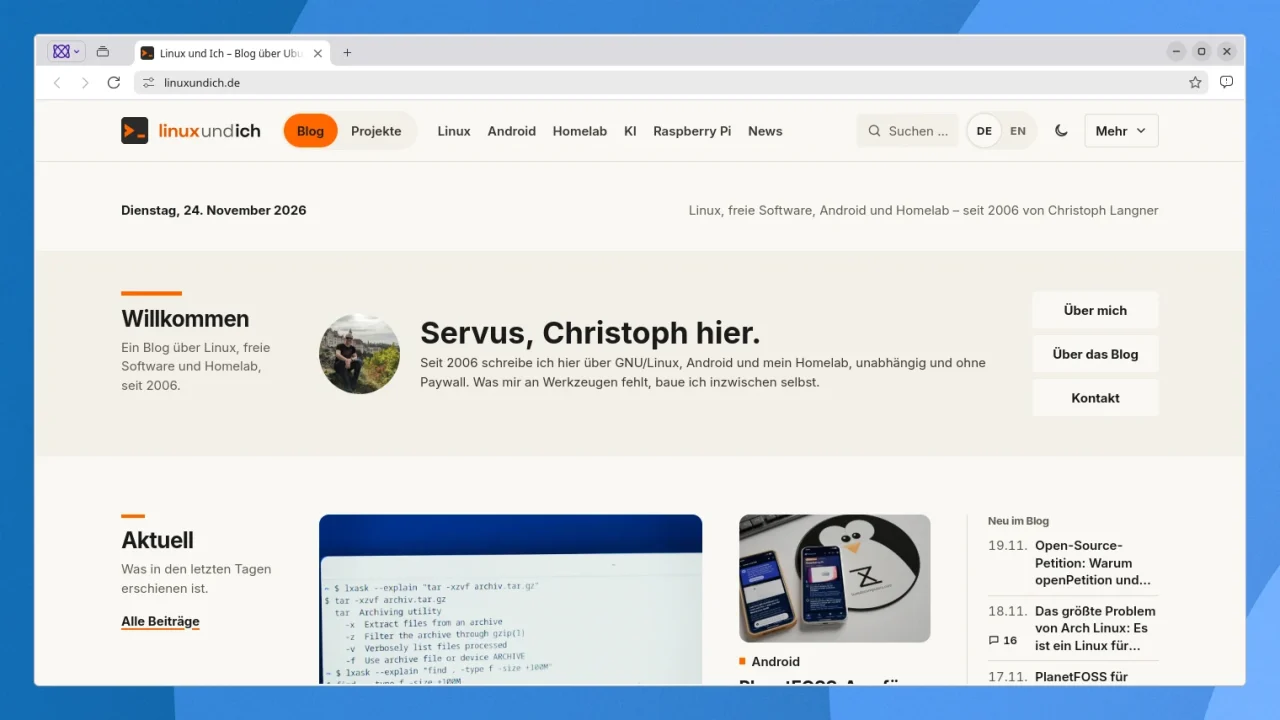
So how does the alpha hold up in everyday use? The first thing I opened was, of course, linuxundich.de, and the blog looks the same in Ladybird as it does in Firefox. Navigation, fonts, images and spacing are right, and the switch between German and English works too. For an engine that gets by without anyone else’s code, that is quite an achievement.
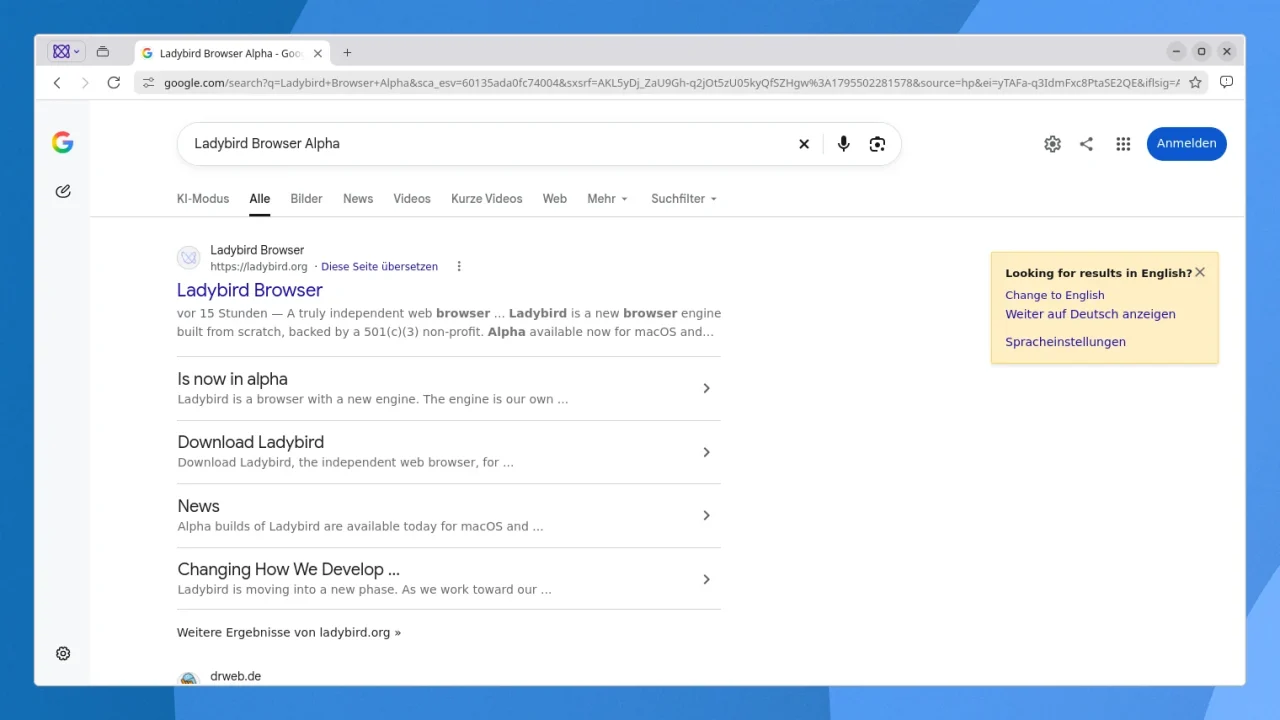
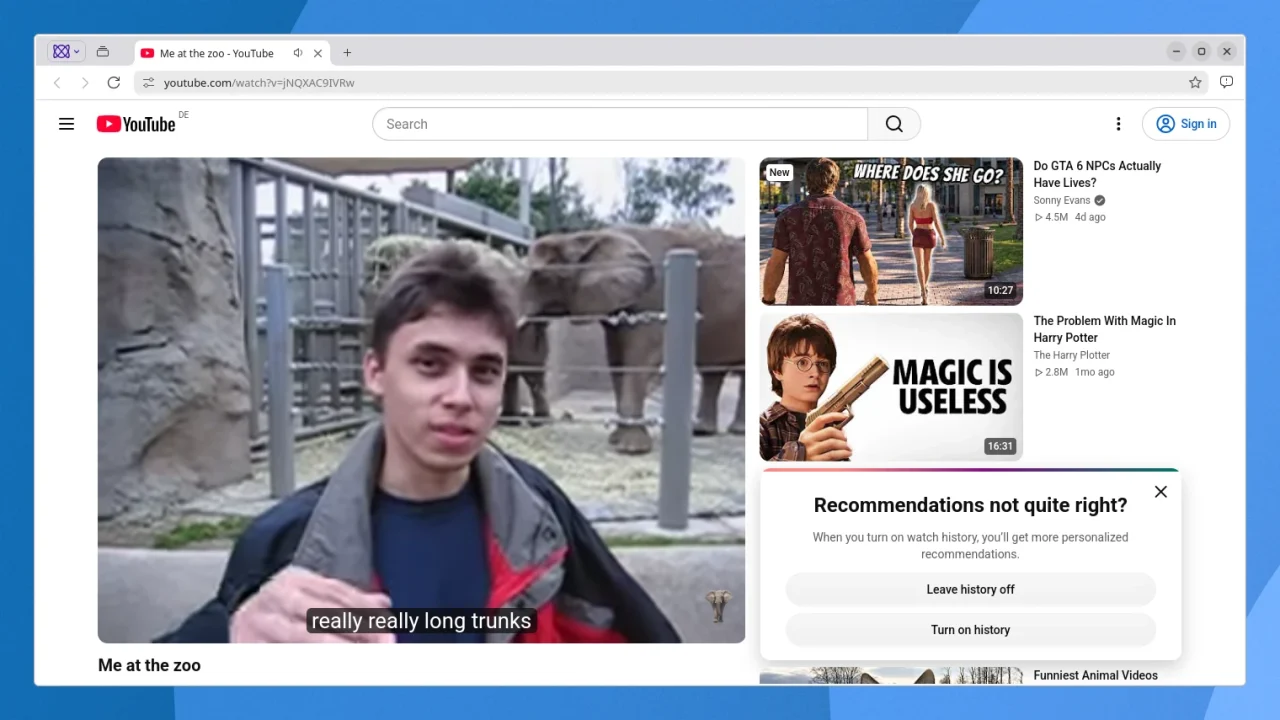
Google and YouTube first show their cookie dialog, and it works just as you would expect. After that, I searched Google for Ladybird, and typing and results work as usual. On YouTube, the very first video on the platform, “Me at the zoo”, played with subtitles and sound. Thumbnails took a moment on the first load, then everything was there.
I did run into a real alpha stumbling block, though. If the Flatpak gets killed, for example with flatpak kill, Ladybird refuses to start afterwards and only reports that the browser already running did not take the request. Yet nothing is running at all. The culprit is a lock file left behind in the sandbox. Until that is fixed, deleting Ladybird’s runtime directory helps:
flatpak run --command=sh org.ladybird.Ladybird -c 'rm -rf $XDG_RUNTIME_DIR/Ladybird'Benchmarks against Firefox and Chrome
Things get interesting when it comes to speed. I ran Speedometer 3.1 on the same notebook in Ladybird, Firefox 160 and Google Chrome 158, each with a fresh profile. The test simulates typical web apps and measures how quickly the browser responds to input. Ladybird scored 10.5 points, Firefox 29.9 and Chrome 34.3. That makes Firefox almost three times and Chrome more than three times as fast.
| Test | Ladybird Alpha 2026.47.7 | Firefox 160 | Chrome 158 |
|---|---|---|---|
| Speedometer 3.1 | 10.5 (± 0.36) | 29.9 (± 1.9) | 34.3 (± 1.8) |
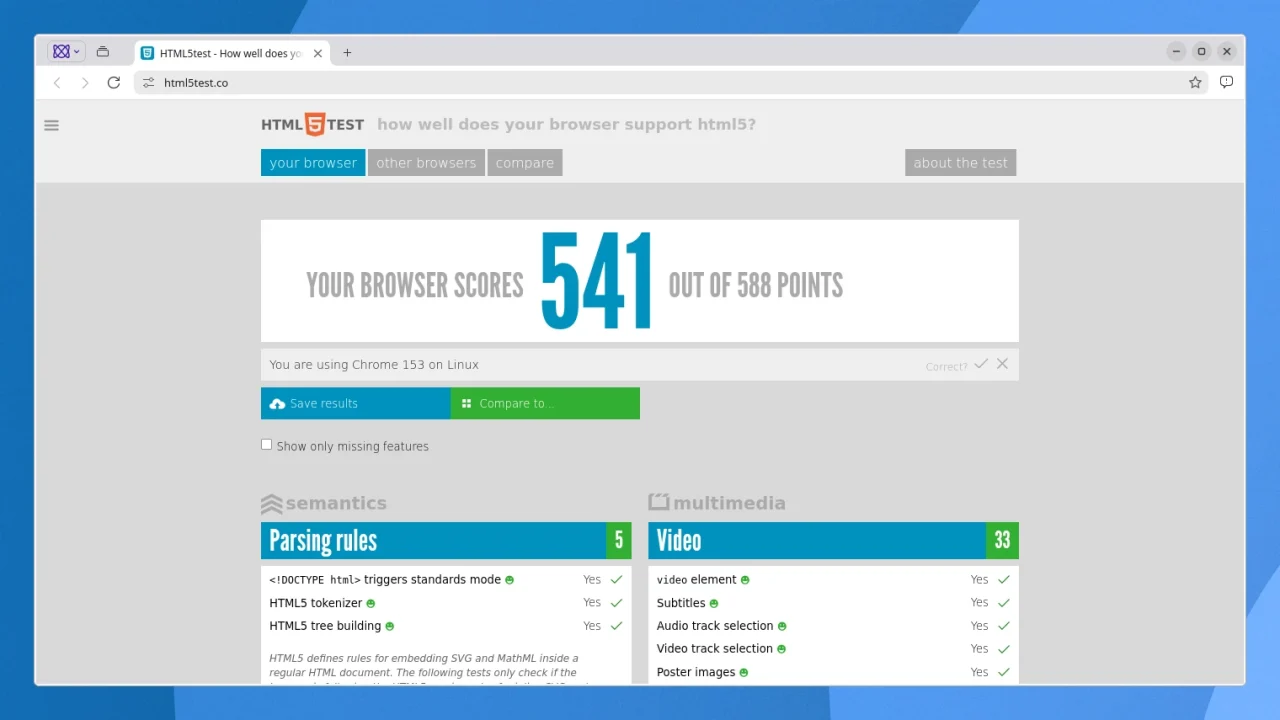
| HTML5test (out of 588) | 541 | 549 | 574 |
The gap is much smaller on HTML5test, which only checks which features a browser supports. Ladybird gets 541 out of 588 points, Firefox 549 and Chrome 574. For video, the alpha even beats both, because it supports selecting audio and video tracks. Funny detail: the test site thinks Ladybird is Chrome 153, so the browser identifies itself as Chrome to keep websites from locking it out.
Not a Firefox replacement yet, but a breath of fresh air
Ladybird is not ready to be your everyday browser yet, and the project says so itself: the alpha is aimed at curious people who want to report bugs, and it explicitly makes no promises about security yet. Still, my blog, Google and YouTube already worked decently for me. Chrome is still more than three times faster, and the interface is English only.
Even so, I’m really happy about this release. After the end of KHTML and Presto, LibWeb finally brings some fresh air to the web again, and it does so without code from Google, Apple or Mozilla. If you’re curious, install the Flatpak, open your favorite sites and report what doesn’t work. That is exactly what this alpha is for, after all.
Leave a Reply