
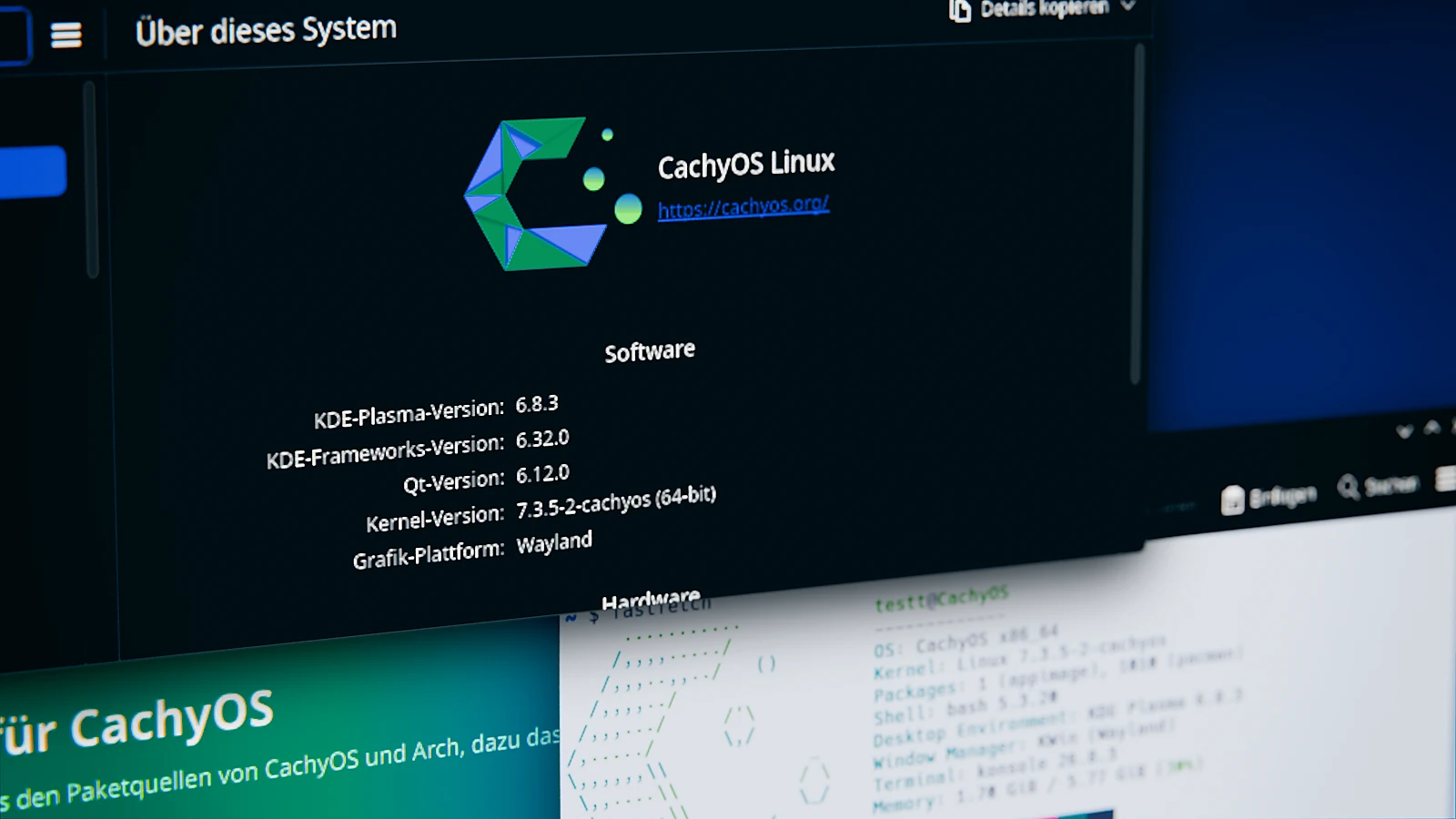
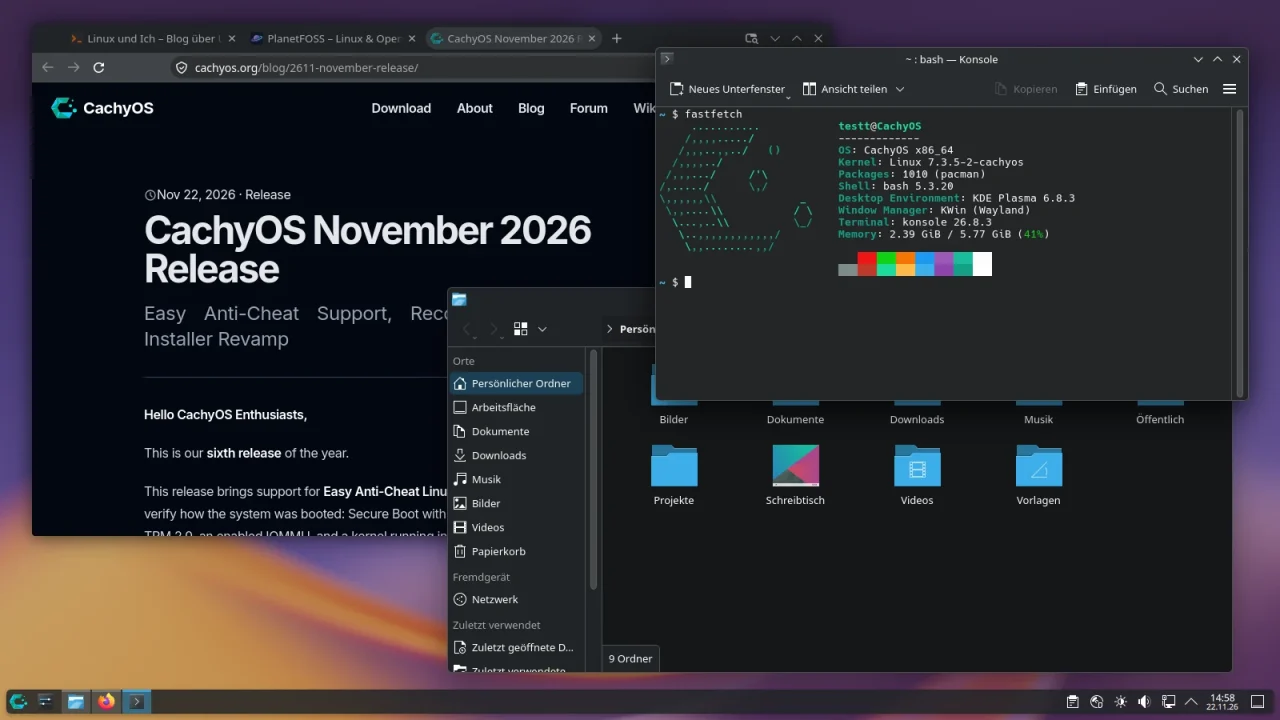
CachyOS has been one of the most talked-about Arch derivatives in the Linux world for months: performance tuning, its own kernel variants, a growing repository. With the November release, the sixth of the year, the project ships a current kernel and, above all, a rebuilt tool: the CachyOS Package Installer, now at version 2.0.0.
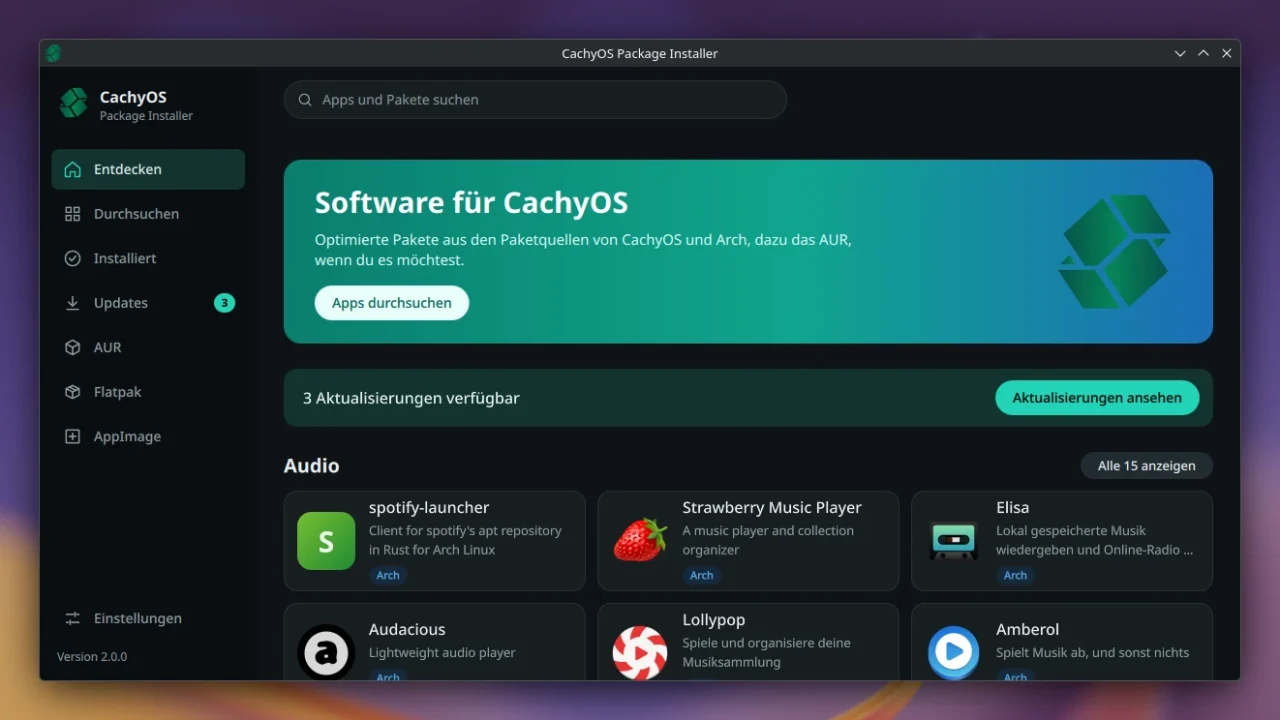
Package Installer 2.0: AUR, Flatpak, and AppImages under one roof
The Package Installer has a completely new interface, including a Discover start page in a light and a dark theme. As before, it installs packages from the CachyOS and Arch repositories, and on top of that it offers sources you can switch on one by one: the AUR and Flatpak. A new settings page adds several color themes and a button that re-ranks the package mirrors with cachyos-rate-mirrors.
Out of the box, all three extra sources are switched off. Each one gets its own toggle in the settings, with a short explanation of what it means. Flatpak itself isn’t preinstalled either: once you turn the source on, the installer offers to add it from the Flatpak page.
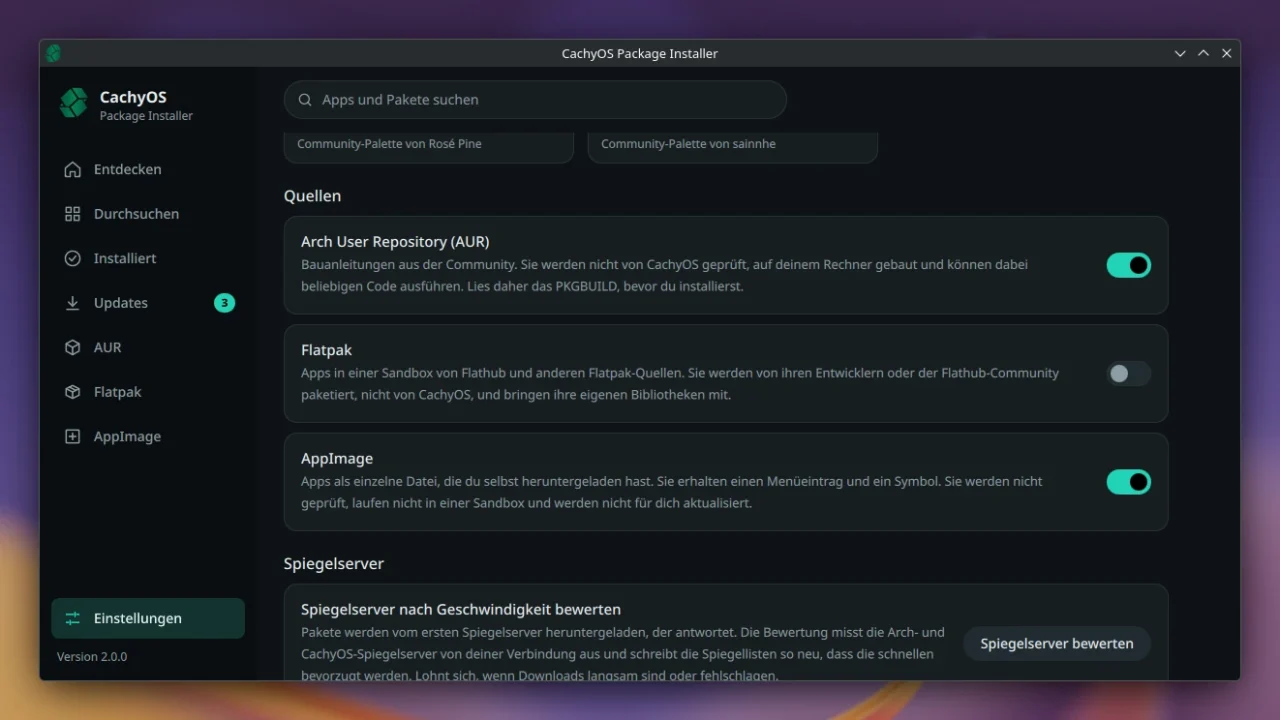
For the AUR, the installer shows the PKGBUILD and its install scripts for review before building a package, and a static analysis flags suspicious lines. On updates, it also shows a diff against the installed version, so you can see what changed in the package. That takes away some of the uncertainty that usually comes with building other people’s packages.
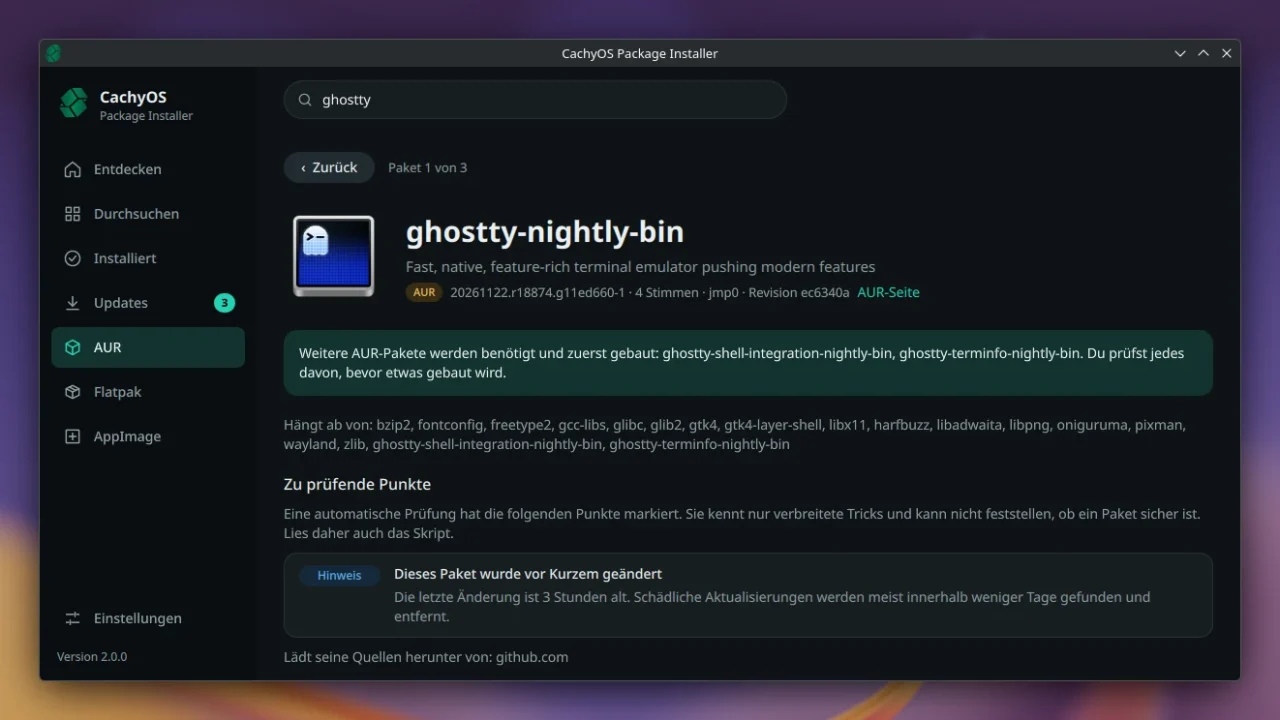
The third source is new: AppImages. Local files automatically get a menu entry and an icon when you add them. You can also install an AppImage straight from a GitHub project page, and the installer then spots newer releases there and offers them as updates, just like a regular package.
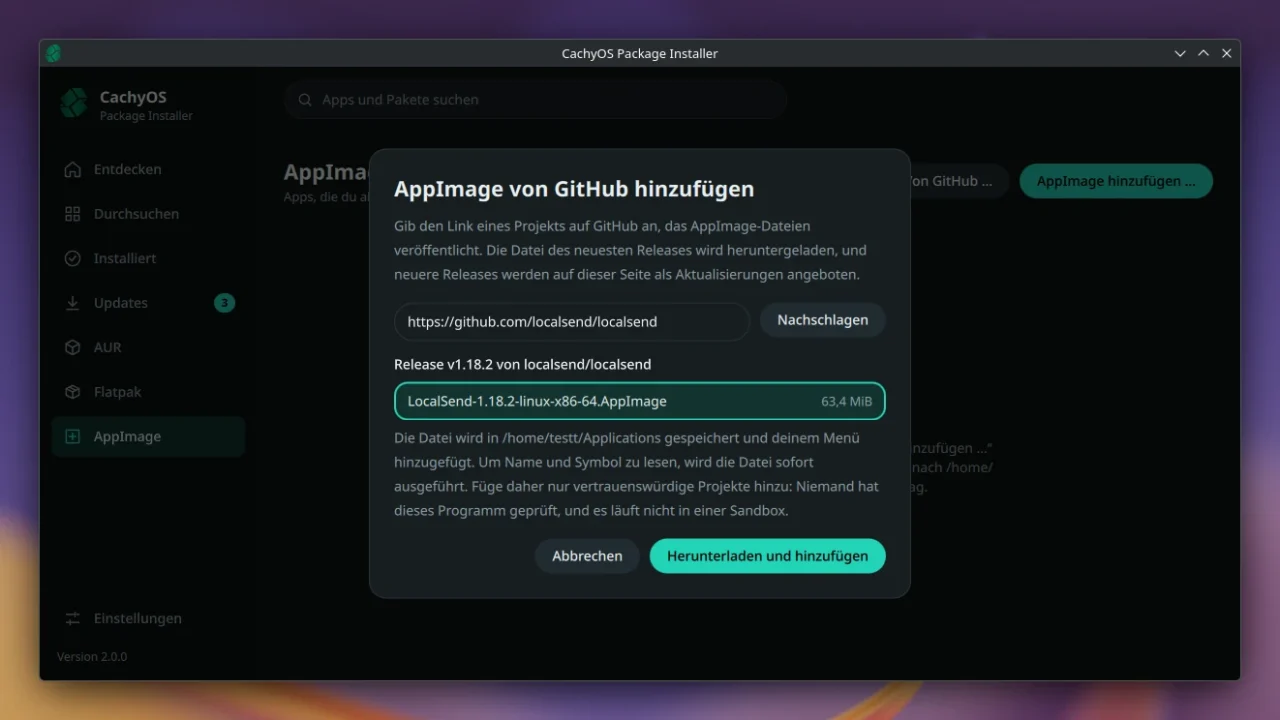
The developers describe the AppImage support like this: “When reviewing an update, it shows what changed since the installed version. AppImages can be added from a local file or from a GitHub project, which also offers newer releases as updates, and AppImages that were added with Shelly or Gear Lever can be taken over.” If you already manage AppImages with Shelly or Gear Lever, the new Package Installer can take them over instead of making you start from scratch.
Kernel, recovery, and a dedicated anti-cheat kernel
The November ISO runs kernel 7.3.5, and the LTS variant comes with 6.18.64. New is linux-cachyos-eac, a dedicated kernel for Easy Anti-Cheat Linux v2. It requires Secure Boot with a trusted key, TPM 2.0, IOMMU enabled, and kernel lockdown mode. A dedicated eac-setup script sets it up, and eac-status then checks that everything is in place. That matters for anyone who wants to play anti-cheat-protected games on CachyOS.
There’s also cachyos-recovery: a recovery environment you can start straight from the bootloader or via UEFI, no live USB needed. It can boot Btrfs snapshots with a writable root for a trial run and roll back permanently if needed, independent of Snapper and also on LUKS-encrypted installations. On top of that, there’s now a ready-made WSL image, so you can use CachyOS under Windows Subsystem for Linux as well.
Availability
The ISO is available now on the download page: straight from the CachyOS CDN, from mirrors in Germany, Sweden, the US, and other countries, and from SourceForge. If you prefer BitTorrent, you’ll find a magnet link there as well. Existing installations get the changes through the package manager as usual. The ISO doesn’t ship Package Installer 2.0 out of the box, though. If it’s missing on your system, this command installs it:
sudo pacman -S cachyos-packageinstallerOpinion
This focus on AppImages makes me think, though. It’s certainly practical. With the current flood of AI software in particular, packagers in the AUR, on Flathub, and in the distro repositories simply can’t keep up, and AppImages or Flatpaks fill the gap. That mainly helps people who like working with current software or just enjoy experimenting.
Still, it feels like Linux is drifting toward Windows: instead of installing everything from the package repositories, you’re collecting your software from around the web again. The setup.exe simply turns into an AppImage. To me, that’s not much better, just more conveniently packaged. If you prefer the classic way, Arch Linux itself is still there, boring in the best sense.


Leave a Reply