
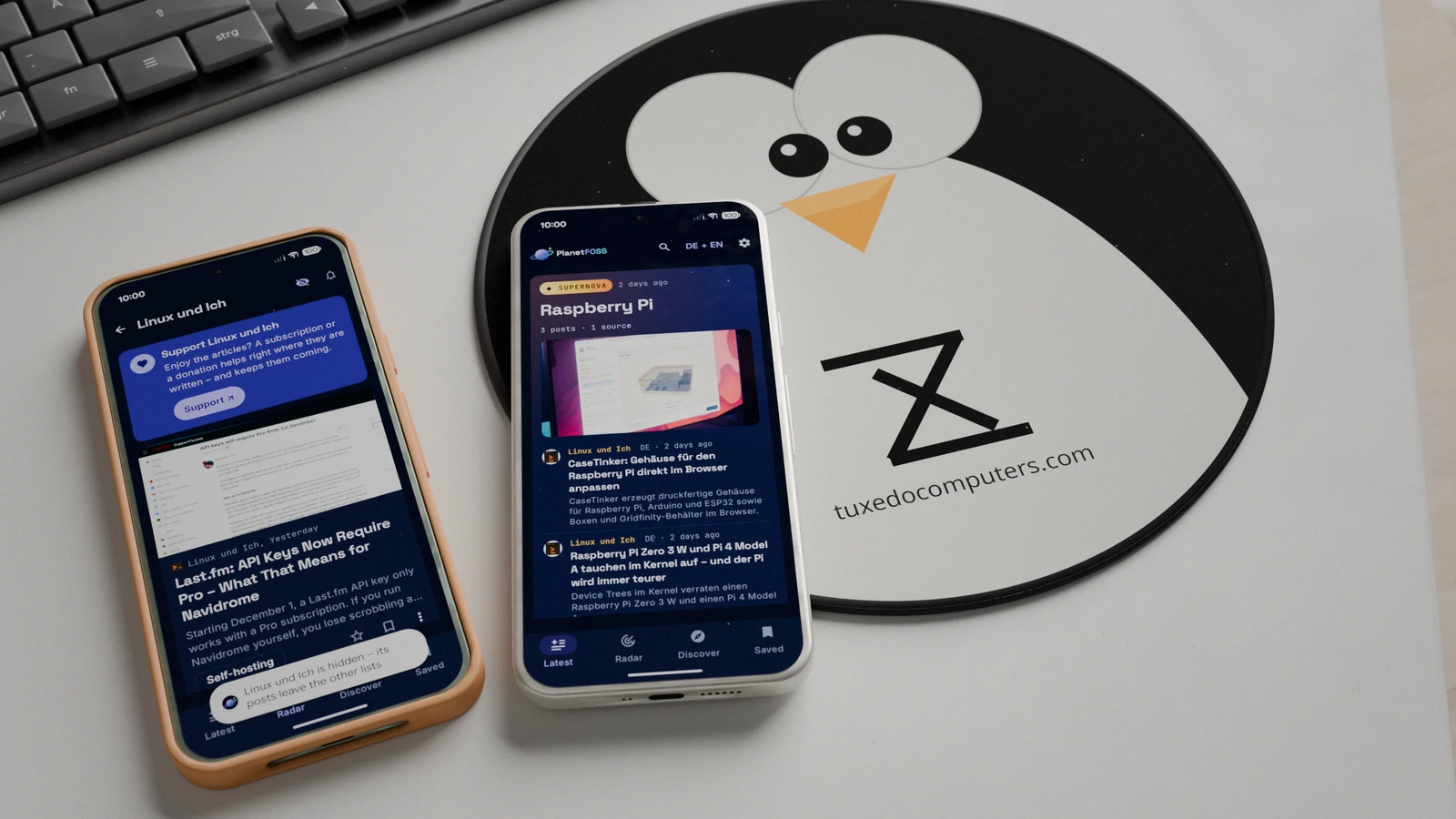
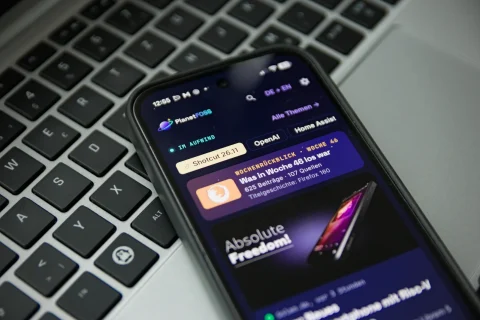
A good week ago I introduced the PlanetFOSS app for Android and asked for testers. New developer accounts have to let at least twelve people try an app for two weeks before it may go public on Google Play. The response honestly made my day: so many of you joined the Google Group for the closed test that the clock is now ticking.
So a big thank you to everyone who joined the group, installed the app and has kept it on their phone ever since. Without you, PlanetFOSS wouldn’t make it into the store at all. Once the two weeks are up, Google takes another look at the app. If all goes well, it will most likely land in the “real” Play Store before Christmas.
What has changed in the last few days
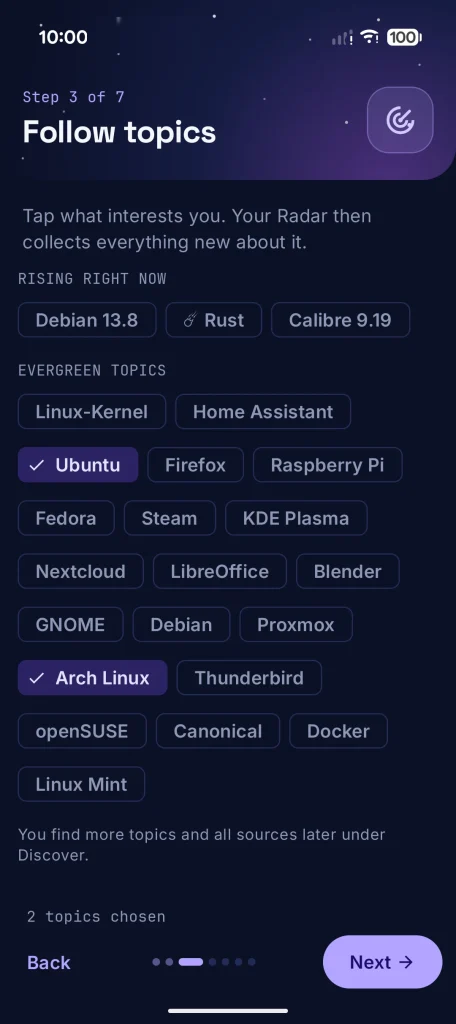
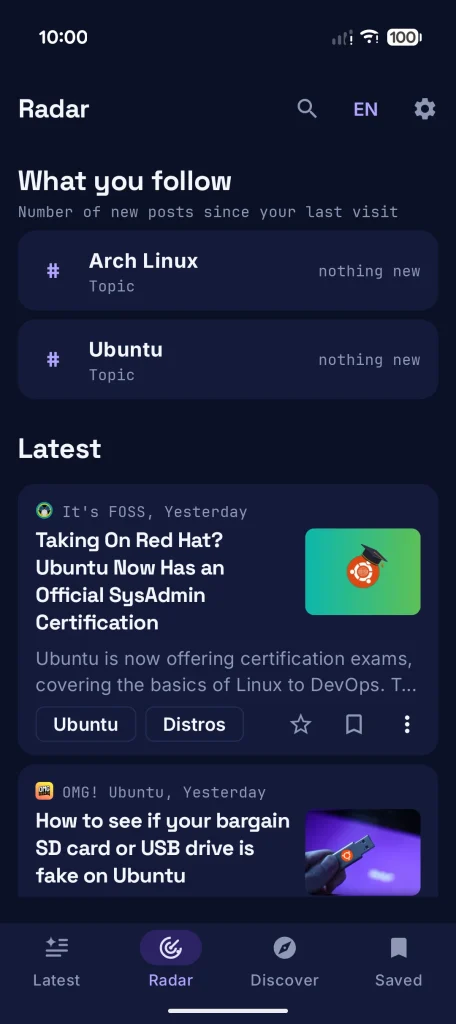
Of course I haven’t been idle in the meantime. Four updates have come out since testing began, and the current version is 0.6.5. The biggest change concerns getting started: the setup assistant now asks in a step of its own which topics you want to follow. One tap per topic is enough, and Radar is filled from the first minute instead of sitting there empty.
Supernovas now show up in the app the moment they ignite, just like on planetfoss.net. The notification, on the other hand, still waits half an hour. That way a misfire that fizzles out within that time never reaches your phone. Notifications for topics and sources you follow also have a switch of their own in the settings now.
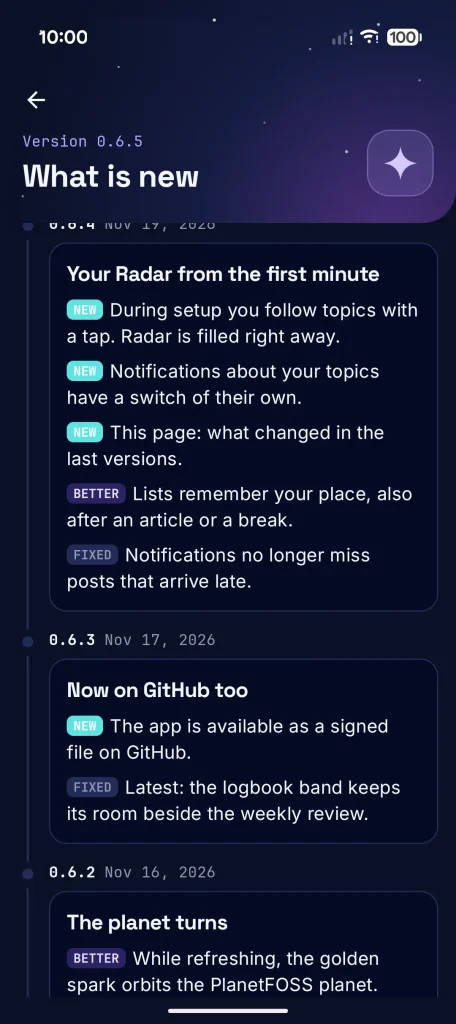
On top of that come a few bugs that were annoying in everyday use. Lists now remember your place, even when you read an article in the app’s own browser or the app sat in the background for a while. Before, Latest liked to jump right back to the top. Notifications for followed topics and sources also no longer miss posts that PlanetFOSS only picks up late.
There are smaller things too: in the settings, What is new sums up the changes of the last five versions in a few lines. The widgets now show a preview in the launcher’s widget picker instead of just the app icon, and long source names on the cards no longer wrap. If you avoid Google, you’ll find every new version as a signed APK on GitHub.
Well hidden: hiding sources in the app
There is one feature I’d especially like to point out, because it’s easy to miss. PlanetFOSS reads around 200 sources, and naturally not every one of them interests everybody. Maybe a blog keeps writing about topics that leave you cold, or you just don’t like its style. You can hide such sources in the app completely, without changing anything for other readers.
To do so, open the source’s page, either through the search or under Discover | The solar system. At the top right next to the bell sits a crossed-out eye. One tap on it, and the source’s posts disappear from Latest, from the rubrics and from all other lists. My own blog Linux und Ich has to serve as the example here – I won’t hold it against anyone.
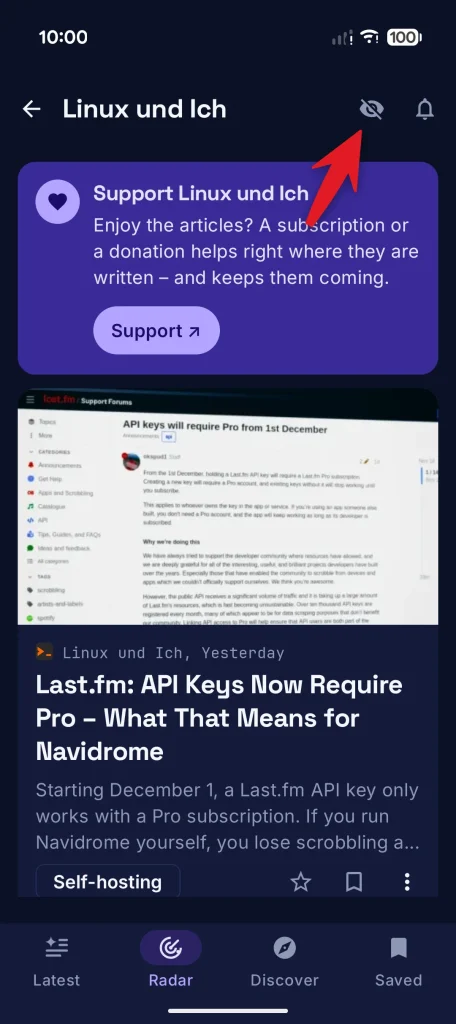
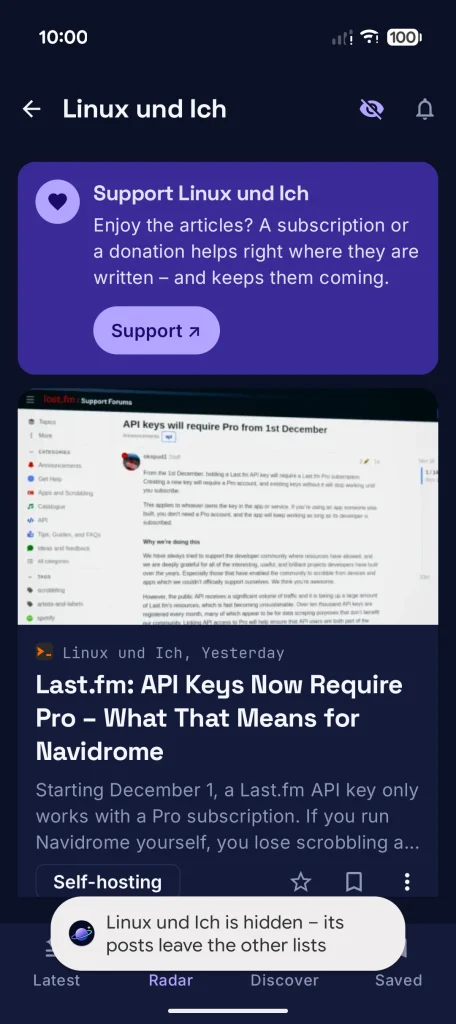
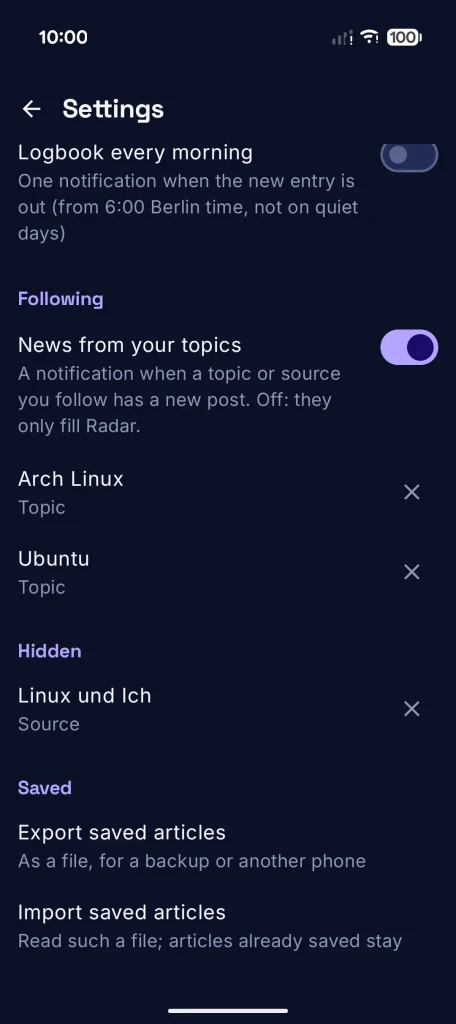
The source’s own page still shows all of its posts and the card you can use to support it directly. Hiding is stored on your phone only, PlanetFOSS learns nothing about it. To undo it, tap the eye again or go to Hidden in the settings, where one tap on the cross brings the source back. By the way, this works just the same for entire rubrics.
Next up: PlanetFOSS on F-Droid
Next on the list is getting the app into F-Droid. The groundwork is done: the app runs without Google services, the source code is openly available on GitHub, and the build recipe is ready as a draft. It may still take a while until PlanetFOSS actually shows up there, though, because F-Droid builds every app itself from source and checks it against fixed rules first.
And now it’s your turn: What is still missing in the app? Which feature do you miss, what annoys you, where does it get stuck on your phone? Let me know in the comments below or as an issue on GitHub. If you’d like to join, you can still sign up in the Google Group; everything else is on the project page. And once again: thanks to all testers!
Leave a Reply