
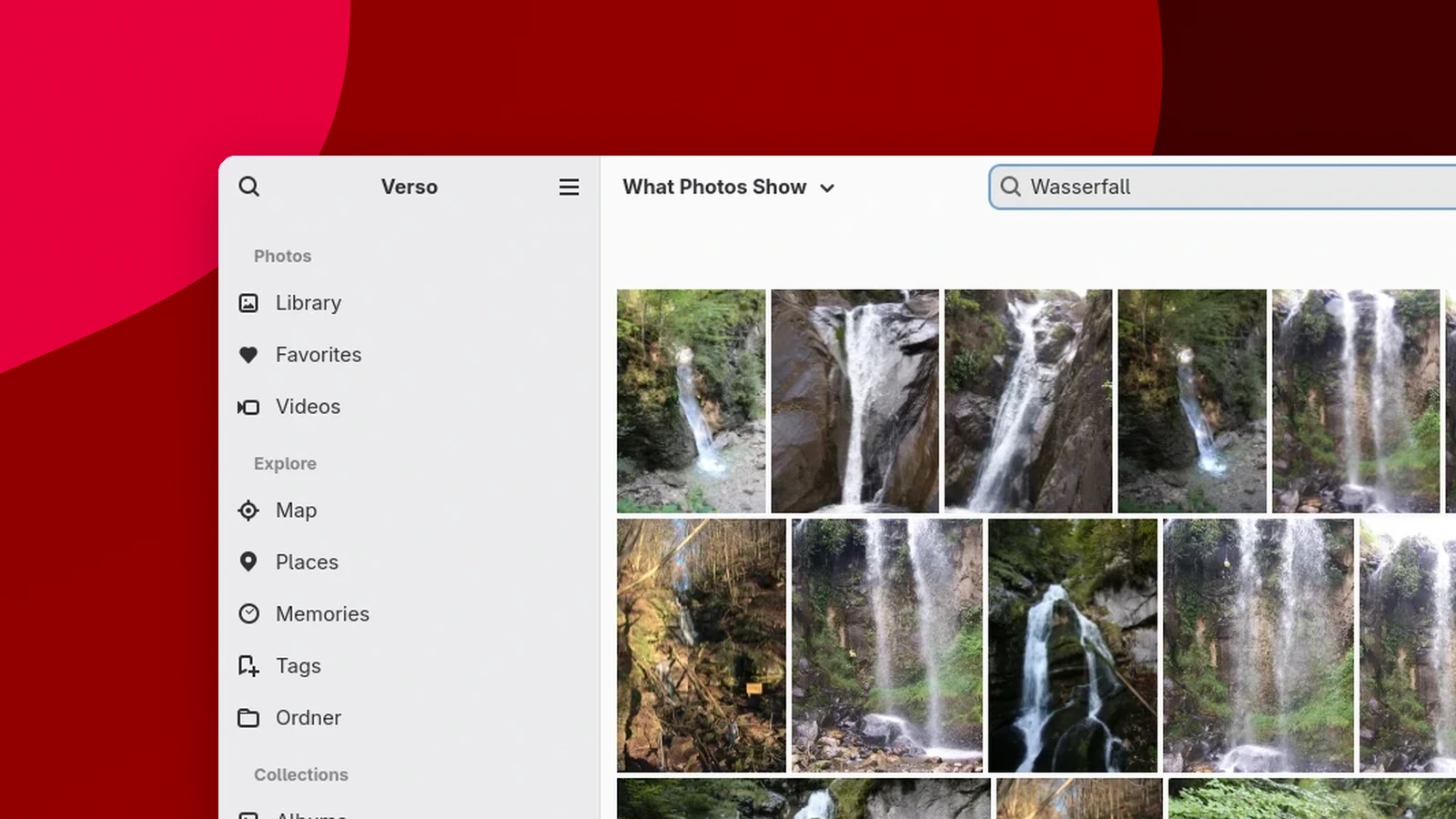
If you manage your own photos with Immich, you’ve been stuck with the web interface on Linux so far. There was no native desktop client, only Immich Mount, which mounts the library as a drive. Verso grew out of exactly that tool: a proper GTK4 application for GNOME using the same Rust core as the Mac and iOS versions. It’s not an official project, just the work of a single developer, and still in the 0.x phase.
Installation
Verso needs a current GNOME with libadwaita 1.8 and GTK 4.18, so Fedora 43 or newer, Ubuntu 25.10 or 26.04, Debian 14, and Arch Linux or other rolling-release distributions. On older systems like Ubuntu 24.04, Linux Mint 22, or Debian 13, the app points this out itself on startup and suggests a Flatpak instead, though that one has to do without Verso Drive.
The Flatpak, on the other hand, runs everywhere using the GNOME runtimes from Flathub, including on older systems. On the server side, you need at least Immich 3.2 either way. According to the developer, Verso doesn’t work with older versions. Verso Drive additionally needs FUSE 3, the Nautilus context menu needs the nautilus-python package, and the tray icon needs the AppIndicator extension for GNOME Shell.
There’s no proper Arch Linux package yet, but every release ships a generic Linux tarball, and rpm and deb packages are supposed to follow from the next release onward. I just unpacked it into ~/.local/opt and started it from there:
curl -sLO https://github.com/jakobhviid/verso/releases/latest/download/verso-x86_64.tar.gz
tar -xzf verso-x86_64.tar.gz -C ~/.local/opt
~/.local/opt/verso/verso
In daily use
After signing in, whether via single sign-on, username and password, or an API key, optionally saved in the system keyring, Verso looks like it shipped with GNOME itself: a timeline by year, month, or all photos, with a scroll ruler next to it much like Apple’s Photos app. The sidebar has everything the Immich web interface offers, too: favorites, videos, map, places, memories, tags, folders, albums, people, shares, duplicates, large files, and the locked folder for private shots.
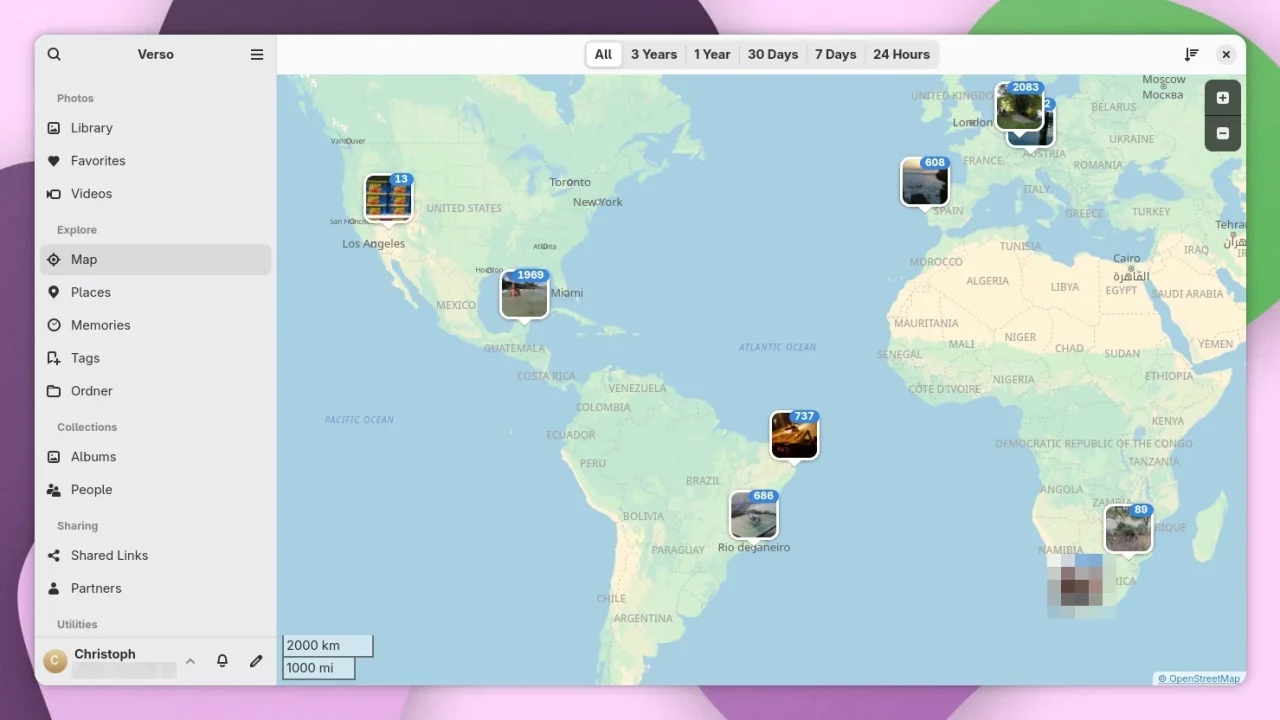
The map is especially nice to look at. Verso groups photos by where they were taken and shows a preview image for each cluster on a world map, plus a number on the pin for how many shots came from that spot. Zoom in and the clusters resolve into individual locations, which is handy for reliving a trip without scrolling through the entire timeline first.
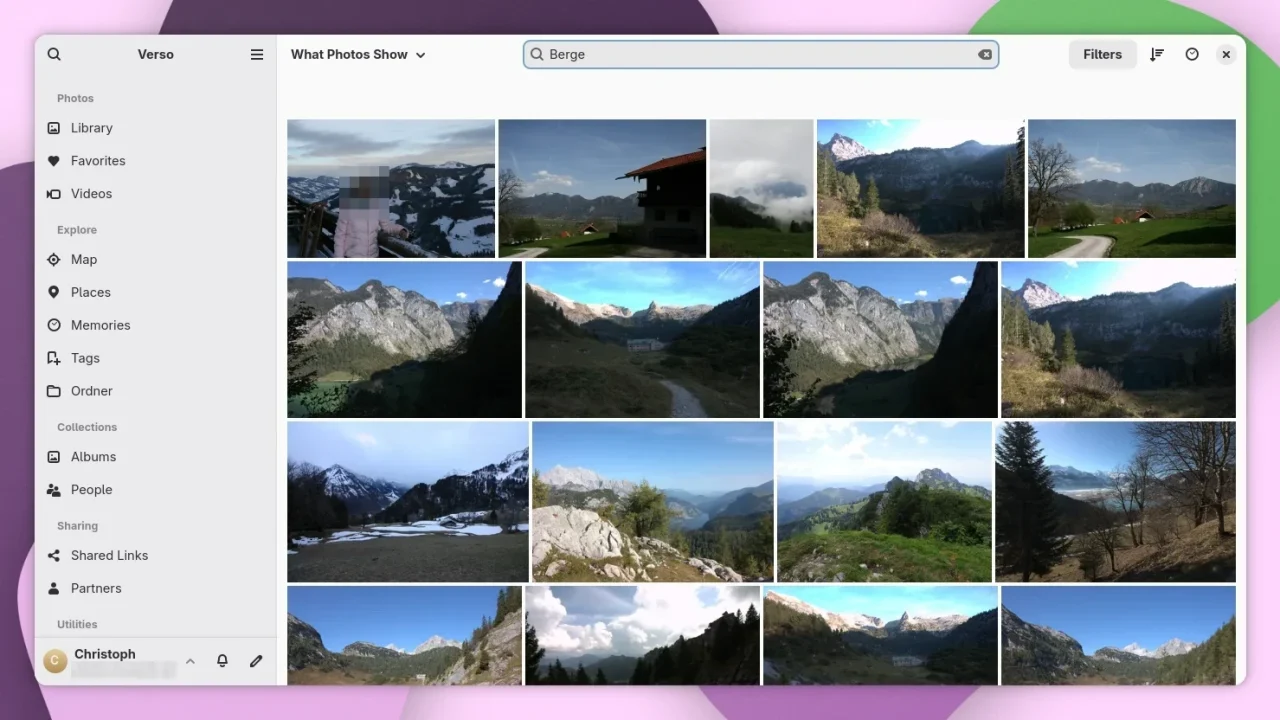
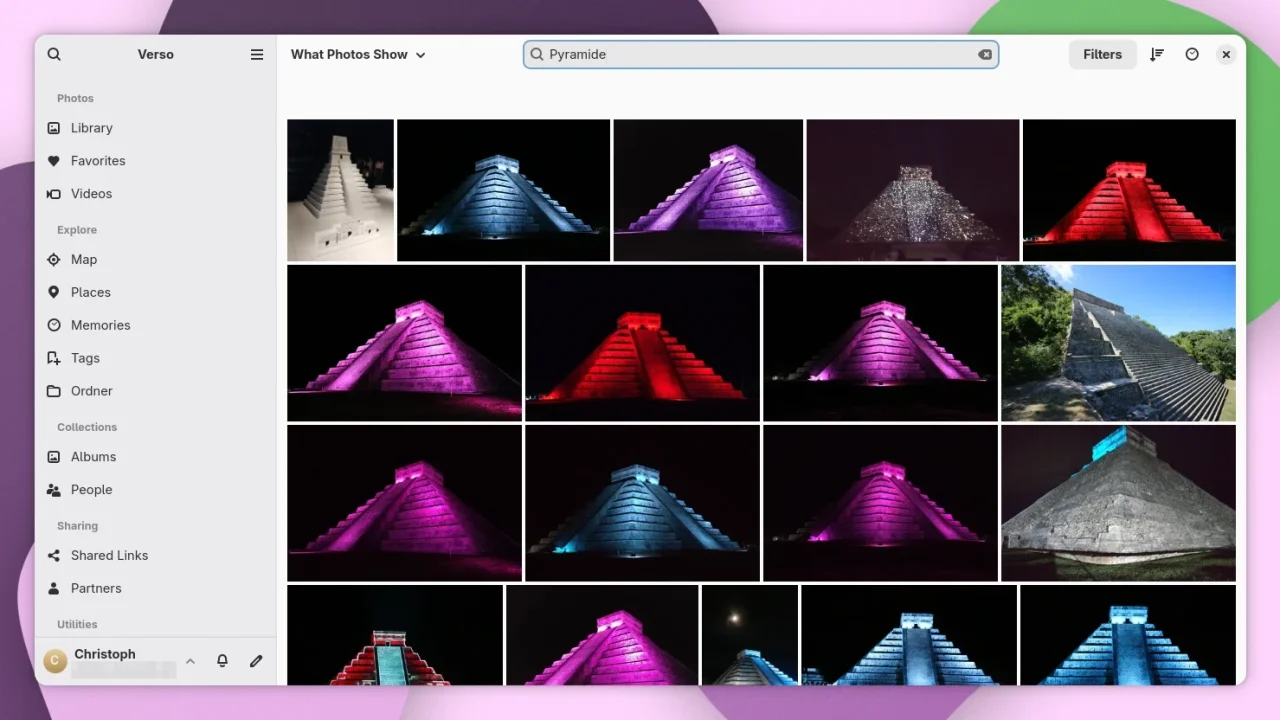
What won me over most was the search. It needs machine learning running on the server, but it finds subjects, not just filenames, and it works in German, too. For the query “Berge” (mountains), Verso returned nothing but matching landscape shots; for “Pyramide” (pyramid), it even found results photographed at night under shifting colored light.
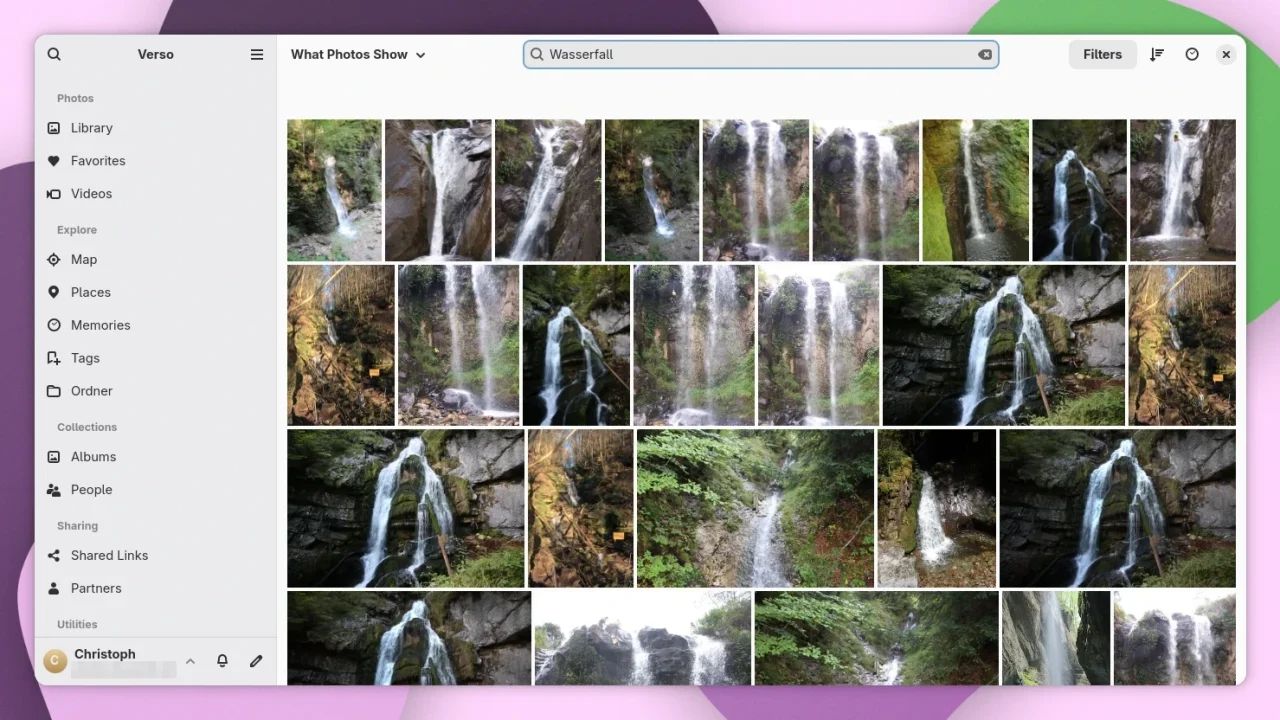
A third try with “Wasserfall” (waterfall) confirmed the impression: consistently matching results, no outliers. One thing stood out, though: the interface itself stayed entirely in English for me, even though the package ships German translation files and my system was set to German. I couldn’t find a setting for this in the preferences.
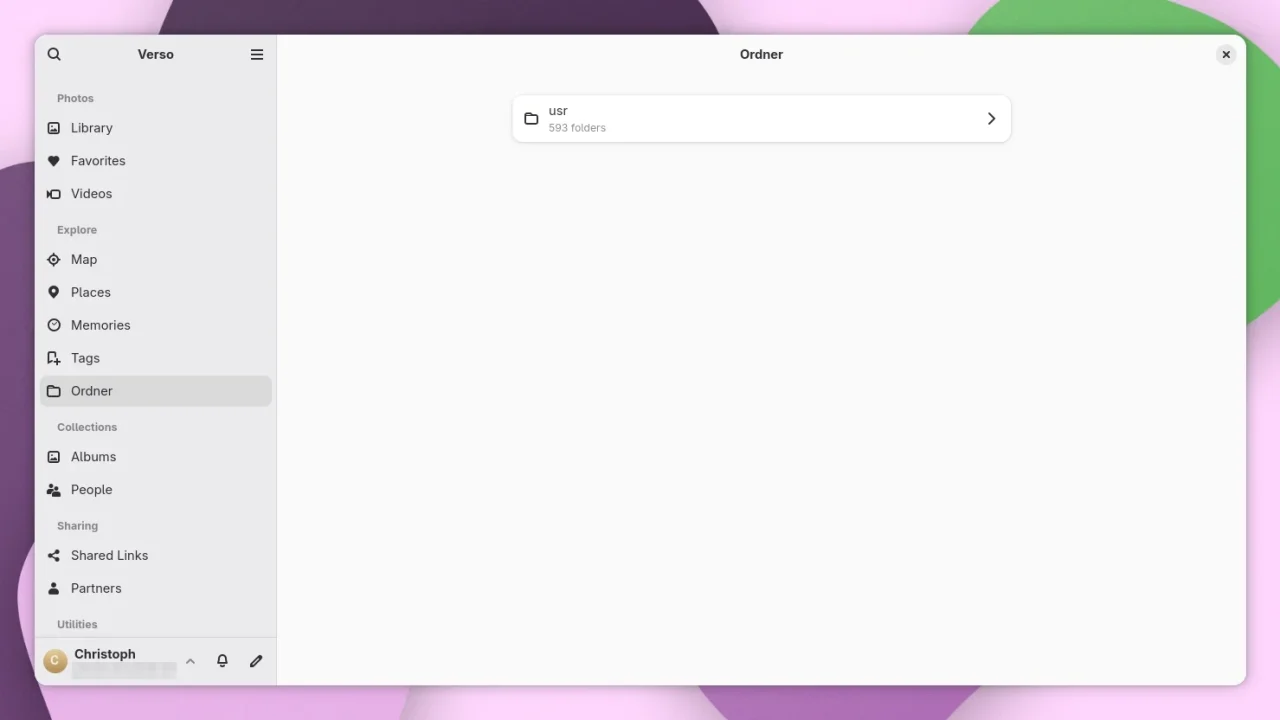
If you’d rather browse by path than by timeline or map, the sidebar also has “Folders”: there, Verso shows the raw directory structure of the library exactly as it sits on the server.
I didn’t turn on Verso Drive, the centerpiece of the predecessor project Immich Mount, during this short test. It needs FUSE 3 on top, and it stays off by default anyway. By design, it mounts the whole library as a folder in Files and only downloads originals once another app actually accesses them.
What’s missing
There’s no KDE version yet, though the developer says one is in the works. Windows and Android are missing too. He plans to build something for Android himself eventually, but Windows would need someone else to step in since he doesn’t use the platform himself. At least the Rust core is freely available under the MIT license, kept portable, and both Immich and any other project are free to build on it.
Image editing is still in its infancy. Right now you can only crop, with more features planned based on community feedback. The iPhone and iPad version hadn’t been released yet at the time of testing, but it’s supposed to arrive via TestFlight and later the App Store. According to the developer, part of the code was written with AI assistance, though he reviews every change himself before it ships.
Young, but already quite usable
For a 0.x release, Verso feels surprisingly finished to me. The search works reliably, even in German, the interface looks like a perfectly normal GNOME app, and Verso Drive sits there as a feature I didn’t even need for this short test. The rough edges are mostly at the margins: no packages yet for rolling-release distributions, an interface that ignores your system language, and image editing with exactly one function.
For a first look, I’d recommend Verso to anyone who’s only ever viewed their Immich library in a browser and wants a native GNOME client. If you’re on KDE Plasma, or you’re counting on Verso Drive as a replacement for Immich Mount, you’re better off waiting a few more versions.
Leave a Reply