
XnView is one of the Windows classics. Back in the days of Windows 2000, the image viewer was part of my standard software setup, and I was happy every time I spotted an update on essential-freebies.de. Later, XnView MP added a version for Linux. Almost related by name, but a completely different caliber, is XL-View: a young image viewer just for JPEG XL.
What XL-View can do
The project has been on GitHub since July 2026, is written in Rust and licensed under the GPL 3. It runs on Linux and Windows. The focus is on photos in the JPEG XL format, including HDR shots and large panoramas. On HDR screens, XL-View shows the full brightness range; on regular displays, it tone-maps HDR images down to fit. It does not open JPEG, PNG or RAW files, though.
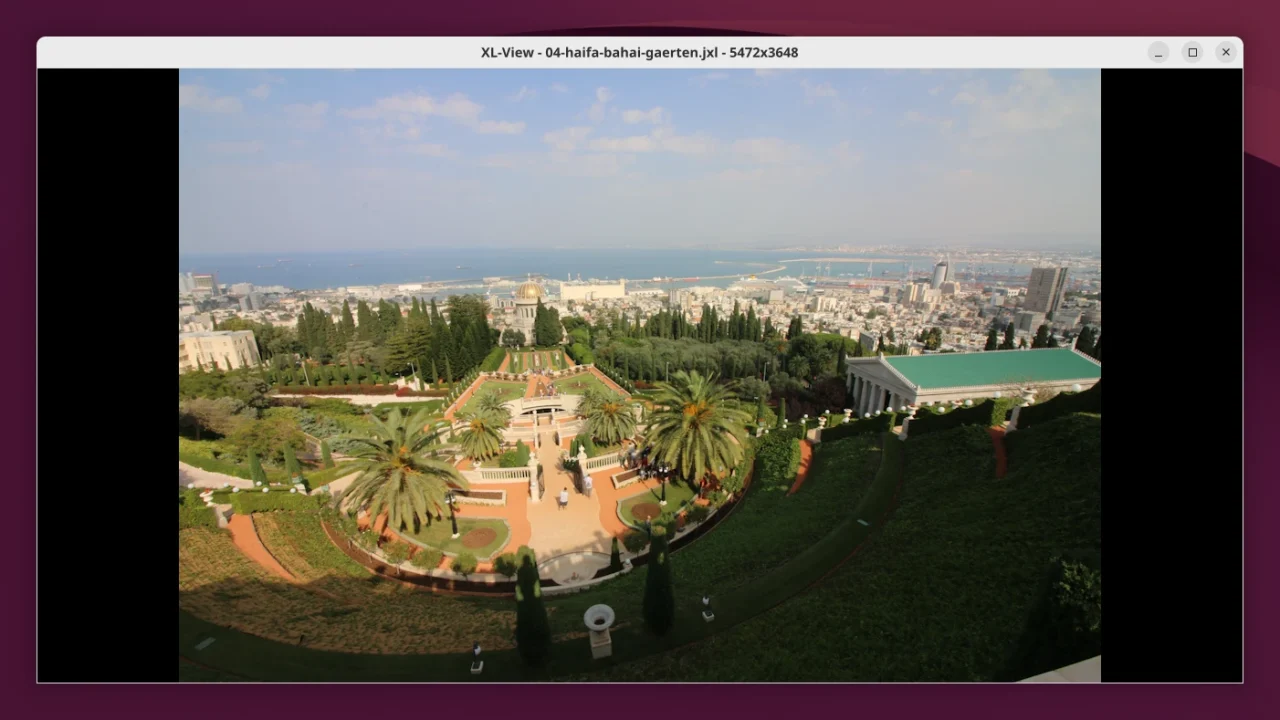
XL-View loads large images in the background, the window stays responsive, and panning does not stutter. It preloads the neighbors in the same folder, so you can flip through quickly with the arrow keys. Almost everything is done from the keyboard: F fits the image to the window, 1 shows it pixel for pixel, [ and ] change the exposure, and B switches the background.
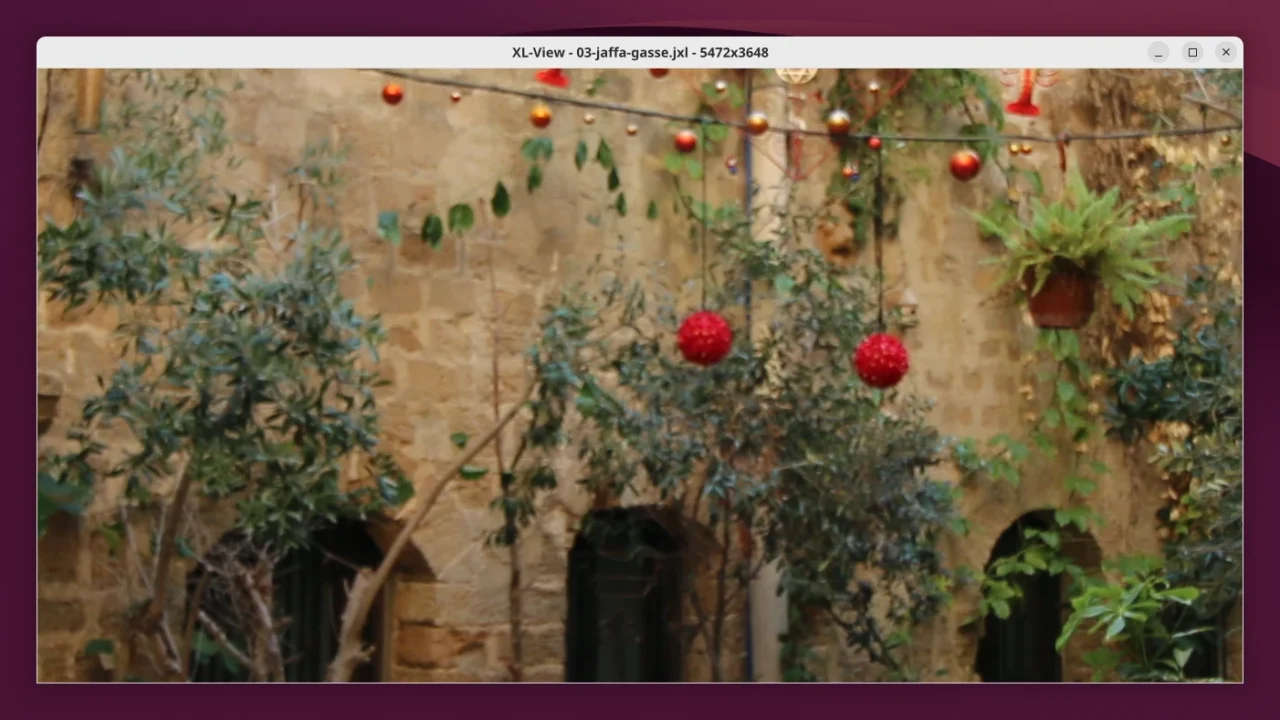
The new version 0.5.0 from November 21 can handle so-called gain maps. Such images contain a regular image plus information from which an HDR version can be calculated. HDR screens then get the HDR version, regular displays the base image. There is also a histogram now, HDR rendering has been improved, and the AppImage can update itself.
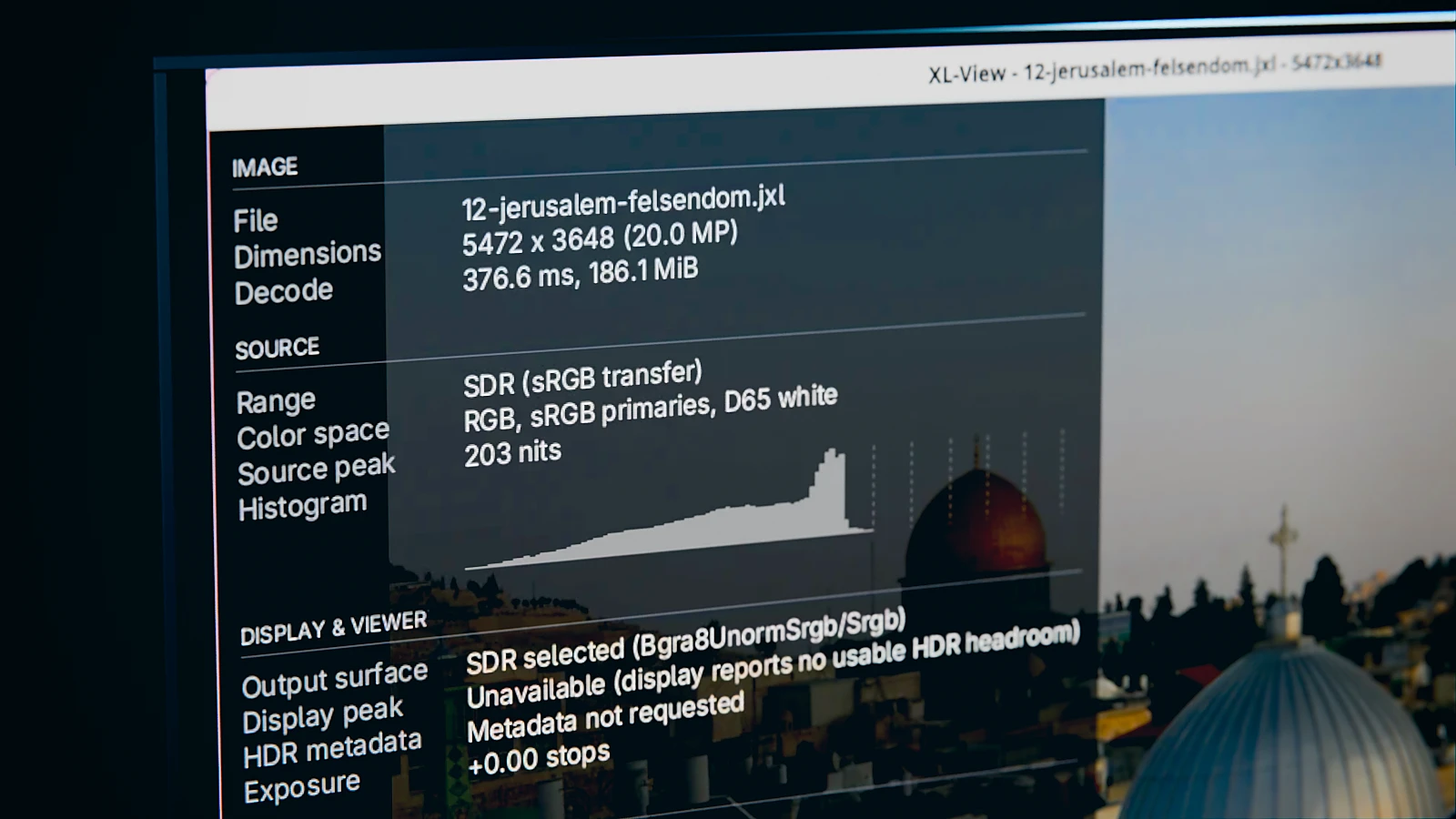
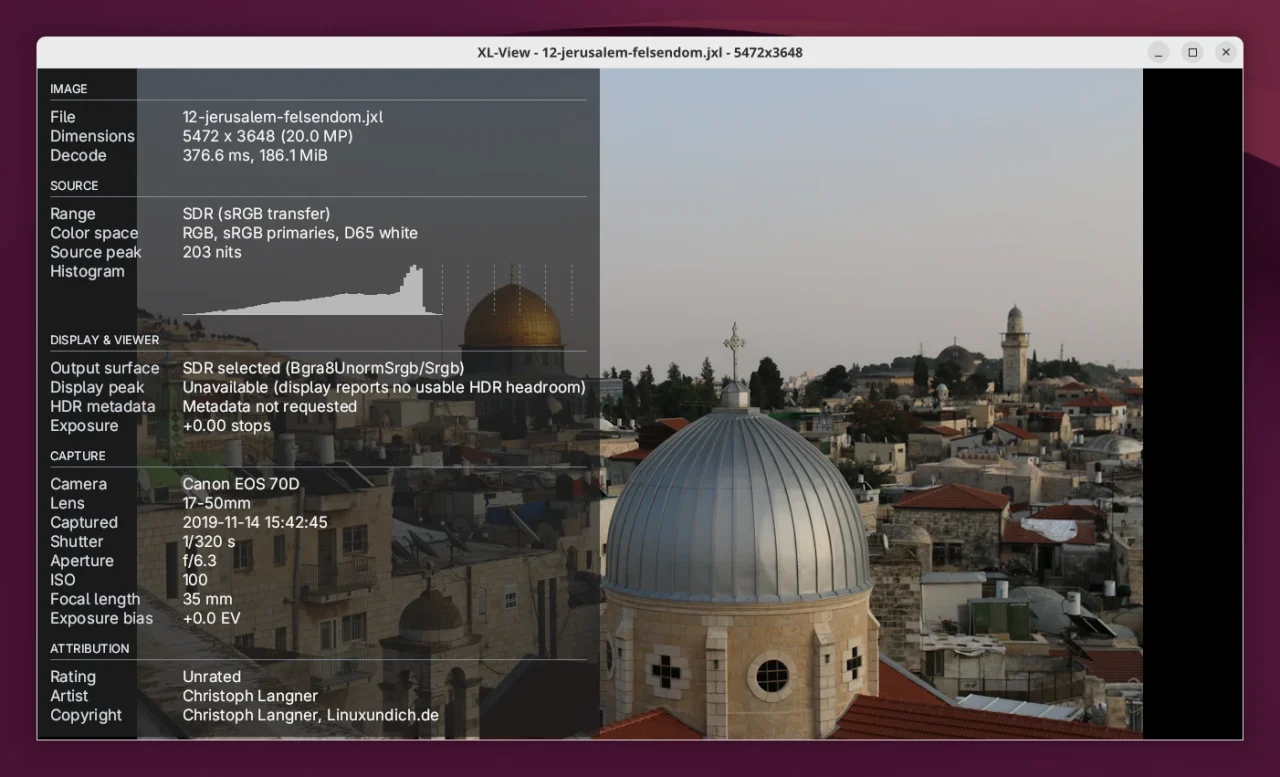
Press I, and XL-View overlays an info panel on the image: resolution, color space, histogram, the selected output and the EXIF data with camera, lens, aperture and shutter speed. My test system has no HDR display; XL-View reports that as well and shows the photos normally in SDR, that is, with the usual brightness range.
Installing XL-View on Ubuntu
For Linux there is an AppImage. It requires a Wayland session, since there is no X11 fallback, and a working Vulkan driver. Ubuntu 26.10 has both, and the AppImage ran on my machine without any extra packages. Download the file from the release page, make it executable and start it with an image as parameter:
cd ~/Downloads
wget https://github.com/andrinbr/xl-view/releases/download/v0.5.0/xl-view-v0.5.0-linux-x86_64.AppImage
chmod +x xl-view-v0.5.0-linux-x86_64.AppImage
./xl-view-v0.5.0-linux-x86_64.AppImage ~/Bilder/Israel/05-rosch-hanikra-grotte.jxl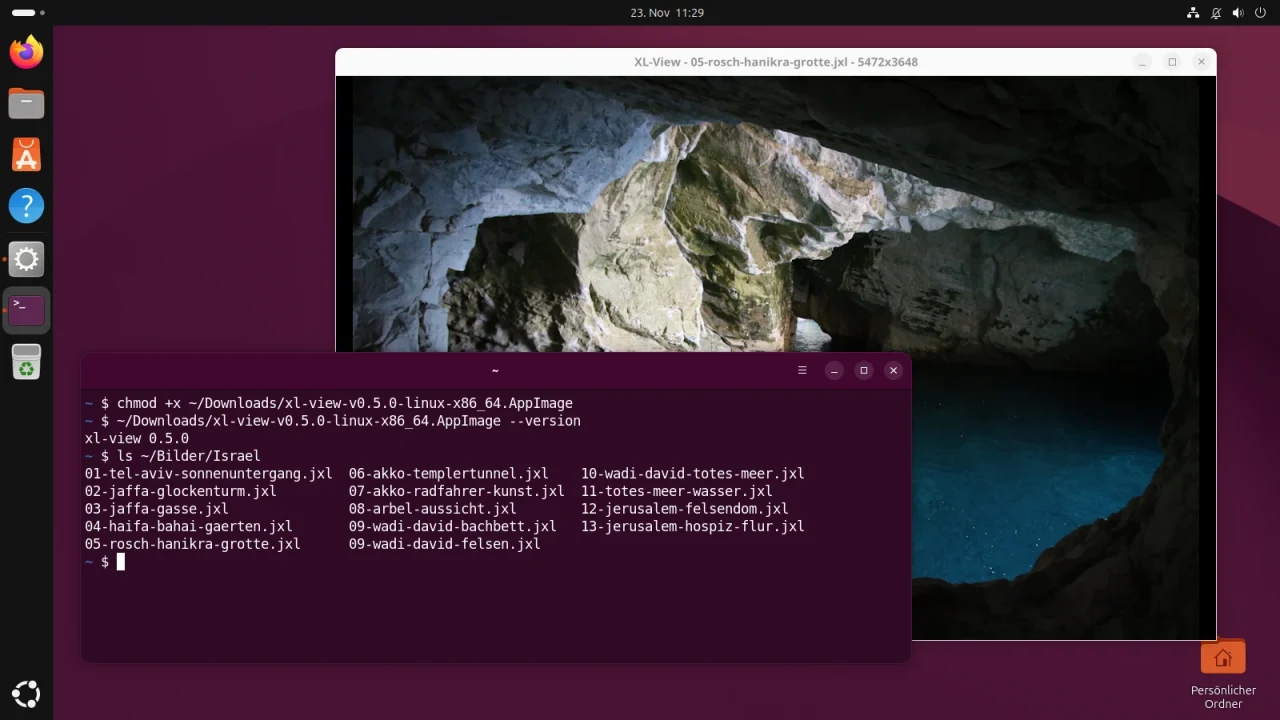
Without a parameter, XL-View greets you with a start screen. You then open images with O or Ctrl+O, or simply drag them into the window. The AppImage does not create an entry in the application menu by itself. Gear Lever takes care of that, and XL-View’s instructions point to it: you select the downloaded file there, and the program handles the rest, including the menu entry.
Converting photos to JPEG XL
Since XL-View only opens JPEG XL, you need suitable images first. I converted fourteen photos from my 2019 trip to Israel, taken with a Canon EOS 70D. The tool you need, cjxl, comes in the libjxl-tools package on Ubuntu. The loop below converts all JPEG files in the current folder and leaves the originals untouched:
sudo apt install libjxl-tools
for f in *.jpg; do cjxl "$f" "${f%.jpg}.jxl"; done
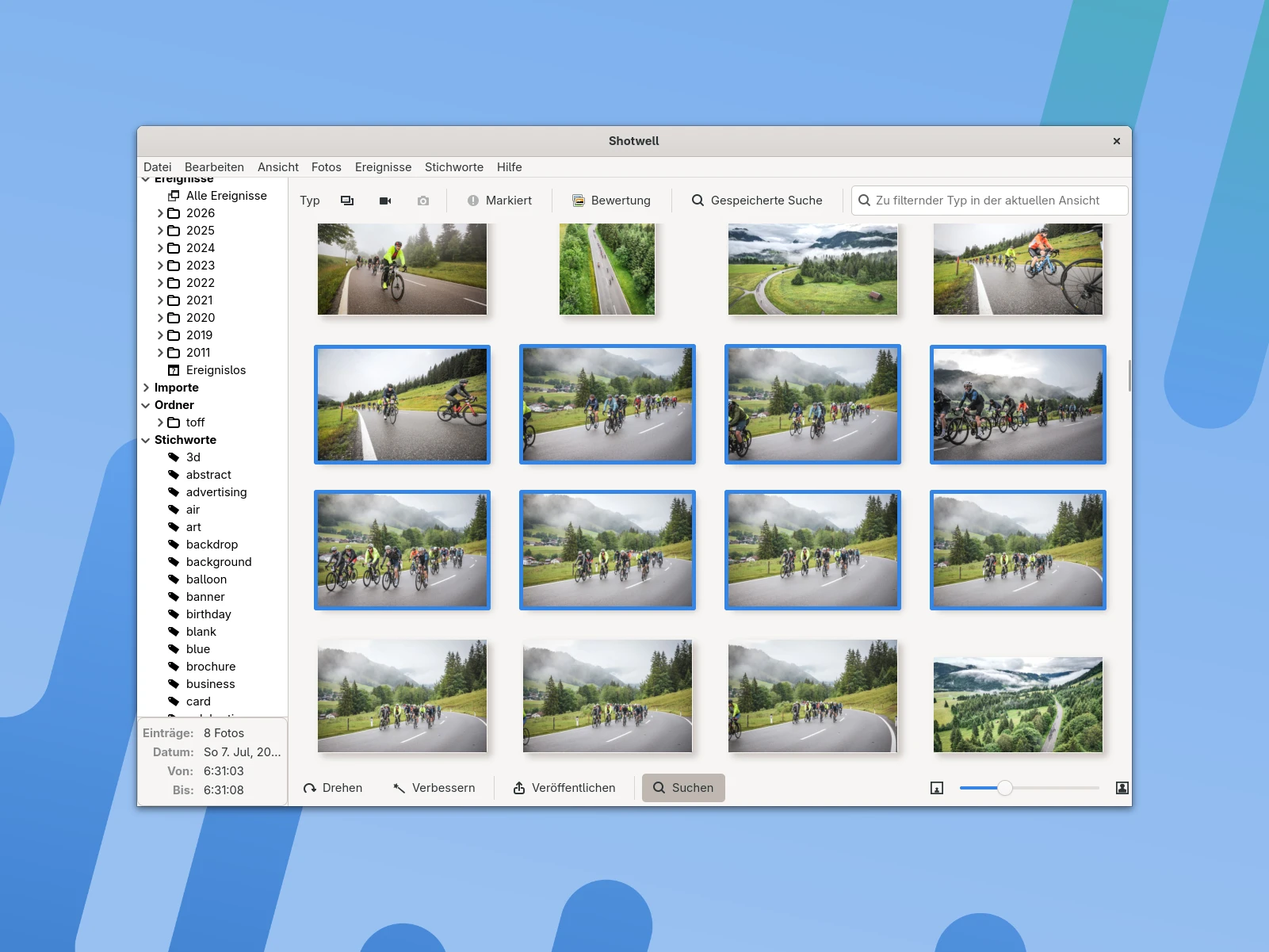
With JPEG files, cjxl works losslessly by default: it just packs the existing image data more cleverly. My fourteen photos shrank from 98 to 79 MB, by about a fifth. djxl restores the original JPEG, bit for bit identical in my case. By the way, Ubuntu’s file manager shows thumbnails for the new files out of the box.
Verdict
XL-View shares nothing with XnView but the sound of its name. If you already store your photos as JPEG XL or have treated yourself to an HDR monitor, you get a lean viewer built for exactly that, with the histogram and EXIF data a keypress away. For everyday use with mixed formats, however, it remains a specialist, because it has to leave JPEG, PNG and RAW to another program.
Leave a Reply