
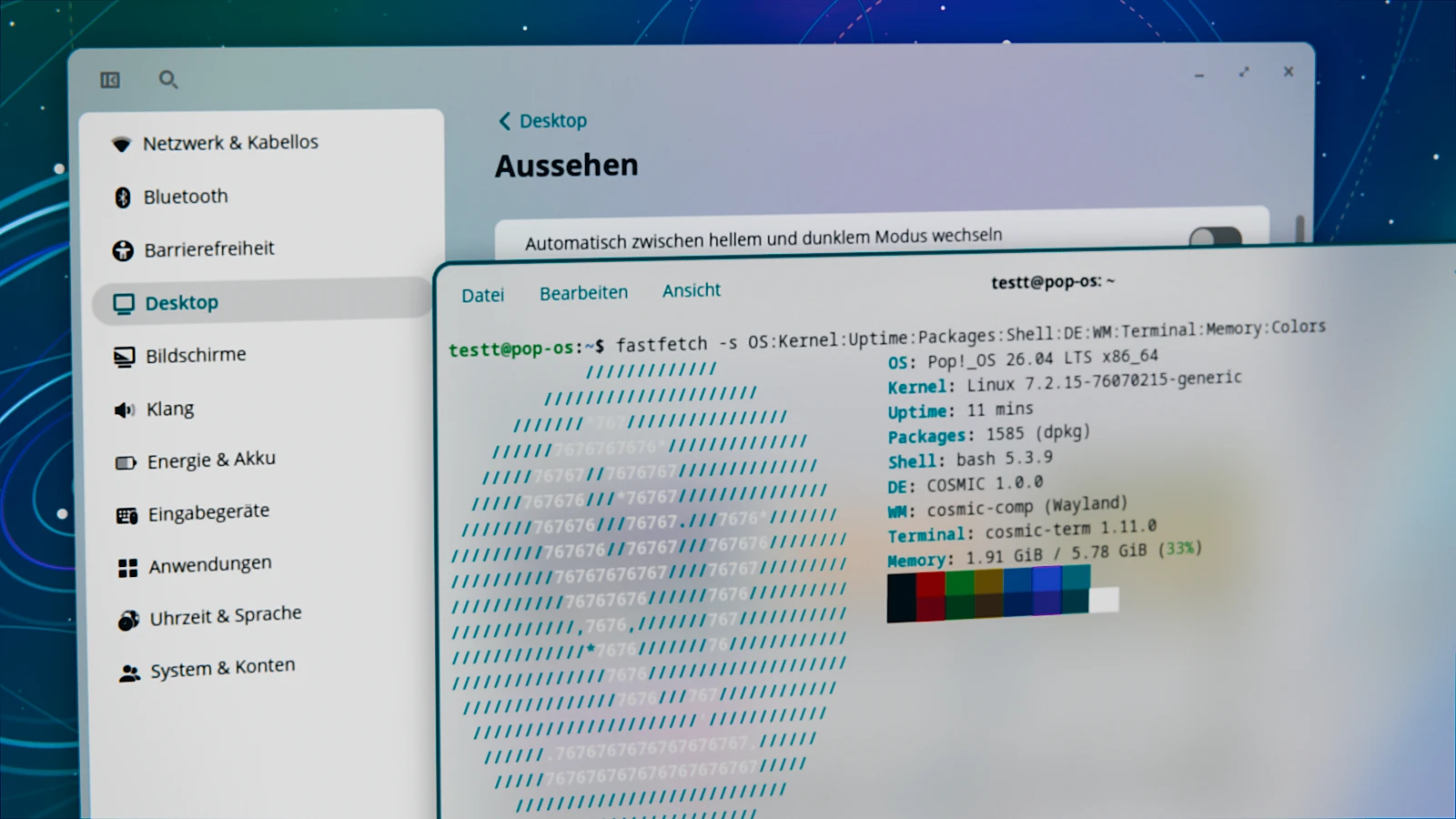
System76 has released Pop!_OS 26.04 LTS, the new long-term support version of its Linux distribution with the in-house COSMIC desktop. The base is now Ubuntu 26.04 LTS, internally called Resolute Raccoon. The most noticeable change is Constellations: ready-made theme packages for the COSMIC desktop. You’ll find all the details and the download on the project page and in the release notes.
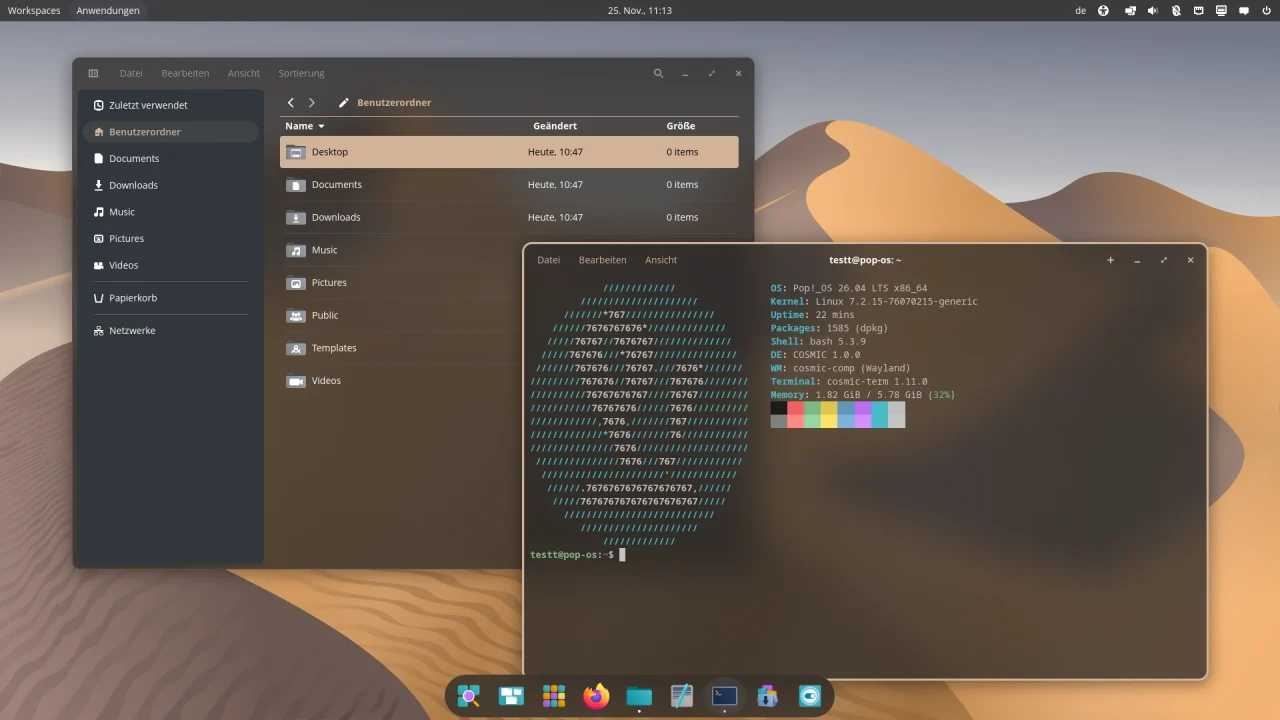
Ready-made themes instead of piecing it together yourself
Until now, you had to click together your own COSMIC look across several settings pages. Constellations bundles that into eight ready-made theme packages – COSMIC, Dune, Mirror Grove, Still Peaks, and four variants of Universe – that switch wallpaper, accent color, icons, and font all at once. You can also layer the already familiar frosted-glass effect onto any package, which makes windows and bars slightly translucent.
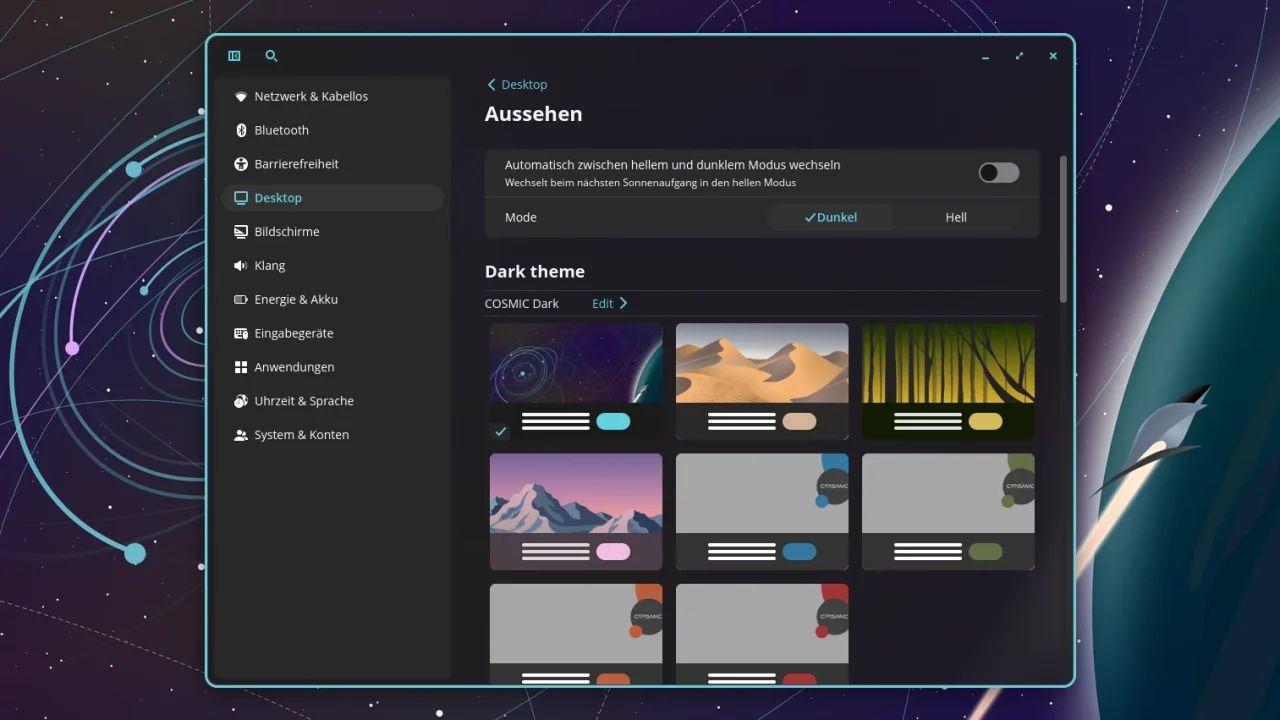
A Constellation isn’t a fixed package: you can take a theme as a starting point, keep tweaking it, save your version, and share it with others. If you like switching up your look often, or just want to try COSMIC out, this gets you to a coherent desktop faster than piecing together individual settings ever did.
Graphics tablet, on-screen keyboard, and remote access
Pop!_OS 26.04 LTS now supports graphics tablets like Wacom’s: the input device settings let you configure pen tilt and pressure, handy for digital drawing or note-taking.
There’s also an on-screen keyboard with touch and gamepad support, which makes the system usable on a TV from the couch. It ships as its own applet, so you can drop it into the panel or the dock. Also new is built-in remote access to your own desktop, which means you no longer need any extra software for that.
More comfort for gaming and everyday use
Gaming gets calmer fullscreen and Steam Big Picture behavior, the mouse stays reliably captured in the window while you play, and displays with variable refresh rate are now supported. On laptops with two GPUs, the system automatically picks the right one for each game.
For everyday use, per-app volume control and better accessibility help out, including finding your mouse cursor by shaking it and scalable cursor sizes. You turn on automatic system and app updates under Settings | System & Accounts. The initial setup after installation asks about this right away; by default, the switch is off.
New in-house apps
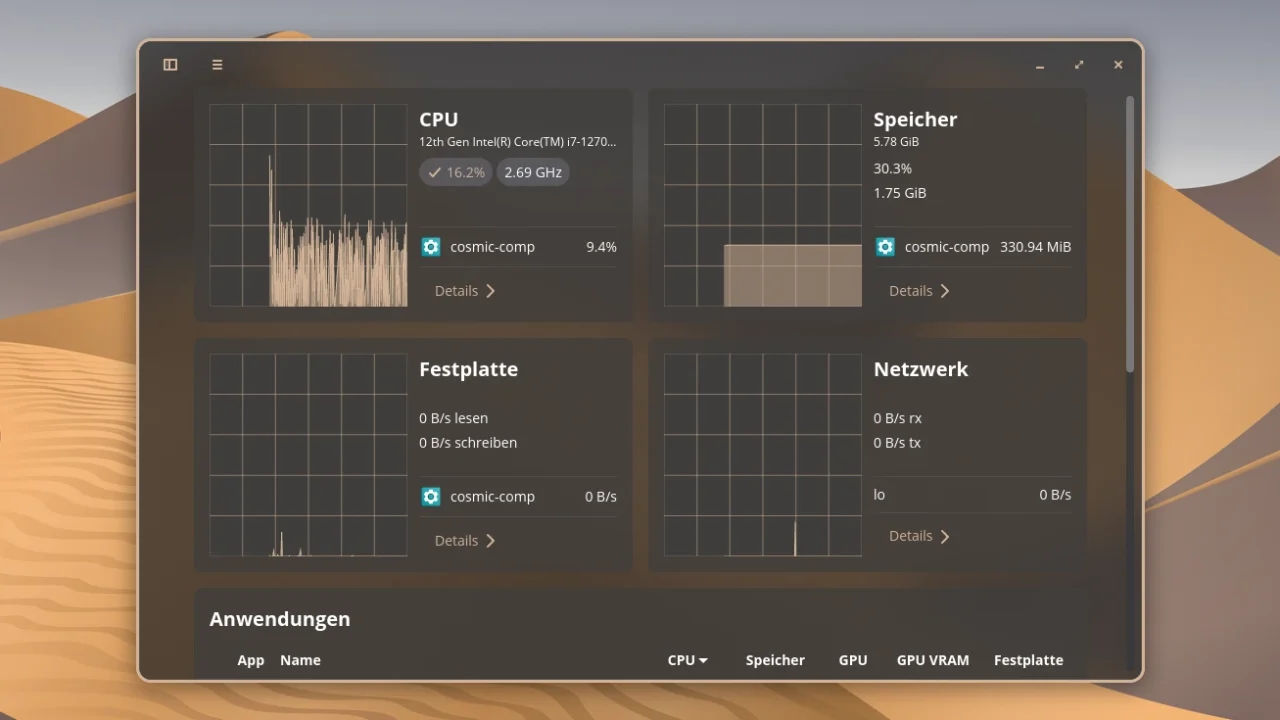
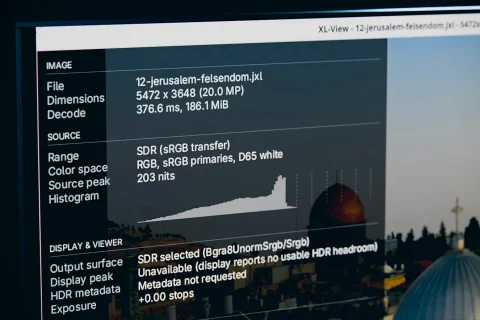
Three COSMIC-native tools ship by default: an image viewer, a system monitor, and the USB flashing tool Popsicle, which now also runs on the in-house Rust UI toolkit libcosmic. The COSMIC terminal gets some polish too: adjustable borders between split panes and keyboard shortcuts for moving tabs around – similar comfort features to what Ghostty 1.4 recently brought to Linux terminals.
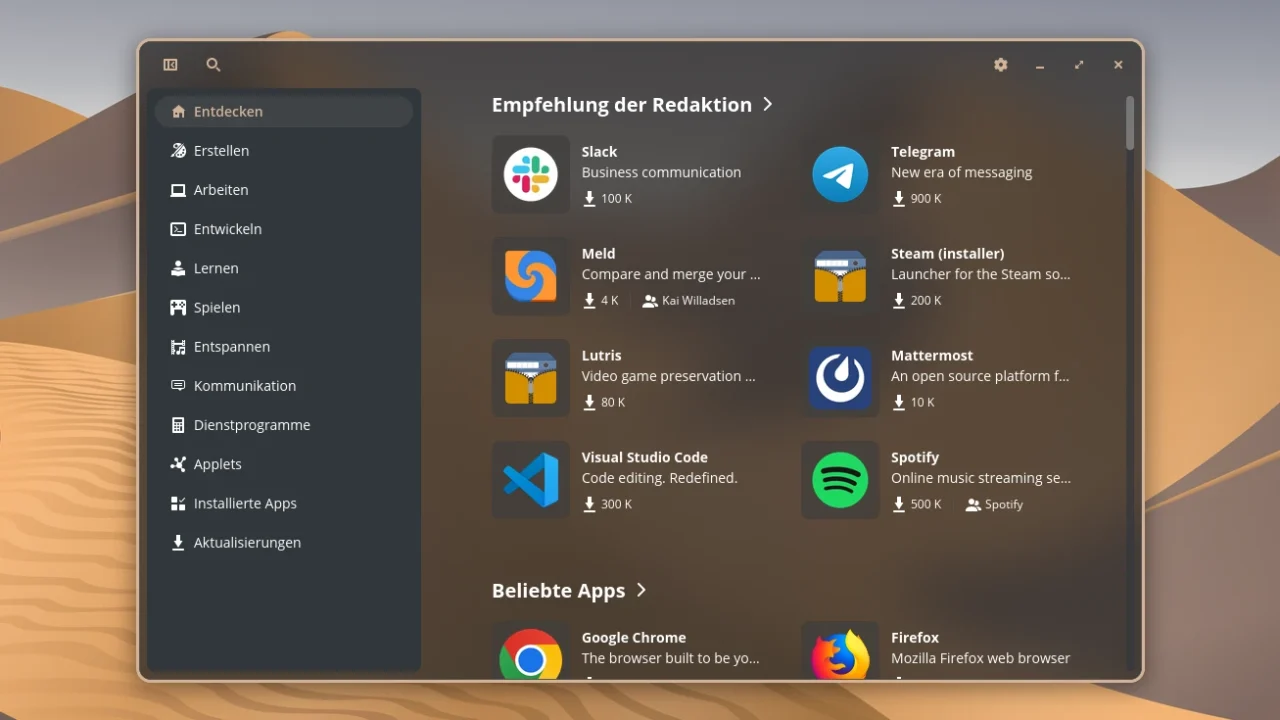
The COSMIC Store still brings Flatpak support, plus a reworked interface and a gallery view for your screenshots. If a package is missing there, you can add it through an extra Flatpak remote, as described in the post on FlatPark. The file manager COSMIC Files also navigates straight to network shares, searches them noticeably faster than before, and lets you give sidebar entries custom names.
Availability
Pop!_OS 26.04 LTS is available on the download page as a 64-bit ISO in four variants: for Intel, AMD, and older Nvidia graphics; for newer Nvidia cards from the 16-series onward; and ARM64 variants with and without Nvidia. The recommended specs are 4 GB of RAM, 16 GB of storage, and Secure Boot disabled in the BIOS.
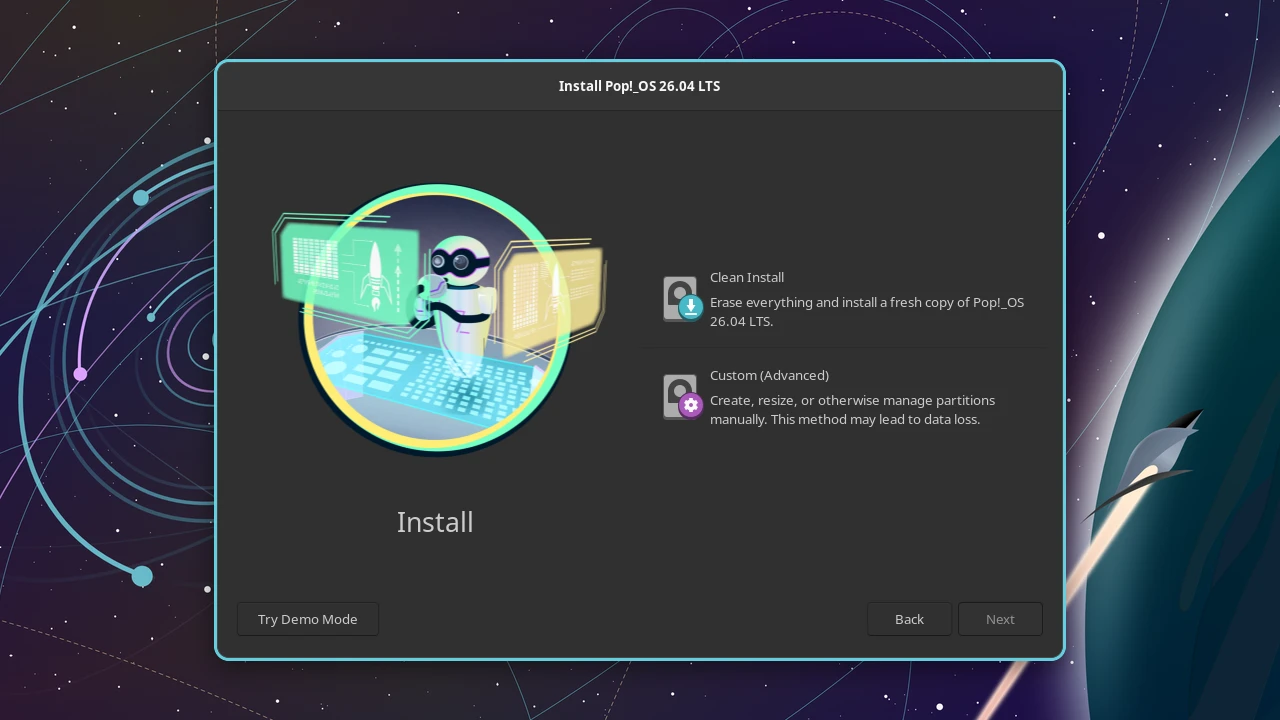
The installer offers a clean install to the whole drive or a custom partition layout, and then asks whether to encrypt the drive. If you’re already running Pop!_OS 24.04 LTS, you’ll have to be patient: the in-place upgrade isn’t coming until December, so a fresh install from the ISO is your only option until then.
Much of this already arrived via updates, the rest comes with a fresh install
Most of this list won’t surprise existing Pop!_OS 24.04 users: COSMIC keeps getting developed continuously, and most of these features already arrived via updates over the past months. What’s truly new with 26.04 LTS is mainly the Constellations themes, graphics tablet support, and the fresher base of Ubuntu 26.04, kernel 7.2, and Mesa 26.2 – everything else is just there from the start now.
If you’re already using Pop!_OS, this release mainly gives you a clean, up-to-date starting point rather than a big leap forward. For everyone else, it’s worth a closer look now: if you want a polished Rust desktop with theme packages, graphics tablet support, and built-in remote access, 26.04 LTS is a solid entry point.
Leave a Reply