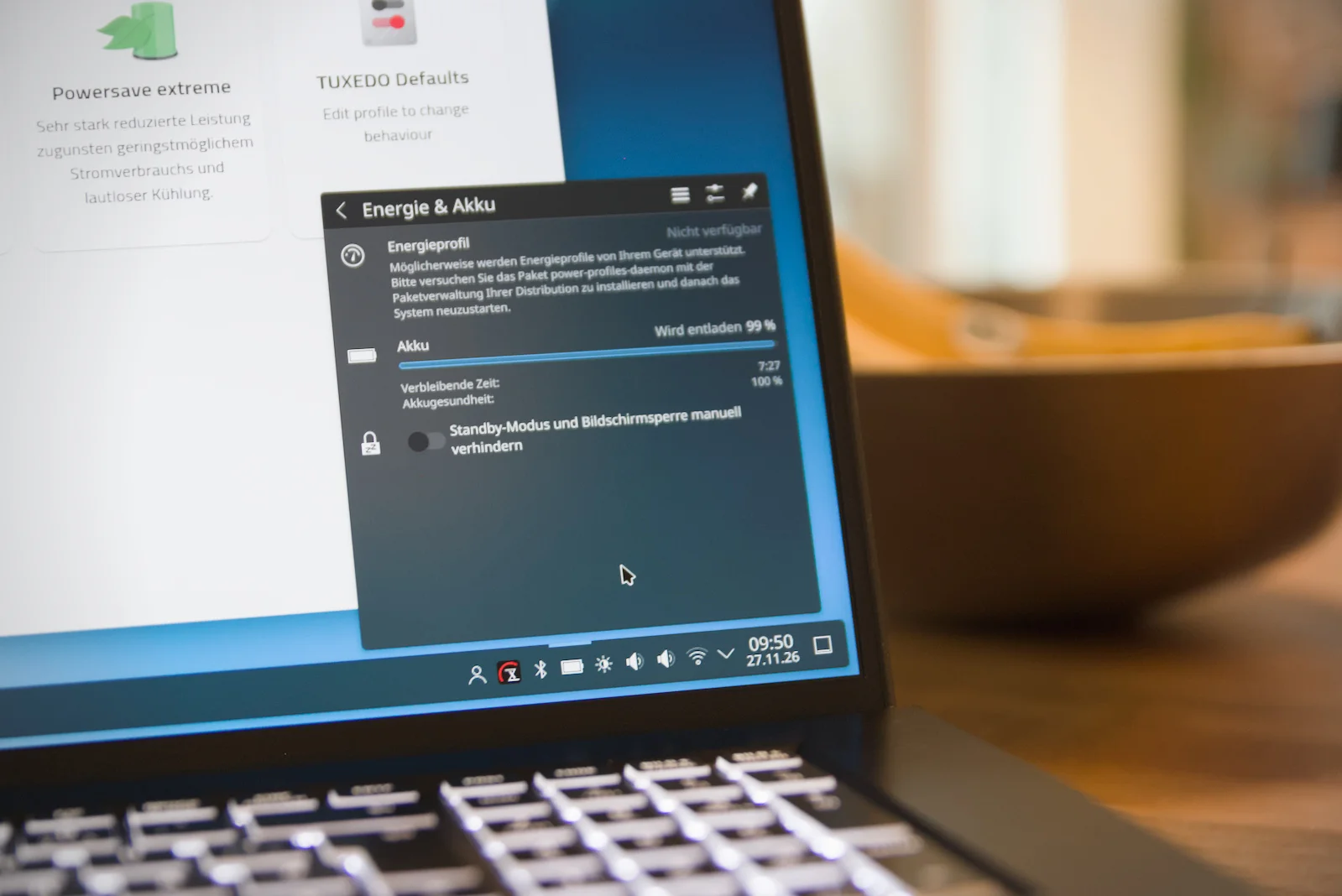
If you own a TUXEDO notebook, the TUXEDO Control Center (TCC) handles processor, fans, and battery behavior. KDE Plasma and GNOME bring their own power mode on top, backed by power-profiles-daemon, and both services touch the same processor settings. On TUXEDO OS, the two are well tuned to each other. On any other distribution, you have some fixing to do.
Two small projects want to settle this dispute. The adapter by detluck and the adapter by olwig, which goes by the same name, both pose as power-profiles-daemon and pass every change in the desktop on to the TCC. The slider in the panel then switches the TUXEDO profiles directly. I tried both on a freshly installed InfinityBook S 17 Gen8 with Arch Linux and KDE Plasma 6.8.
// Disclosure
My day job is at TUXEDO Computers. Both adapters are community projects I have nothing to do with. For GNOME, I wrote my own solution called Pulsgeber, which takes a different approach. I have already submitted the extension to GNOME Extensions, but it is still waiting for approval.
Why the TCC and the power mode get in each other’s way
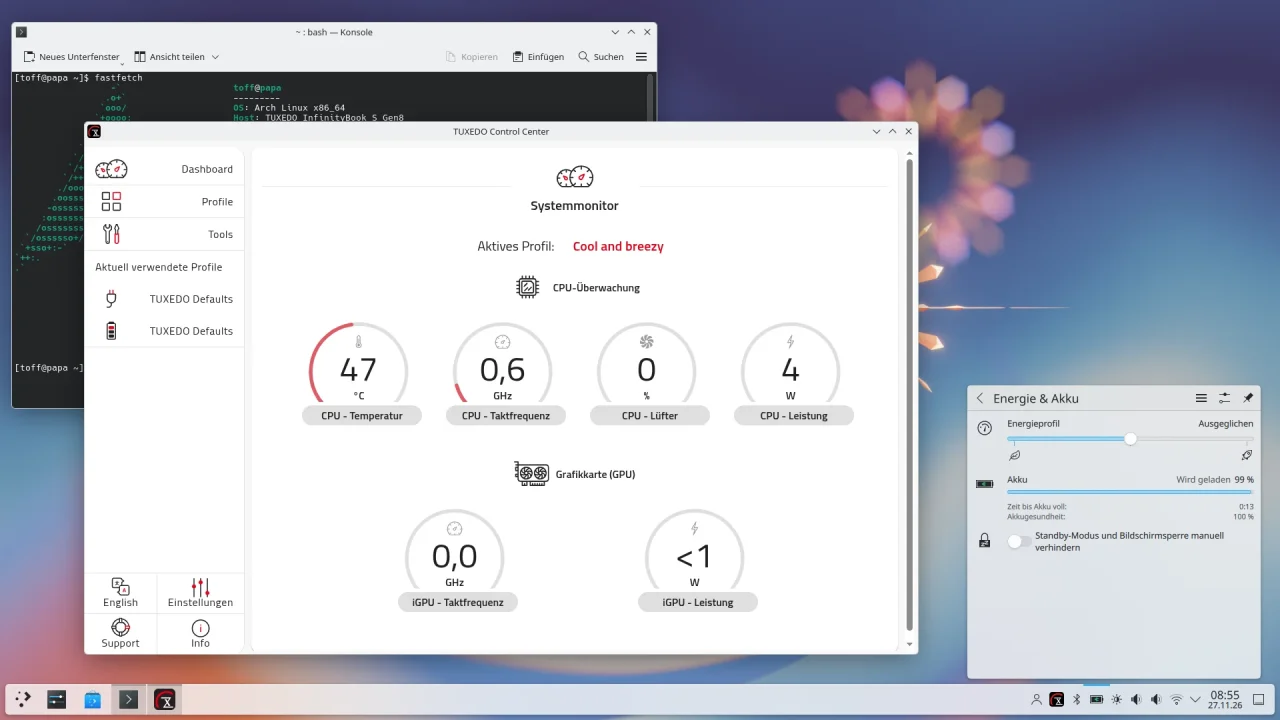
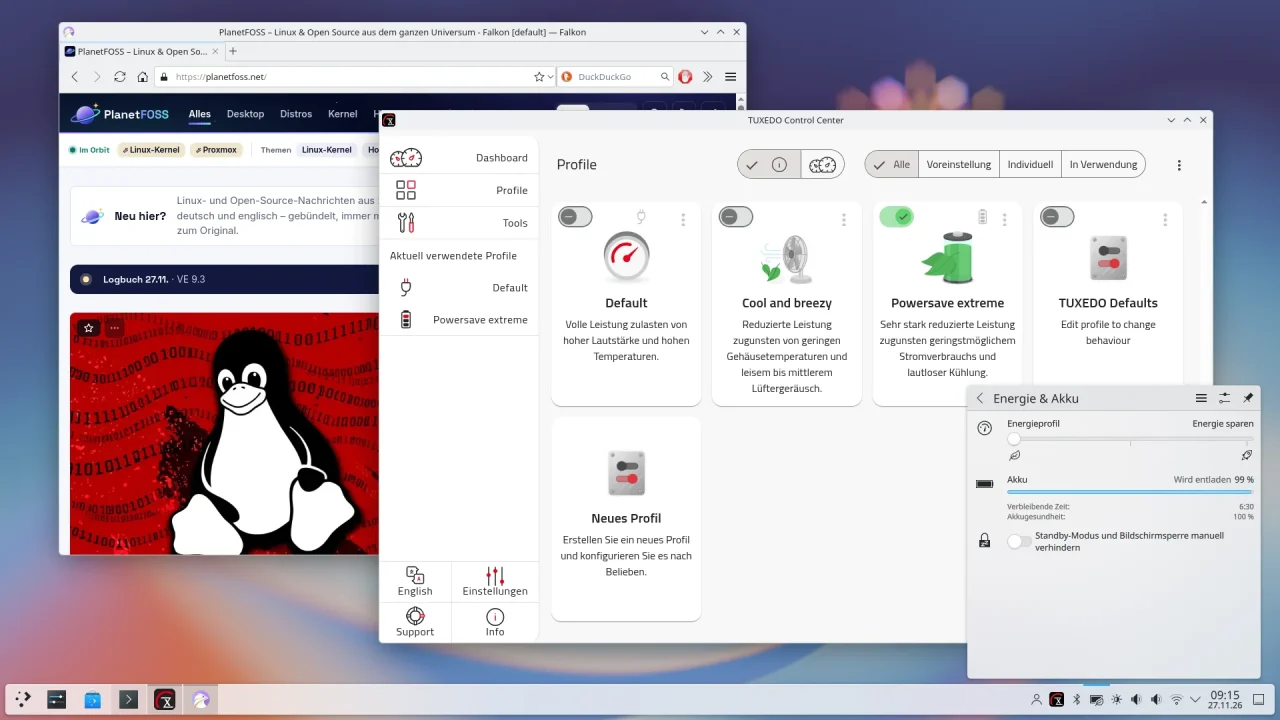
On Arch Linux with Plasma, power-profiles-daemon landed on my disk right away, so once the TCC is installed, both services run side by side. If you set the slider to Power Save (Energie sparen), power-profiles-daemon switches the processor’s energy preference. On my machine, the TCC turned that setting back to its own value after about one second. Plasma still shows “Power Save”, even though nothing of it is left.
The usual advice is therefore to turn off power-profiles-daemon. The hardware then belongs to the TCC alone, but the power mode in the desktop is dead: the Plasma battery widget only reports the power profile as “Not available” (Nicht verfügbar) and suggests installing the power-profiles-daemon package. Programs that briefly request more performance through powerprofilesctl come up empty, too.
Building and setting up the adapter by detluck
The adapter by detluck has only been around since November 20, and the latest changes date from November 25. It is a lean C program that registers under both names of power-profiles-daemon. There is no package, version number, or license file yet, so you have to build it yourself. On Arch, all you need are the development tools:
sudo pacman -S --needed base-devel git json-c
git clone https://github.com/detluck/tuxedo-power-profiles-adapter
cd tuxedo-power-profiles-adapter
make
sudo make install
Next, you mask the real power-profiles-daemon and start the adapter instead. You don’t have to uninstall power-profiles-daemon for this, so the powerprofilesctl tool stays on your system. The adapter requires an installed TCC, and systemd always starts it together with the TCC’s tccd service. On my machine, this worked on the first try:
sudo systemctl mask --now power-profiles-daemon
sudo systemctl reload dbus
sudo systemctl daemon-reload
sudo systemctl enable --now tcc-power-profiles
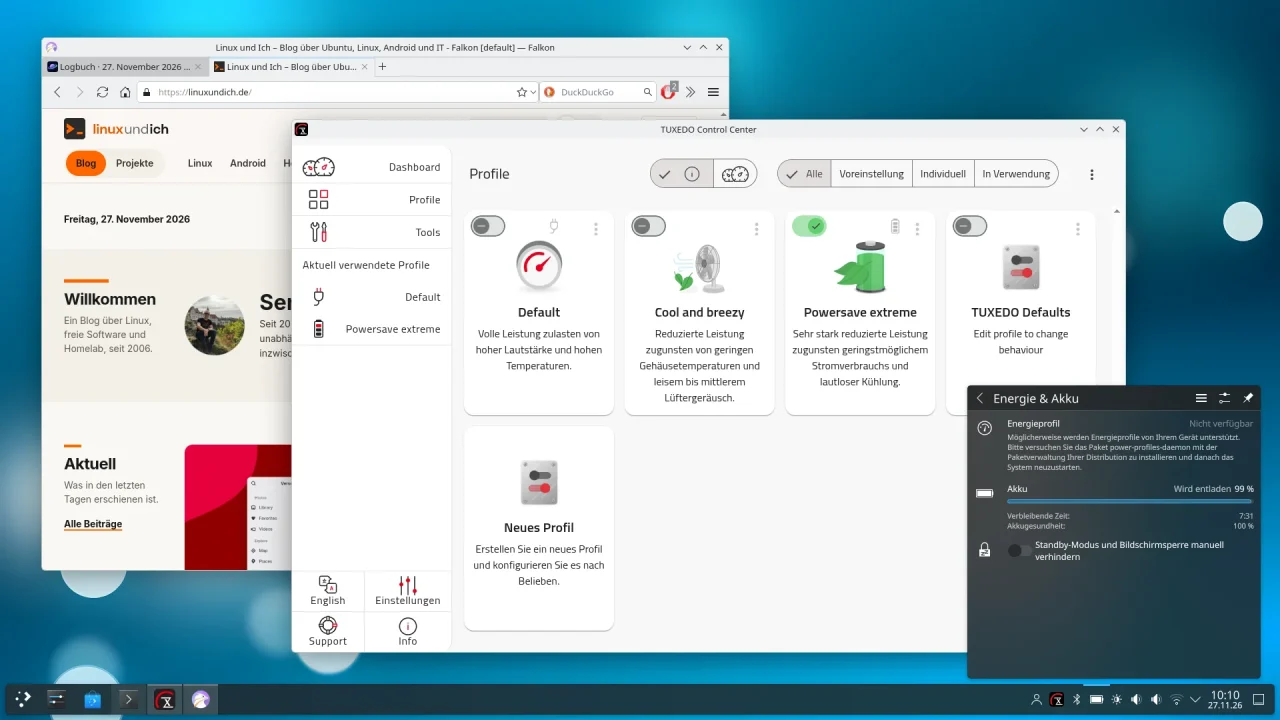
Which TCC profile sits behind which level is set in the adapter’s configuration file. Out of the box, Power Save maps to “Powersave extreme”, Balanced to “Cool and breezy”, and Performance to “Default”. You can add your own profiles there by their ID. After you save the file, the adapter reloads it on its own and rejects unknown profiles or broken JSON:
sudoedit /etc/tcc-power-profiles/config.json
{
  "profiles": {
    "power-saver": "__legacy_powersave_extreme__",
    "balanced": "__legacy_cool_and_breezy__",
    "performance": "__legacy_default__"
  }
}
Everyday use on KDE Plasma
In the Plasma battery widget, the TCC follows the slider without delay. It works the other way around as well: if you change the profile in the TCC itself, the slider follows after one to two seconds. Programs can request a profile temporarily with powerprofilesctl launch, and afterwards the adapter returns to the previous one. With 3.5 MB of memory and barely measurable CPU load, you won’t notice it running.
There is one catch, and detluck describes it in the project’s README: when you plug in or unplug the charger, the TCC switches to the profile you set there for AC and battery. Out of the box, that is “TUXEDO Defaults” for both, and the adapter doesn’t know that profile. After unplugging, Plasma therefore kept showing “Performance” on my machine, even though the TCC had long since switched to something else.
The fix is a quick trip to the TCC settings. There I set “Default” for AC and “Powersave extreme” for battery, two profiles the adapter knows. After that, Plasma followed within a second whenever I unplugged and plugged the charger back in. By the way, unlike the real power-profiles-daemon, the adapter doesn’t check who is allowed to switch: any user on the machine can change the profile.
The adapter by olwig: A predecessor from the AUR
The idea isn’t new: the adapter by olwig dates back to March, is MIT-licensed, and is available as a Git package in the AUR. It is written in Python and hasn’t changed since. You trip over two things right at installation: the package requires tuxedo-control-center, but many people use tuxedo-control-center-bin from the AUR, which conflicts with it.
On top of that, the package removes power-profiles-daemon and with it powerprofilesctl. On my machine, it didn’t start its service after installation; only a systemctl daemon-reload got it running. After that, the Plasma slider switches the TCC profiles reliably as well. In the opposite direction, however, nothing happens: if you change the profile in the TCC or unplug the charger, Plasma sticks with the old value.
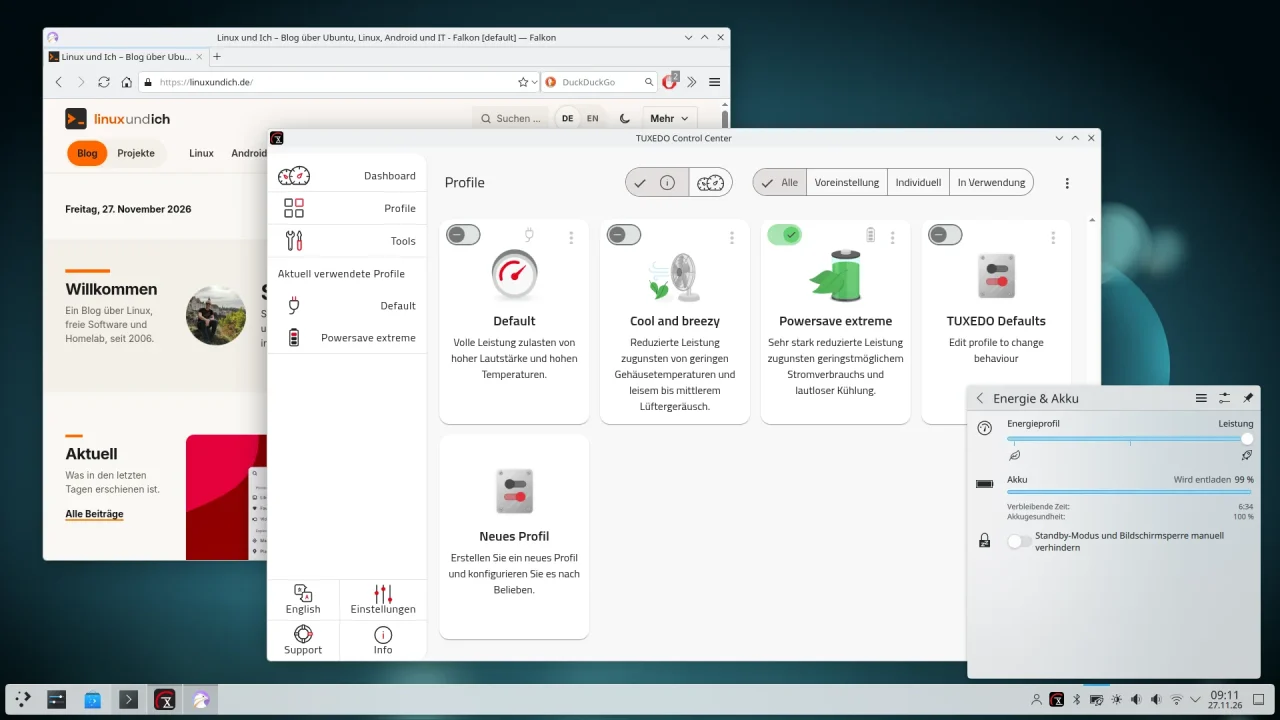
The predecessor does less in other areas, too. It doesn’t handle requests from programs for a temporary profile, it only picks up changes to its configuration file after a service restart, and at 31 MB it needs almost ten times as much memory. Even powerprofilesctl aborts with an error message, because the adapter lacks some of the information the tool asks for.
With the adapter by detluck, the TCC and Plasma finally play together
Both adapters solve the core problem: the KDE Plasma power mode switches the TCC profiles instead of fighting the TCC over the processor. The adapter by detluck, however, implements the power-profiles-daemon interface almost completely and also reports changes made in the TCC back to the desktop. The one by olwig only covers plain switching. What’s still missing with detluck is a license and a package.
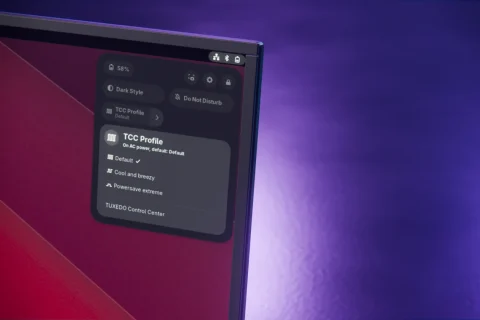
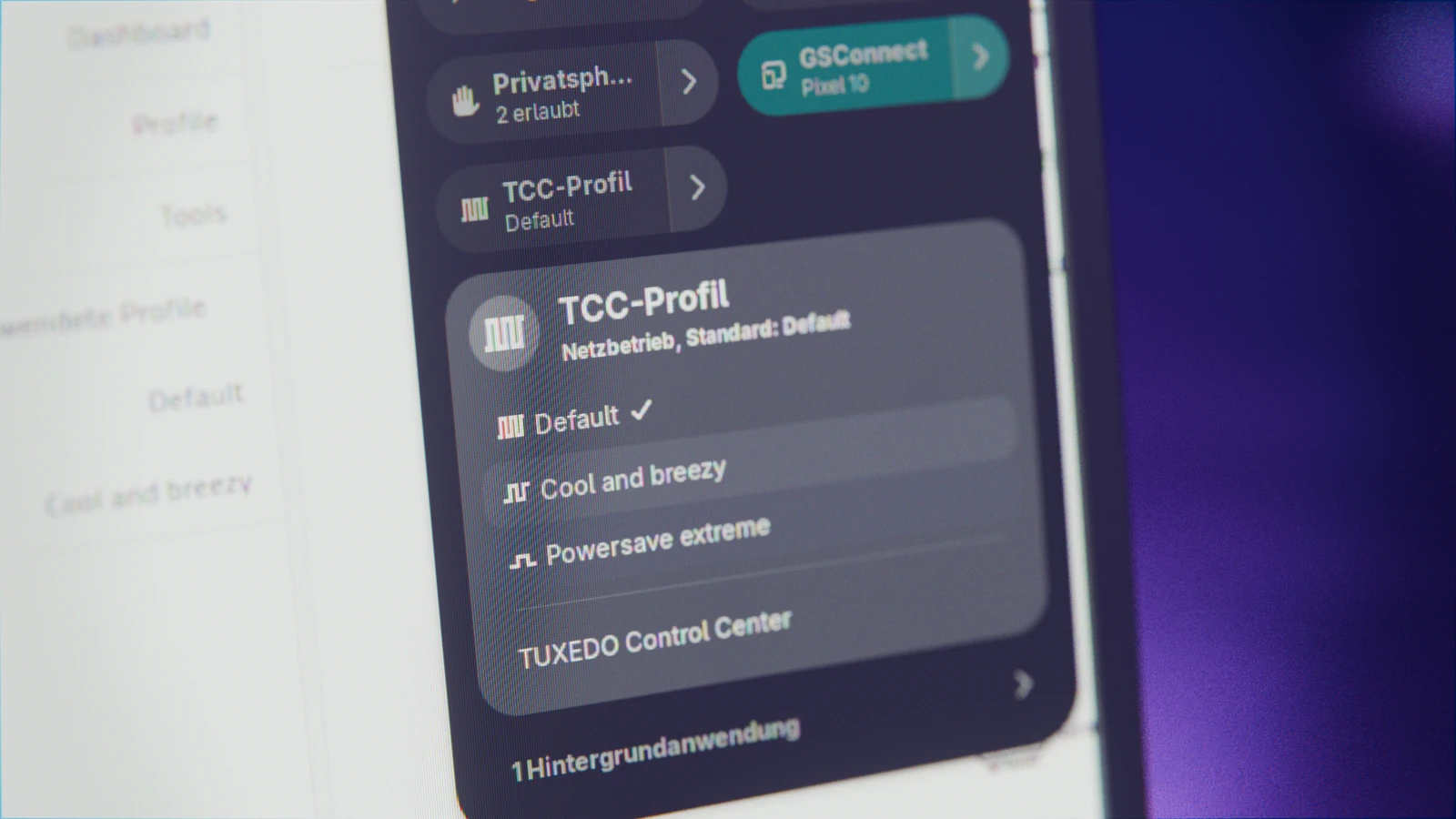
In my opinion, the adapter by detluck is useful for anyone who works on a TUXEDO laptop but not with TUXEDO OS. Especially on KDE Plasma, I don’t know of any other solution. If you use GNOME, Pulsgeber puts the TCC profiles right into the Quick Settings as well. Do you also run your TUXEDO device without TUXEDO OS, and how do you manage performance and fans there?
Leave a Reply